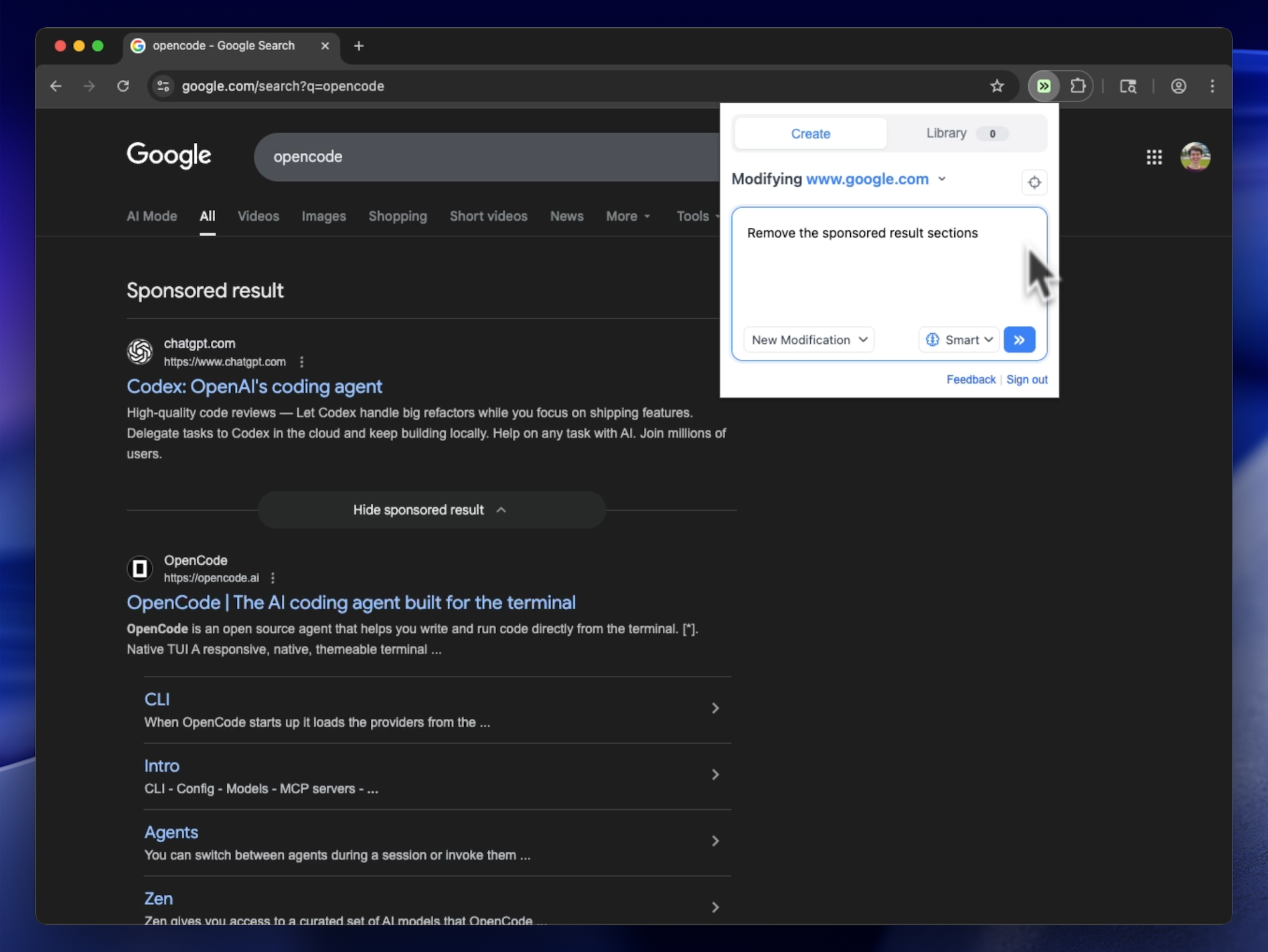
Remove Google Search Sponsored Results
Removes sponsored/ad sections from Google search results, including top and bottom ads
@jason
Tweeks
56Removes sponsored/ad sections from Google search results, including top and bottom ads
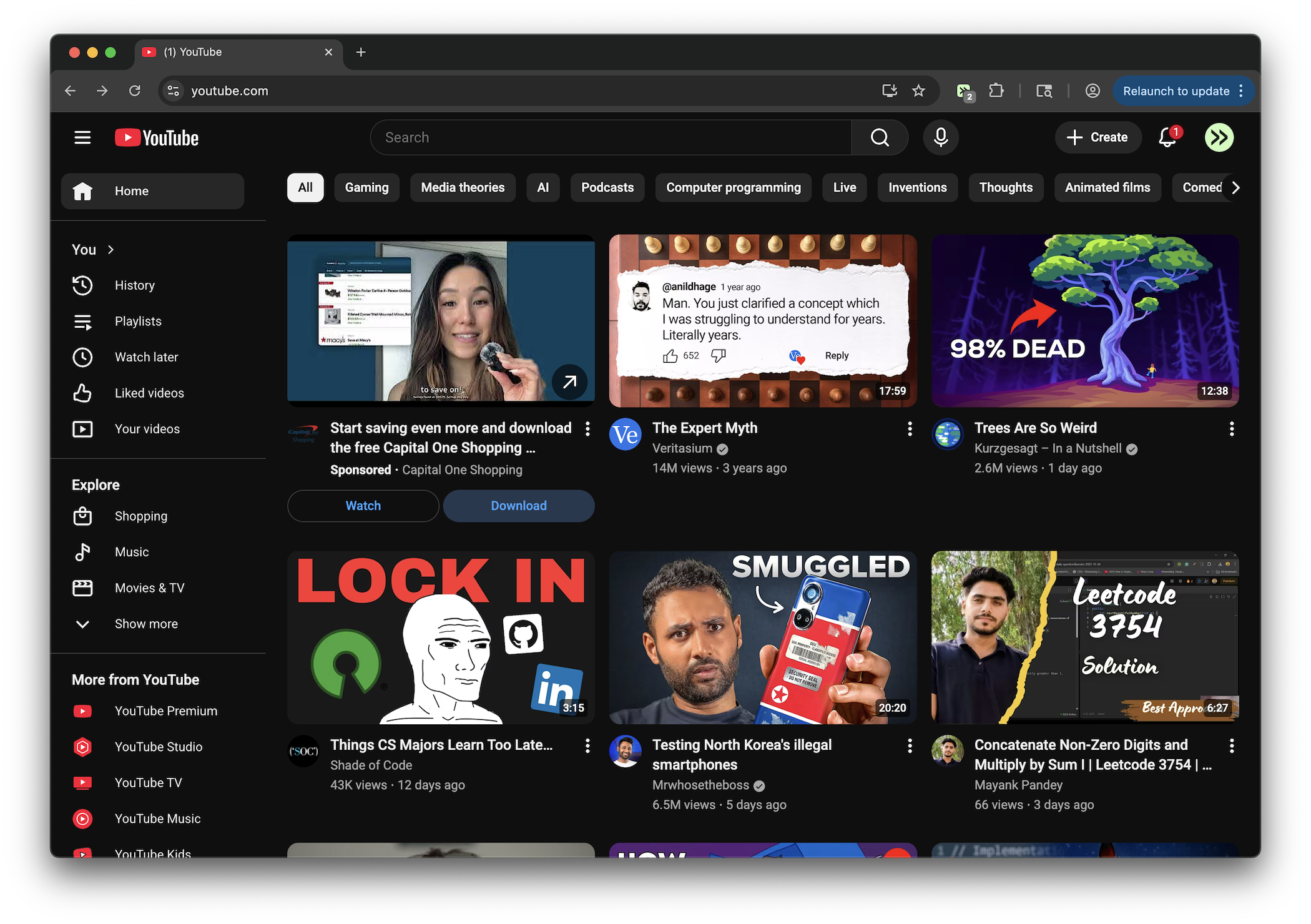
Remove Shorts shelves, tabs, cards, and links across desktop and mobile YouTube.
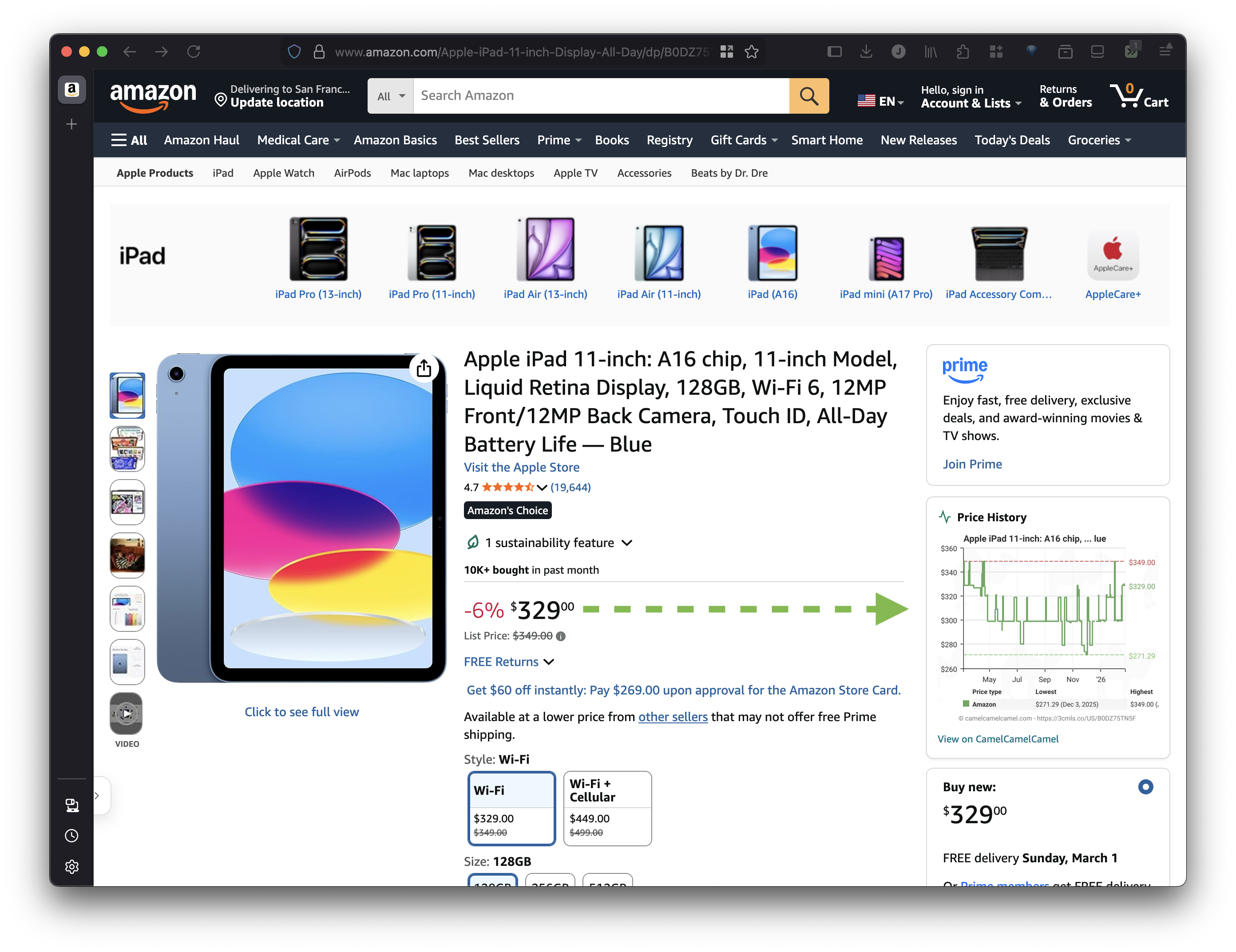
Show price history graph directly on Amazon product pages with link to CamelCamelCamel for more details.
Removes only Google's AI Overview block and AI Mode search tab while leaving images, organic results, and other search modules intact.
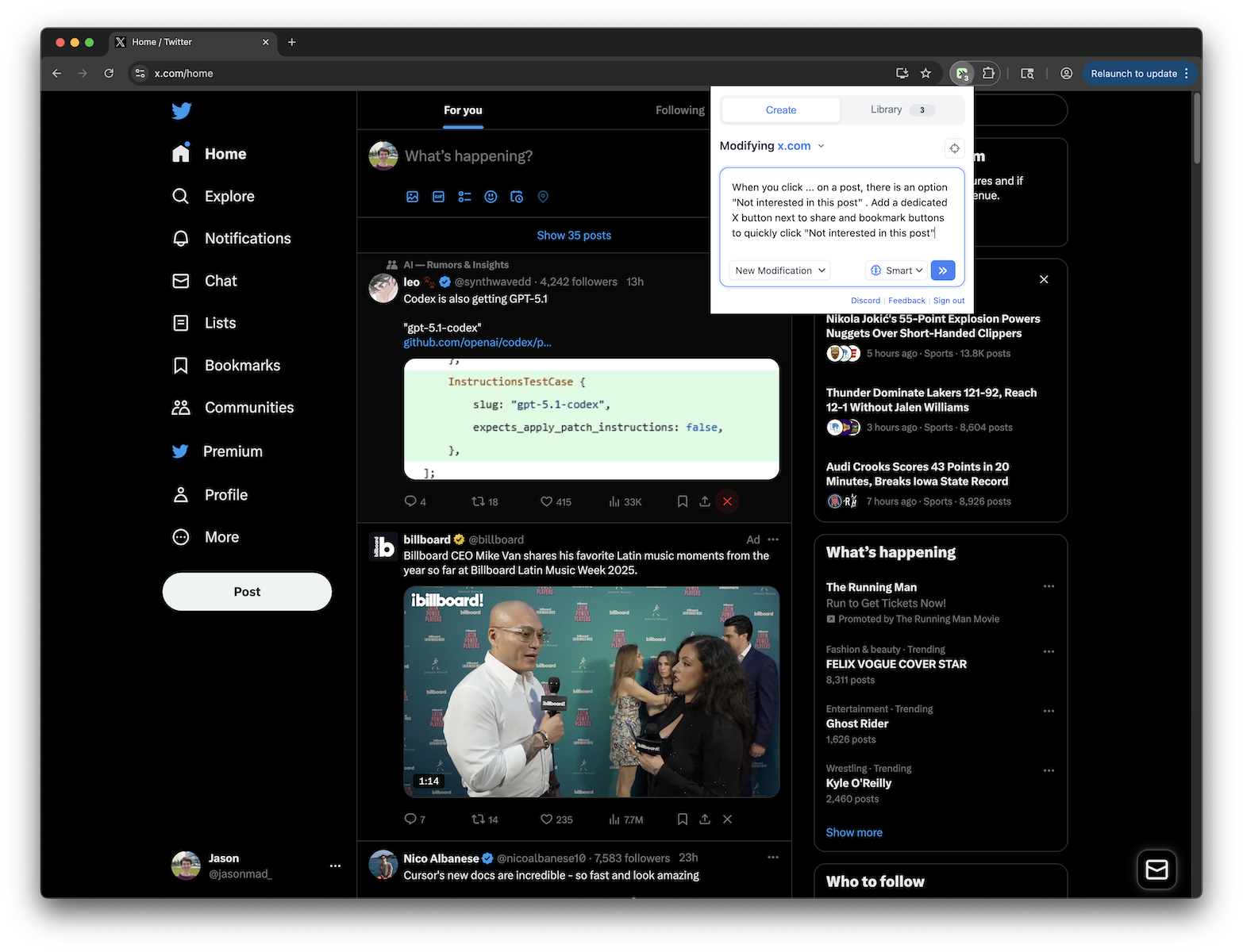
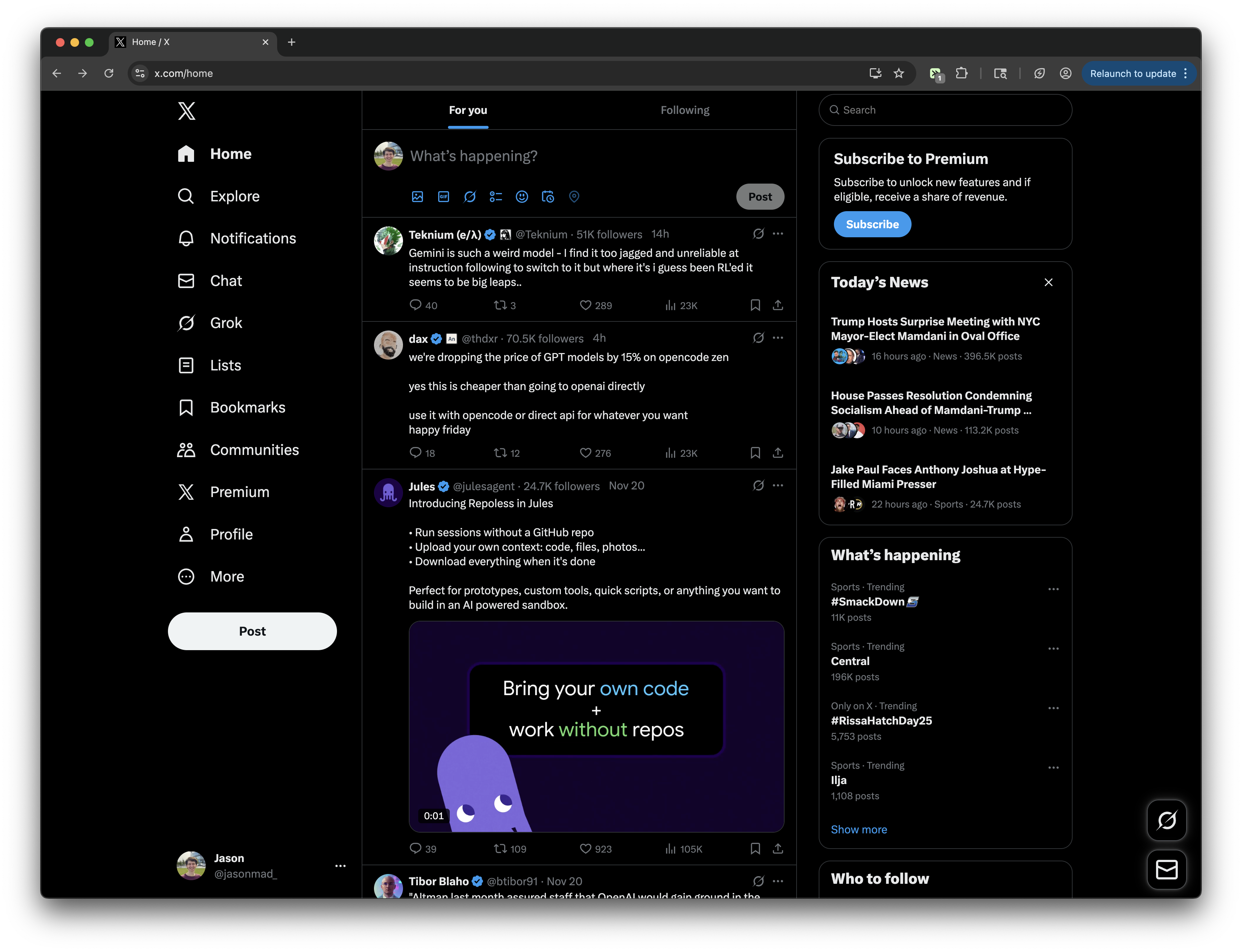
Adds an X button next to share and bookmark buttons on X.com posts to quickly click "Not interested in this post"
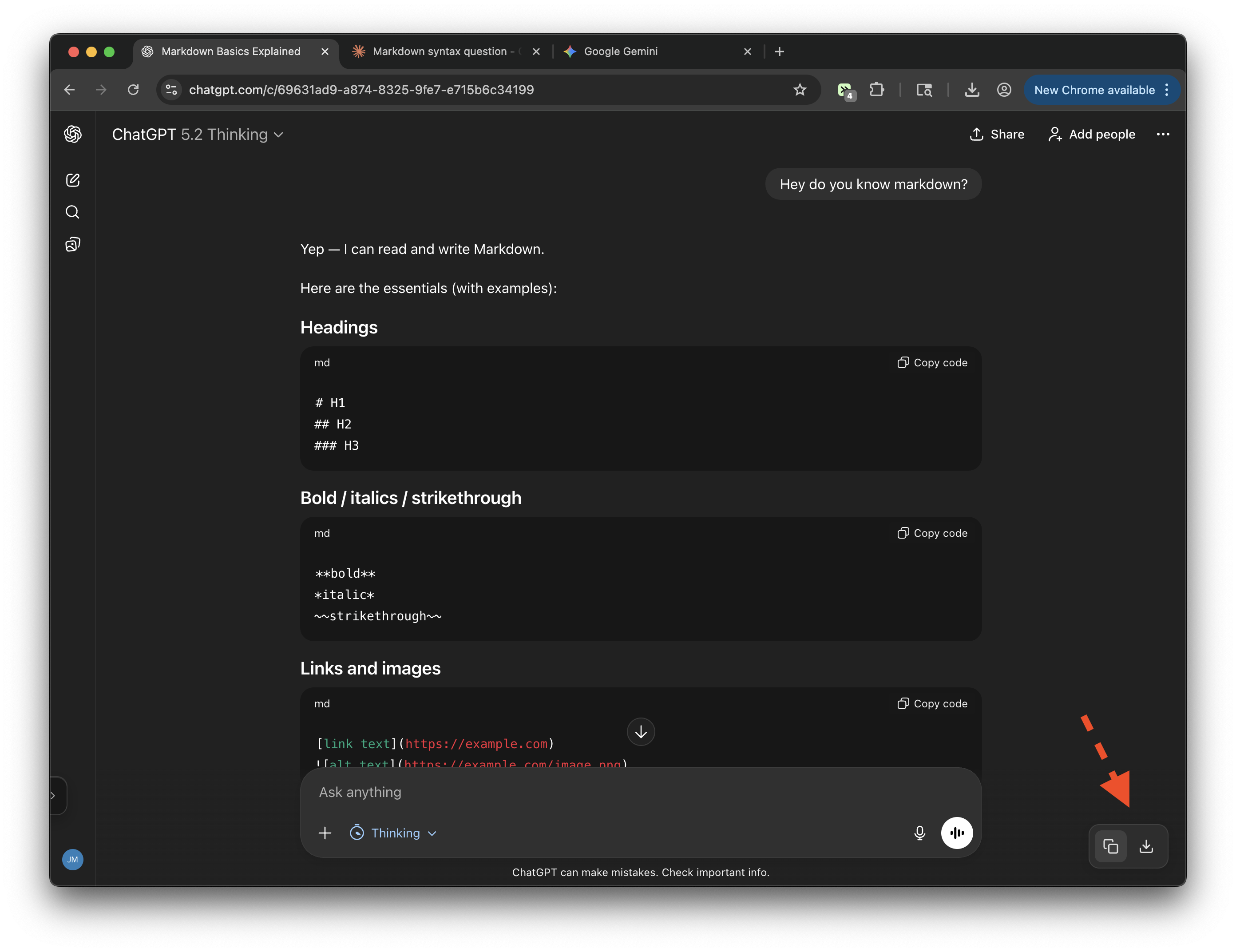
Export conversations from ChatGPT, Claude, and Gemini. Copy to clipboard or download as markdown.
Extracts follower count from hover overlays and displays it between username and post time
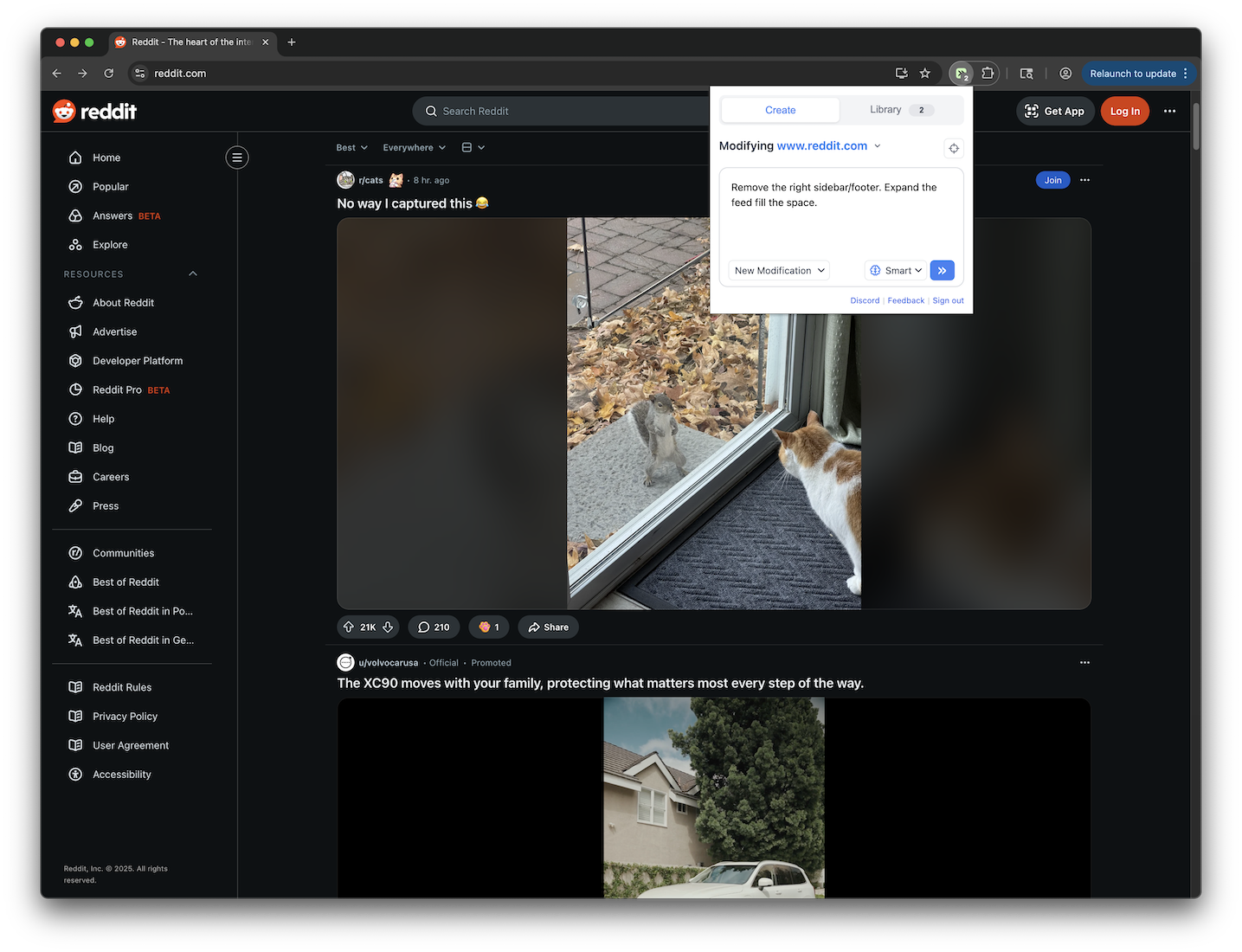
Remove the right sidebar/footer and expand the feed to fill the space
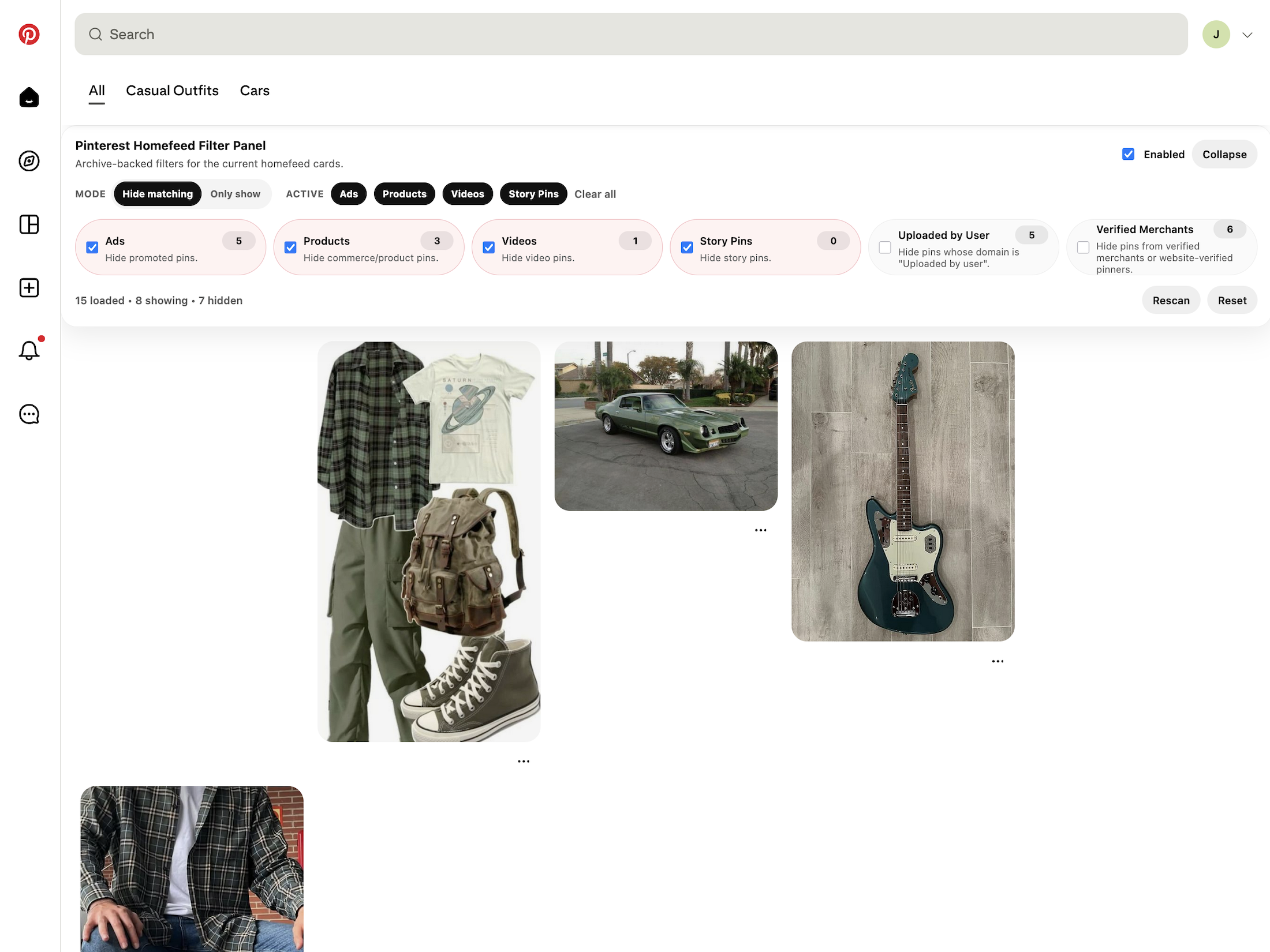
Control which pins appear on your homefeed. You can filter ads, shopping products, videos, story pins, uploaded pins, and verified merchants using a custom filter panel added to the top of the Pinterest homefeed.
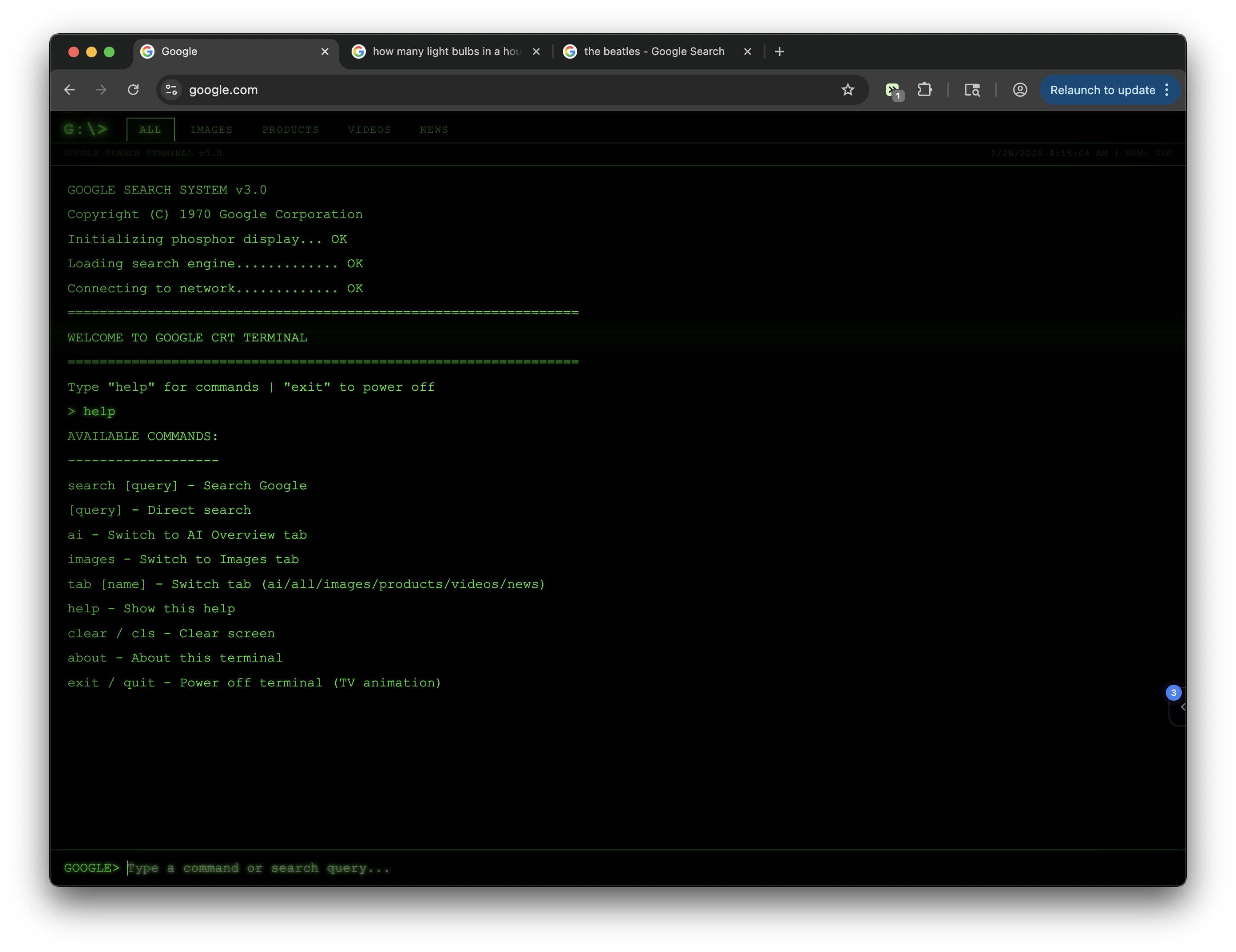
Transforms Google into a 1970s green-phosphor CRT terminal with scanlines, image grid, tab navigation, and a retro TV power-off animation.
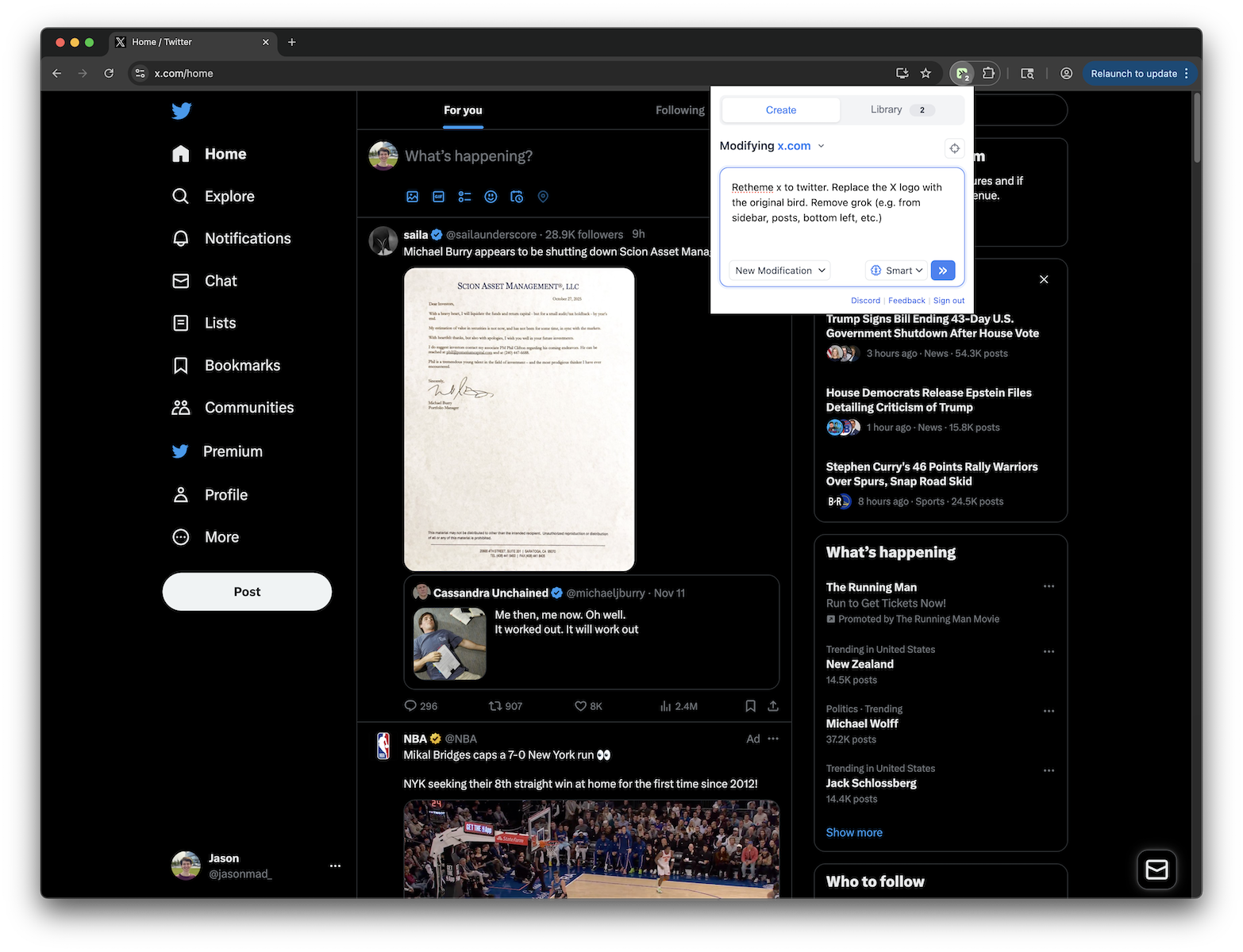
Replace X logo with Twitter bird, remove all Grok elements, and restore Twitter branding
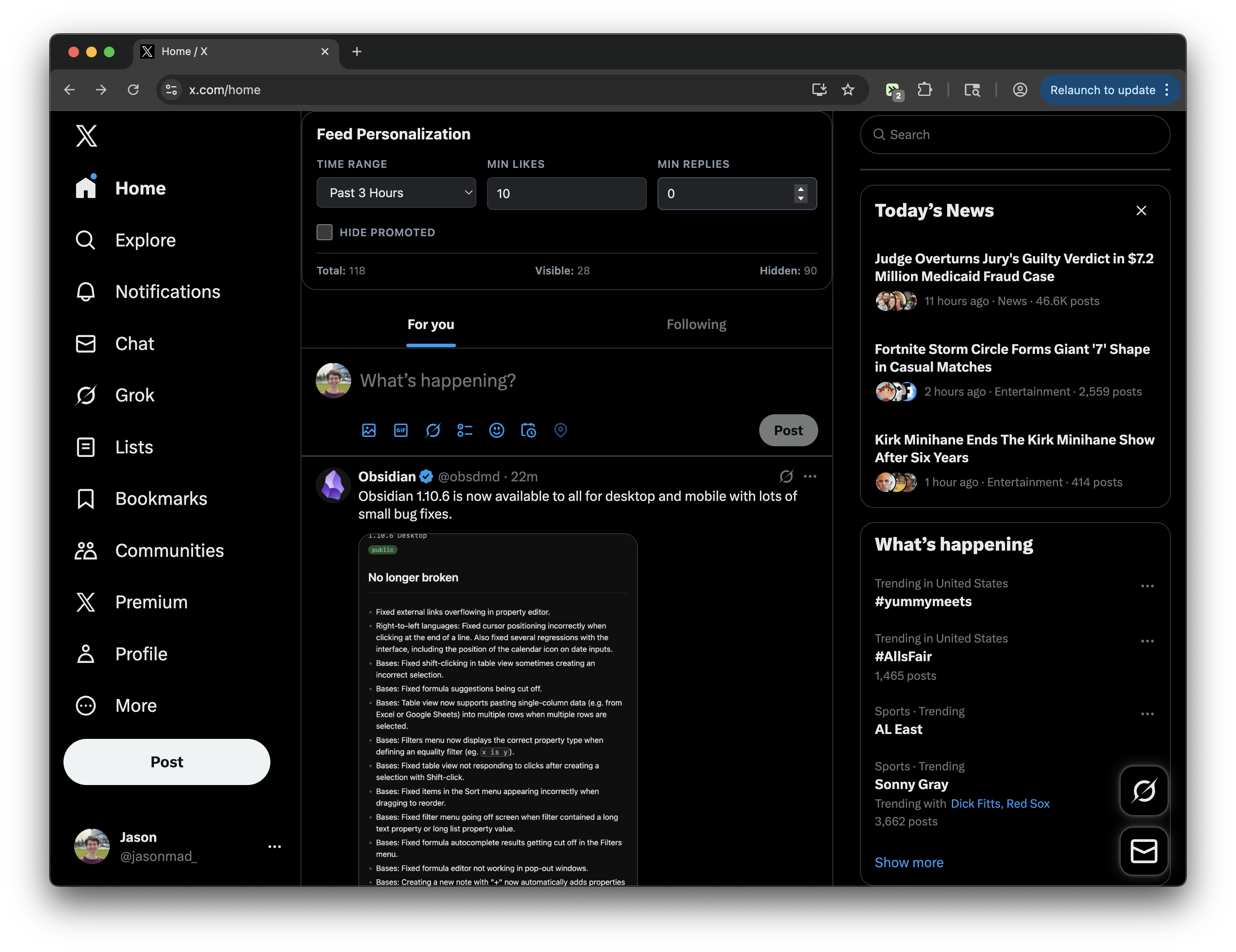
Add a Feed Personalization panel to filter posts by time, hide ads, and filter by engagement metrics - works on both main feed and individual posts!
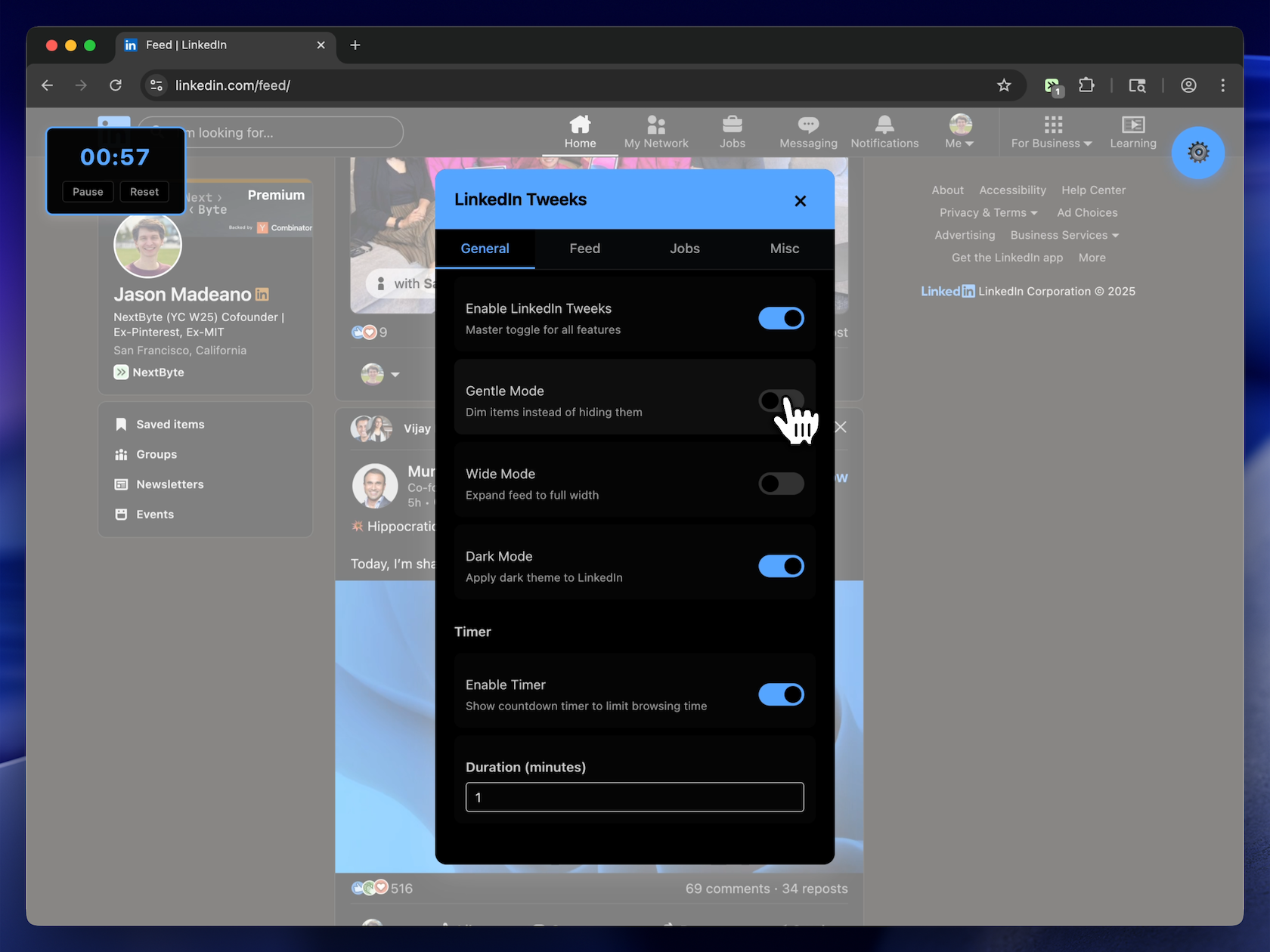
Tune LinkedIn exactly how you want it.
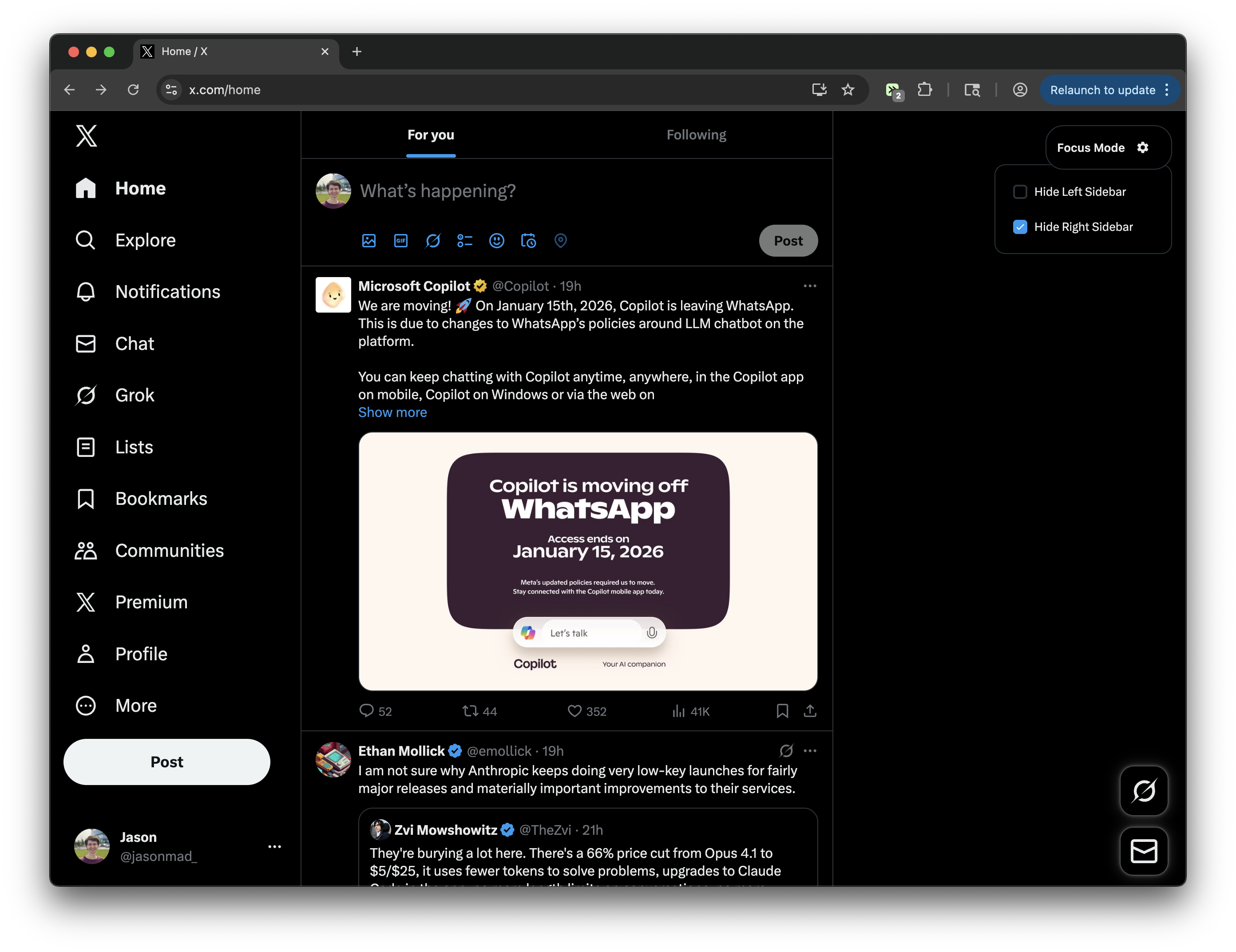
Toggle left and right sidebars for a distraction-free experience on X.com.
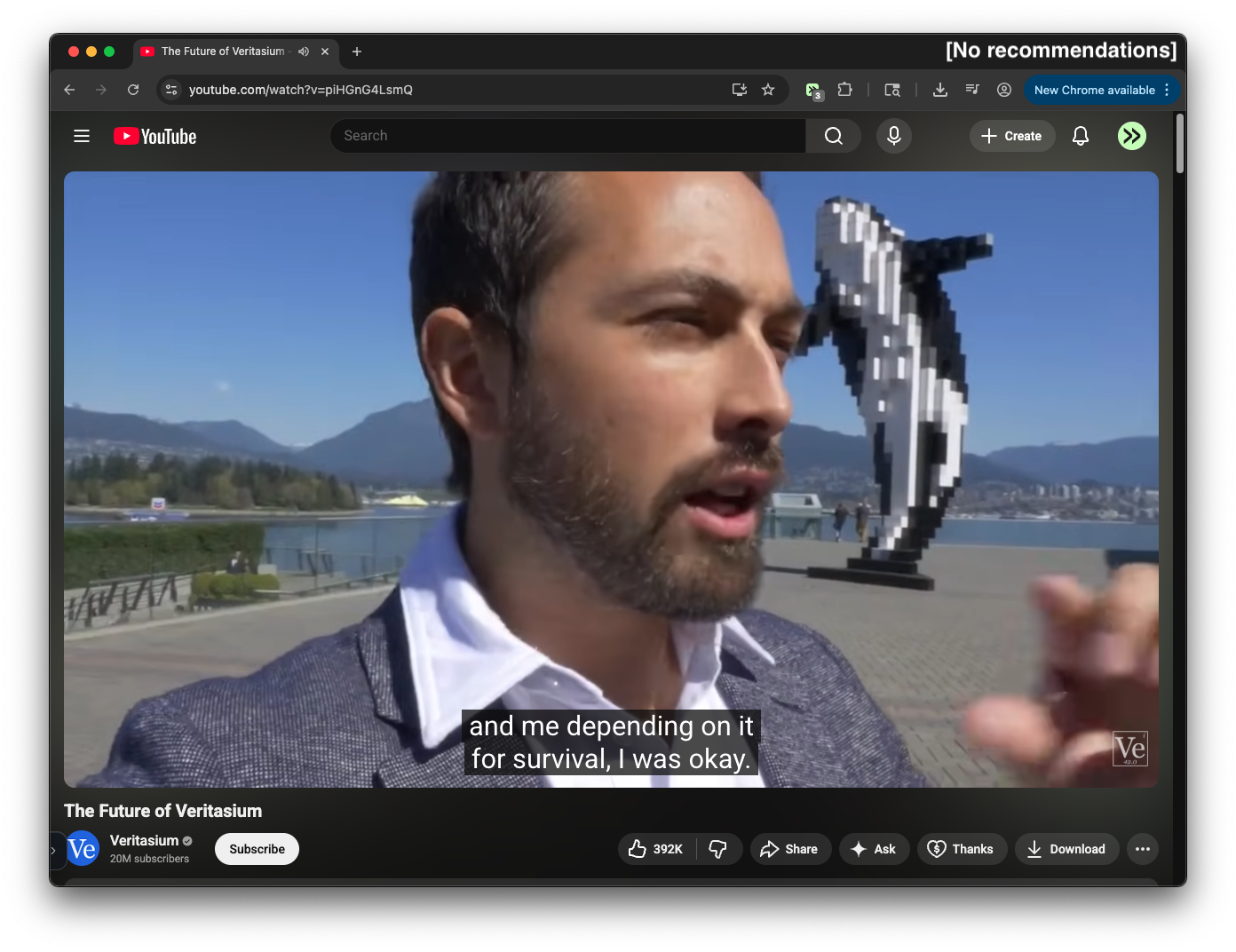
Removes the recommendations sidebar on YouTube watch pages and expands the video player. Similar to Theater Mode, but recommendations are completely removed from the page.
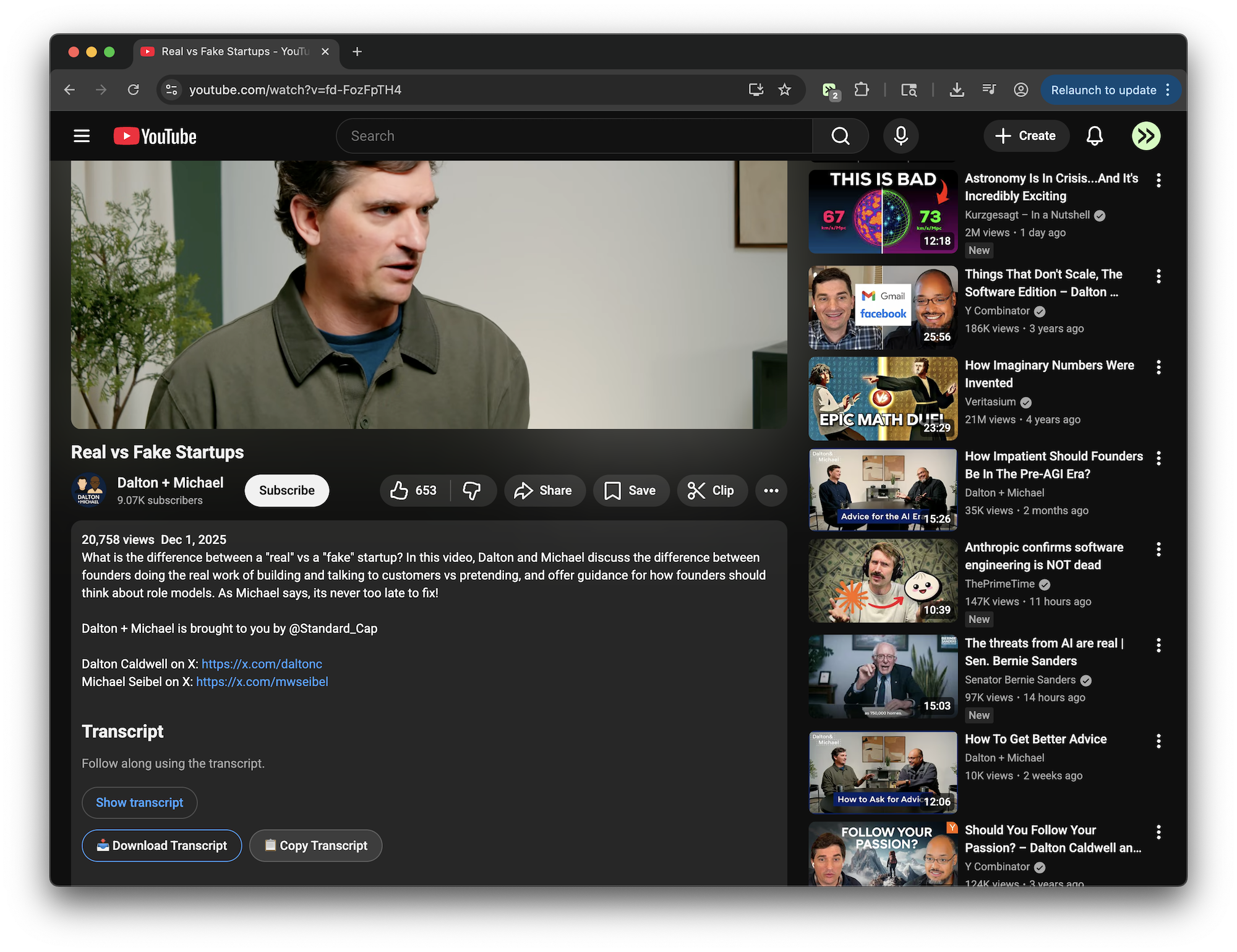
Adds buttons to download or copy YouTube video transcripts from the video description area
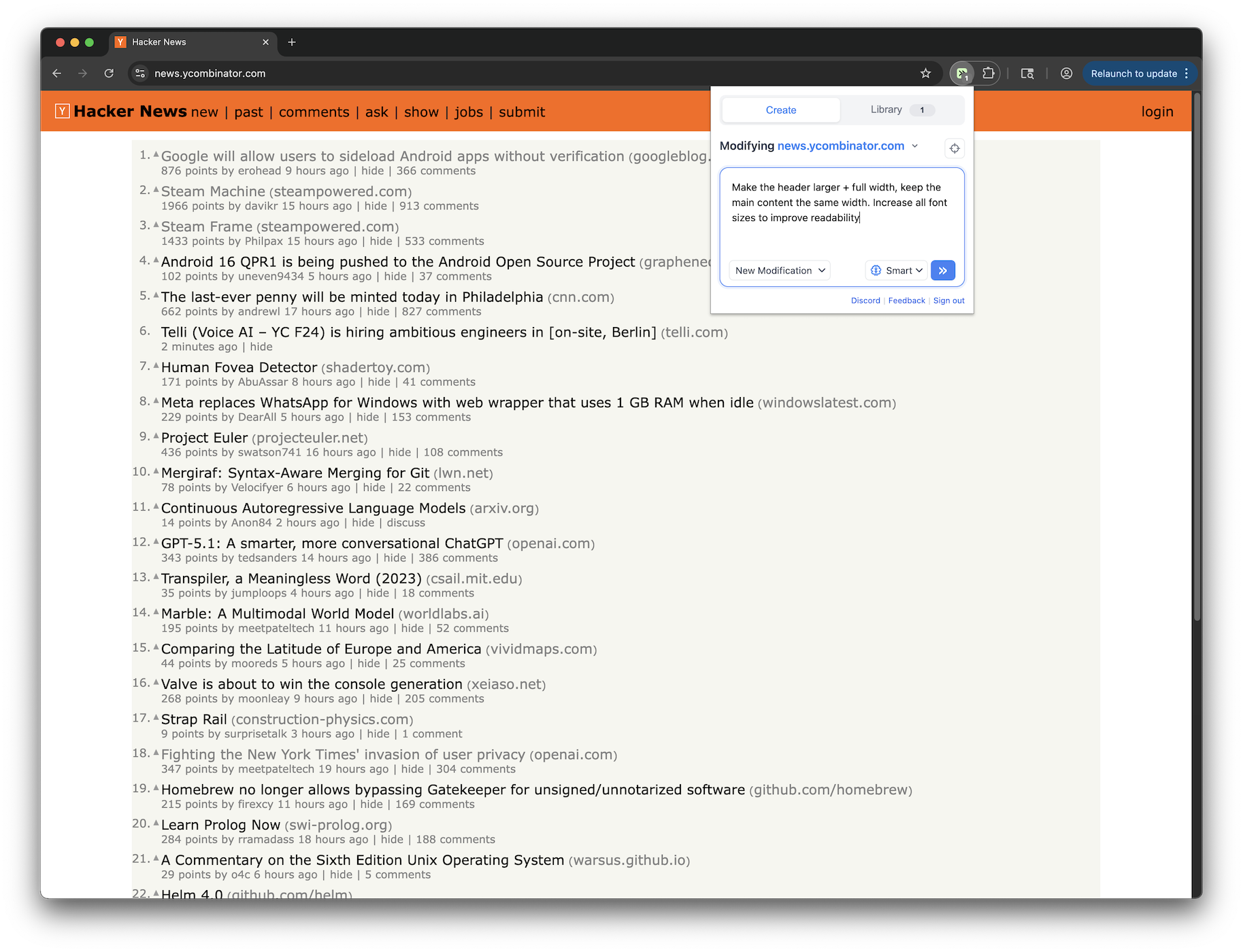
Make the header larger + full width, keep the main content the same width. Increase all font sizes to improve readability
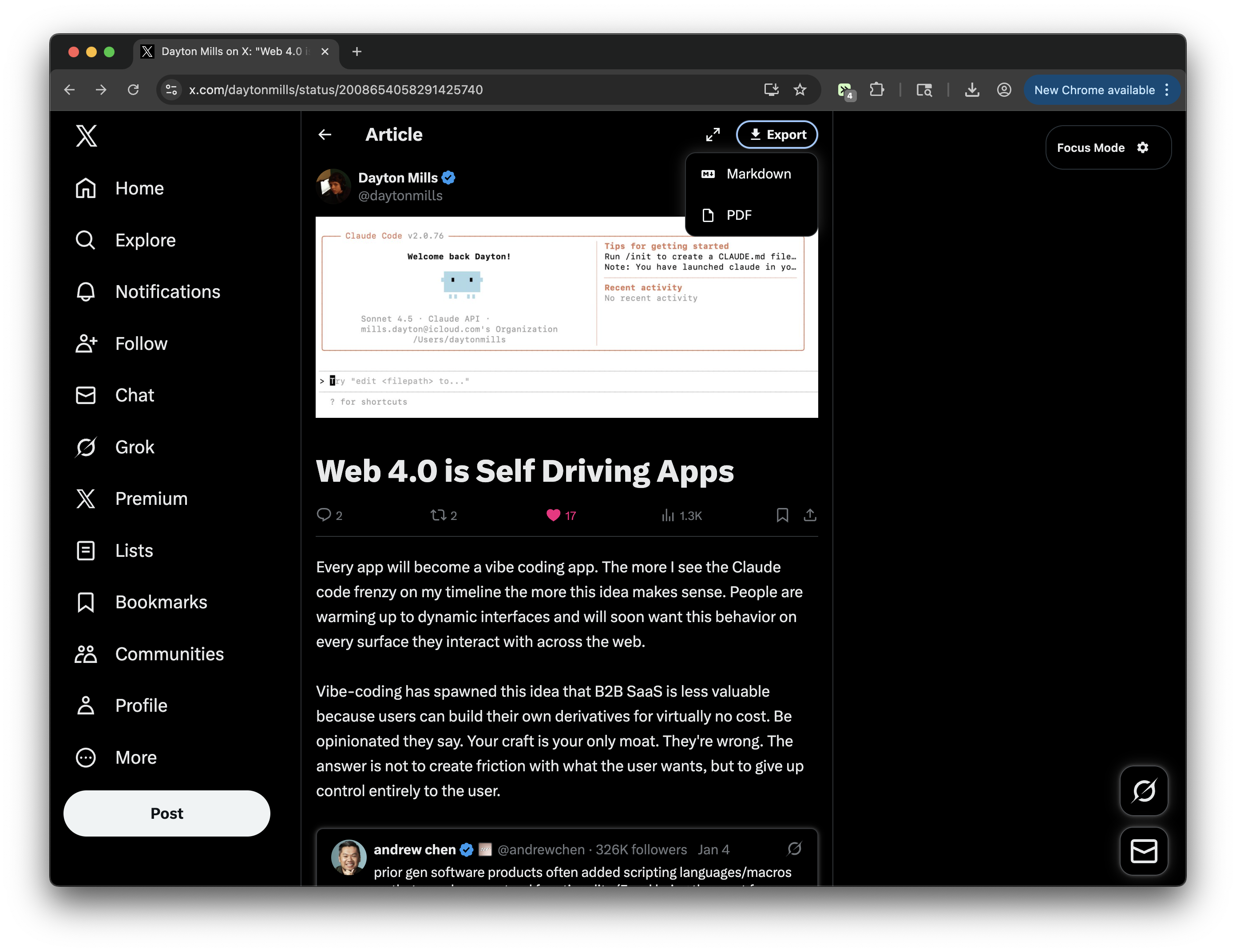
Adds an export/download button next to the Focus mode button on X/Twitter articles. Supports exporting to Markdown or PDF with enhanced content extraction. Quote tweets are rendered as images (screenshot-style) using html2canvas with improved layout handling to prevent text overlap. Includes images and video thumbnails.
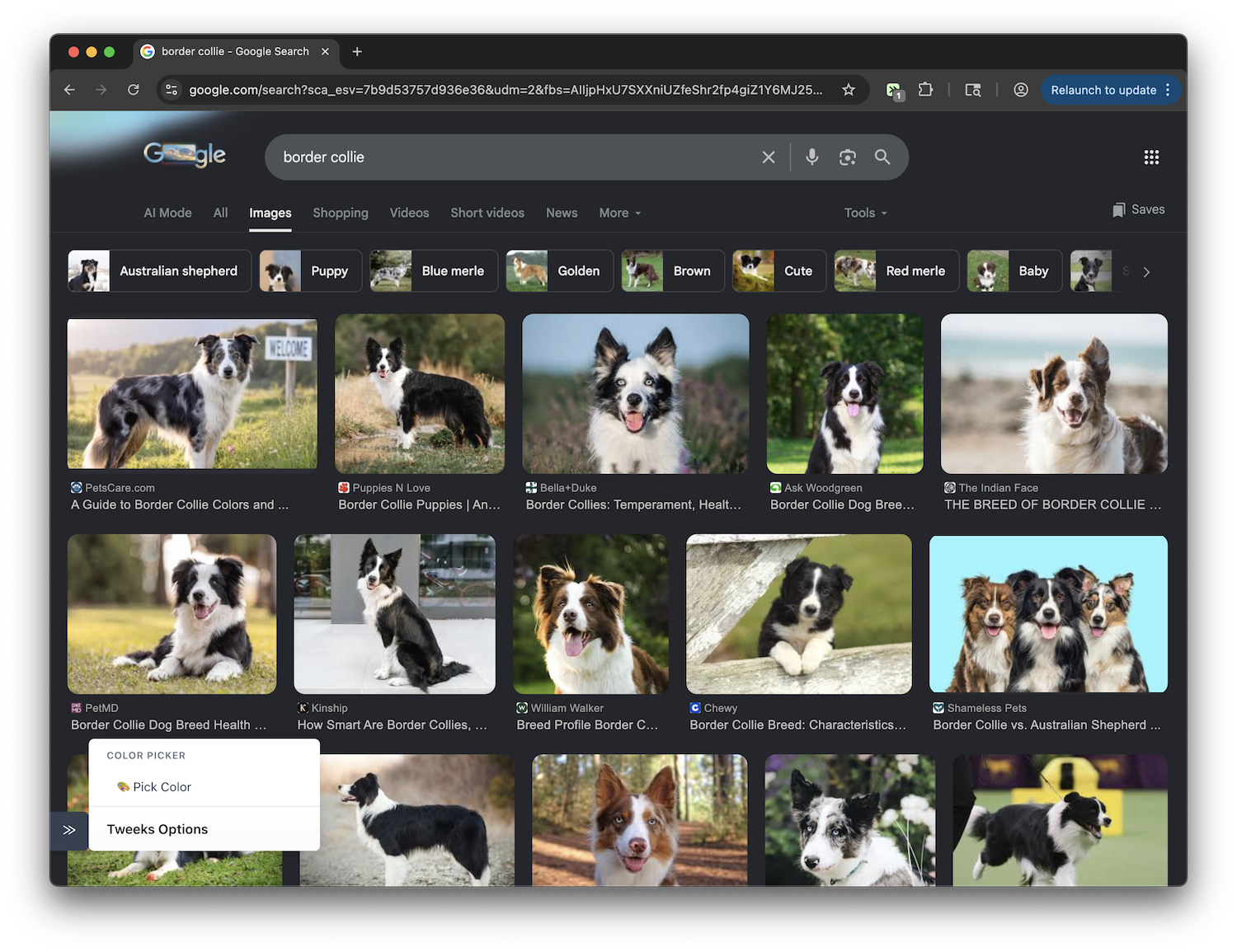
Add a color picker using native EyeDropper API with clipboard copy functionality
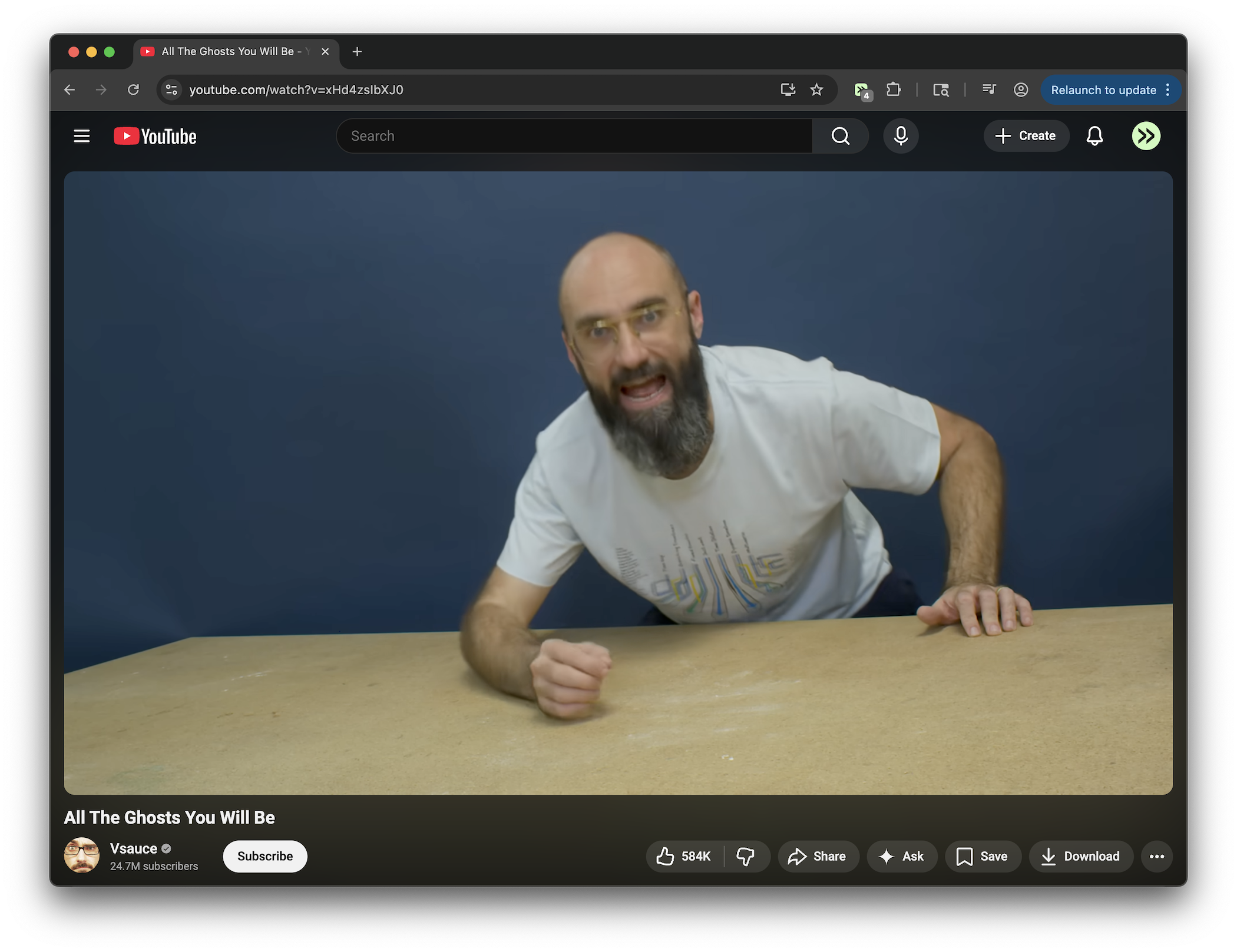
Remove sidebar, related videos, chat, playlists, fundraiser prompts, end screens, cards, and mixes.
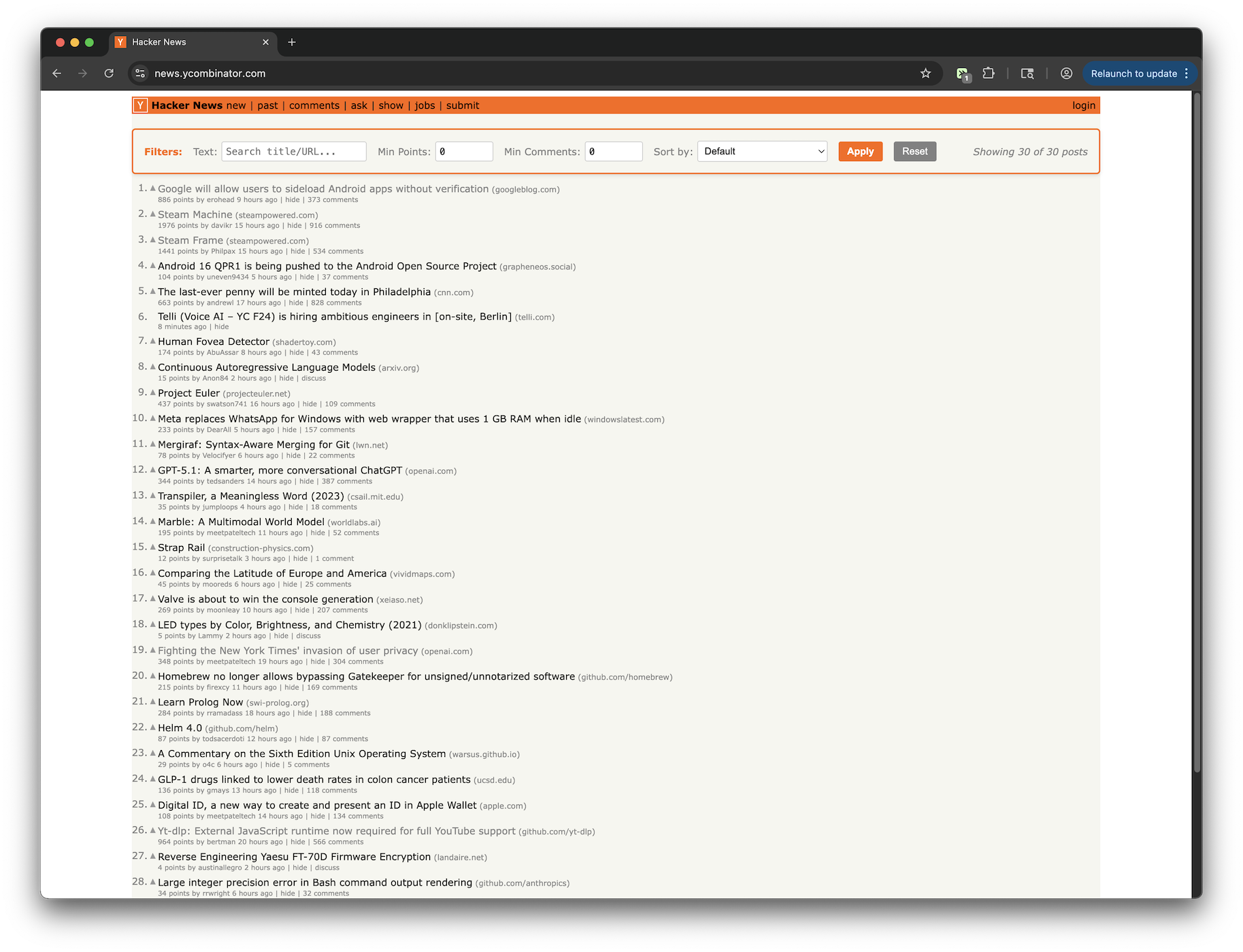
Add a filter panel to filter posts by title/URL text, min points and min comments. Also add option to sort by default, points, or comment count
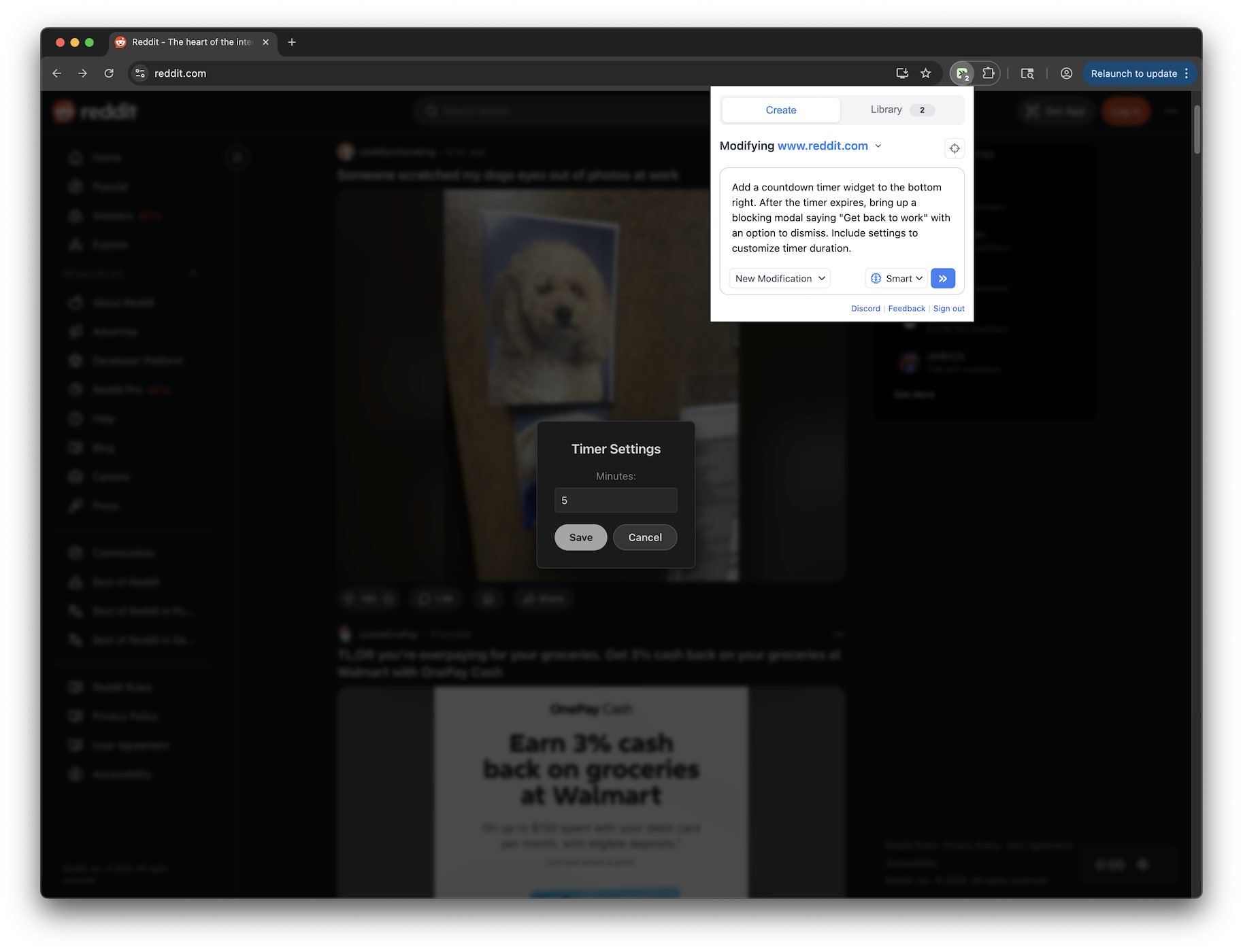
Add a countdown timer widget to the bottom right. After the timer expires, bring up a blocking modal saying "Get back to work" with an option to dismiss. Includes settings to customize timer duration.
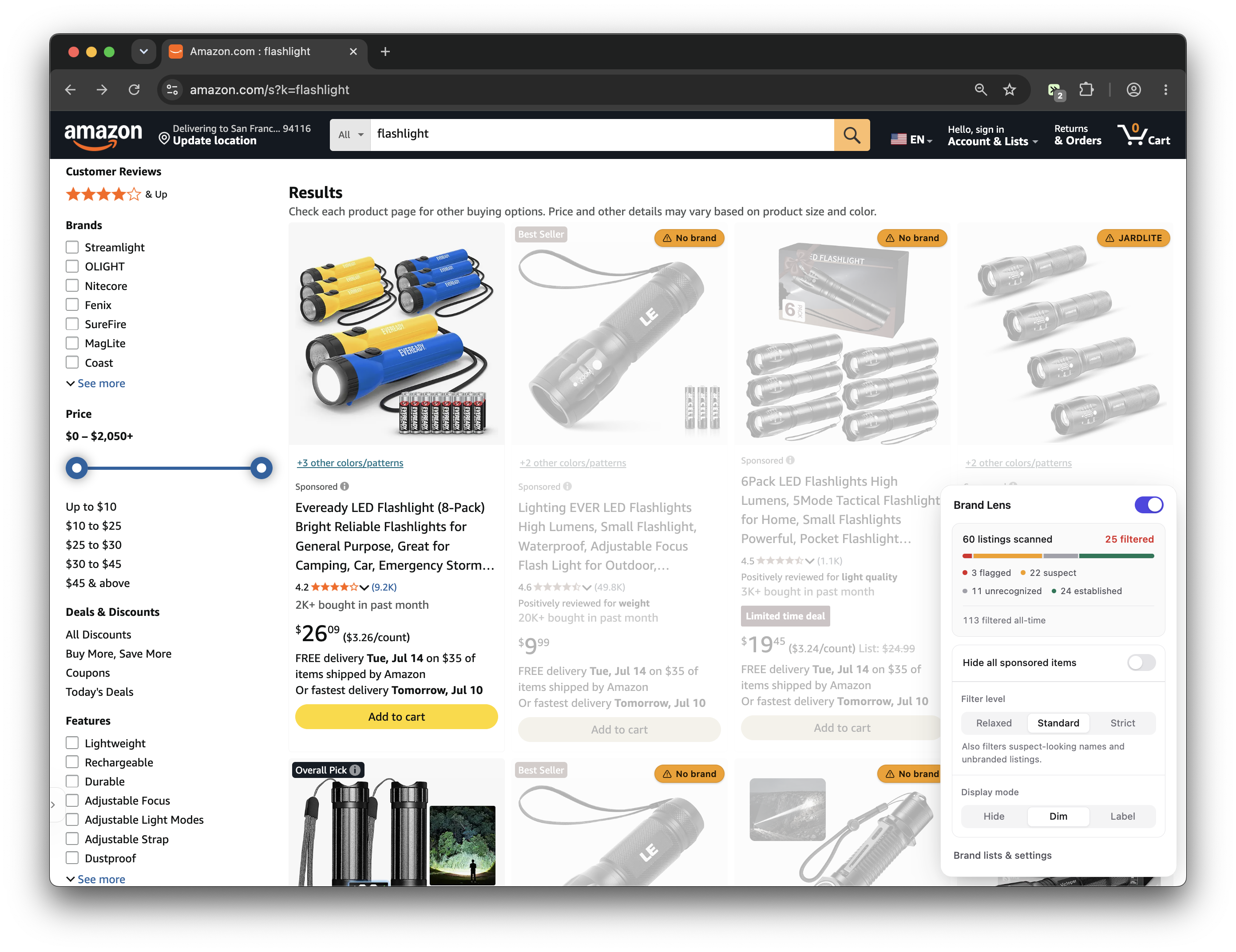
Filters pseudo-brand junk out of Amazon and can hide sponsored listings. Hide, dim, or label trademark-squat brands. Trust or block any brand with one click. Known-brand list syncs daily from the community allowlist (chris-mosley/AmazonBrandFilterList on GitHub).
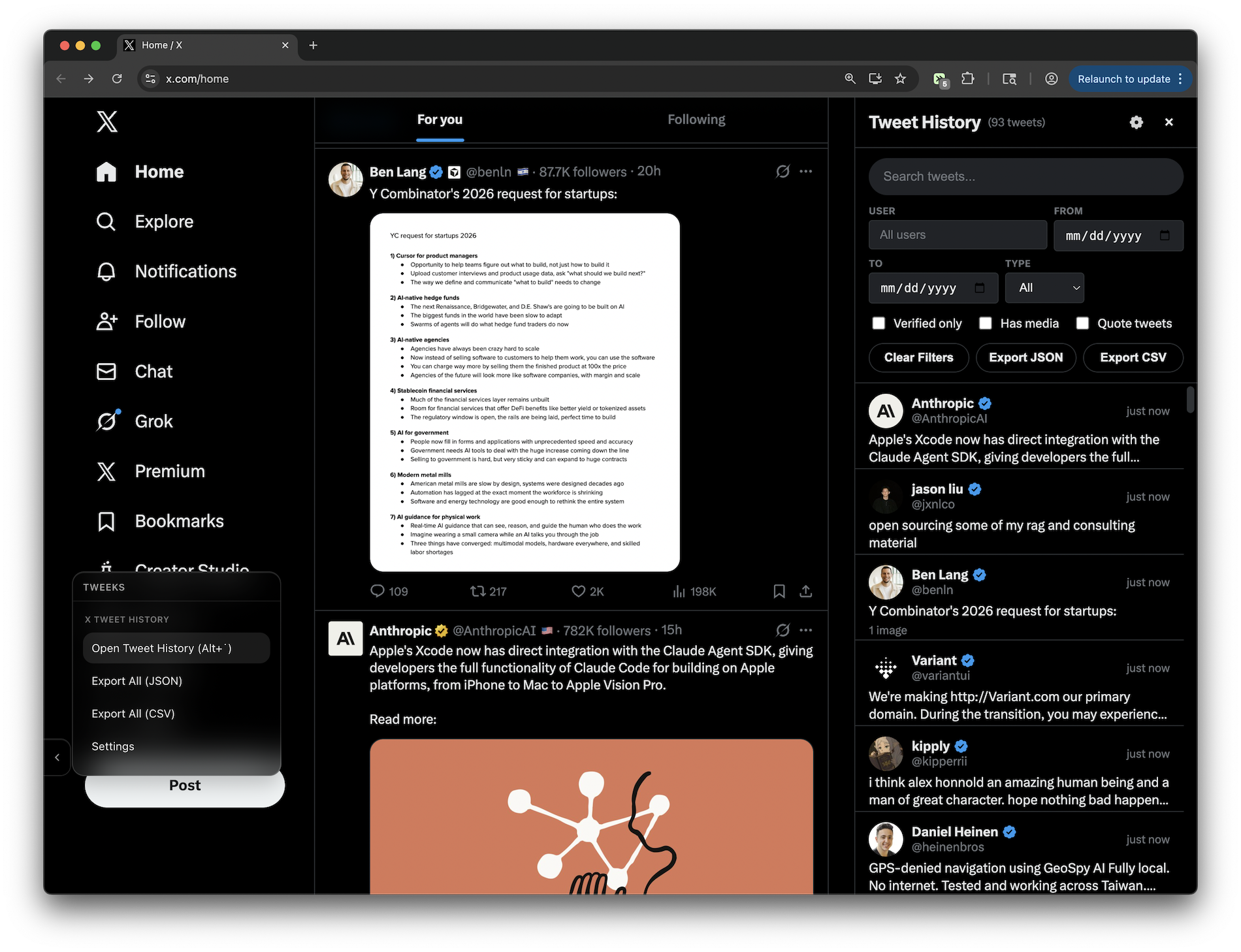
Automatically logs every tweet you view on X/Twitter to a local database (no servers/accounts/tracking) so you can find that tweet you saw yesterday and forgot to save. Open viewer with the left menu bar or a custom keyboard shortcut. FEATURES: - Searchable sidebar UI with text search across tweet content and usernames - Filter by: user, date range, verified accounts, media, quotes, posts vs replies - Configurable data retention (default 30 days) - Set custom keyboard shortcut to toggle sidebar
Adds a 3-minute countdown timer on LinkedIn that shows a blocking modal when time is up
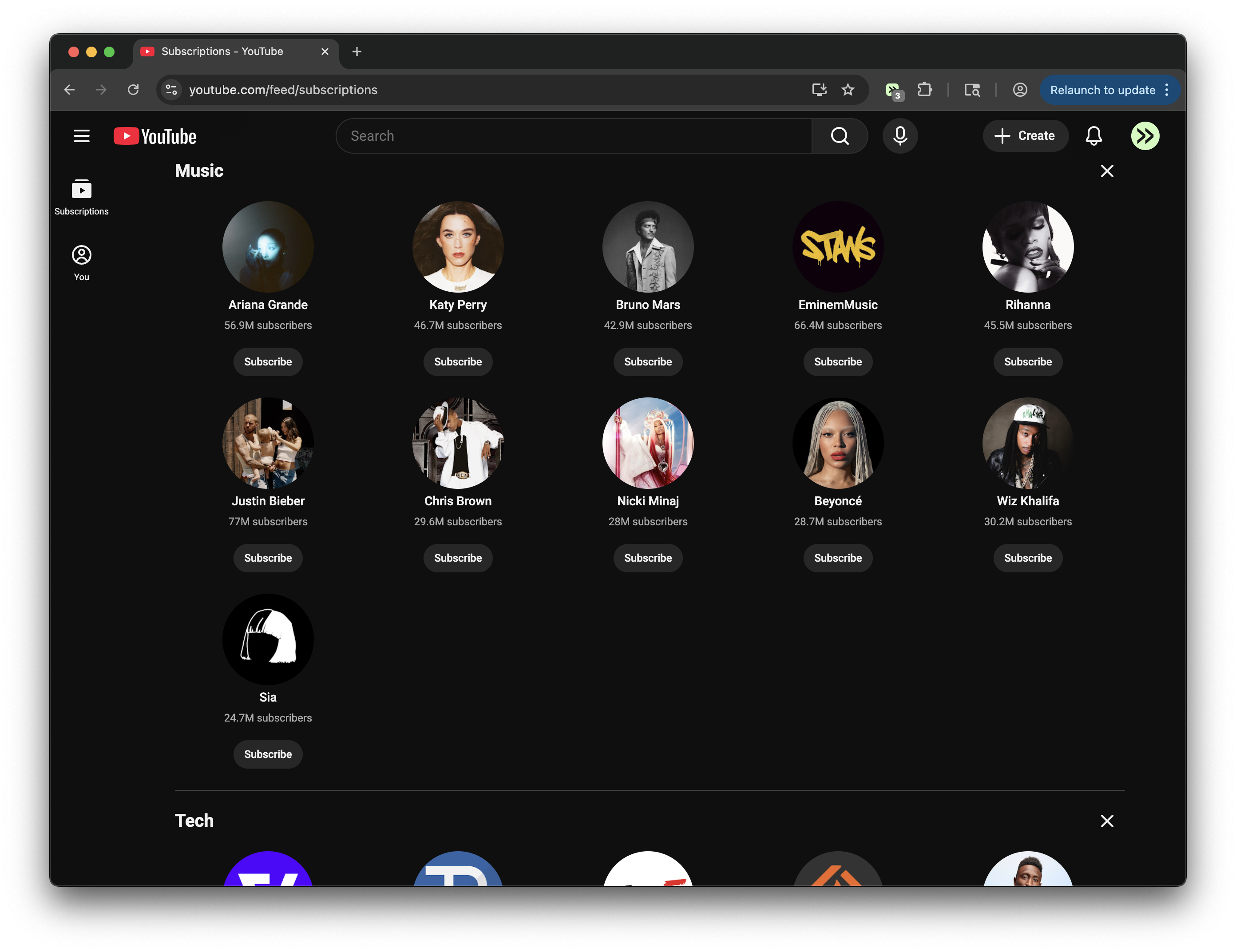
Completely remove the YouTube home feed and More from YouTube, and redirect Home to Subscriptions.
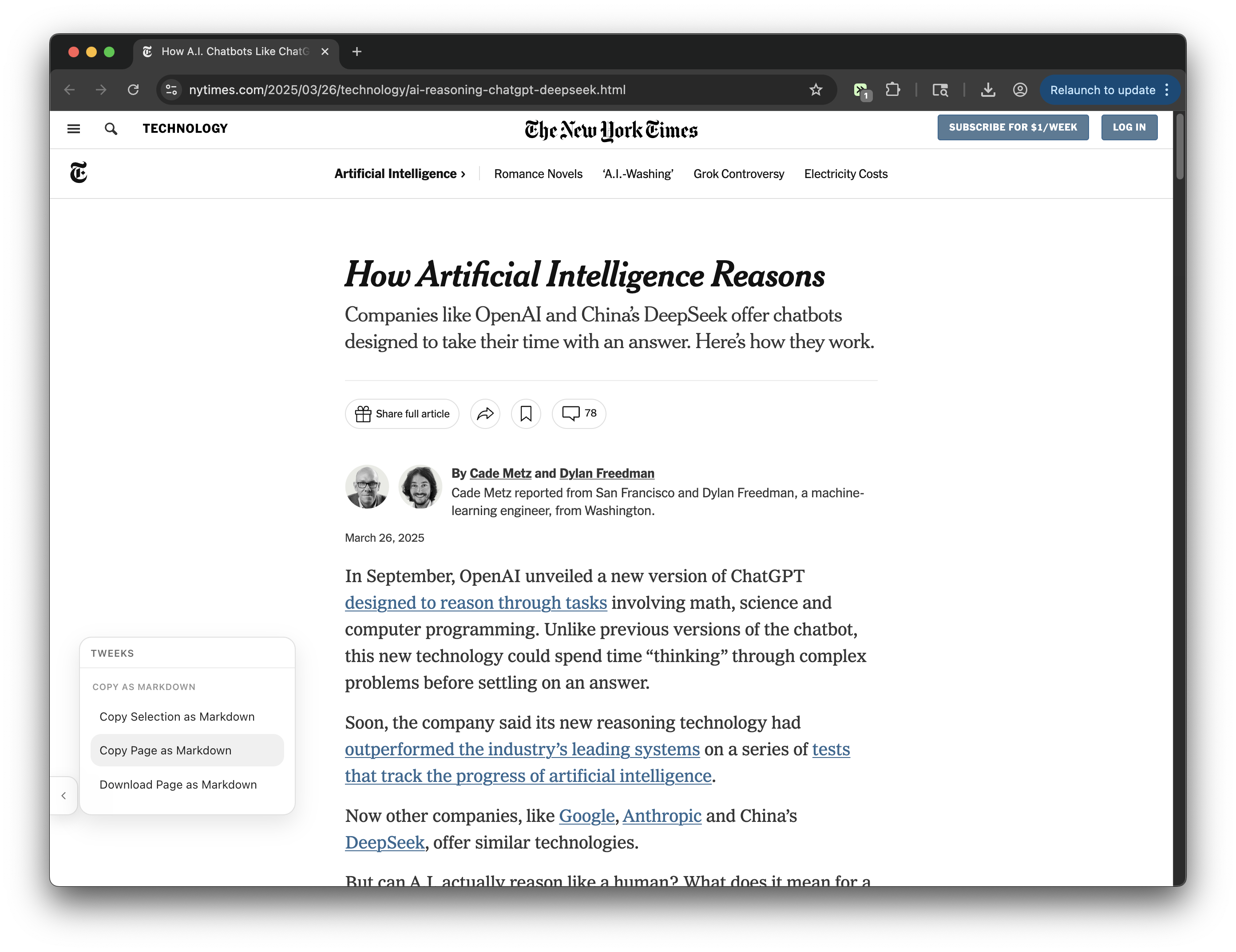
Copy or download any webpage as clean Markdown (selection or full page) with Readability extraction, GFM tables, code blocks, and YAML front matter
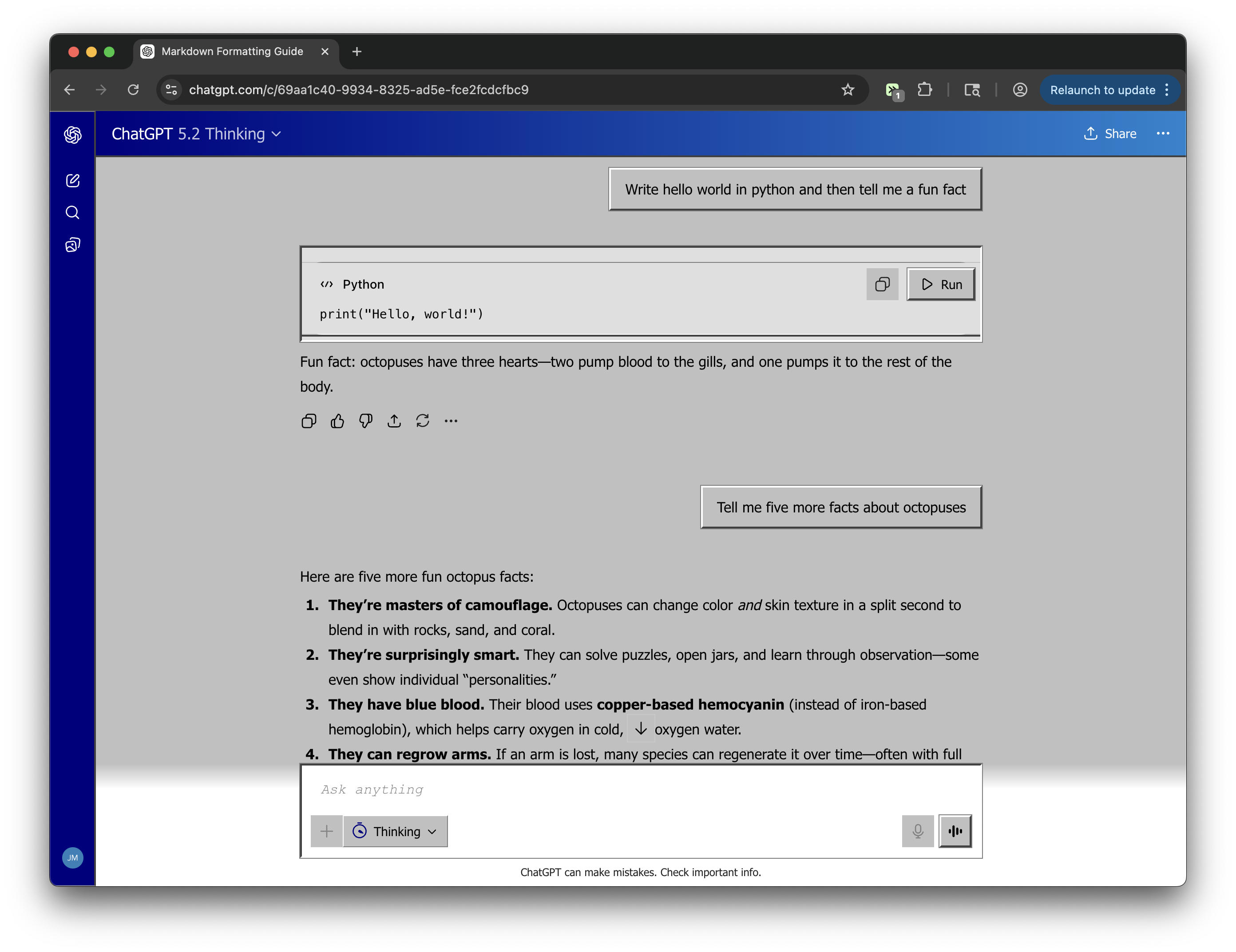
What if Microsoft acquired OpenAI in the 90s? Classic silver-gray chrome, raised bevel buttons, sunken inputs, navy blue title bars, and a dialog-box user bubble.
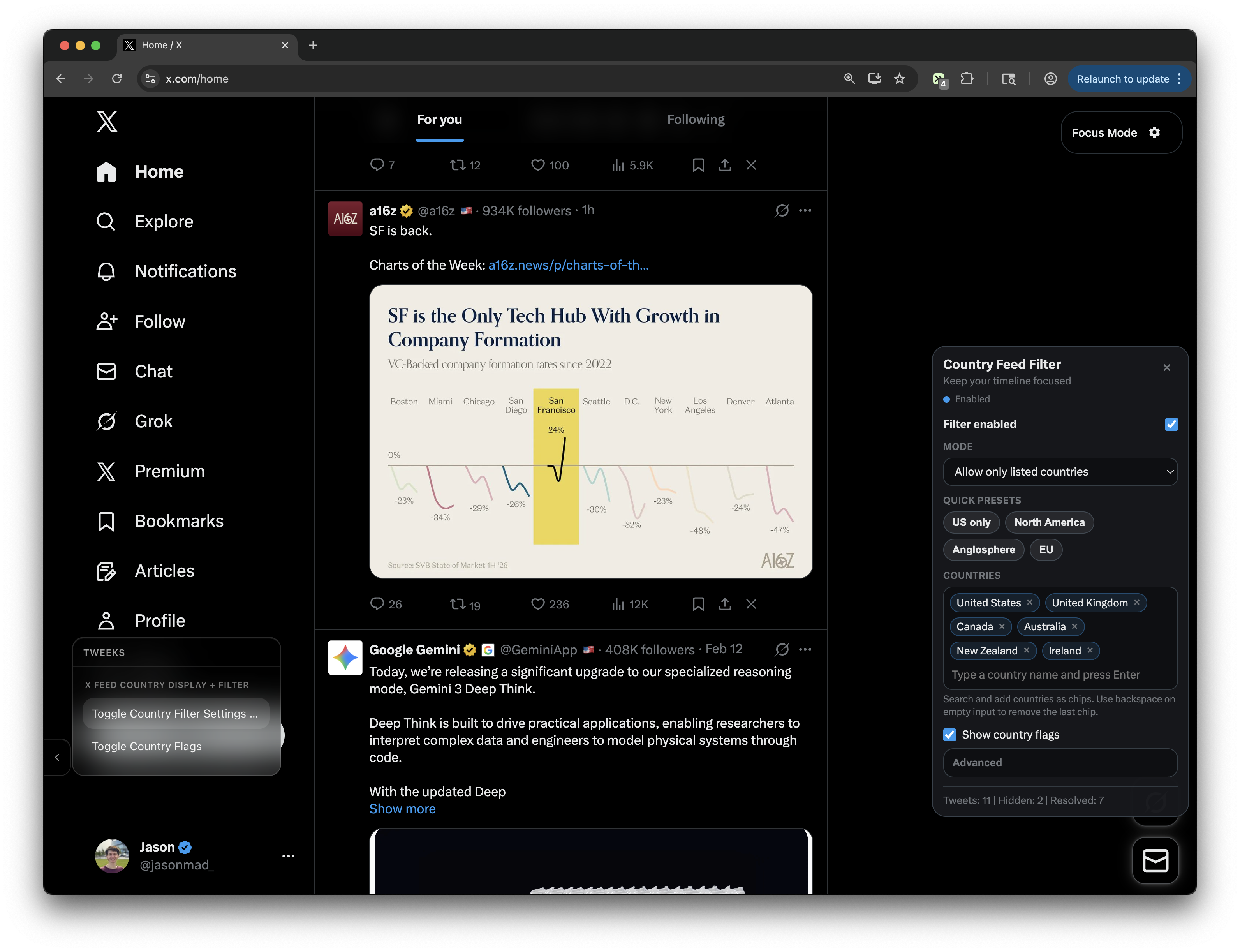
Adds country flags to posts and lets you filter your X feed by country, either showing only selected countries or hiding specific ones.
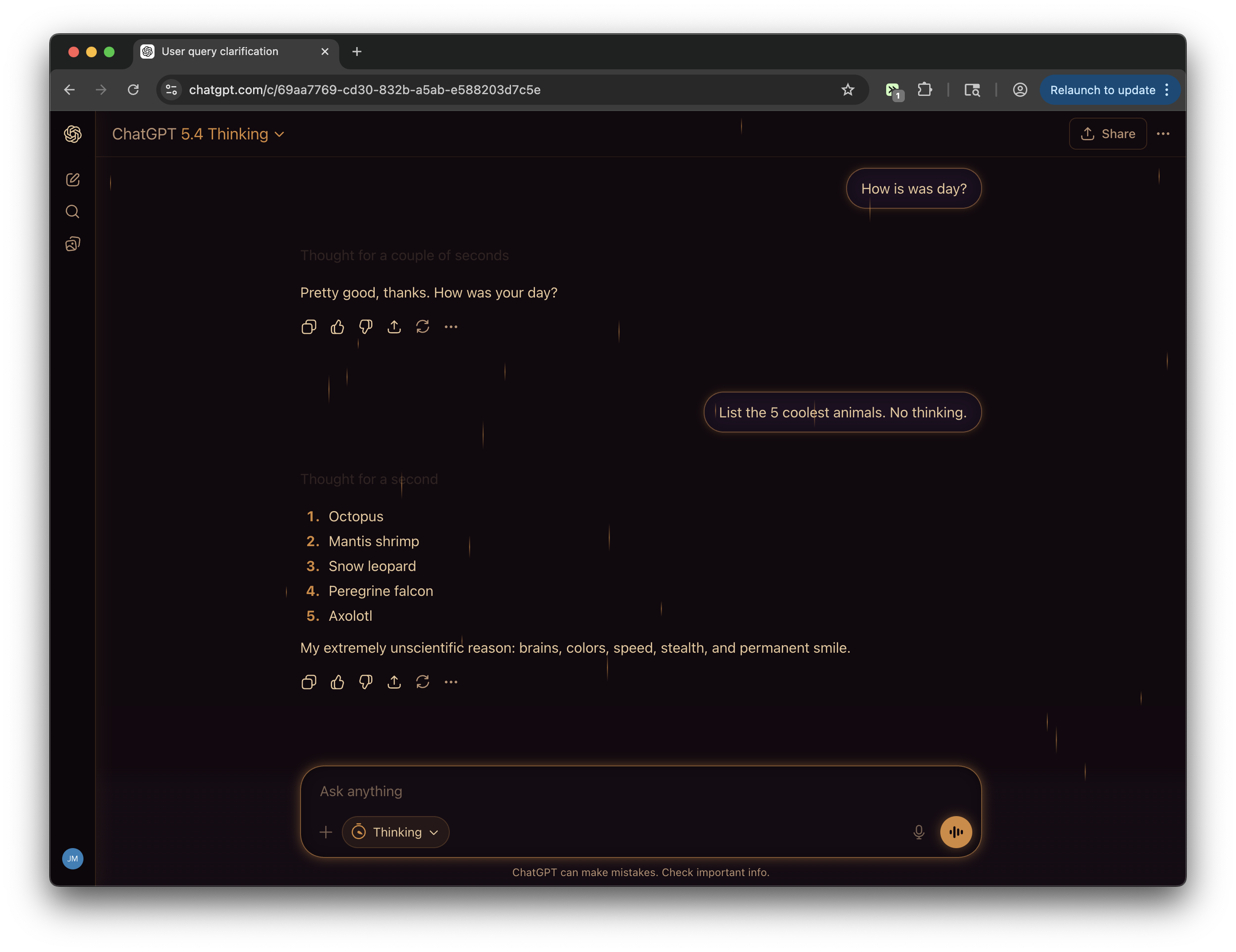
Rainy window, late night, warm light. Dark purple-brown palette, candlelight amber accents, and 30 rain streaks drifting down the screen at varied speeds. Study music optional.
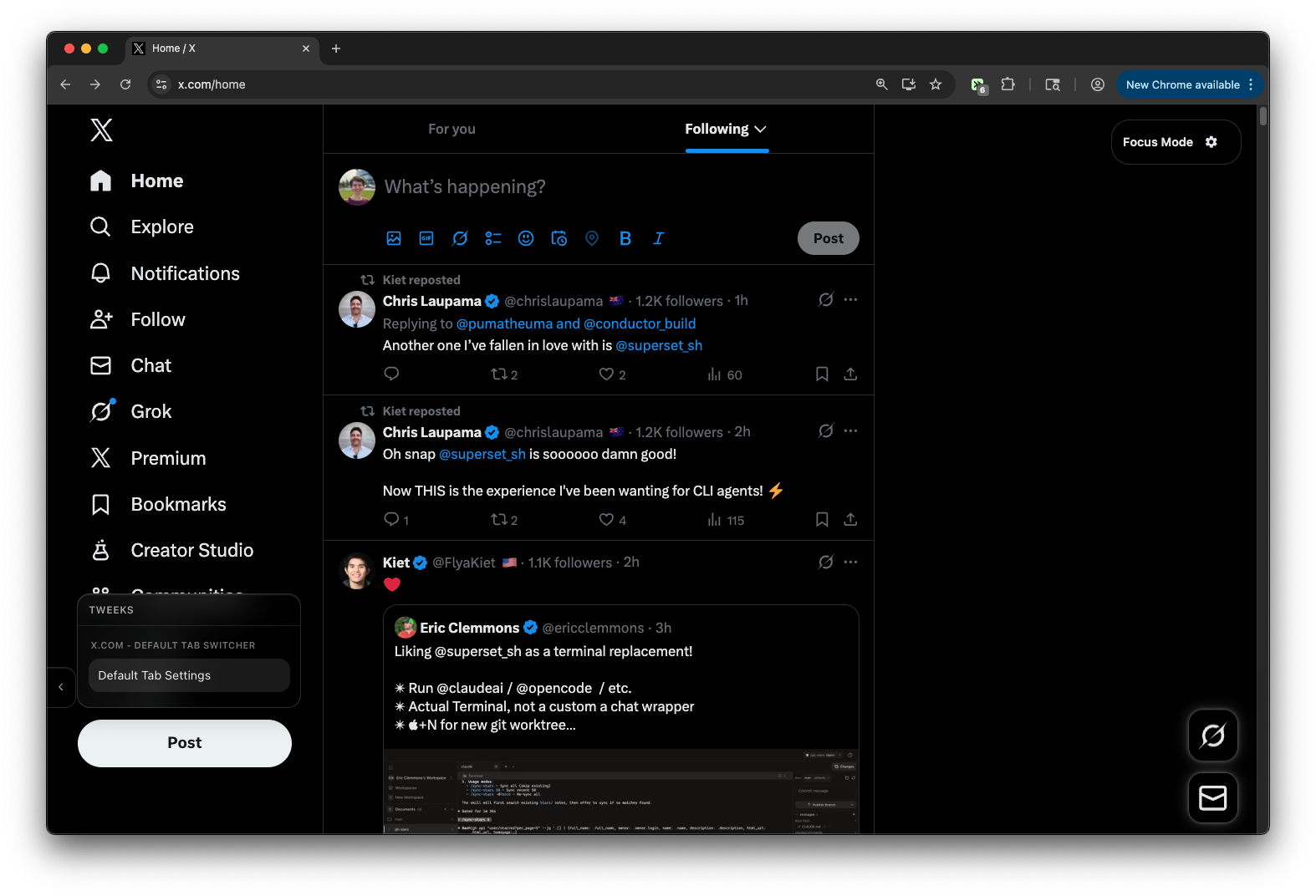
Set Following as default tab. Optionally hide For You tab with configurable settings
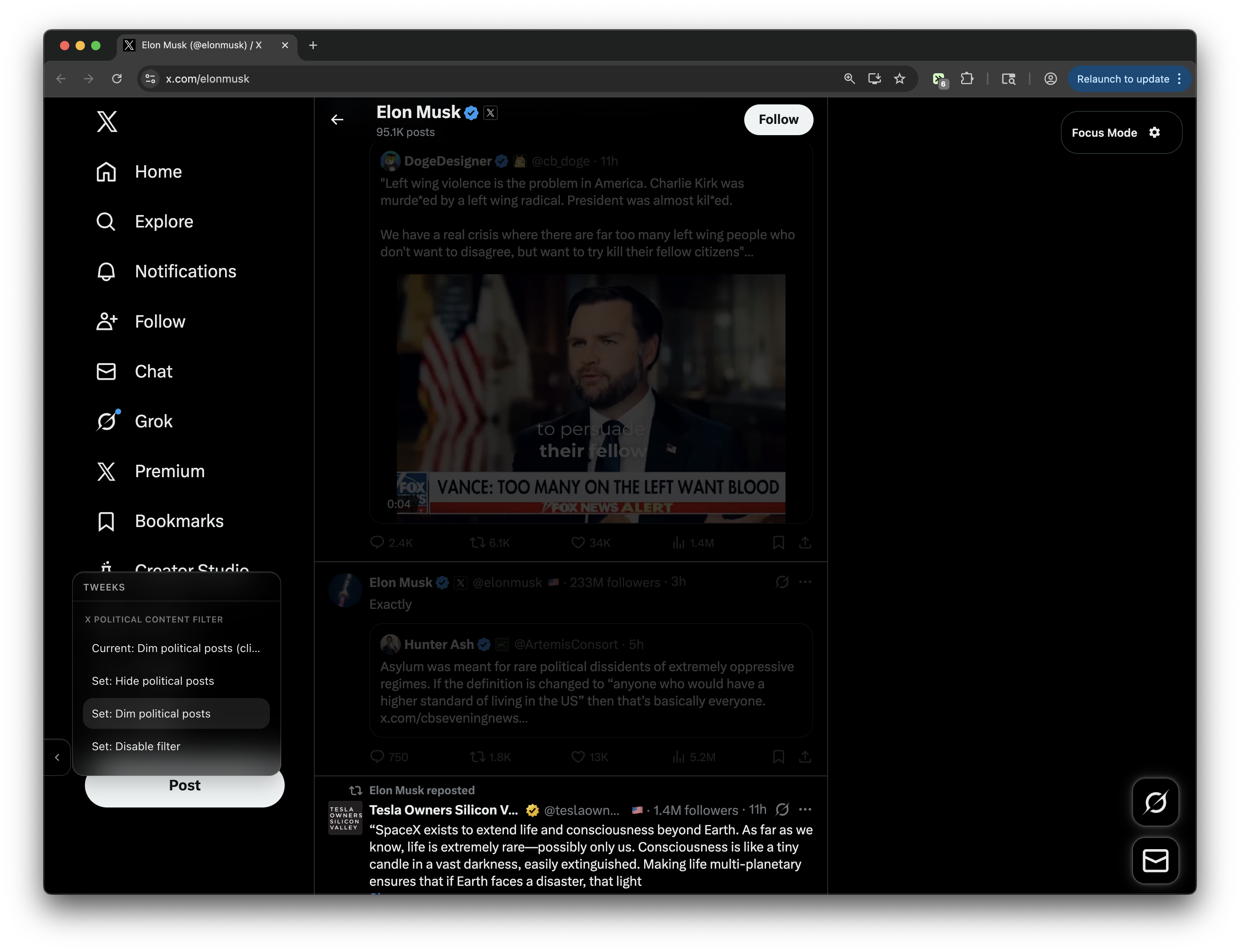
Filter political content from your X/Twitter feed. Choose between three modes: hide, dim, and filter disabled. Note: Classification is based solely on the text of the tweet/quote tweet. Video/images do not factor into filtering decisions.
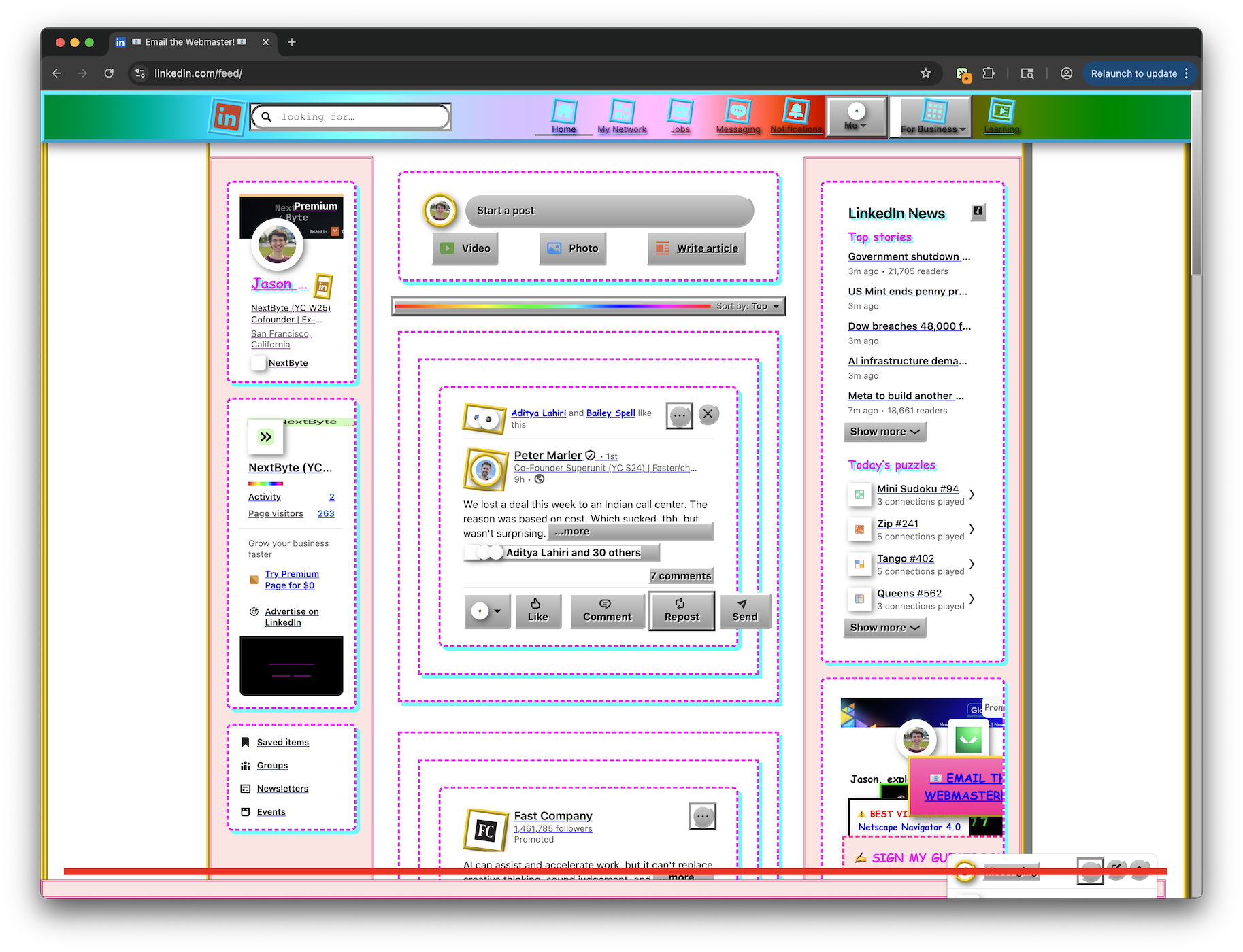
Transform LinkedIn into a glorious 90s Neocities-style website with animated GIFs, Comic Sans, and rainbow dividers! The site might not be useable, but hey it looks kinda cool.
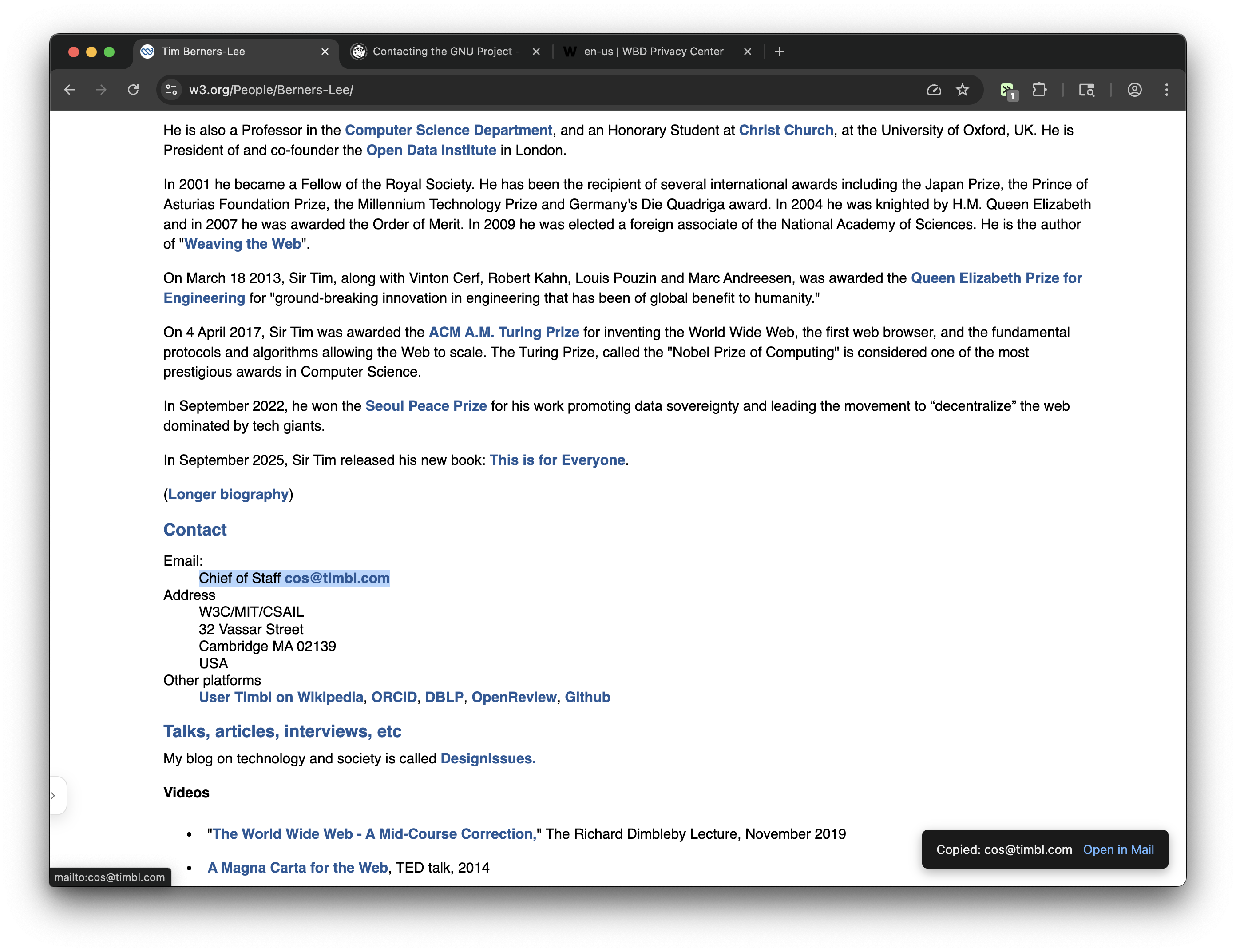
Clicking mail-to links now copies email addresses to clipboard. If the default mail-to experience is needed, a toast notification provides fallback to open mail client. Note: The toast can be disabled with the menu sidebar.
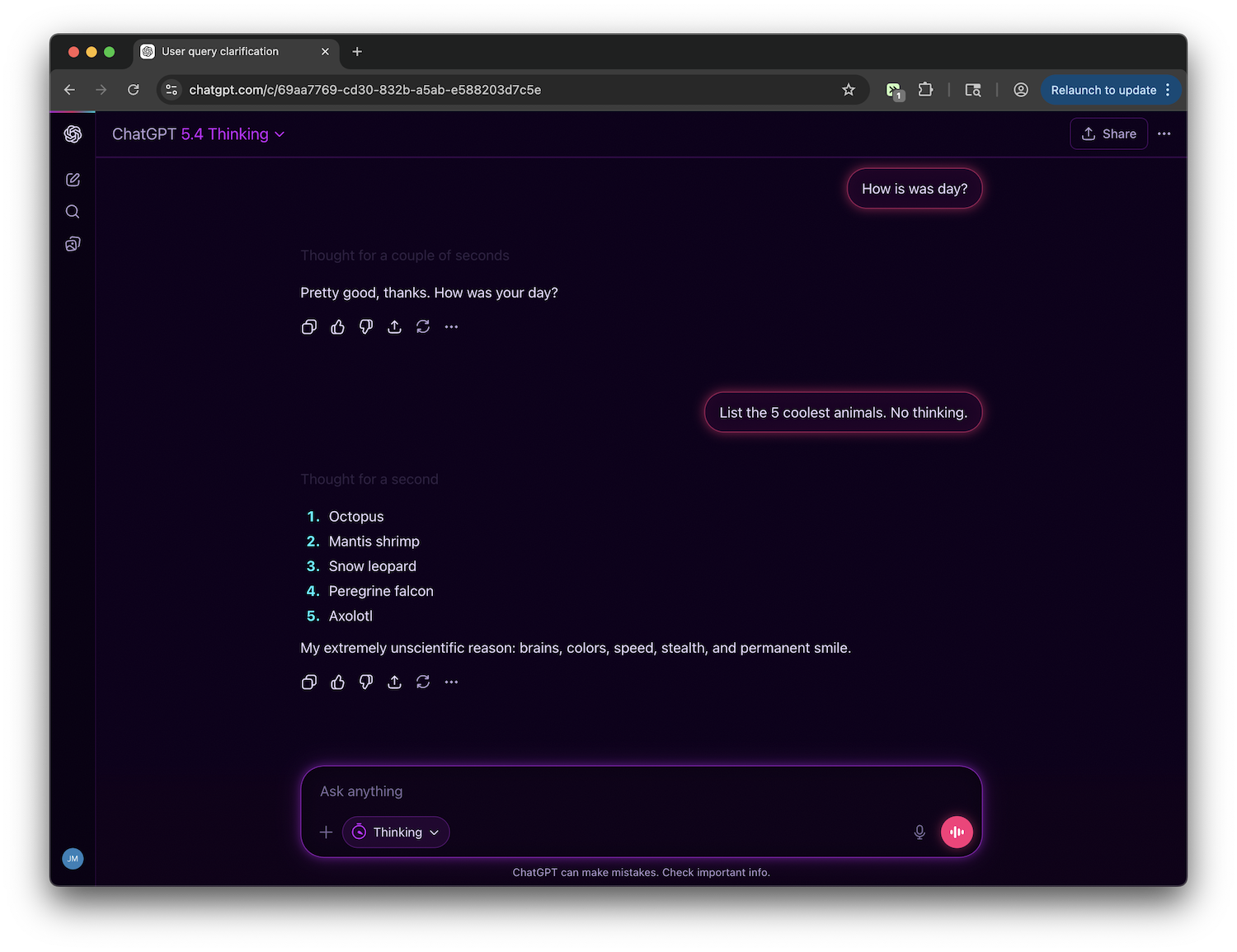
Blade Runner meets the terminal. Deep purple-black bg, hot magenta user bubbles, cyan AI accents, glowing neon borders, and a subtle noise grain texture. The most visually aggressive of the collection.
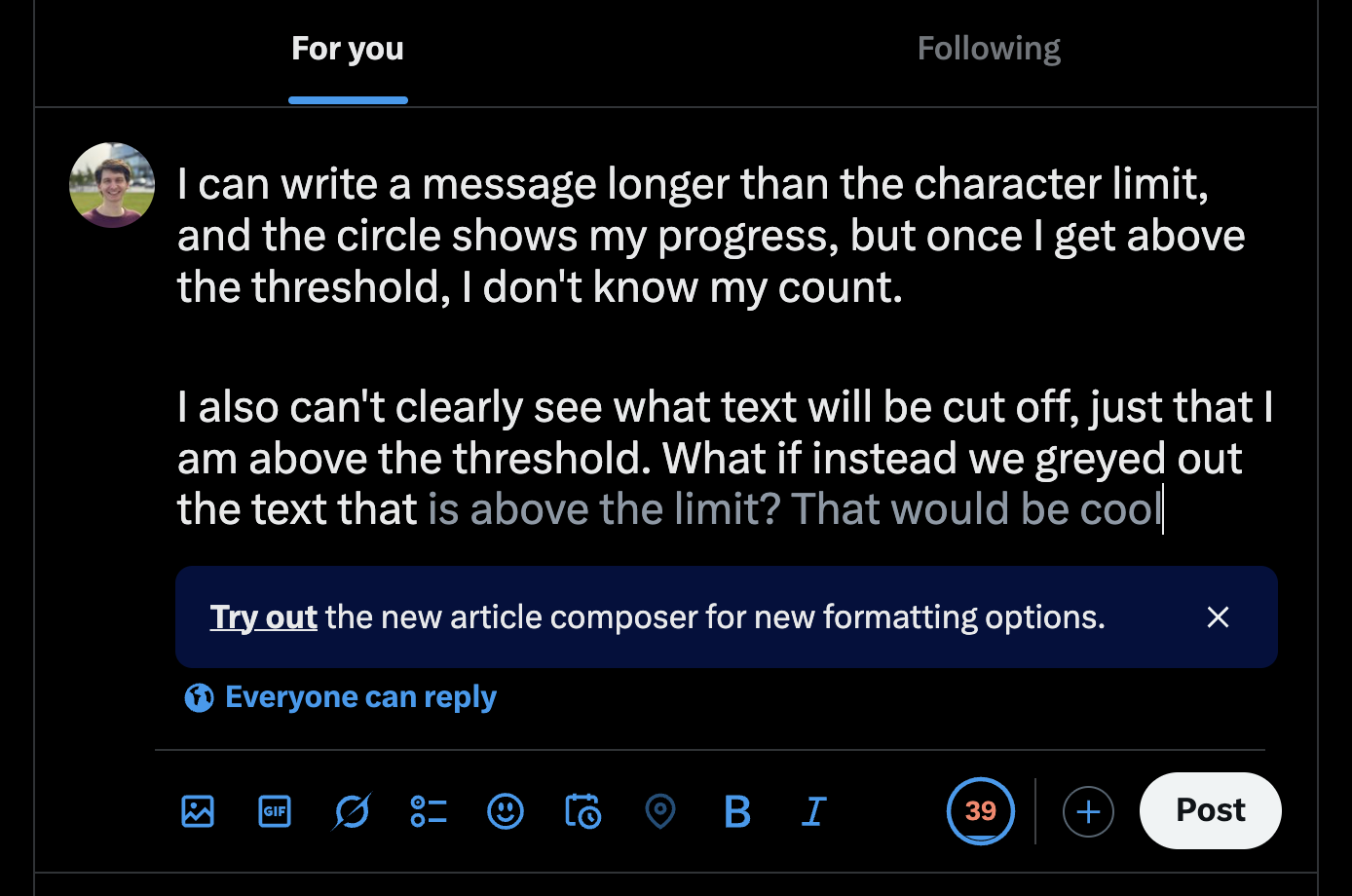
Fades text past X's soft limit (280 chars) and shows an over-limit ring counter using X-style weighted counting. Works across all composers (main post, reply, etc.)
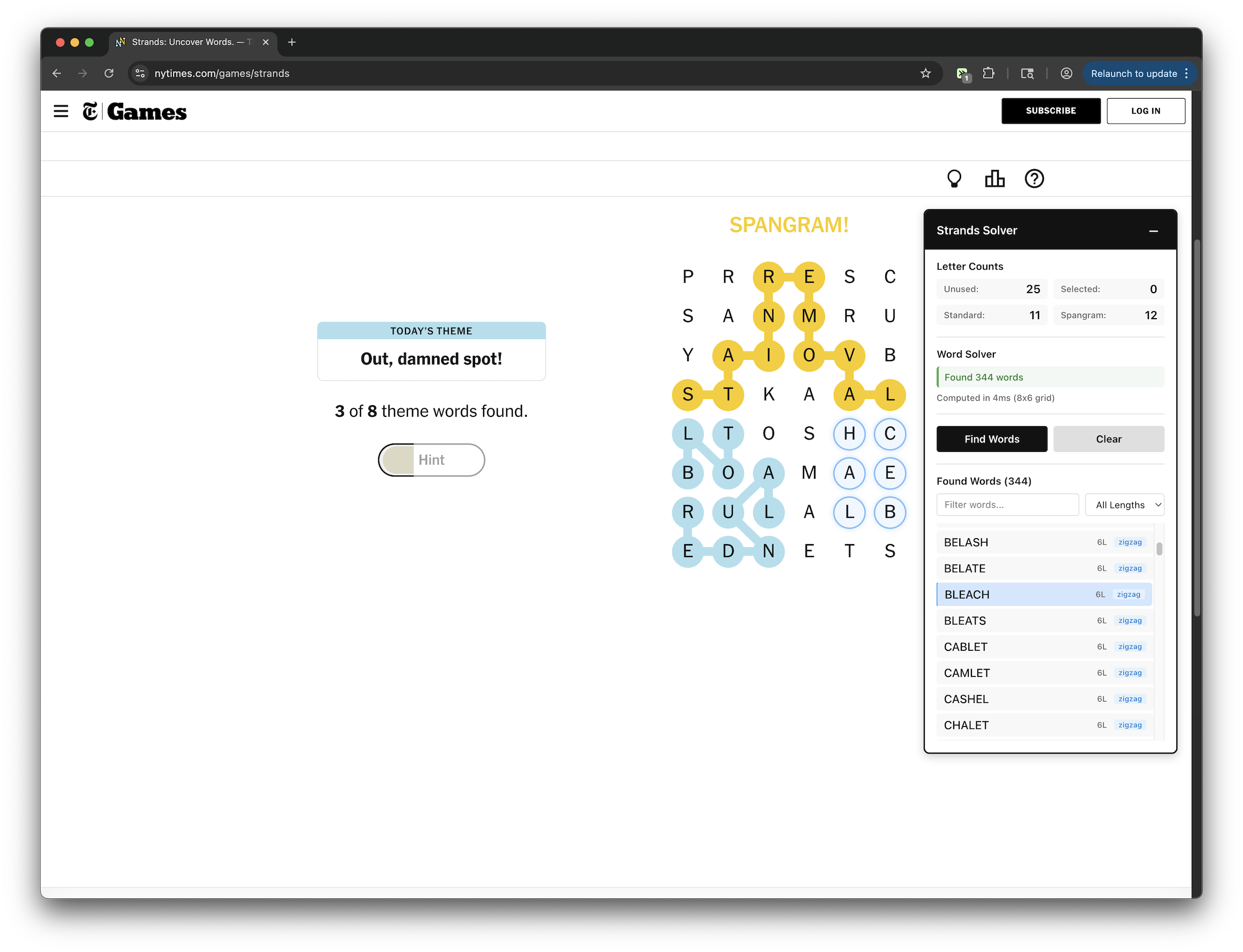
Extract and display Strands crossword letter details with integrated word solver using DFS algorithm.
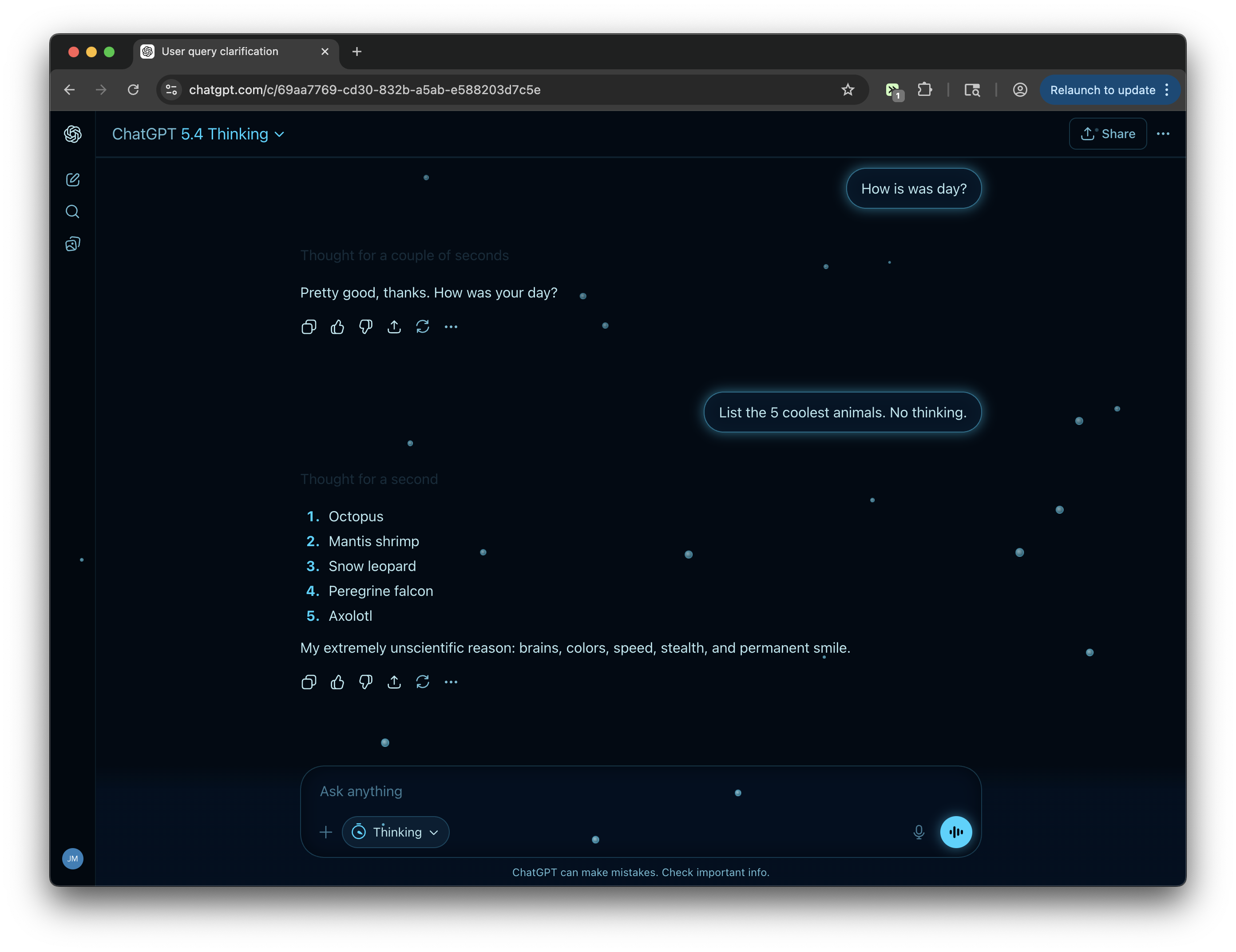
Dive into the abyss. Near-black ocean depths, bioluminescent teal accents, a pulsing sonar glow on the composer, and tiny air bubbles that drift upward from the deep.
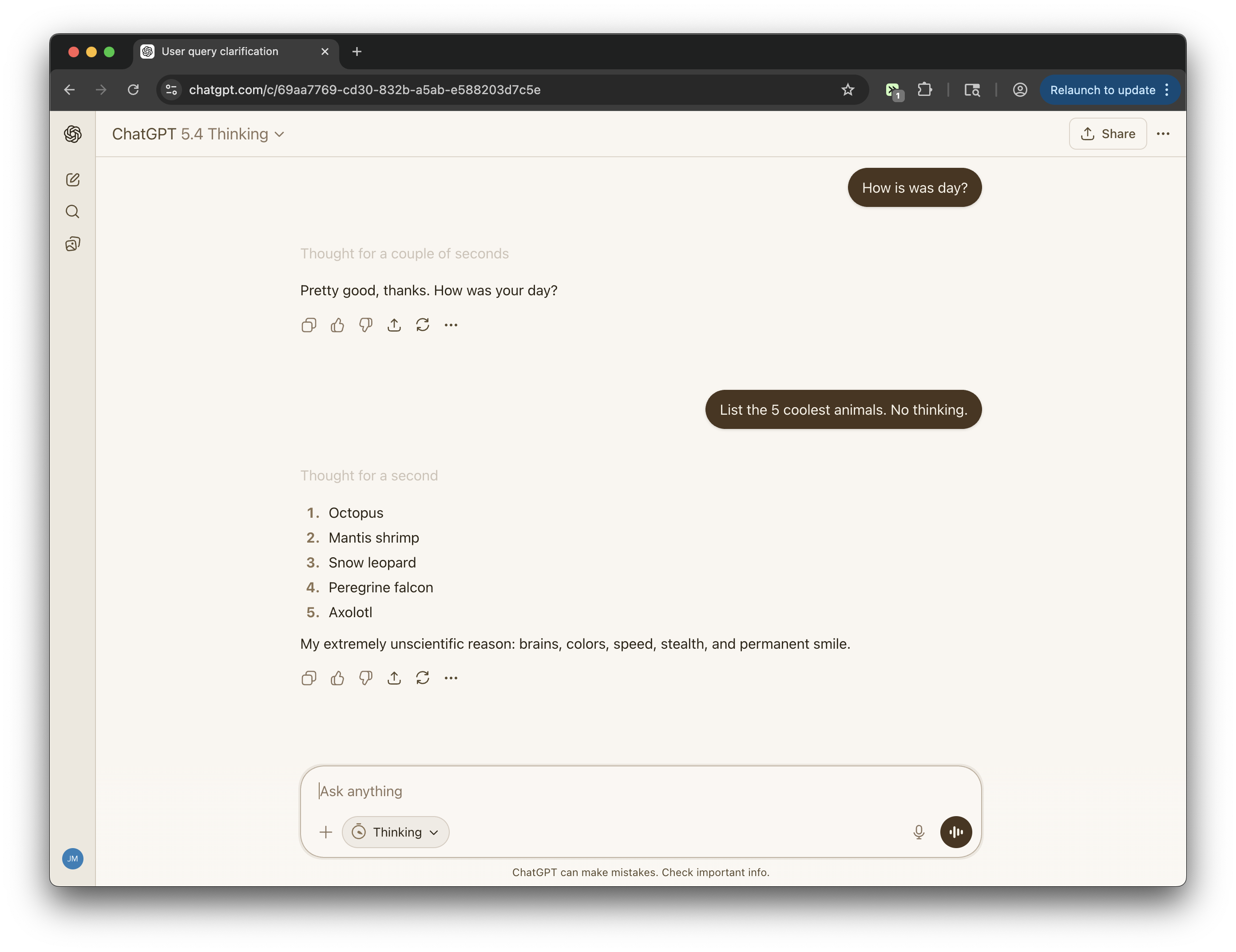
The warmest, most analog of the themes. Rich parchment backgrounds, deep sepia-brown ink, warm tan surfaces. Like conducting a conversation in the margin of a well-loved book.
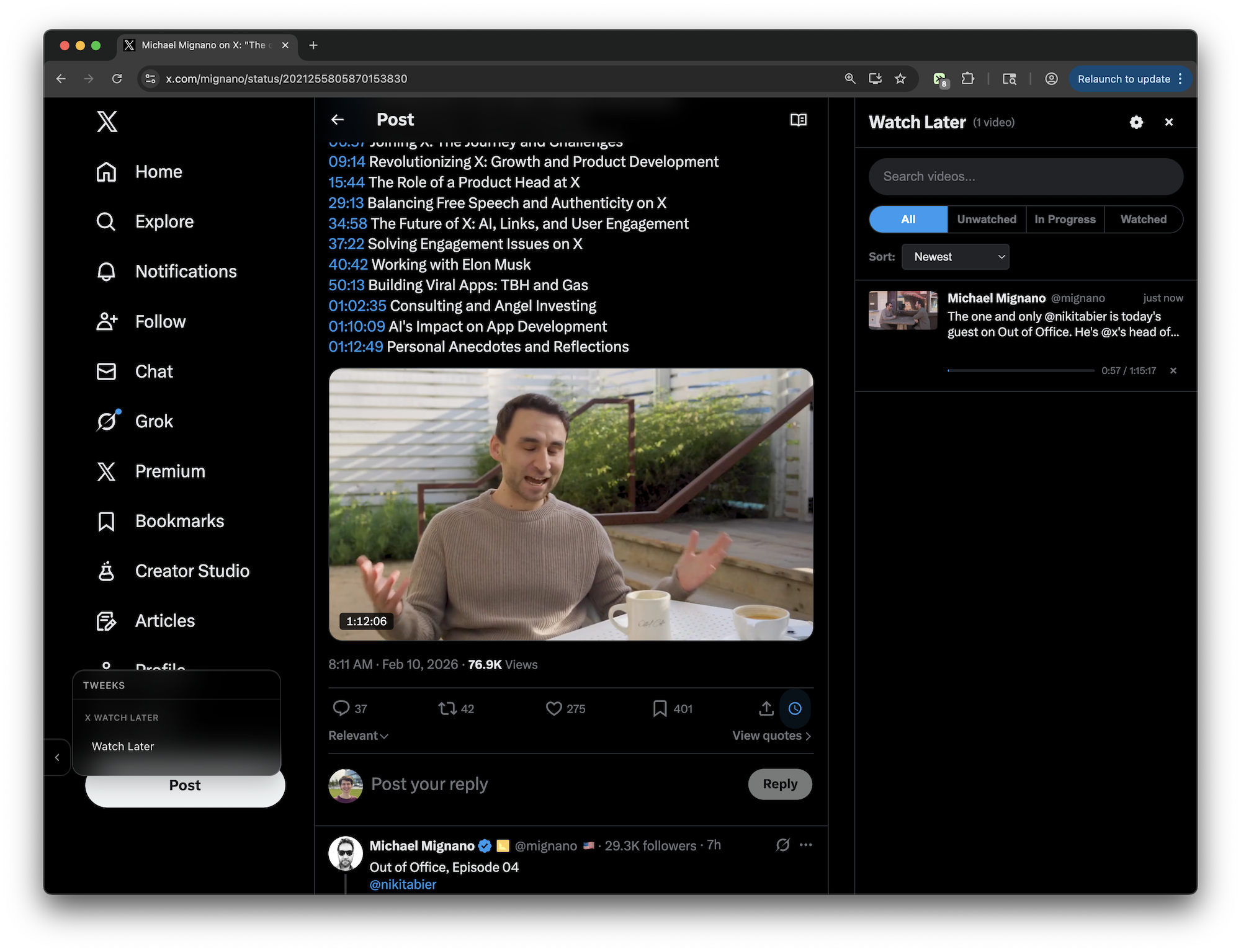
Save video tweets to a Watch Later queue with progress tracking and resume playback. FEATURES: - Clock button on every video tweet to save/unsave - Sidebar panel with search, filters (All/Unwatched/In Progress/Watched), and sort - Tracks video playback progress and marks videos as watched at 90% - Resumes playback where you left off when revisiting a saved video - Configurable keyboard shortcut to toggle sidebar
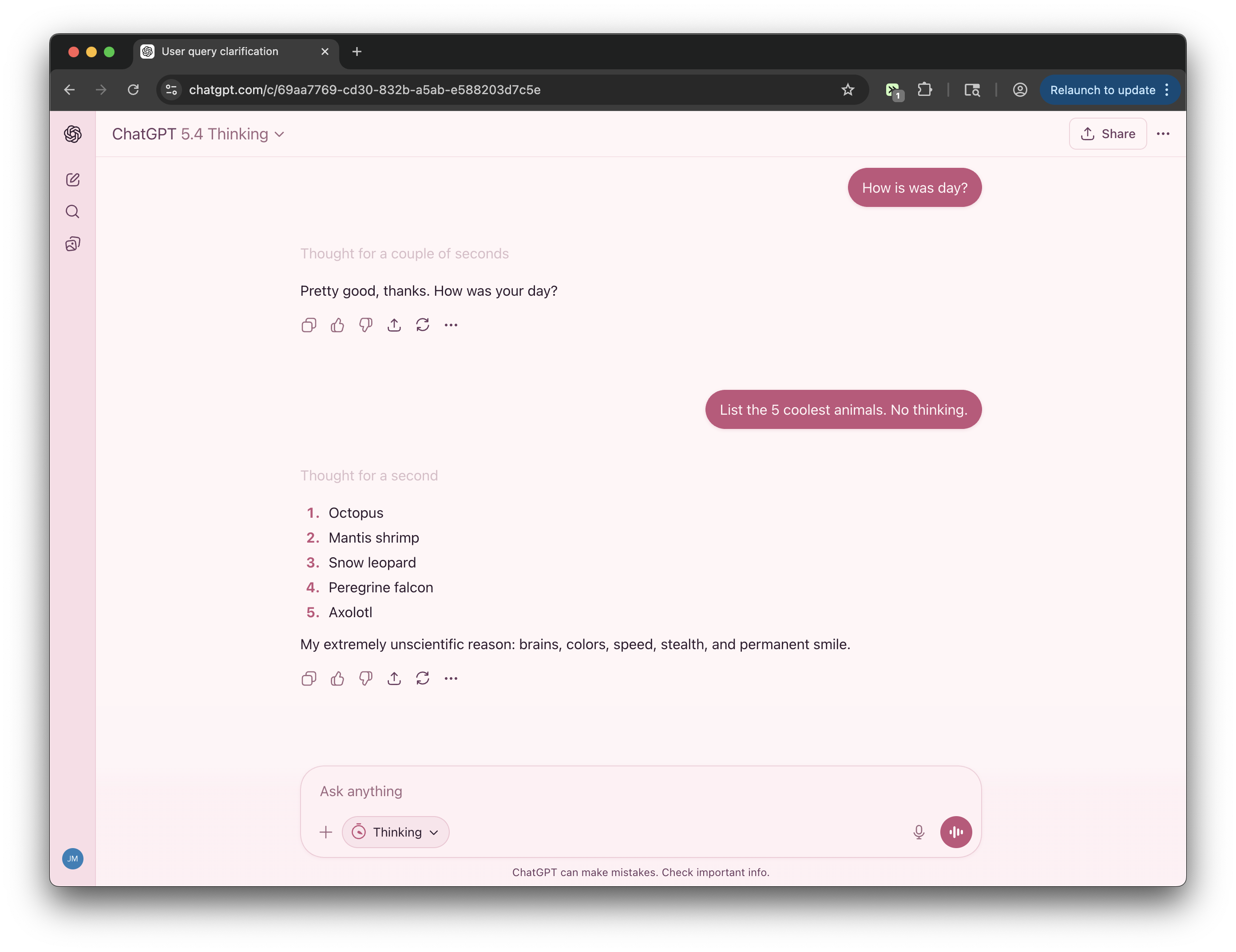
Cherry blossom in full bloom. Pale petal whites, blush pink sidebar, dusty rose accents, and warm plum text. Light, soft, and quietly refined — like a Japanese spring afternoon.
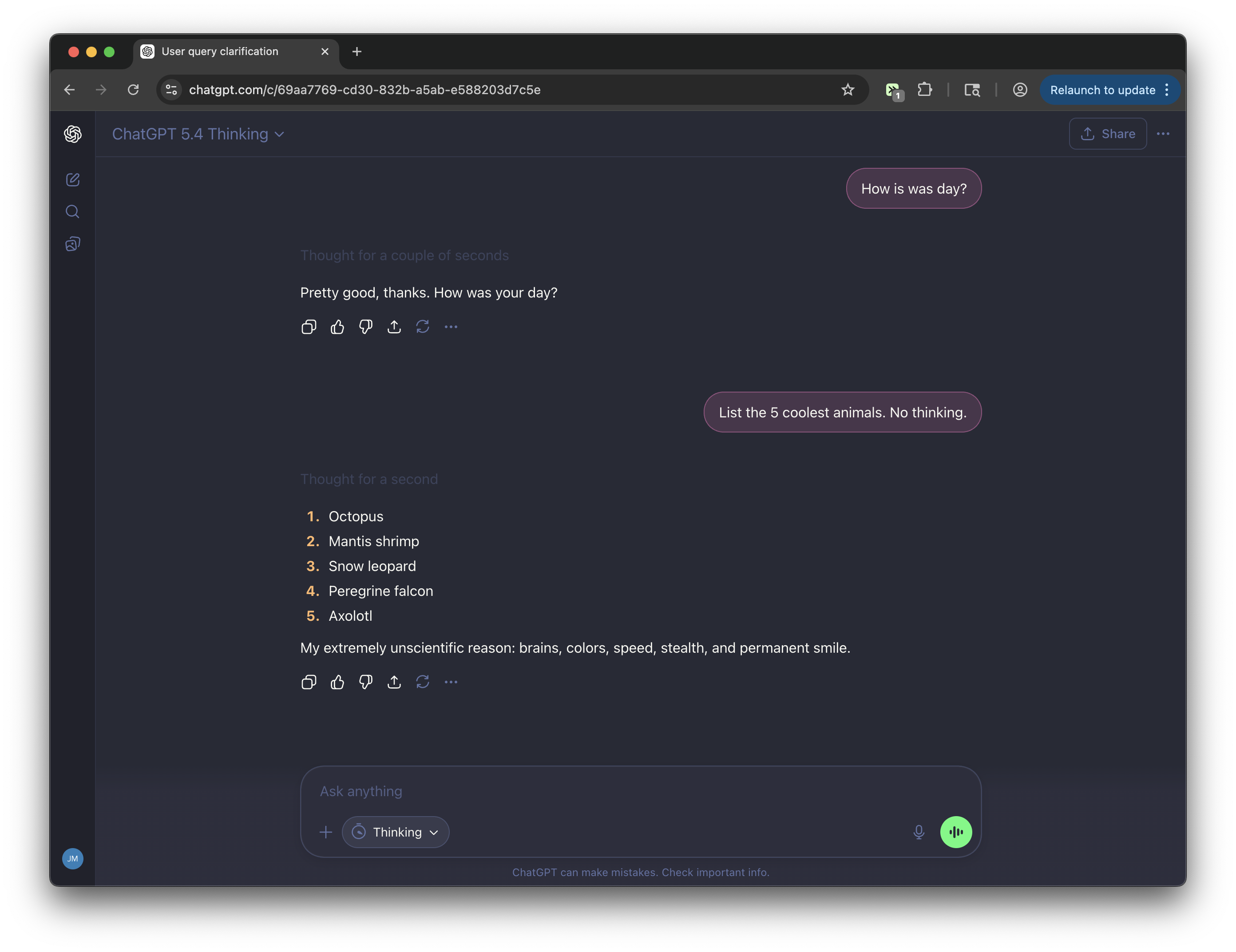
The beloved dark developer color scheme — deep slate background, vivid pink and cyan accents, purple highlights, and green send button. Dracula is a widely-used dark palette originally designed for code editors, applied here across every surface of the interface.
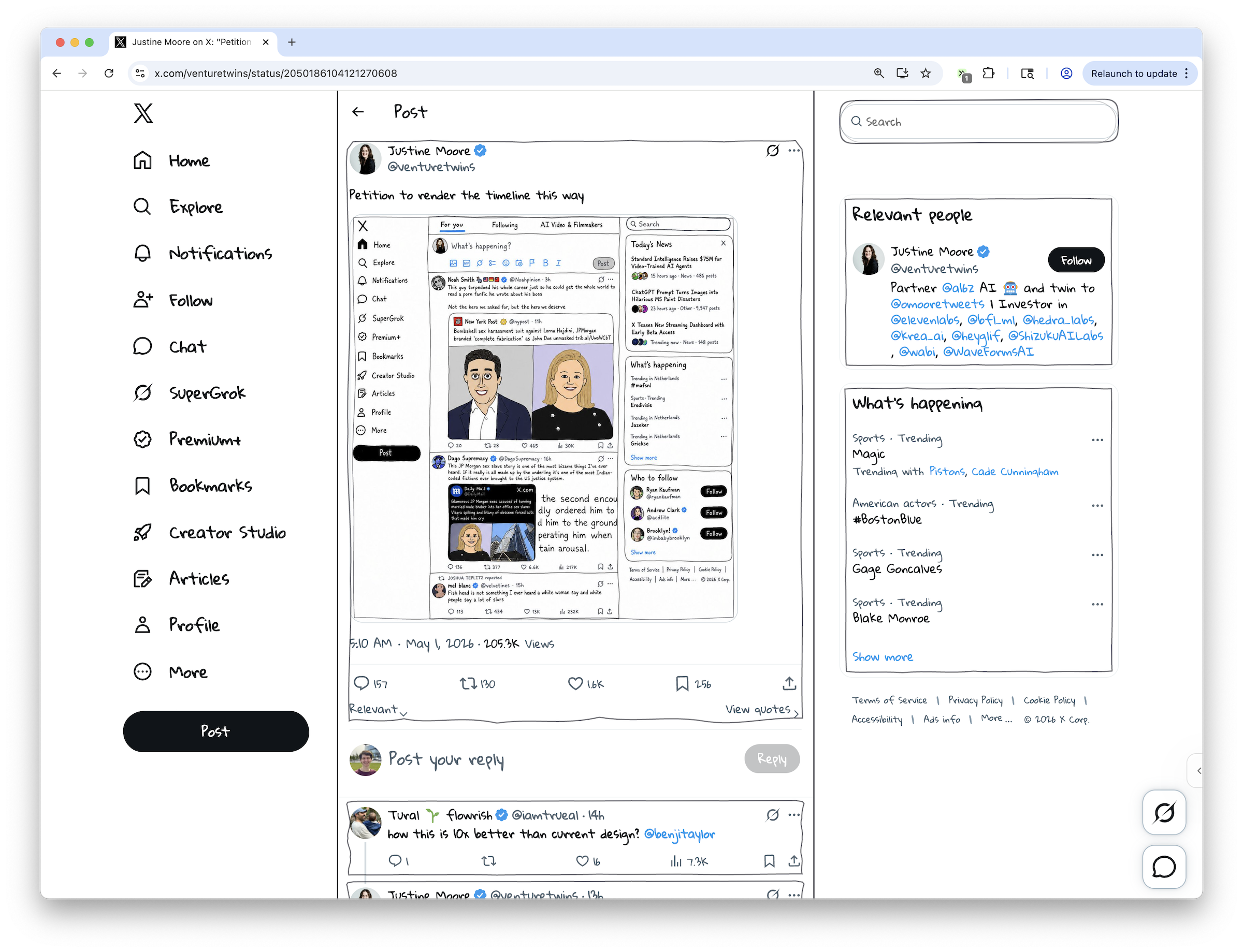
Adds a theme-aware hand-drawn visual treatment to the X/Twitter home feed and tweet pages.
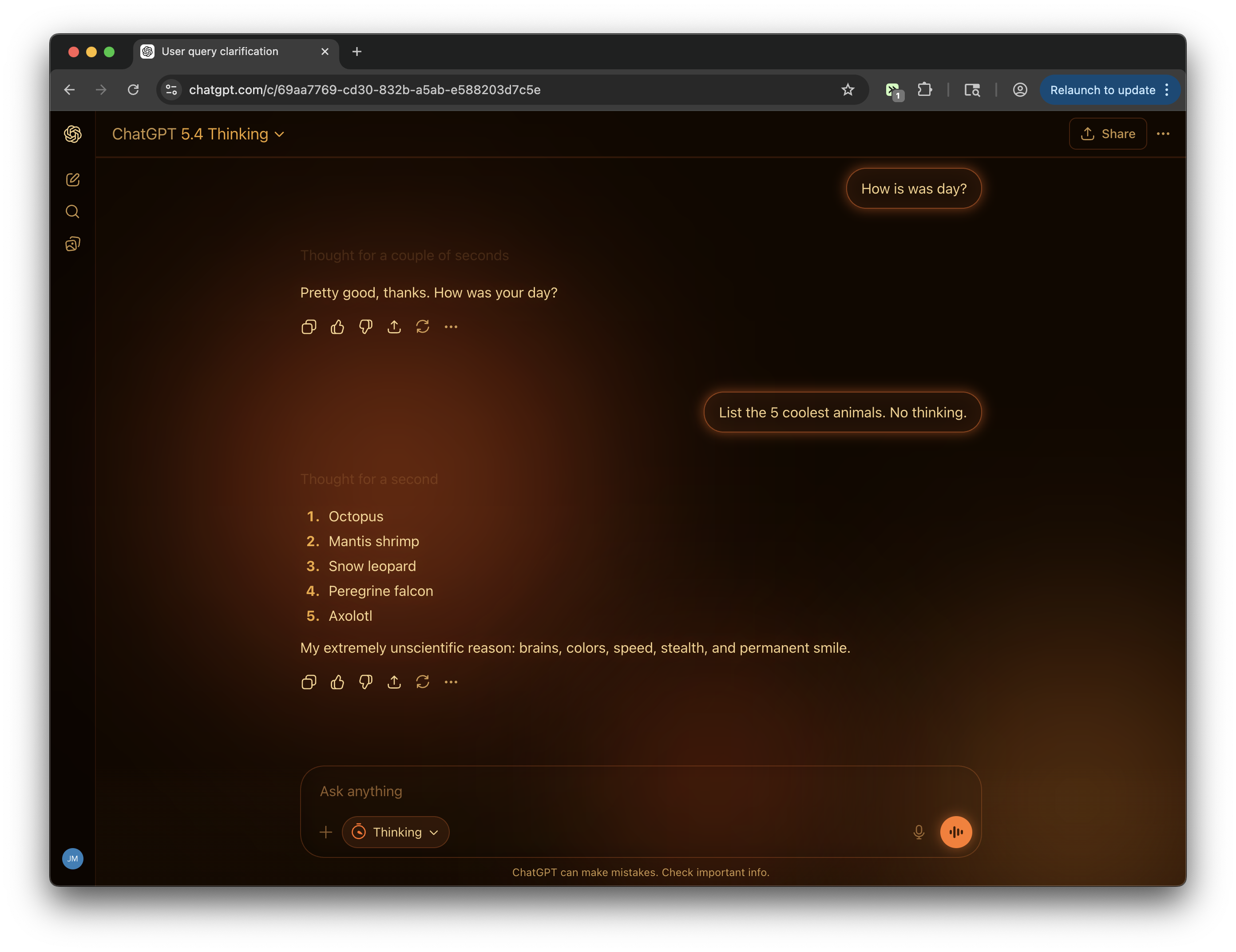
Groovin' since 1963. Three slow-moving molten blobs drift across a deep amber background, casting a warm pulsing glow over the entire interface. Dark theme in the spirit of a 70s lava lamp.
Add a CRACKED text link to LinkedIn posts that sends author name, tagline, and share link to localhost:3000/cracked - excludes promoted posts/ads - FIXED: Double POST request bug
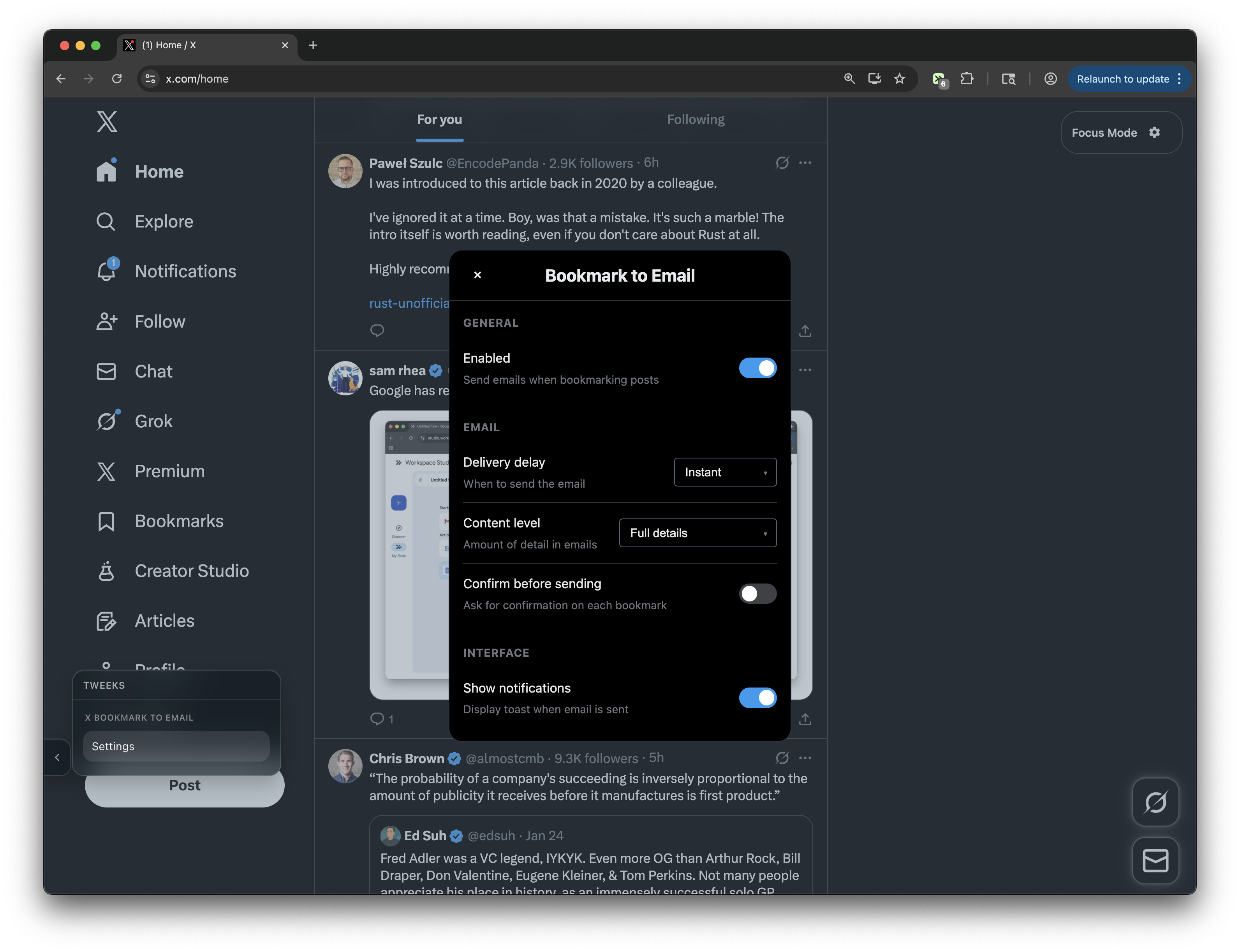
Never lose an X bookmark again. Send an email with post details when you click the bookmark button on X/Twitter. Includes settings to control confirmation, delivery delay, email content, etc.
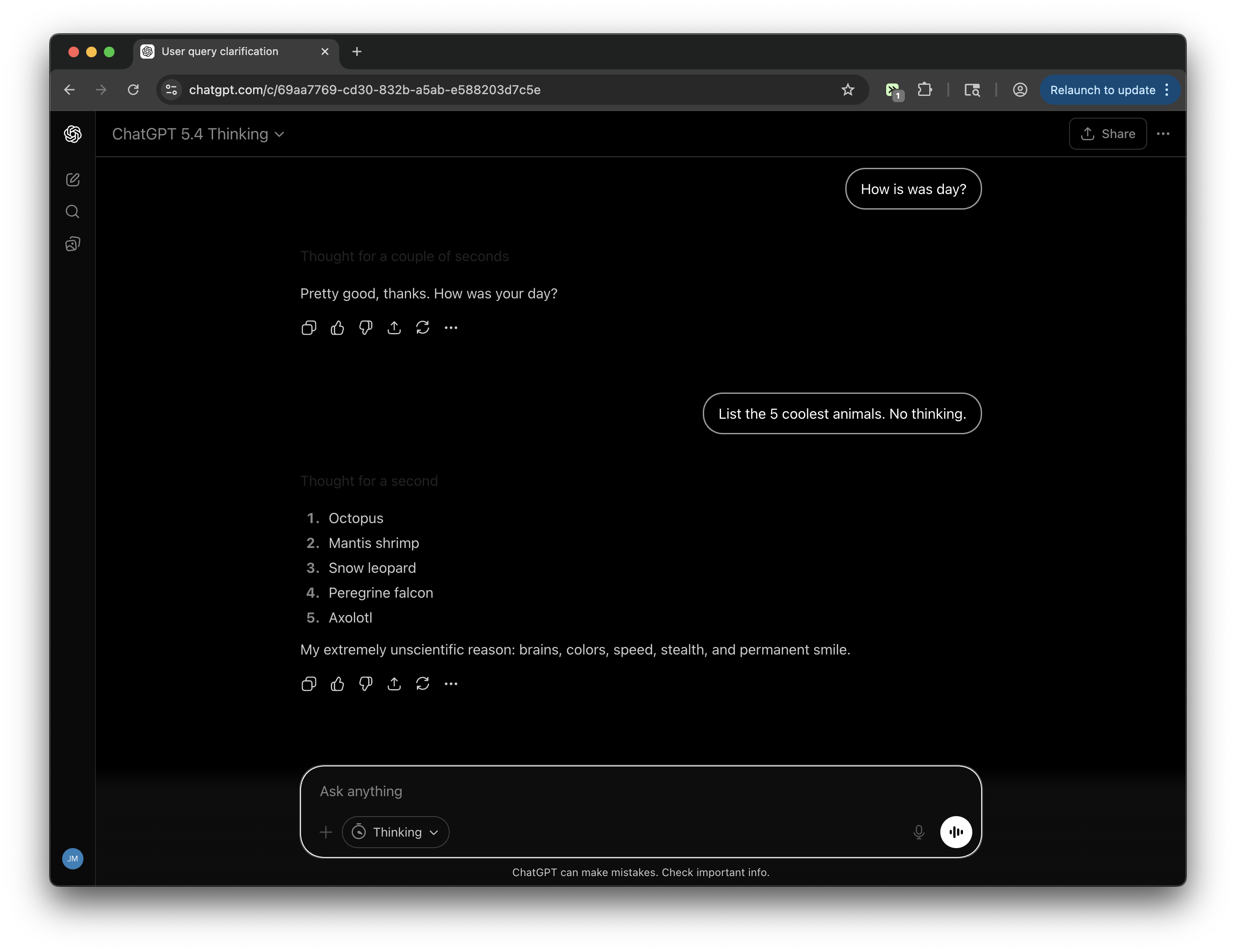
Zero hue. Pure black and white with maximum contrast. User bubbles become outlined in white against black. The interface is stripped to its skeleton — brutalist, accessibility-forward, and intentionally raw.
A full editorial treatment: Georgia serif font throughout, newsprint gray tones, high-contrast black-on-white messaging, and typographic proportions borrowed from broadsheet journalism. Austere and authoritative.
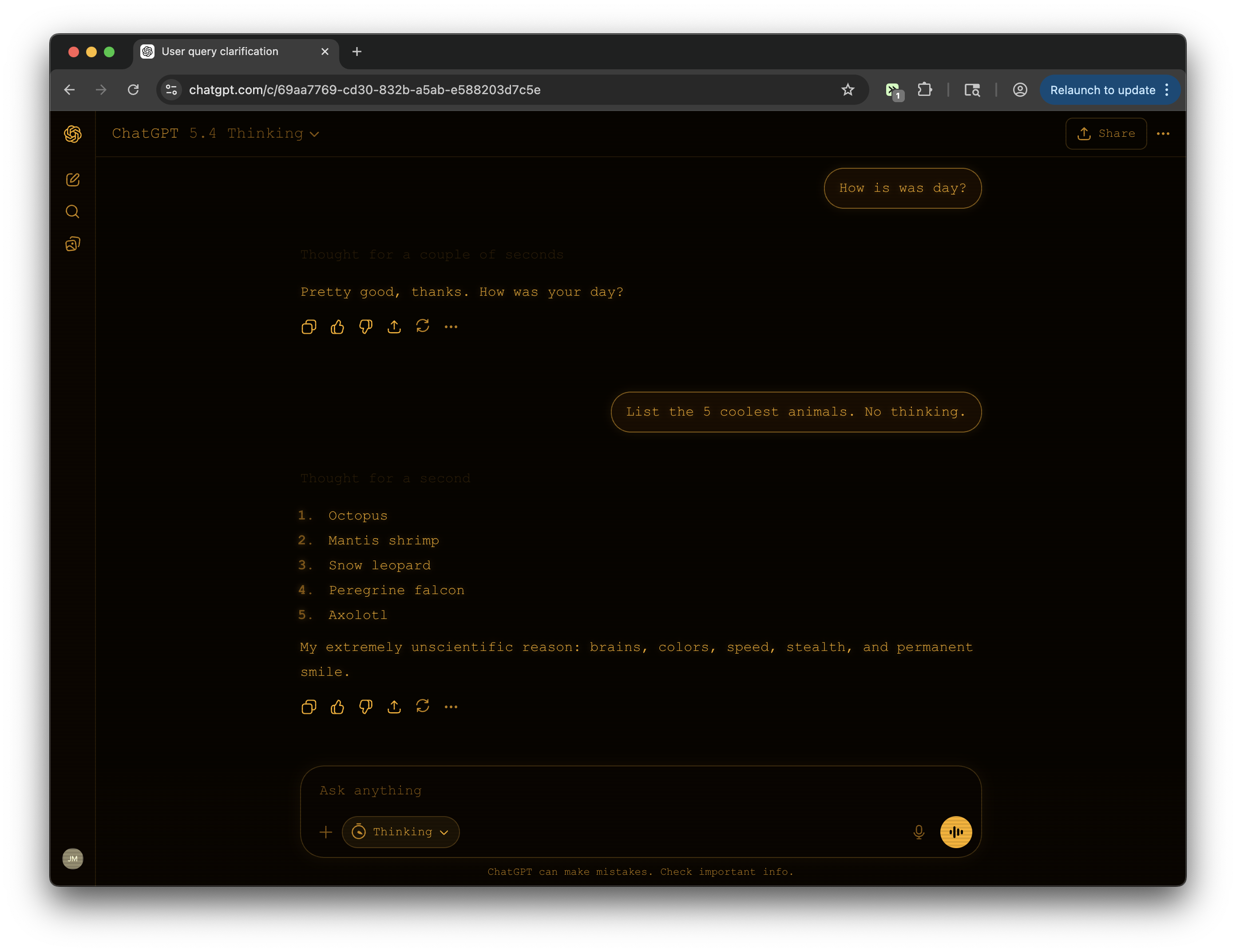
Vintage amber CRT monitor aesthetic. Warm orange-gold phosphor on near-black, monospace font, scanlines, and a gentle burn-in glow that makes every session feel like 1983.
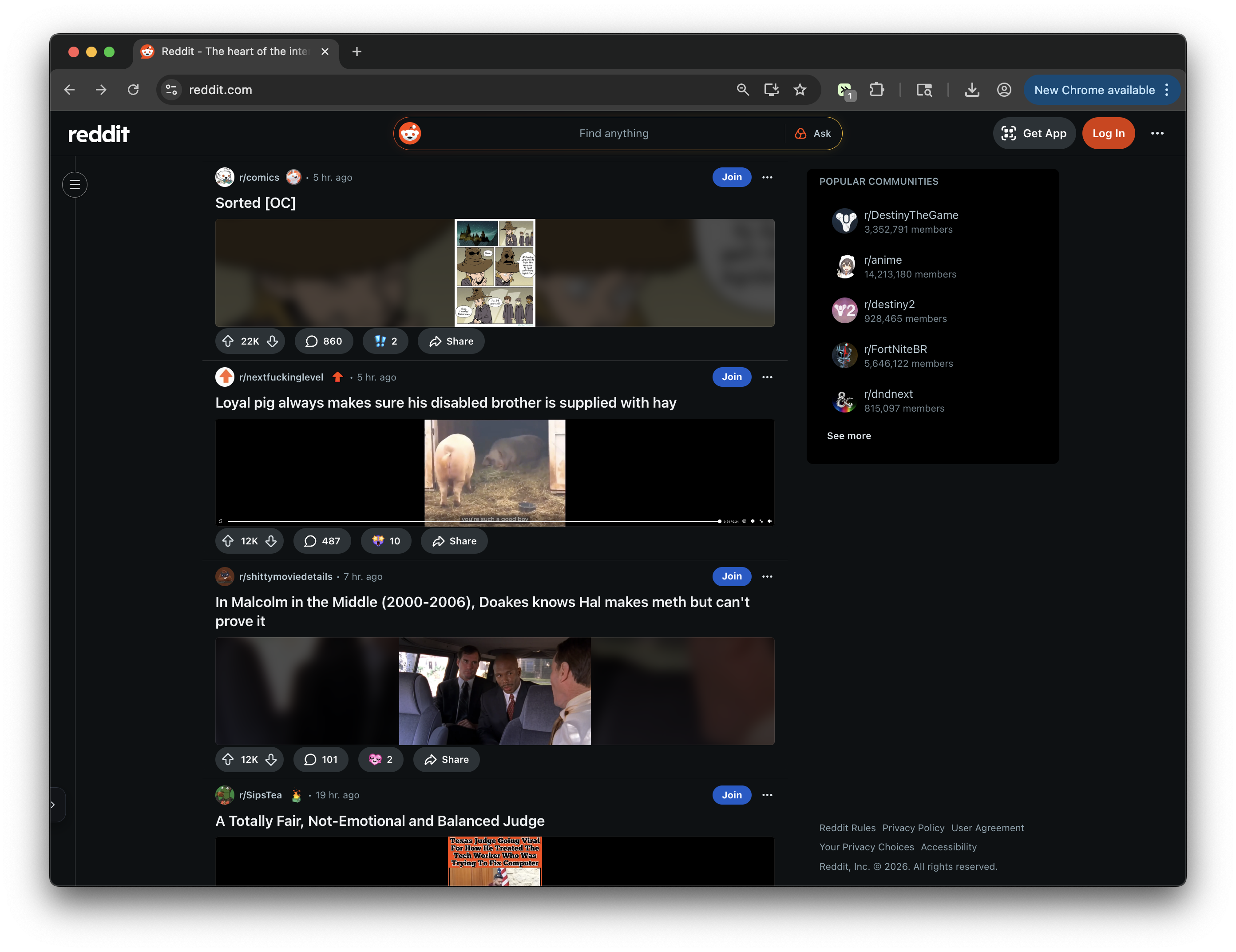
Makes the Reddit homefeed more compact by shrinking thumbnails, images, galleries, and videos to 25% of their normal rendered size.
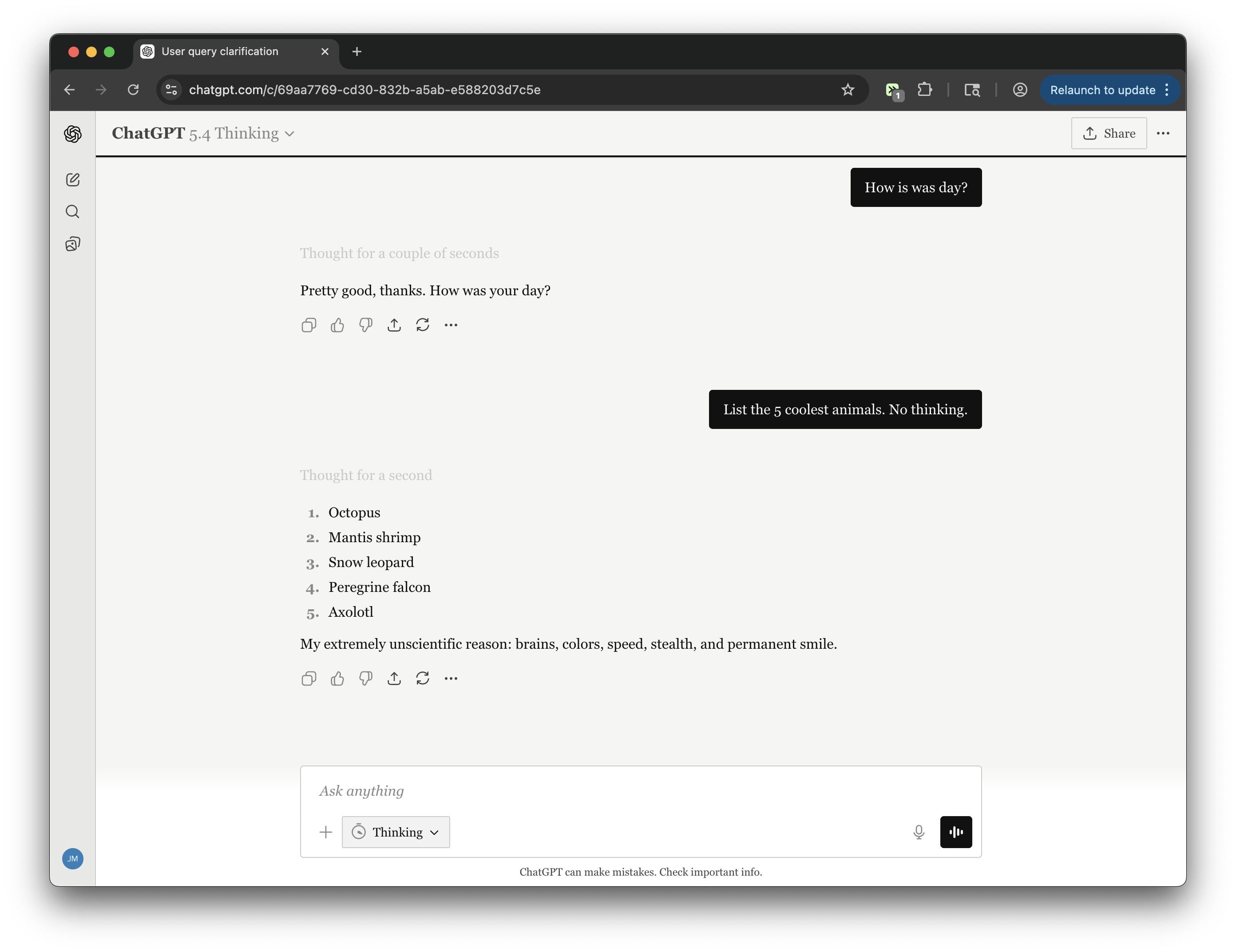
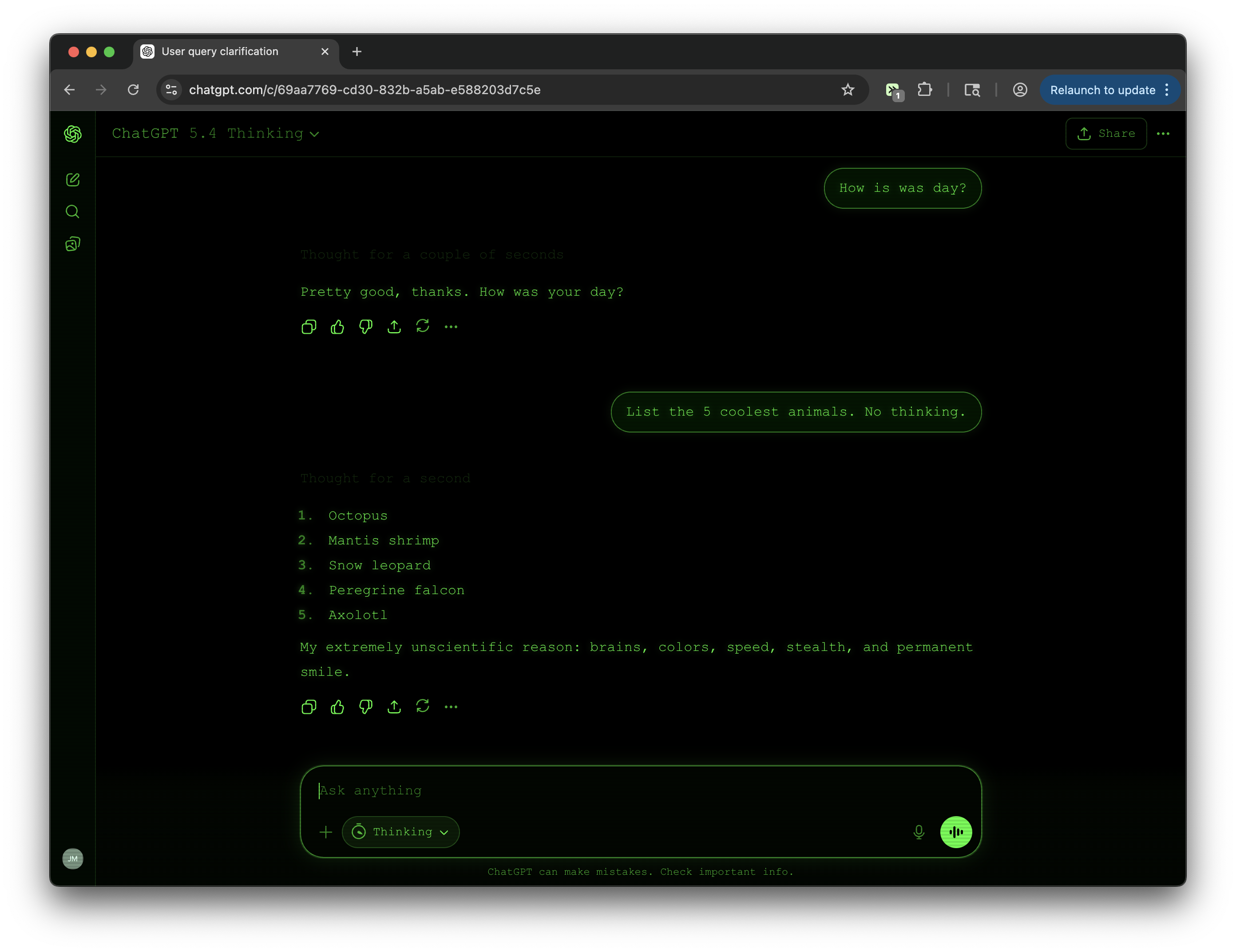
Transforms ChatGPT into a classic green phosphor CRT terminal. Full monospace font, scanline overlay, phosphor text glow, and a consistent green-on-black palette across every surface.
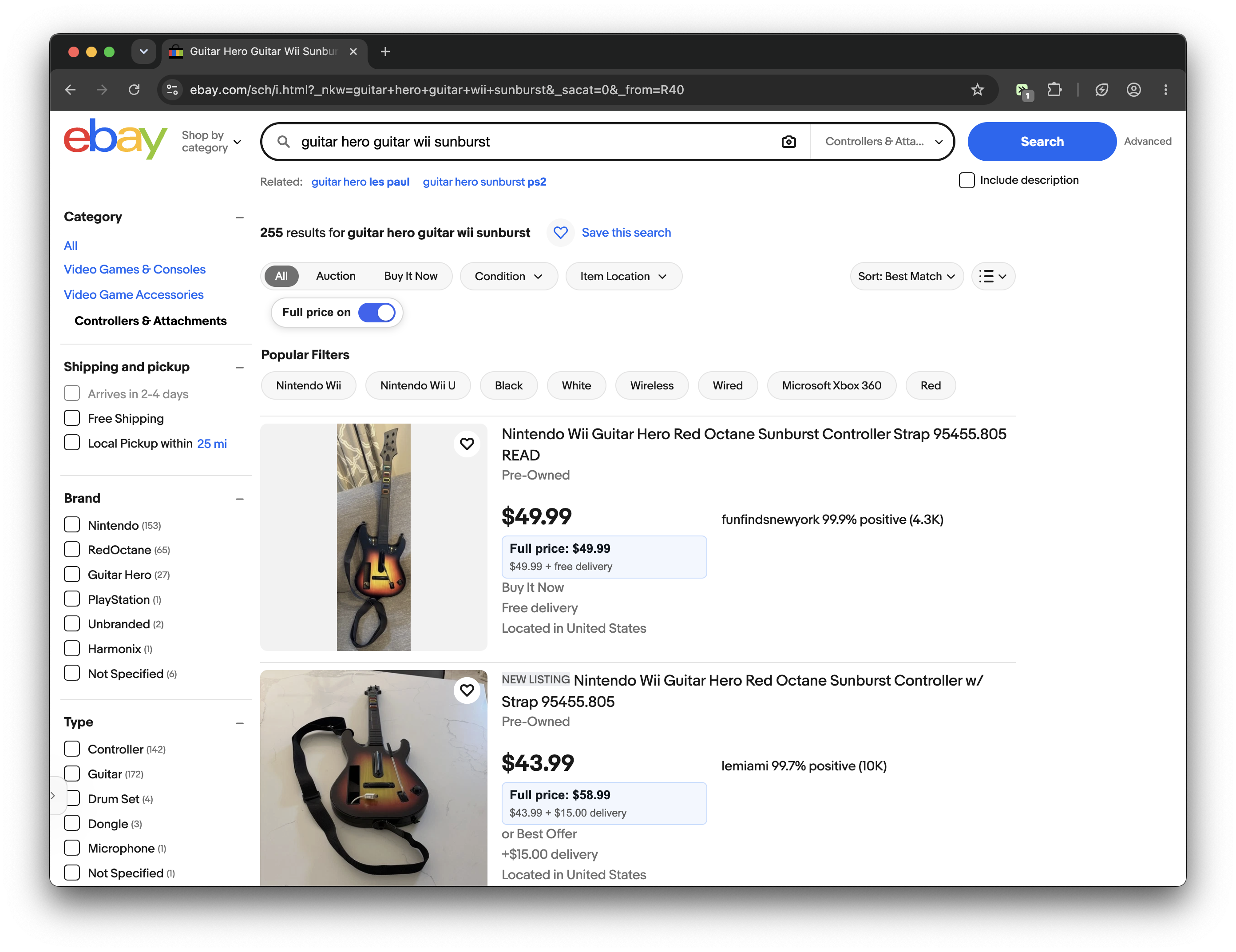
Adds a toggle on eBay search results to show item price plus delivery/shipping as a full-price line on each listing.
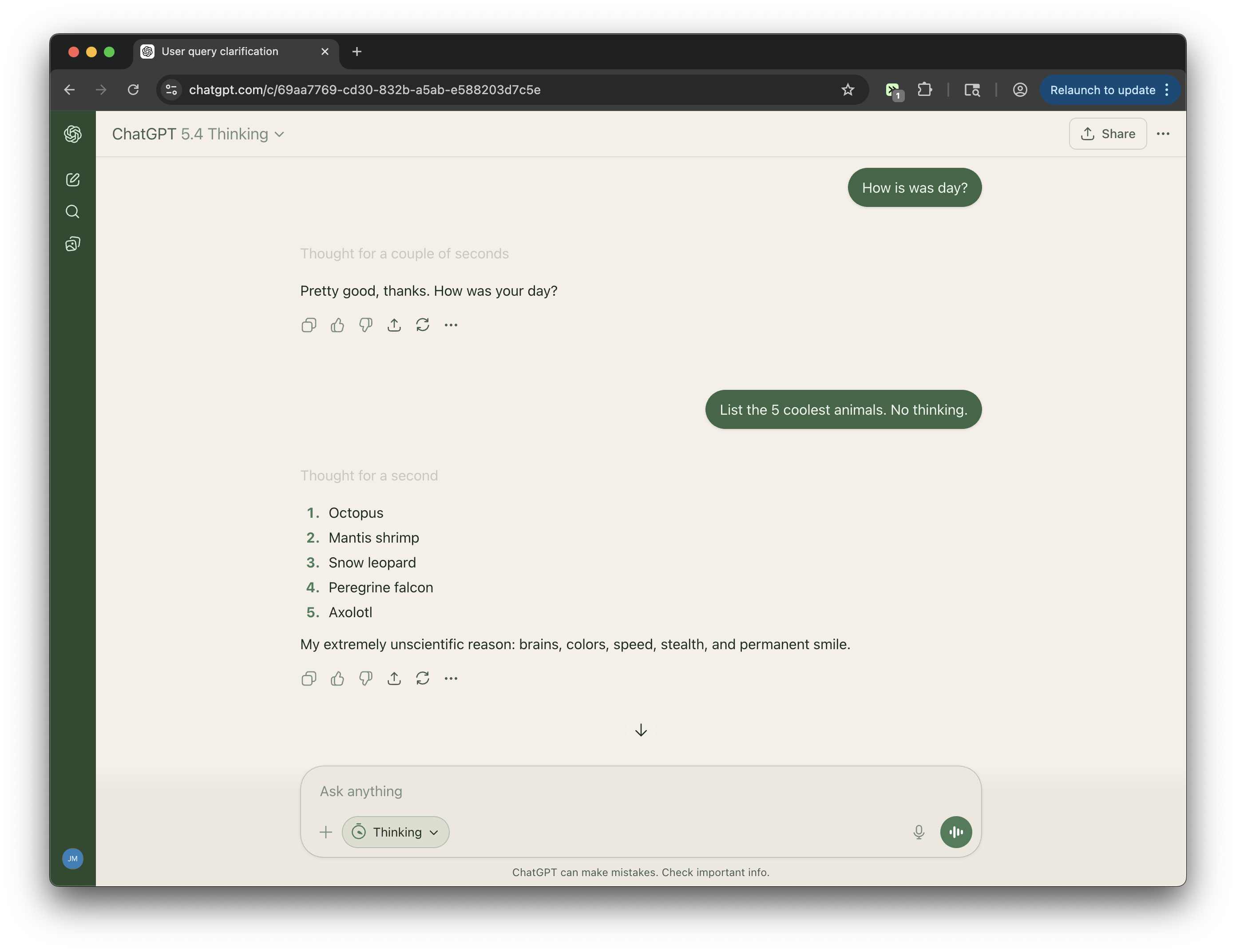
Japanese tea ceremony meets productivity. Deep matcha green sidebar against a warm cream main canvas. Two distinct zones of color create a structural rhythm that feels considered, calm, and quietly beautiful.
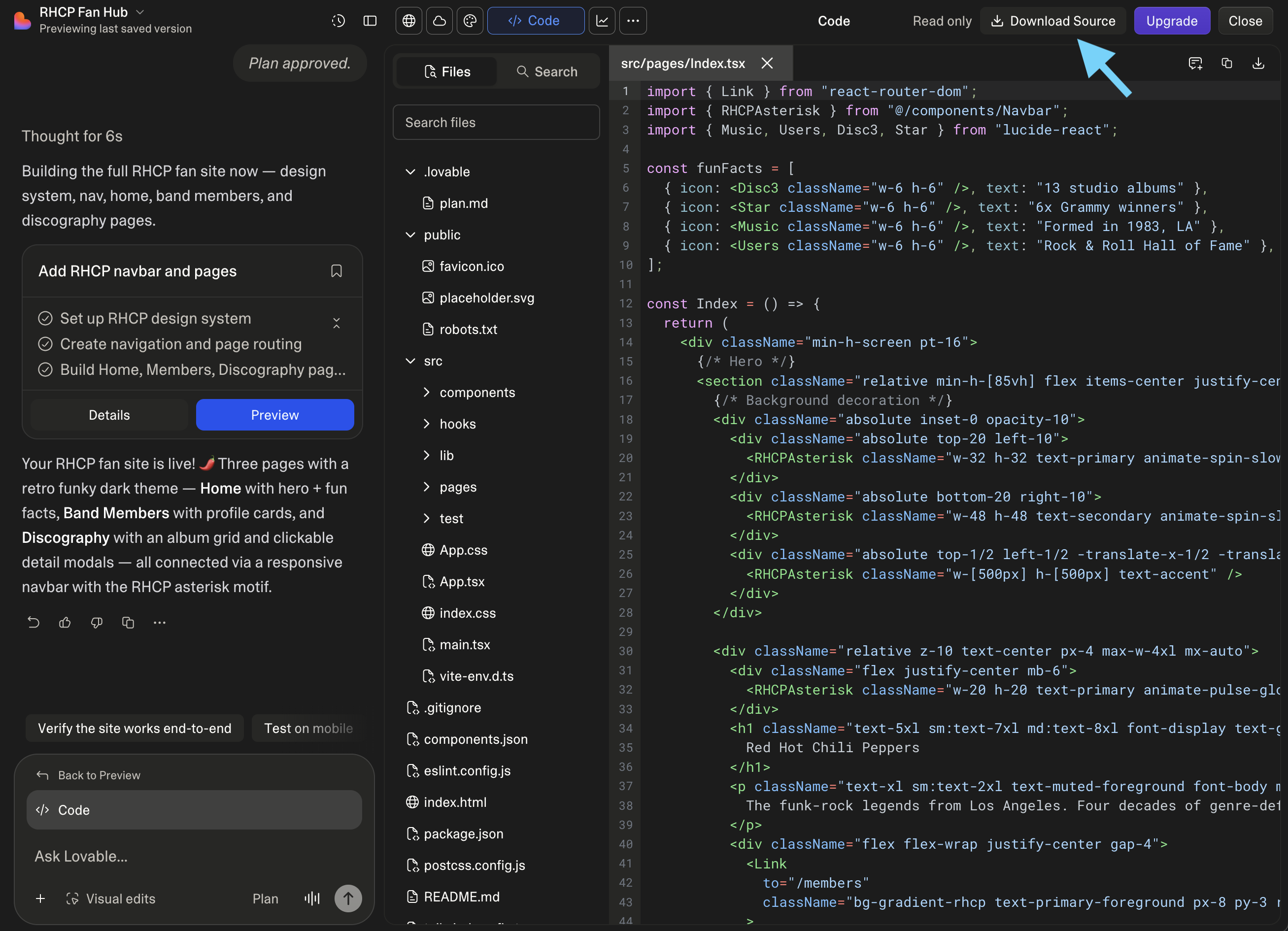
Adds a button to download the source code from Lovable projects (works on the free plan)
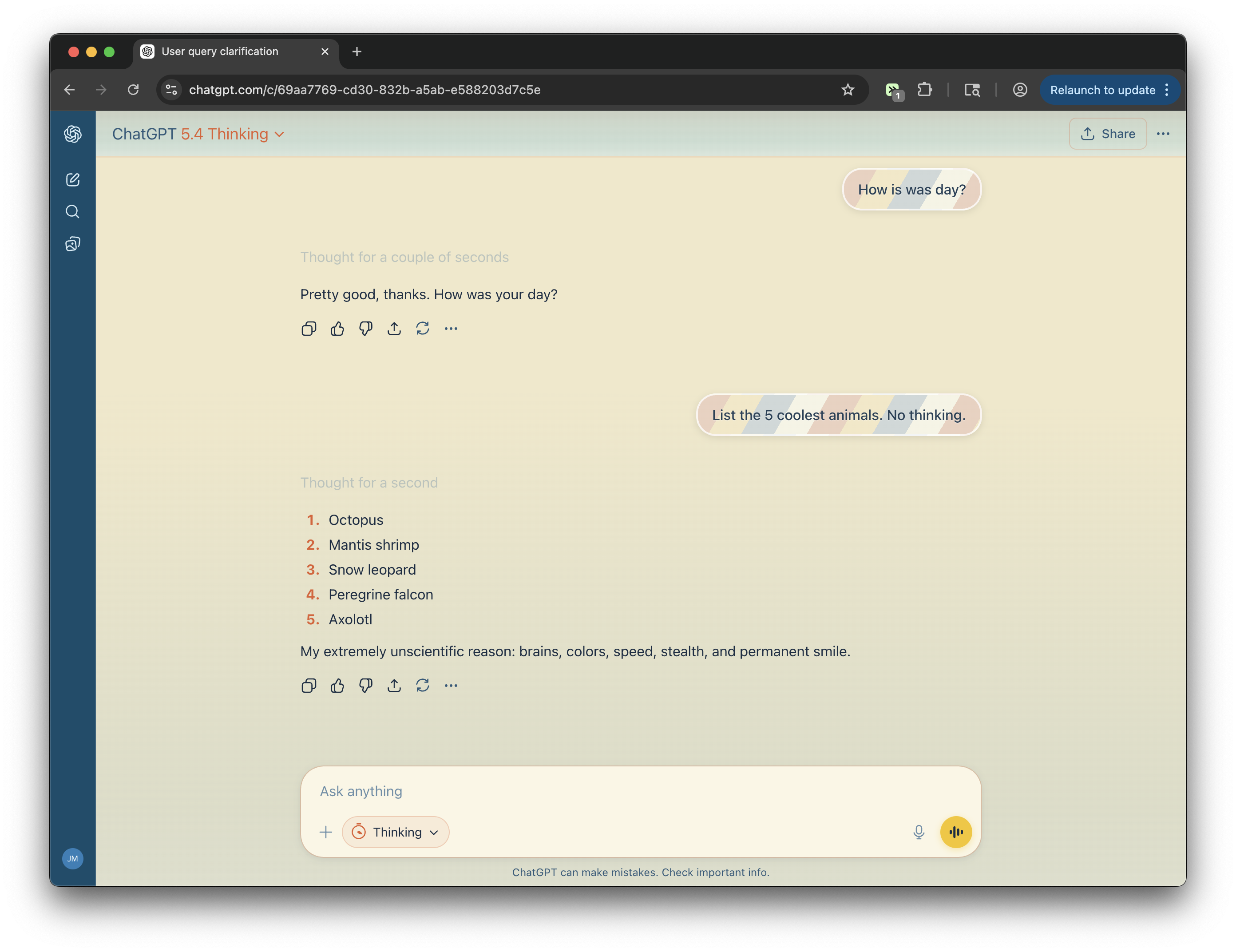
Sand, sun, and surf. Warm sandy main area, deep ocean blue sidebar, coral accents, animated waves at the bottom of the screen, and beach-ball-striped user messages.
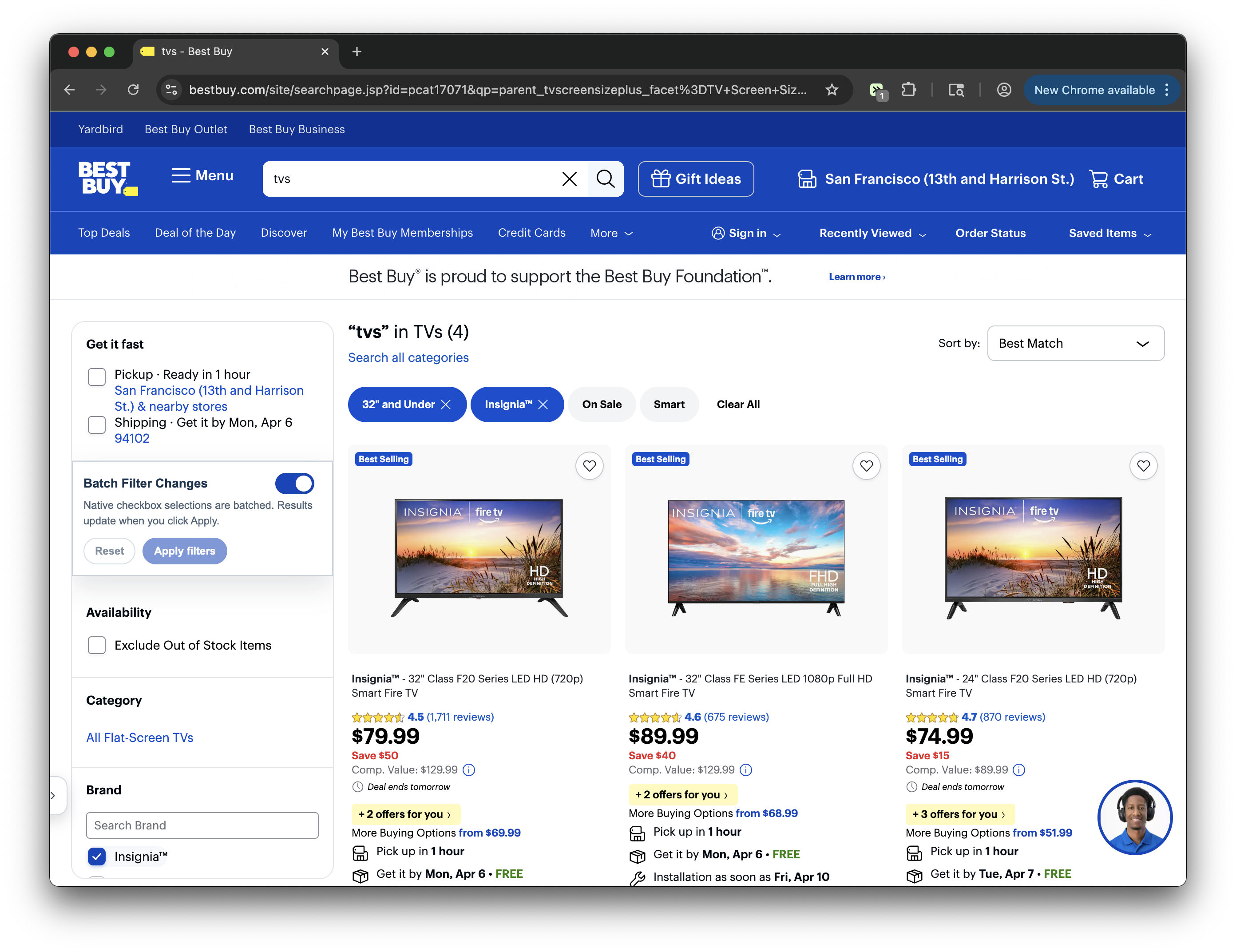
By default, Best Buy reloads the results after every filter change. This tweek allows you to batch changes and click apply so you don't have to wait for every reload.