Remove AI Overview & AI Mode Tab - Google Search
By jason · 3 months ago · 8k+ installs
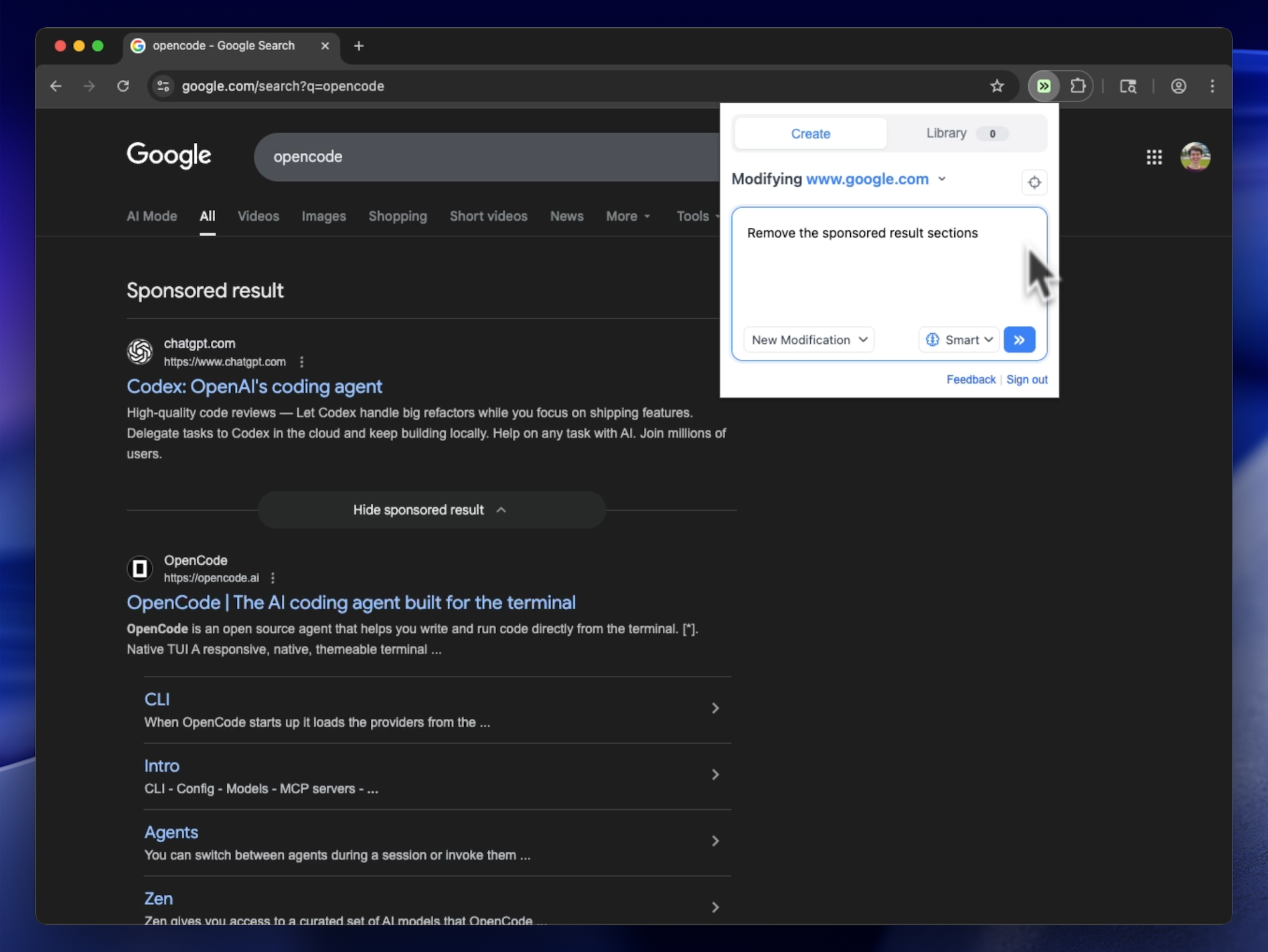
Removes only Google's AI Overview block and AI Mode search tab while leaving images, organic results, and other search modules intact.
Key Highlights
- Removes the AI Overview section from Google Search results
- Removes the AI Mode tab from Google Search
- Works on google.com/search pages
- Also removes those elements when they load dynamically later
Details
This tweek hides two specific elements on Google Search results pages: the AI Overview section and the AI Mode tab. On supported google.com/search pages, those items are removed from view so they no longer appear in the results layout.
It also keeps watching the page for content that loads after the initial search results, helping remove the same AI elements if they appear later. The visible outcome is a Google Search page without the AI Overview block and without the AI Mode tab.
Runs on
1 site
google.com
Developer
Tweek Code
319 lines ·