X.com - Default Following Tab
By jason · 8 months ago · 50+ installs
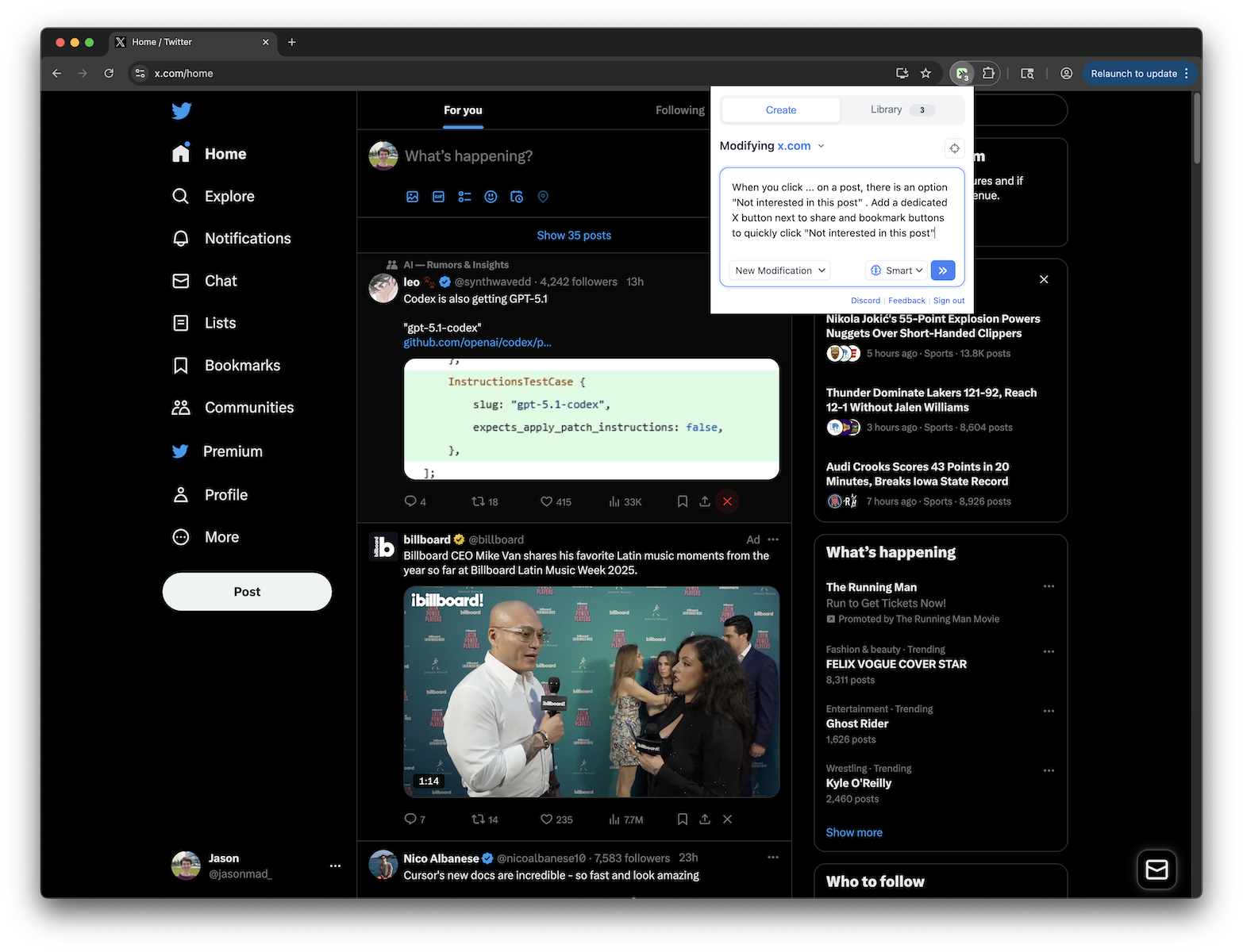
Set Following as default tab. Optionally hide For You tab with configurable settings
Key Highlights
- Sets Following as the default Home tab on X.com
- Optionally hides the For You tab from the Home tab bar
- Can switch to the default tab every time you return to Home
- Works on both x.com and twitter.com
Details
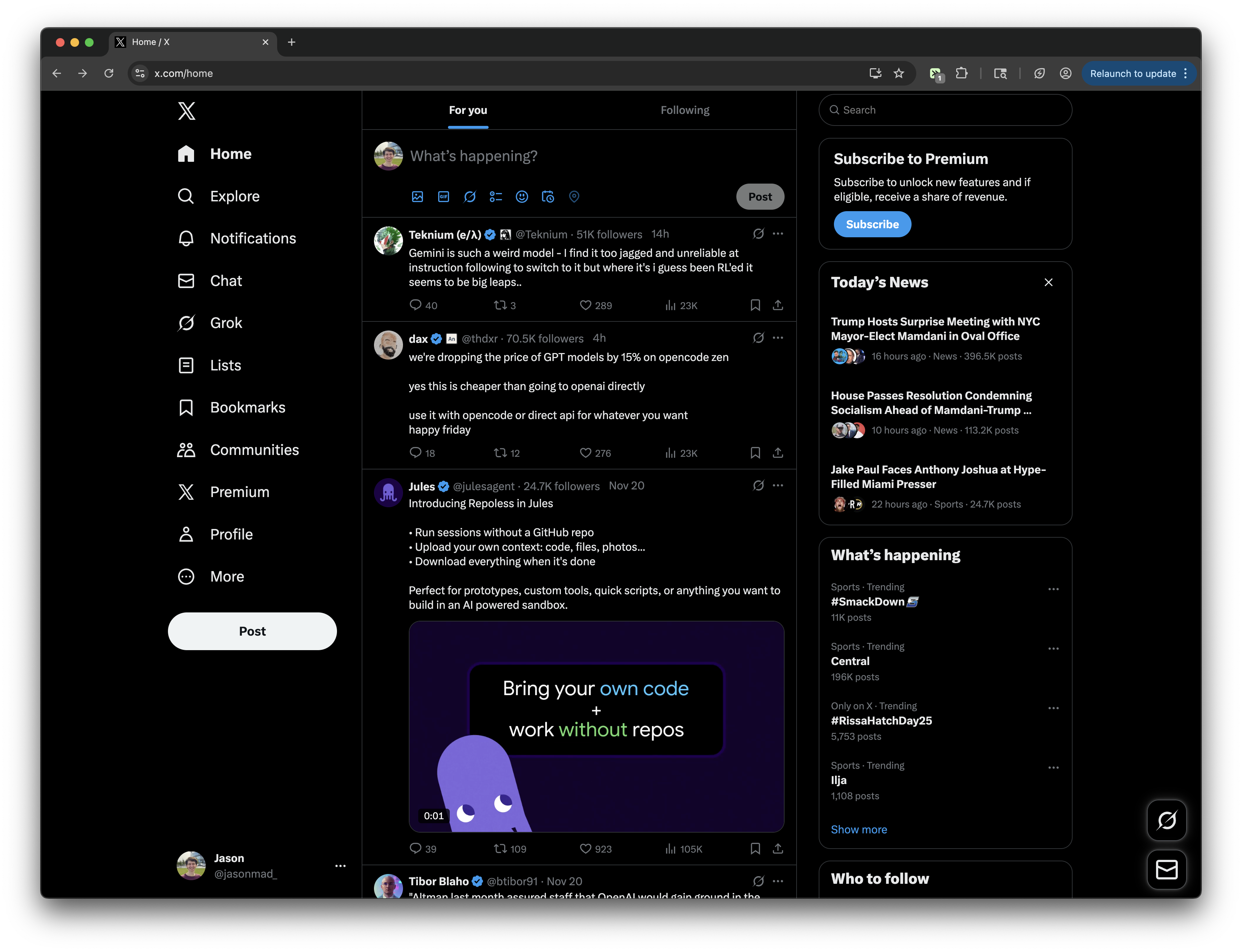
This tweek changes the Home timeline on X.com so the Following tab becomes the default view instead of For You. When you open Home or return to it, the tweek can automatically switch to Following so you land on the feed you want first.
It also includes optional controls to hide the For You tab and to decide whether the default tab switch should happen only on the initial load or every time you navigate back to Home. It works on both x.com and twitter.com URLs.
Runs on
2 sites
x.comtwitter.com
Developer
Tweek Code
508 lines ·