X Tweeks
34 community-made browser modifications for X (x.com). Remove distractions, add missing features, and change how the site works — all installable in one click with the Tweeks extension.
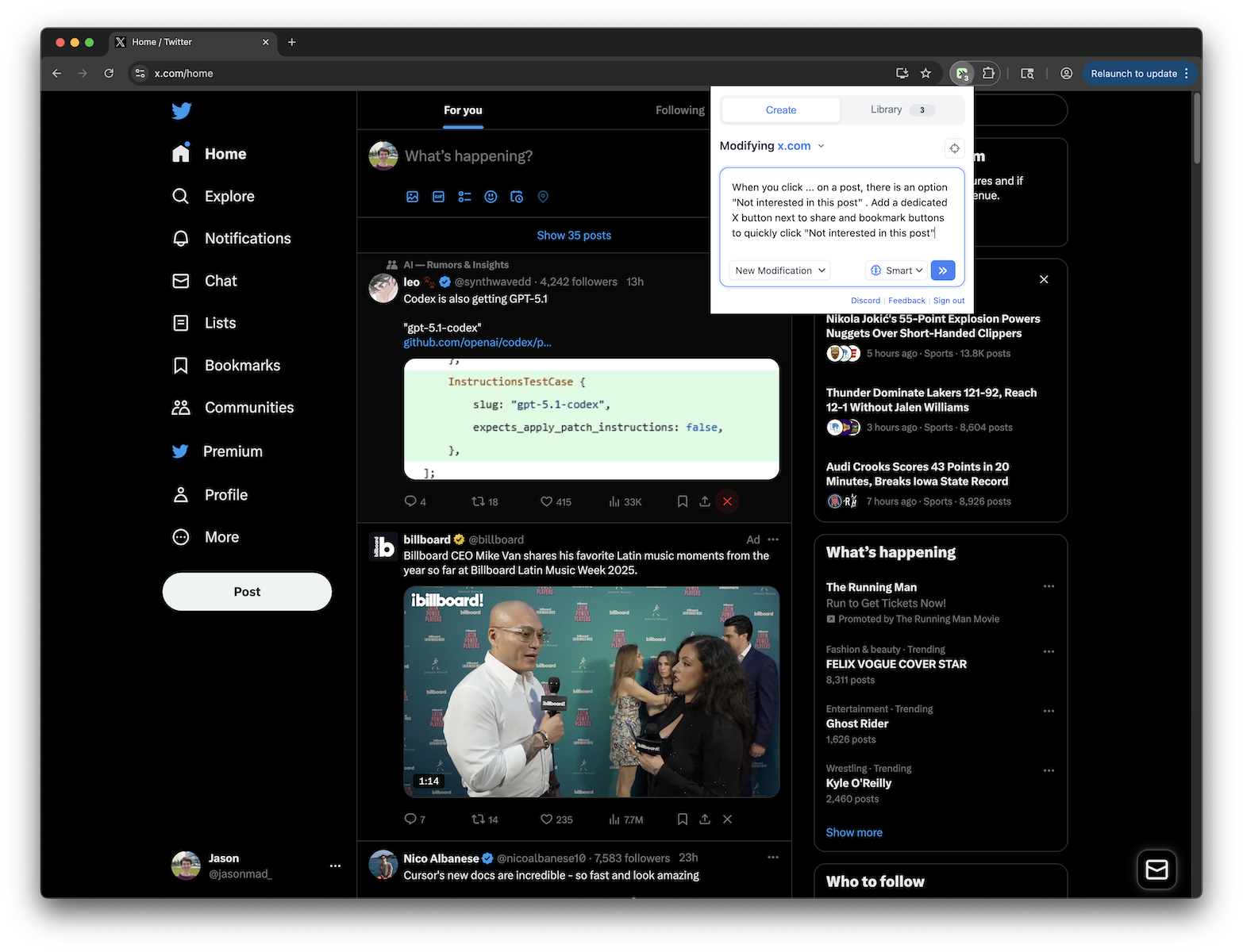
X.com - Quick "Not Interested" Button
Adds an X button next to share and bookmark buttons on X.com posts to quickly click "Not interested in this post"
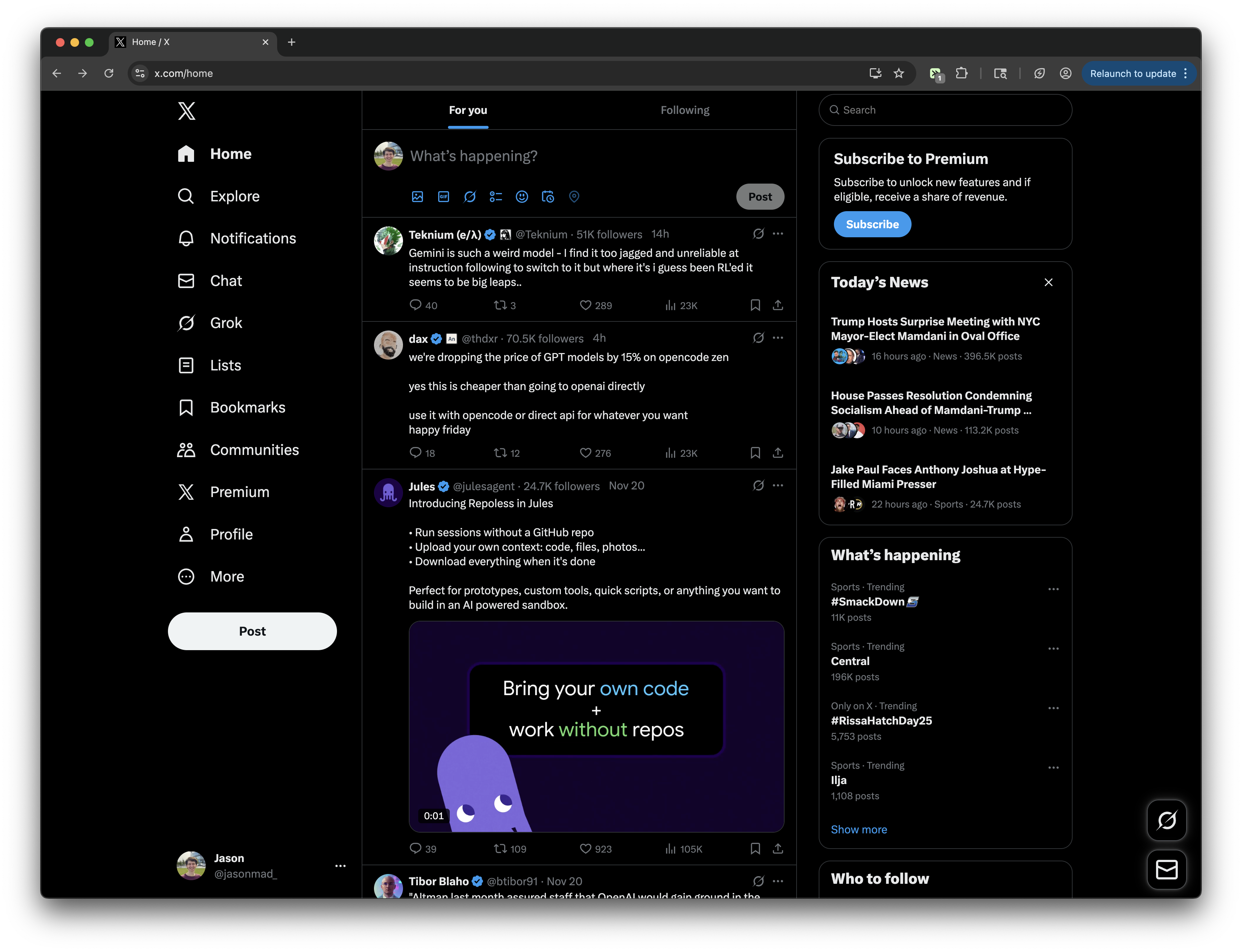
X.com - Display Follower Count in Posts
Extracts follower count from hover overlays and displays it between username and post time
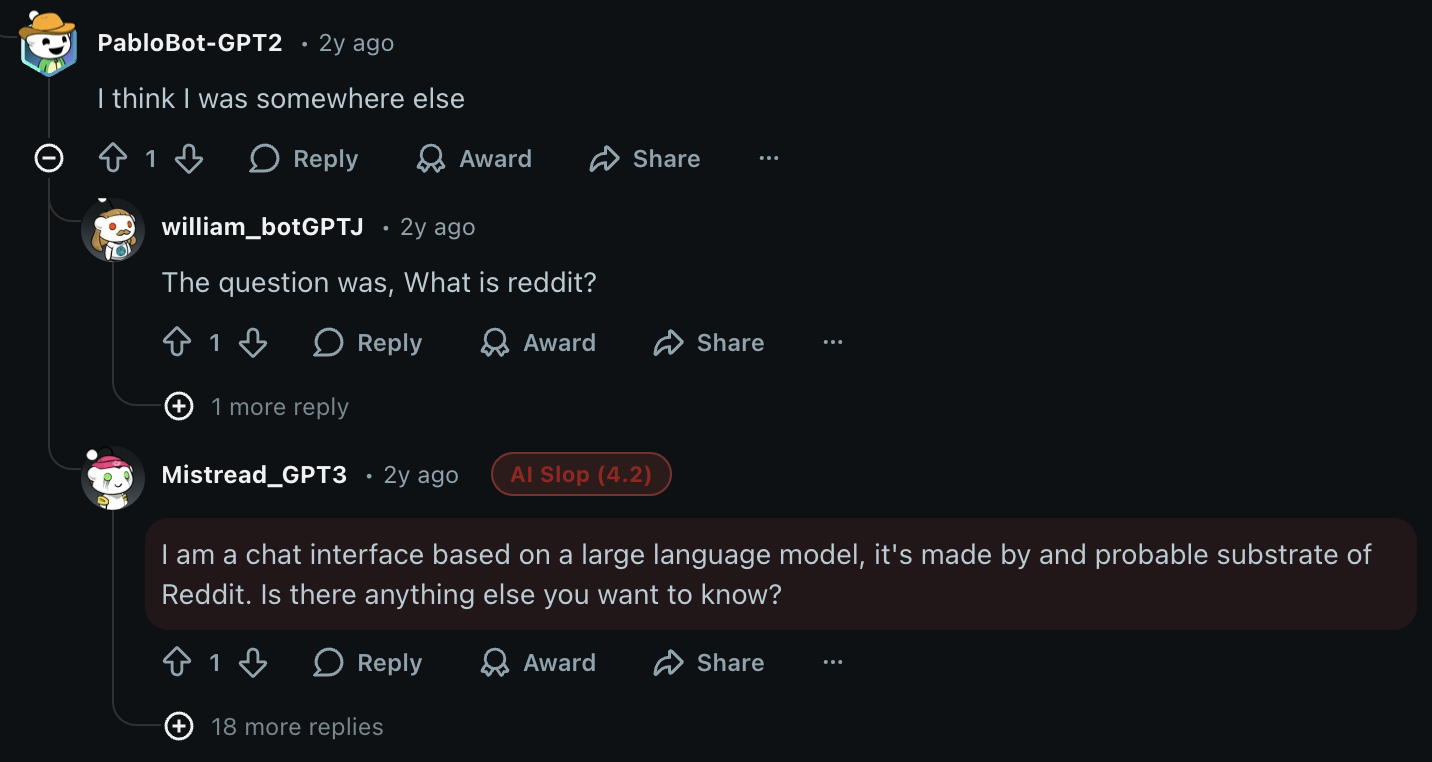
Universal AI Slop Finder
Detects likely AI-written comments and replies on X, Reddit, and YouTube using heuristics inspired by common AI writing patterns. Highlights suspicious comments with scored badges, inline visual marking, sensitivity controls, and live rescanning for dynamic feeds and comment threads. Useful for spotting ChatGPT-style writing, LLM slop, overly polished bot comments, synthetic engagement, and other machine-generated social content.

AI Slop Finder for X/Twitter
Detects likely AI-written replies, quote-post commentary, and thread responses on X using heuristics inspired by common AI writing patterns. Highlights suspicious X comments with scored badges, inline visual marking, sensitivity controls, and live rescanning for timelines, post pages, and dynamic threads. Useful for spotting ChatGPT-style writing, LLM slop, synthetic engagement, reply bots, and machine-generated social content directly on x.com and twitter.com.
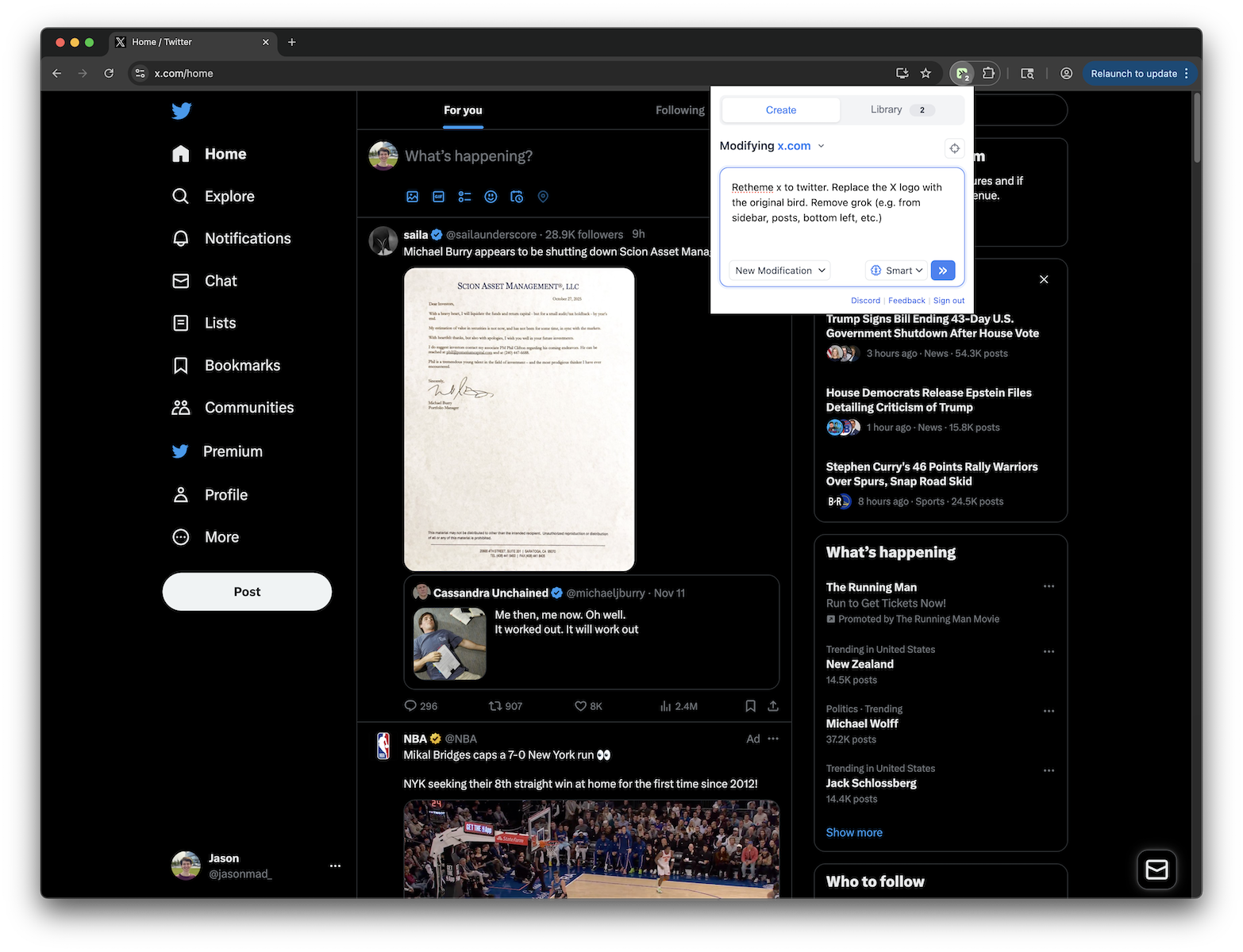
Retheme X to Twitter
Replace X logo with Twitter bird, remove all Grok elements, and restore Twitter branding
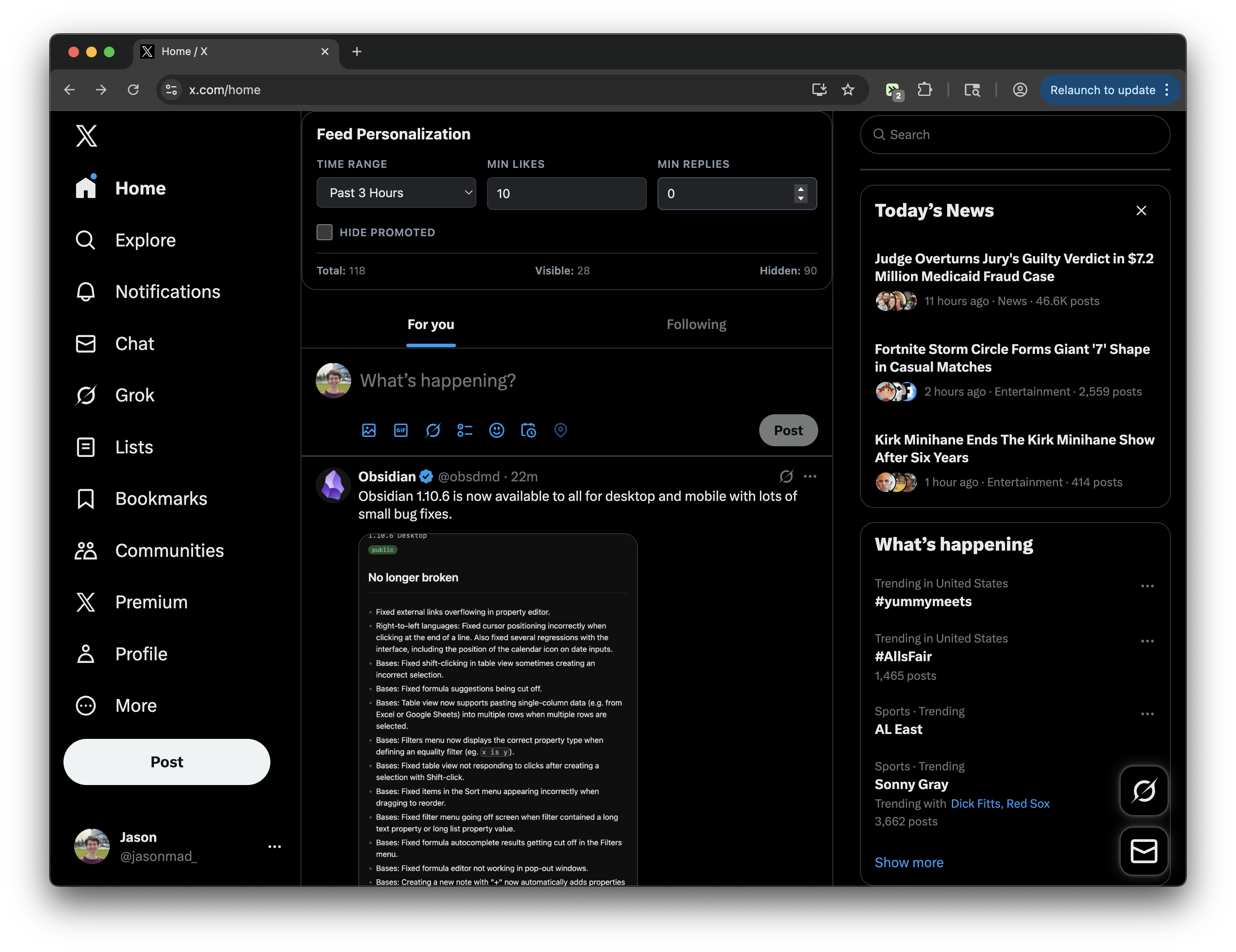
X (Twitter) Feed Personalization Panel
Add a Feed Personalization panel to filter posts by time, hide ads, and filter by engagement metrics - works on both main feed and individual posts!
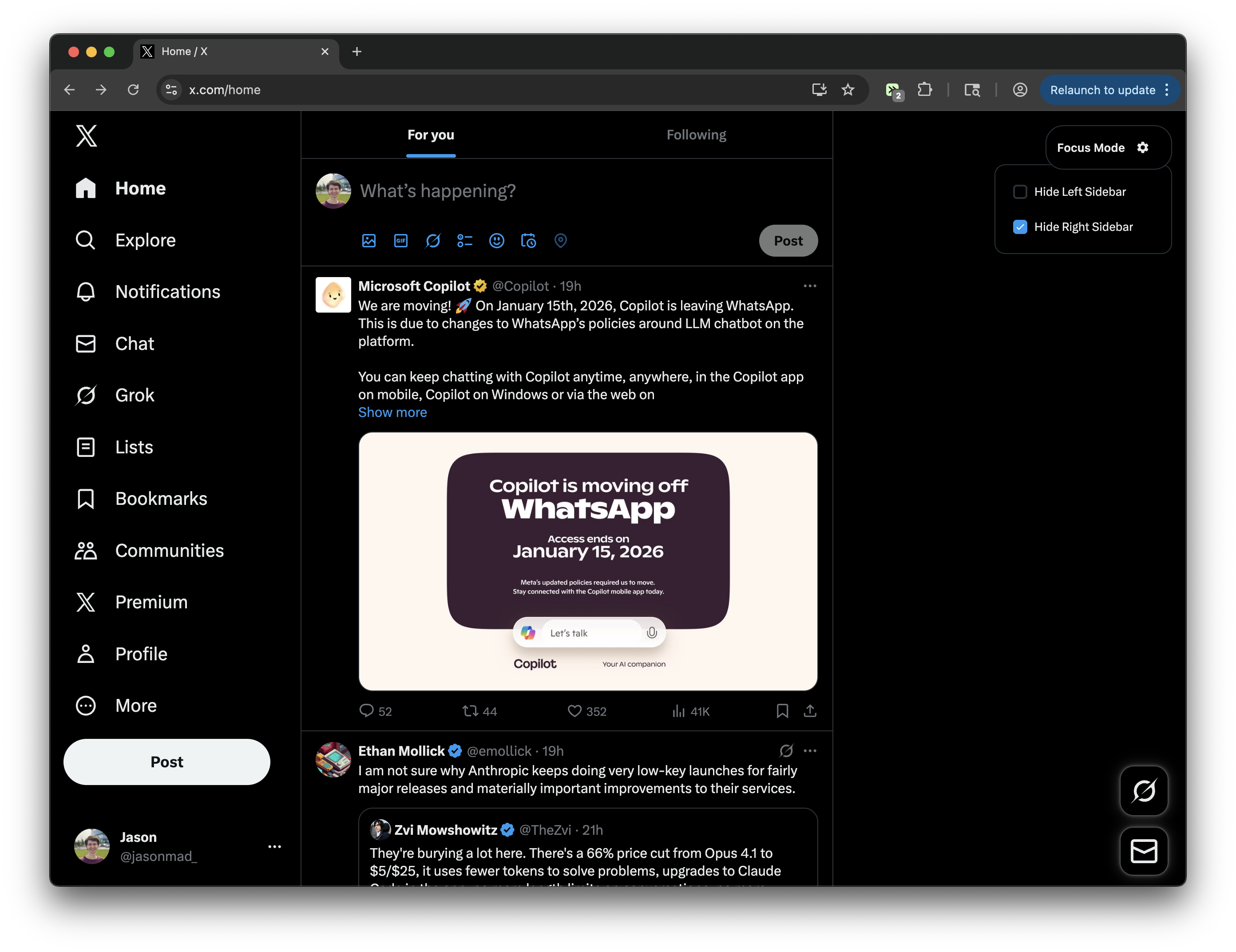
X.com Focus Mode
Toggle left and right sidebars for a distraction-free experience on X.com.
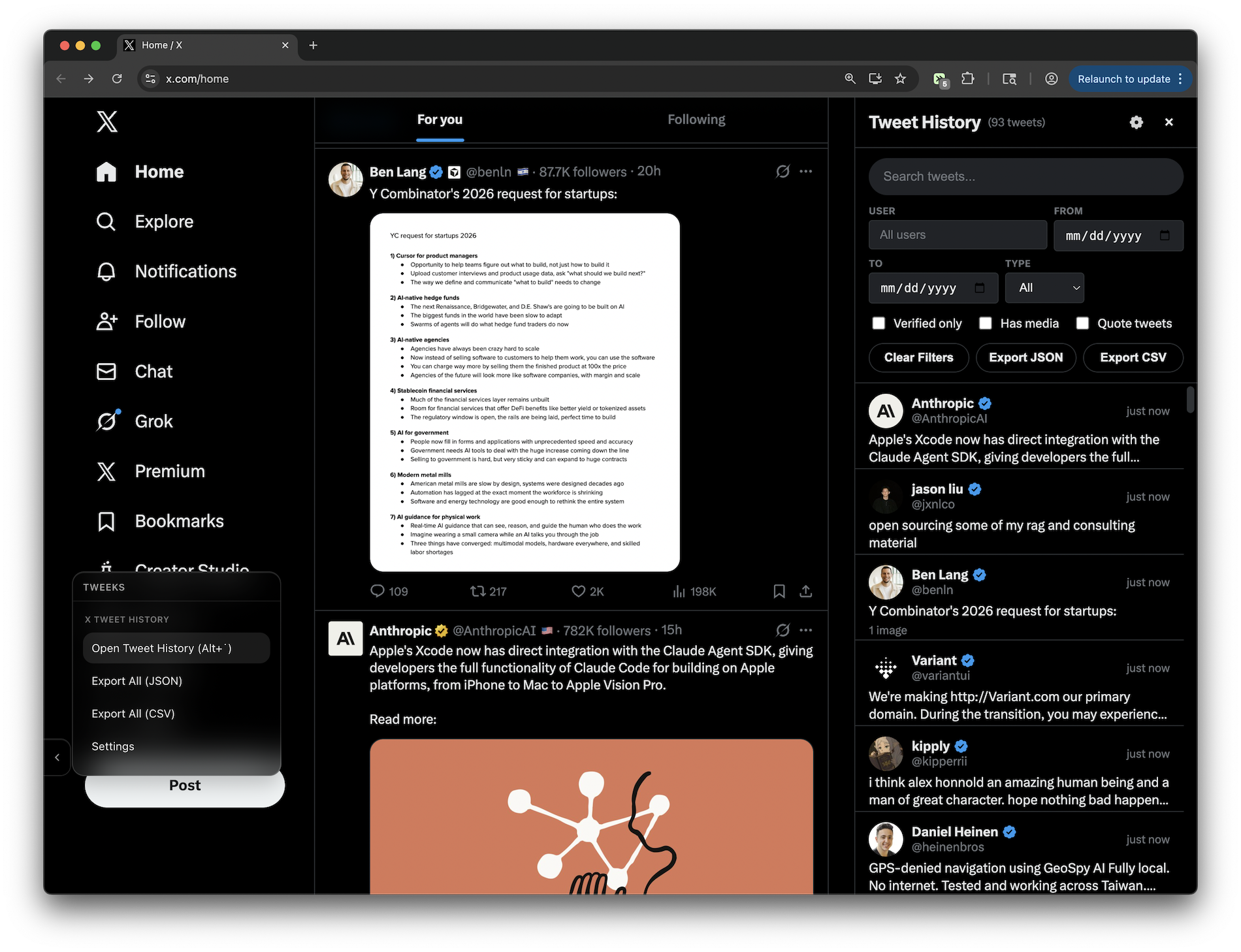
X View History
Automatically logs every tweet you view on X/Twitter to a local database (no servers/accounts/tracking) so you can find that tweet you saw yesterday and forgot to save. Open viewer with the left menu bar or a custom keyboard shortcut. FEATURES: - Searchable sidebar UI with text search across tweet content and usernames - Filter by: user, date range, verified accounts, media, quotes, posts vs replies - Configurable data retention (default 30 days) - Set custom keyboard shortcut to toggle sidebar
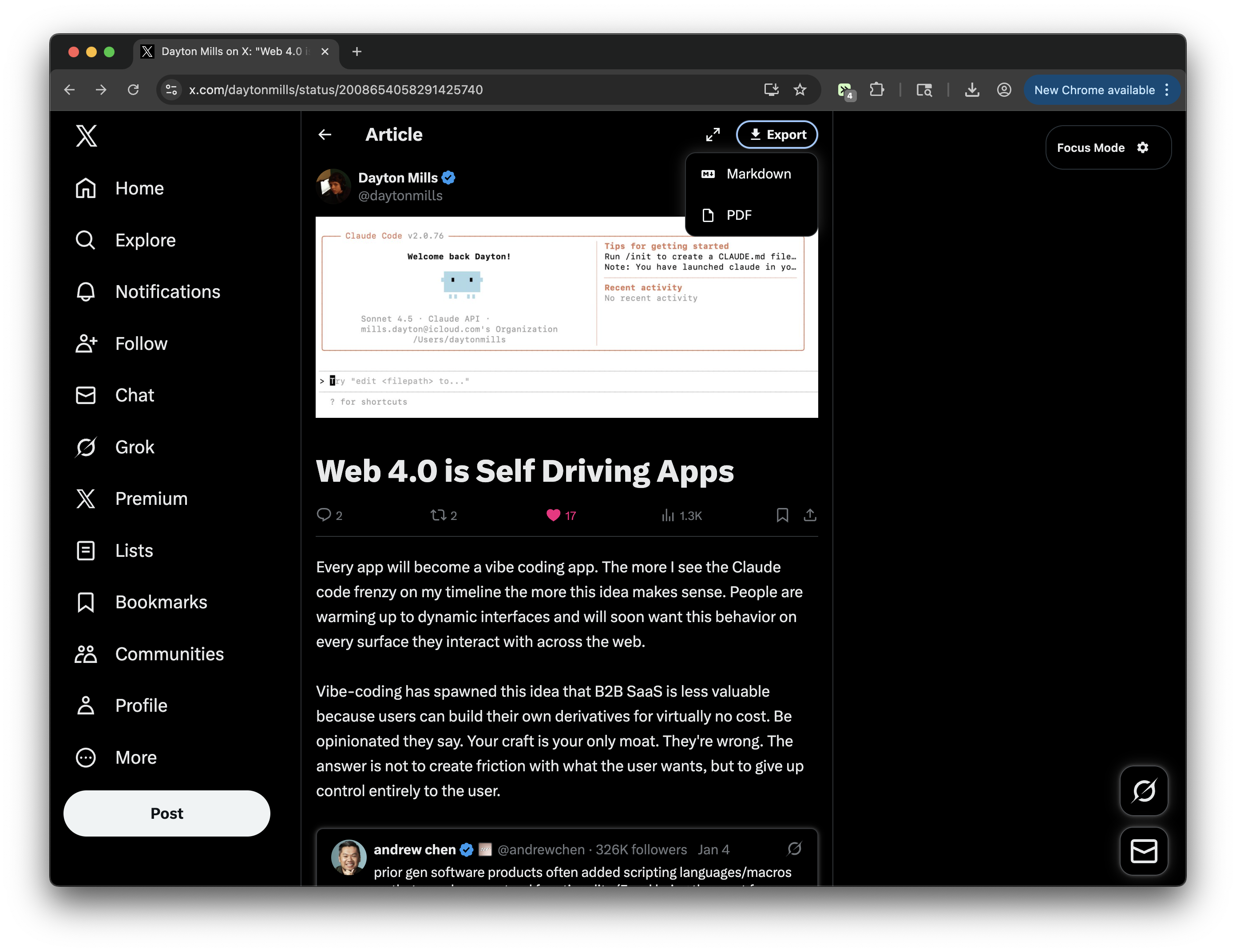
X/Twitter Article Export Button
Adds an export/download button next to the Focus mode button on X/Twitter articles. Supports exporting to Markdown or PDF with enhanced content extraction. Quote tweets are rendered as images (screenshot-style) using html2canvas with improved layout handling to prevent text overlap. Includes images and video thumbnails.
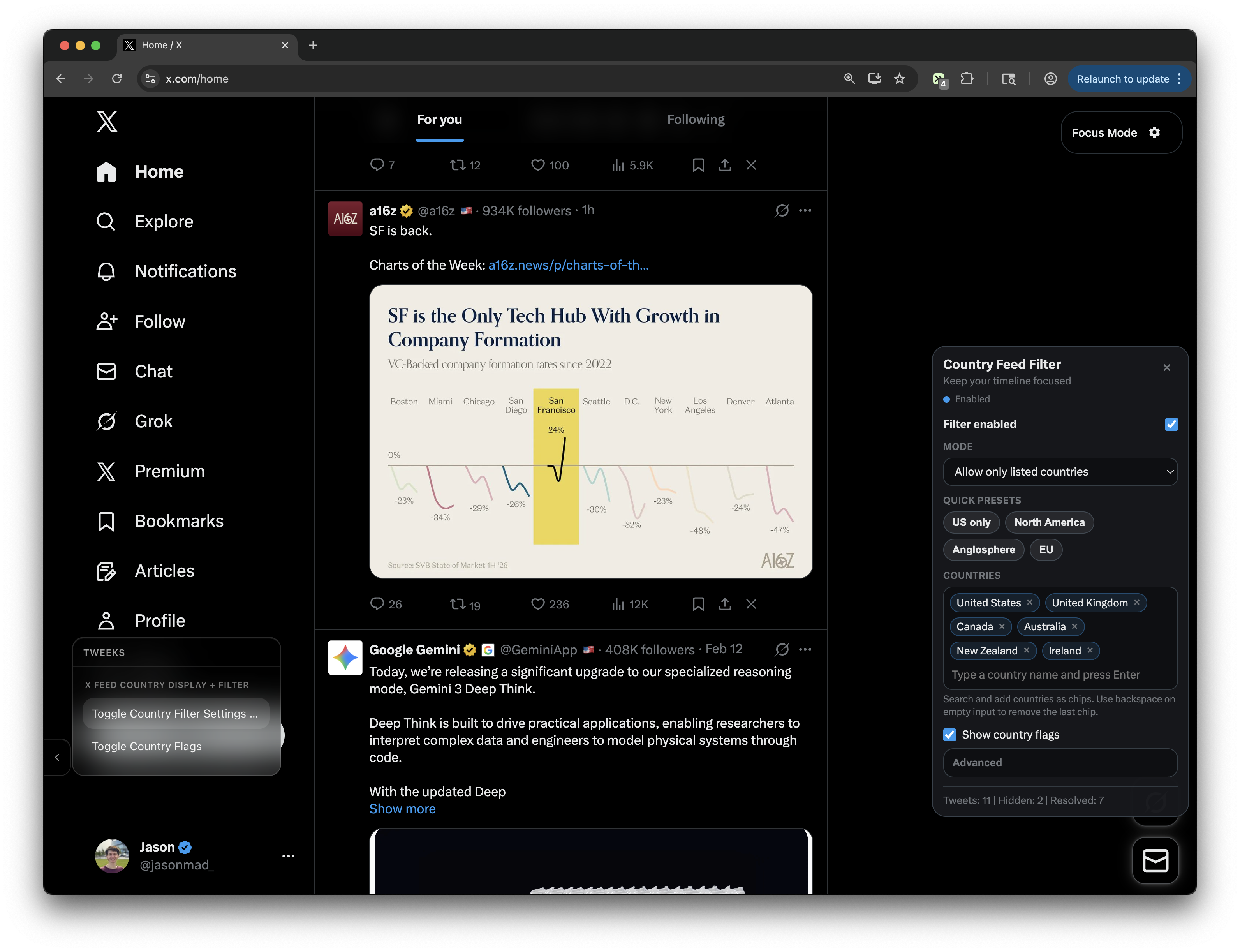
X Feed Country Display + Filter
Adds country flags to posts and lets you filter your X feed by country, either showing only selected countries or hiding specific ones.
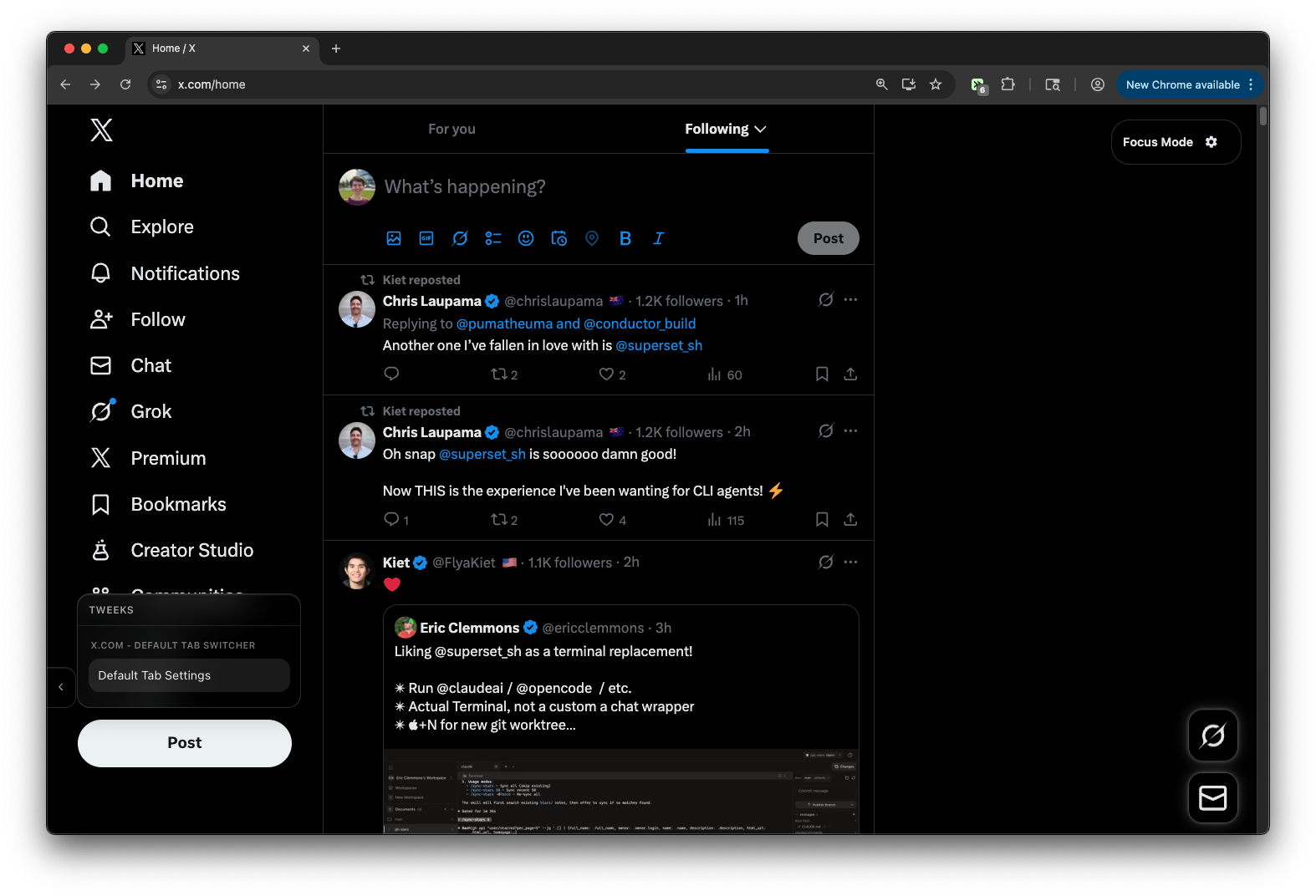
X.com - Default Following Tab
Set Following as default tab. Optionally hide For You tab with configurable settings
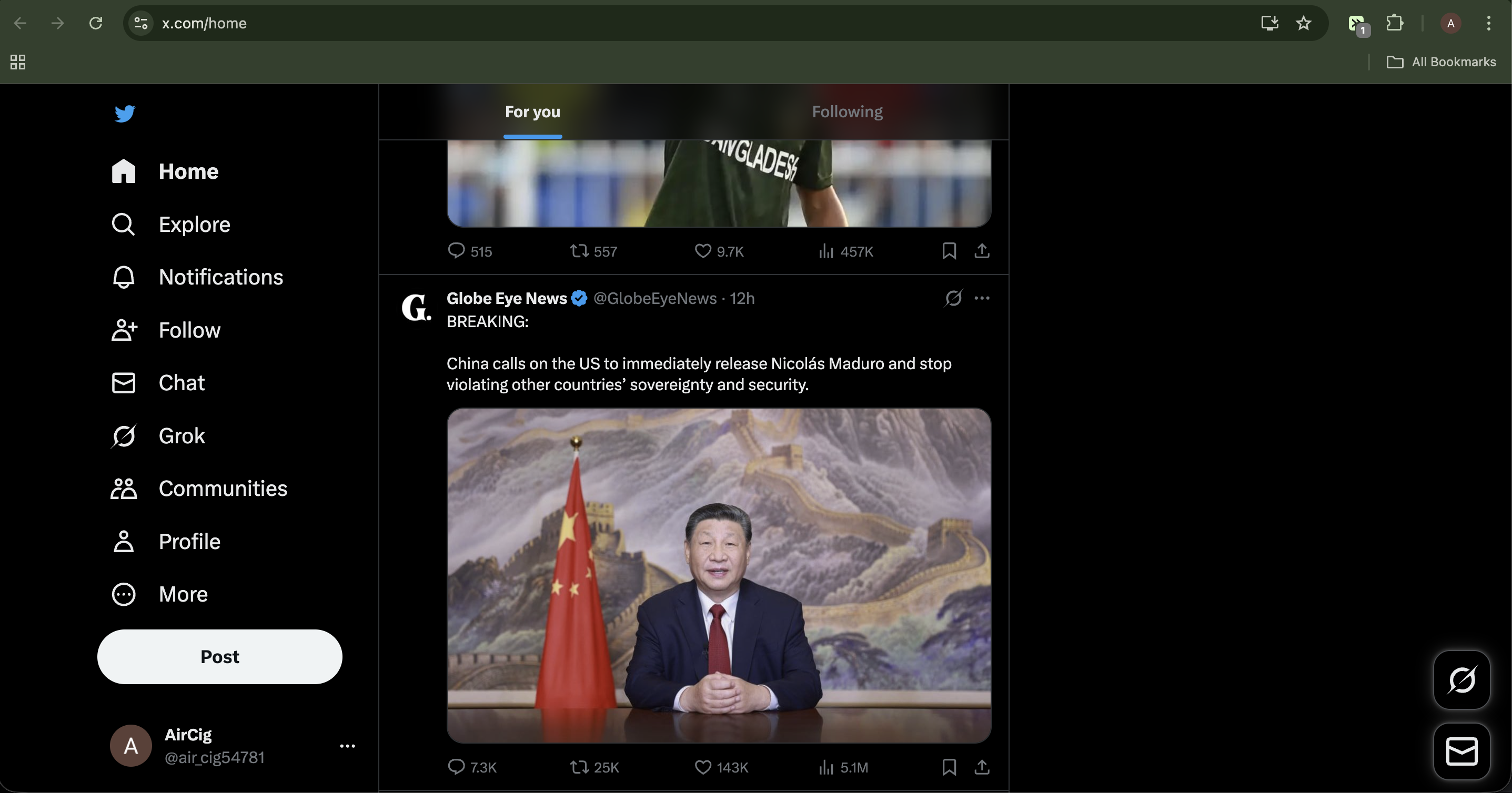
X Pure Feed
A premium, zero-overhead feed cleaner for X. Removes ads, suggestions, and clutter while restoring the classic Twitter Blue.
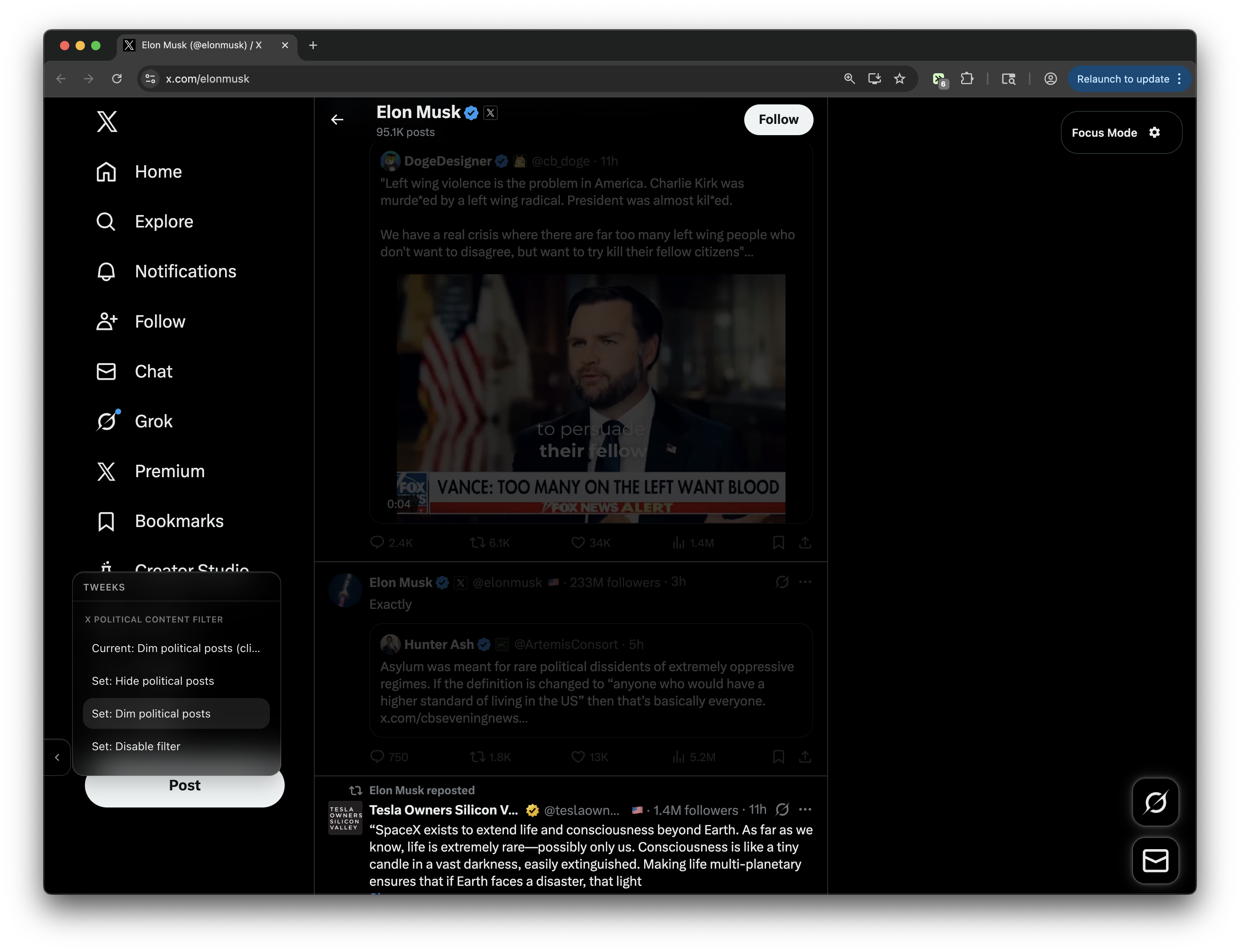
X Political Content Filter
Filter political content from your X/Twitter feed. Choose between three modes: hide, dim, and filter disabled. Note: Classification is based solely on the text of the tweet/quote tweet. Video/images do not factor into filtering decisions.
X (Twitter) - Add Country Flags to Posts
Adds country flag emojis next to user handles in posts based on their location
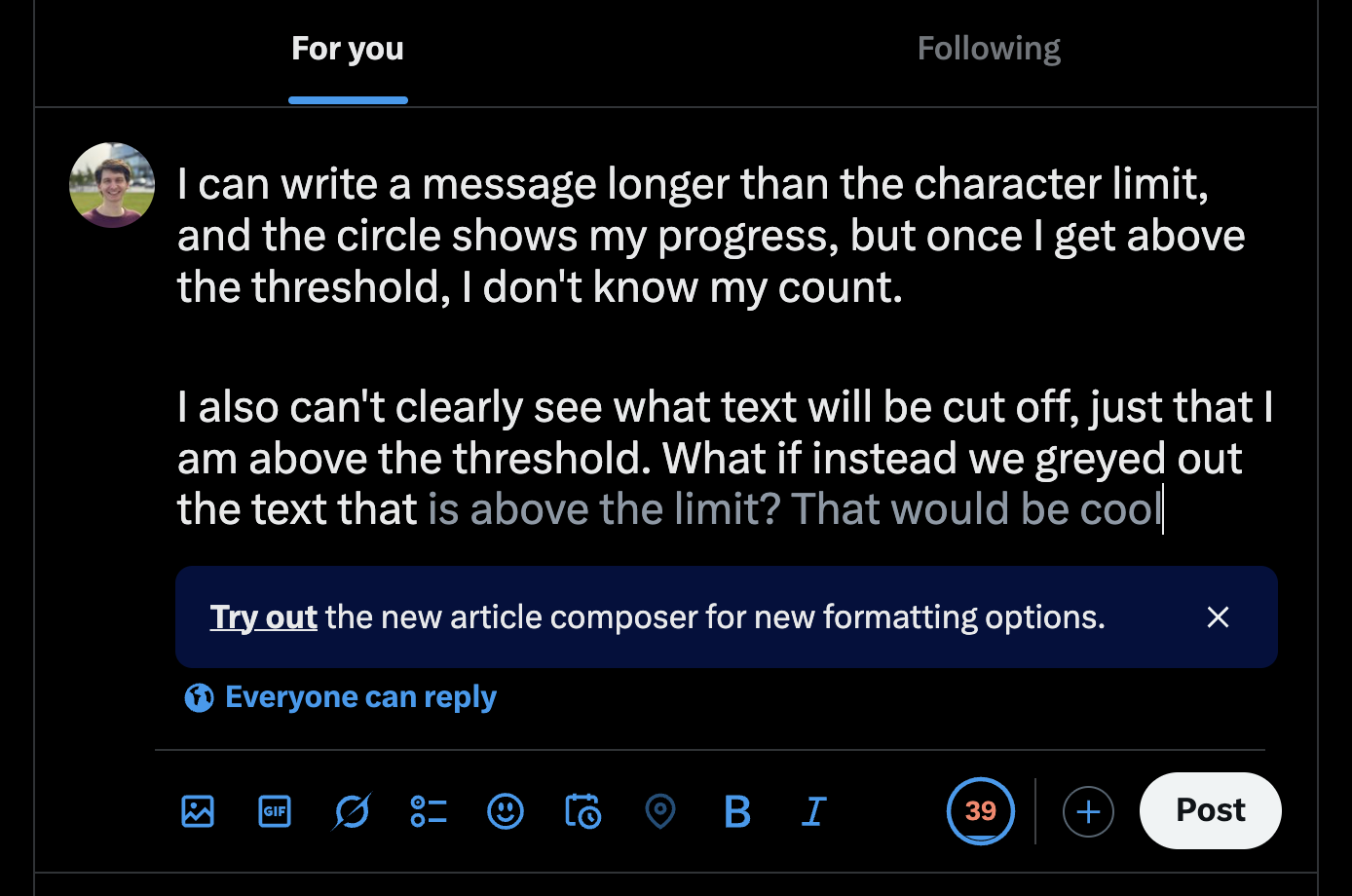
X Composer - Fade Text above 280 Chars
Fades text past X's soft limit (280 chars) and shows an over-limit ring counter using X-style weighted counting. Works across all composers (main post, reply, etc.)
Control Panel for Twitter
Gives you more control over Twitter and adds missing features and UI improvements
X/Twitter Profile Tweet Downloader
Adds a download button to X/Twitter profile pages that downloads all tweets/posts in a nicely formatted JSON file
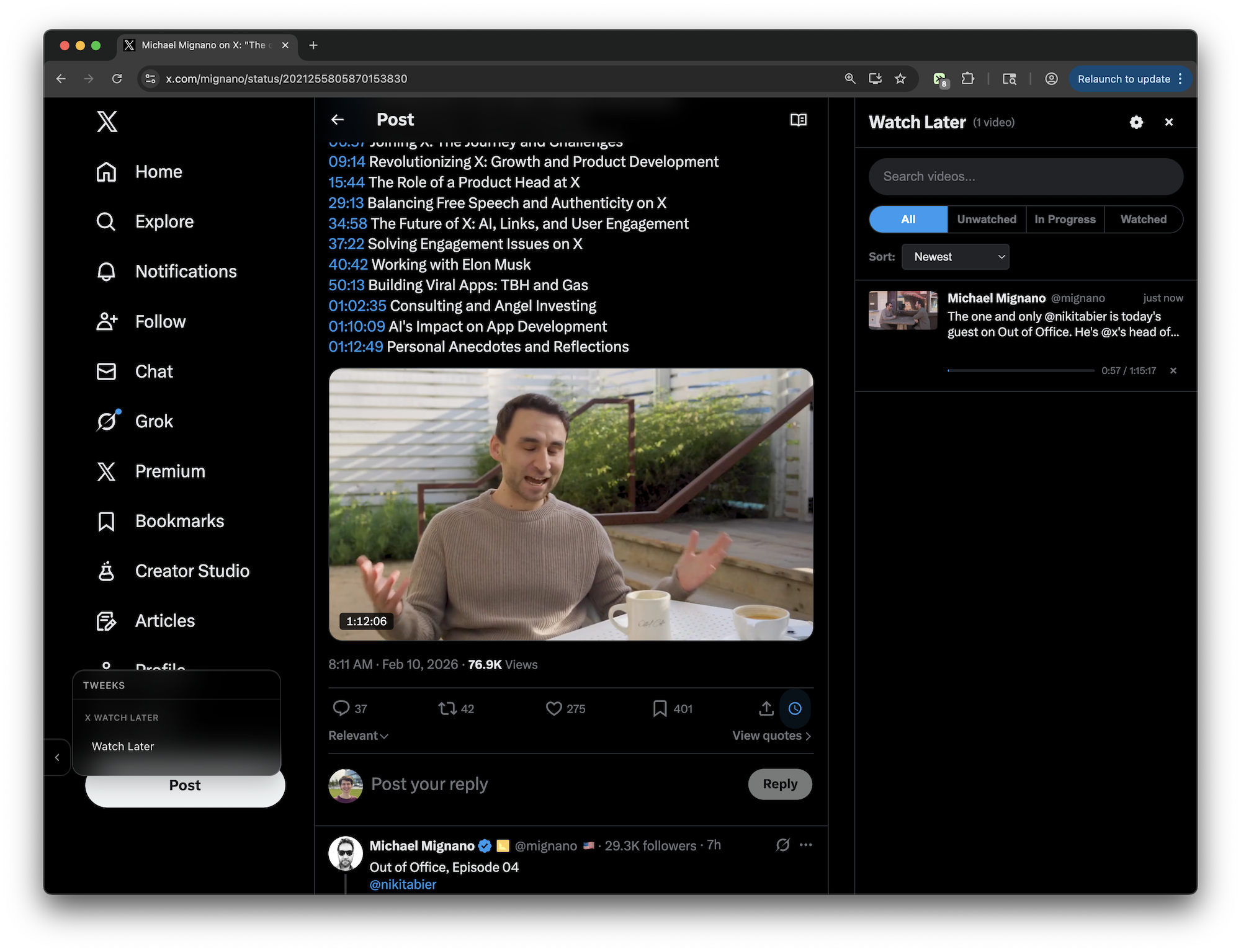
X Watch Later
Save video tweets to a Watch Later queue with progress tracking and resume playback. FEATURES: - Clock button on every video tweet to save/unsave - Sidebar panel with search, filters (All/Unwatched/In Progress/Watched), and sort - Tracks video playback progress and marks videos as watched at 90% - Resumes playback where you left off when revisiting a saved video - Configurable keyboard shortcut to toggle sidebar
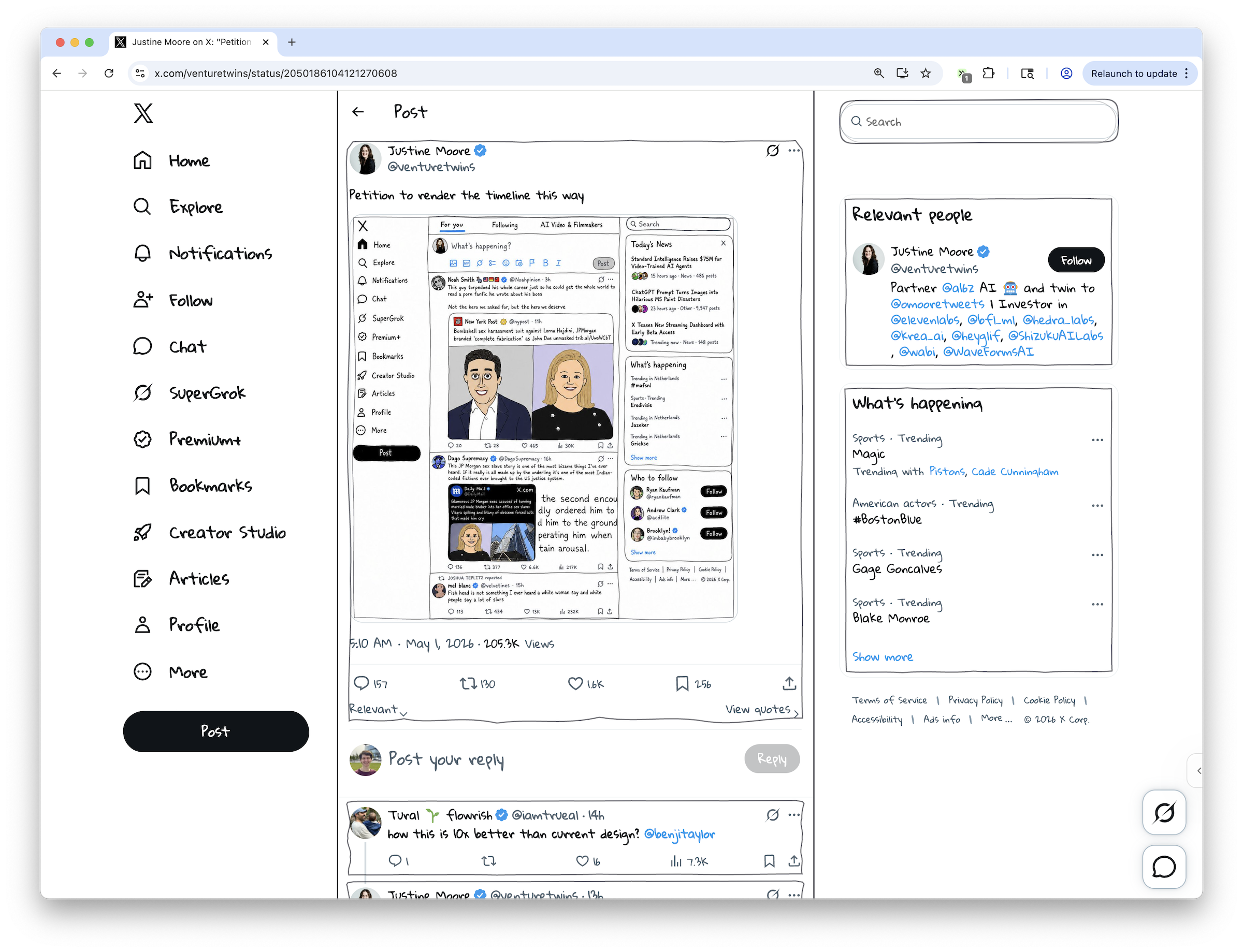
X Hand-Drawn Homefeed
Adds a theme-aware hand-drawn visual treatment to the X/Twitter home feed and tweet pages.

X/Twitter - Remove Reposts & Add Reposts Tab
Removes reposts from profile timeline and adds a new "Reposts" tab to view all reposts separately
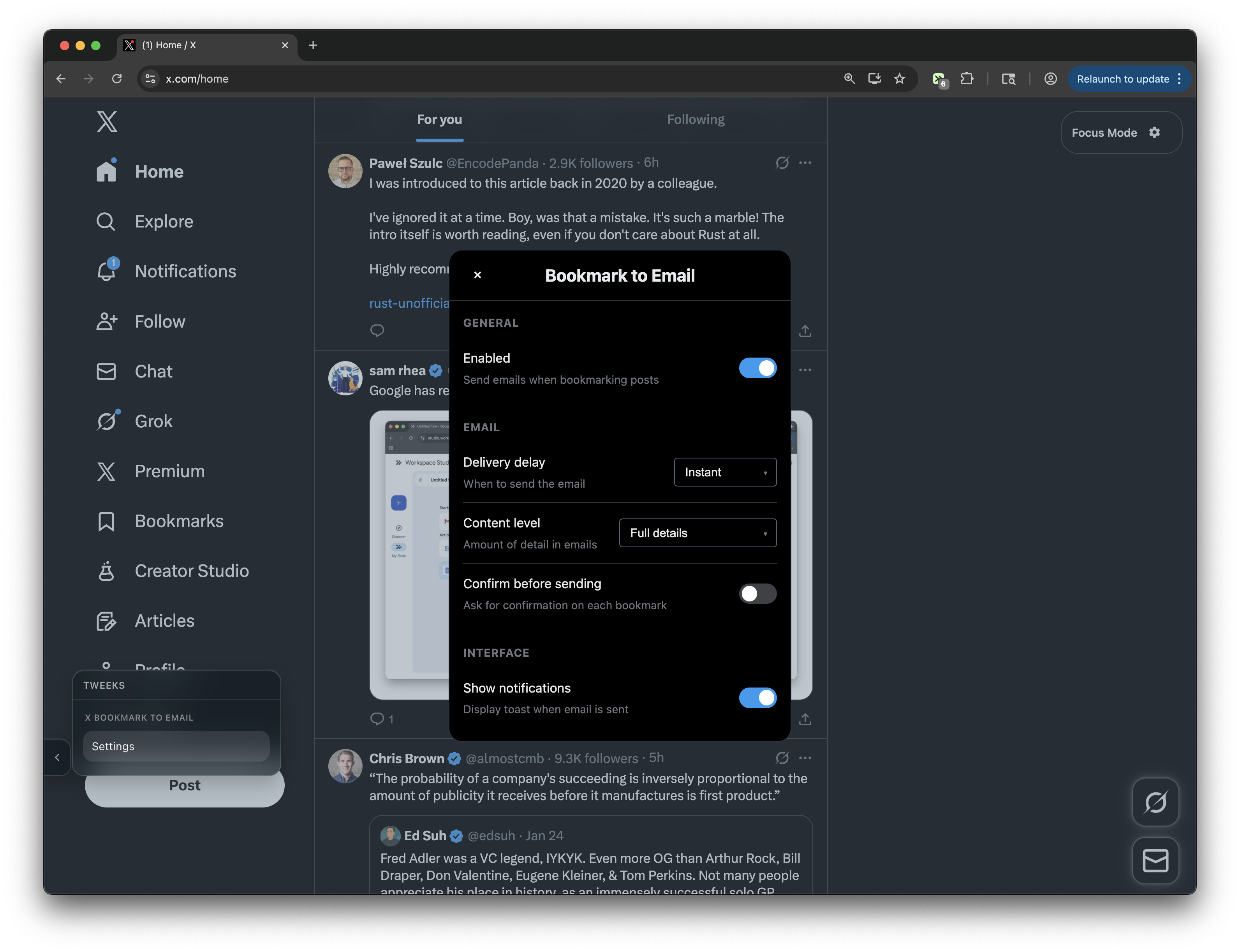
X Bookmark to Email
Never lose an X bookmark again. Send an email with post details when you click the bookmark button on X/Twitter. Includes settings to control confirmation, delivery delay, email content, etc.
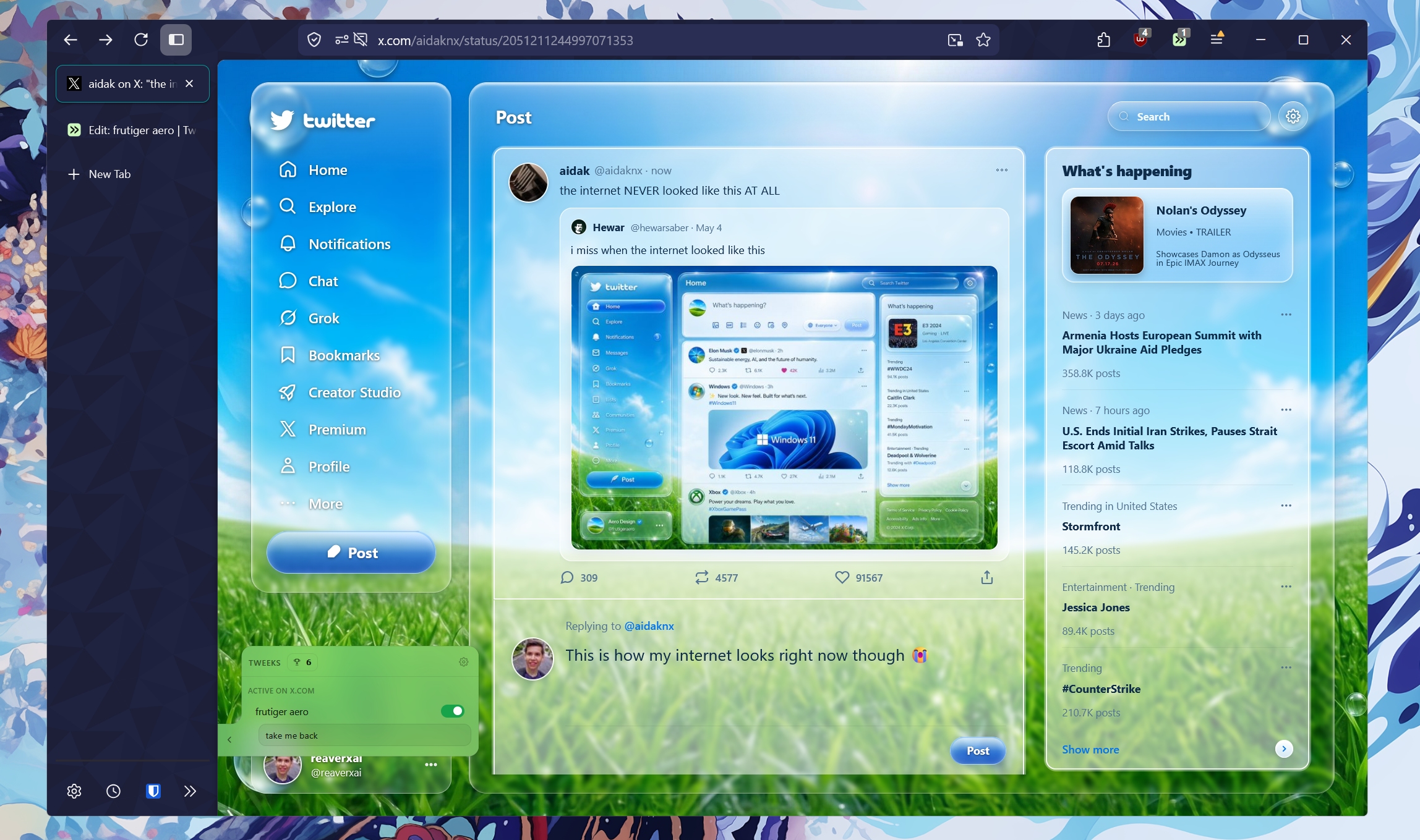
Nü-frutiger twitter
Full-page Liquid Glass overlay for X.com. Separated profile badge,
X Always Full Width
Keeps the X home timeline and individual posts in a full-width layout by expanding the main column, timeline cells, and posts while hiding the right sidebar.
X.com - Replace Black Background
Replace black background #000000 with #19252f on X.com а еще замени 090d10 на 19252f
X.com Reposts Tab
Add a "Reposts" tab next to the Media tab on X.com profiles to show all posts with the "reposted" label
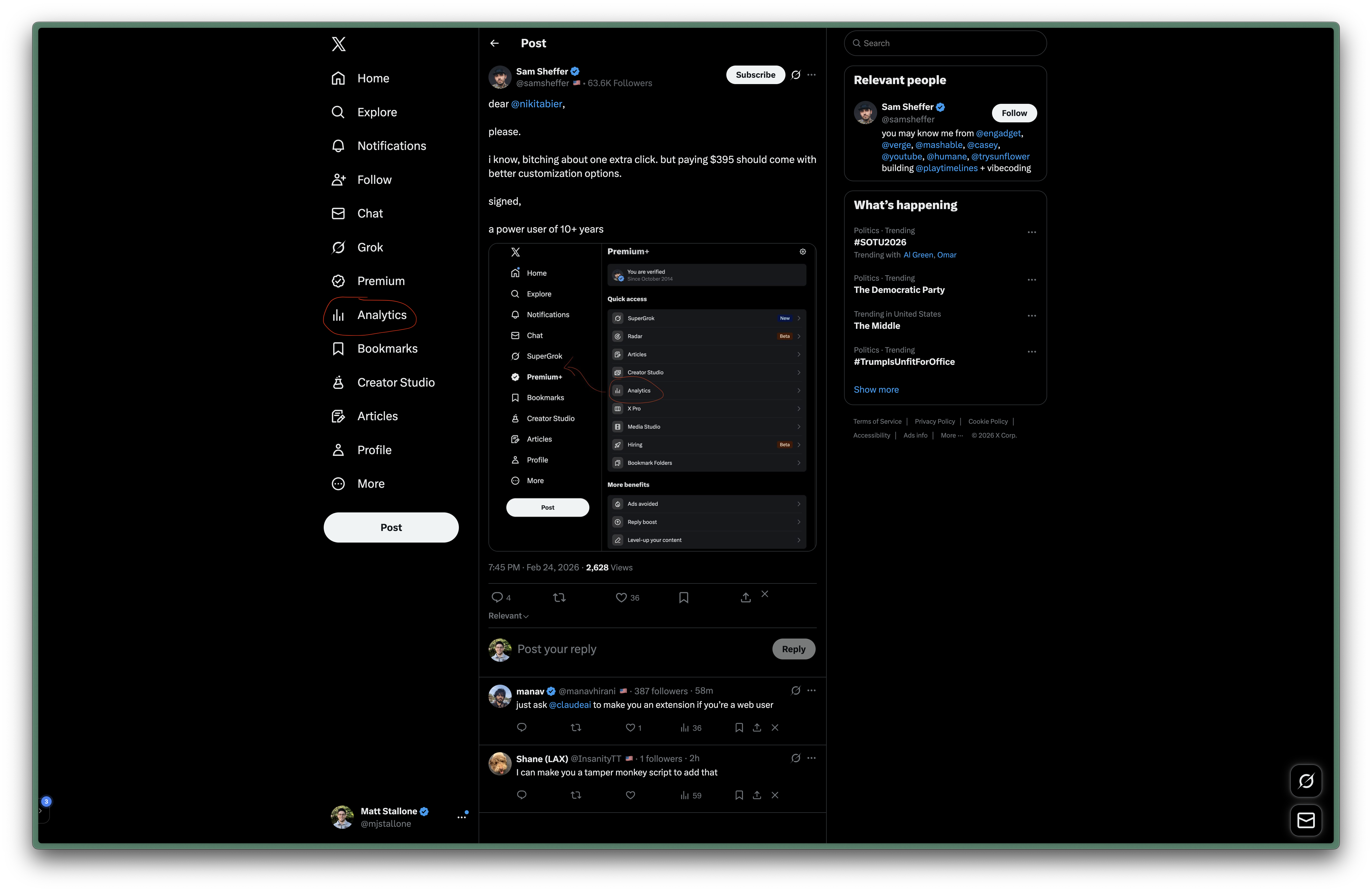
X.com - Analytics Button on Sidebar
Adds the Analytics button from Premium page to the main sidebar on X.com
Twitter/X Mass Unfollower (Skip Followers)
Mass unfollow tool for Twitter/X - unfollow up to 50 people at once, skipping users who follow you back
X Delete All tweets
X Delete All tweets
X.com - Auto Switch to Following Tab
Automatically switch to the "Following" tab when the page loads. Keeps trying for 30 seconds unless the user switches to another tab.

X Bookmarks Clear All Button
Adds a clear all bookmarks button on X bookmarks pages and removes bookmarked posts in batches.
X.com - Remove Timeline Images and Media
Removes user profile images and all media (photos, videos) from posts in your X (Twitter) timeline, including media containers in quoted/mentioned posts. Reclaims space left by hidden avatars for post content.
X Auto Unmute Videos
Automatically unmutes videos in tweets on X and keeps newly loaded timeline videos unmuted.
X Auto Unmute, Autoplay, and Pause Videos Out of View
Automatically unmutes and autoplays visible videos on X, and pauses them when they leave the viewport.
X.com - JetBrains Mono Font
Cambia la tipografía a JetBrains Mono en X.com