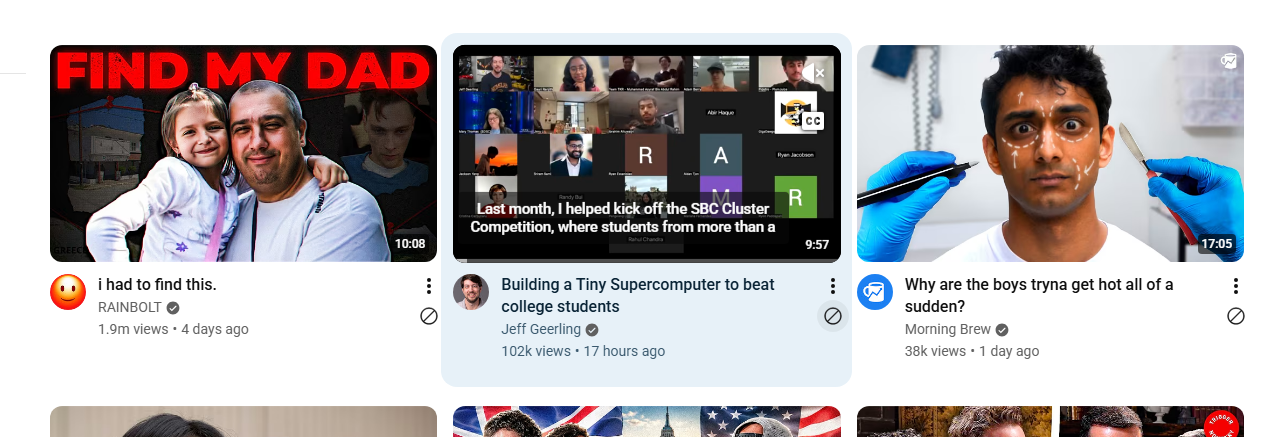
YouTube Quick "Not Interested" Buttons
Adds quick "Not interested" icon buttons directly on YouTube video cards, aligned under the 3-dots menu.
@reaver
Bundles
1Tweeks
13Adds quick "Not interested" icon buttons directly on YouTube video cards, aligned under the 3-dots menu.
Adds a draggable liquid-glass magnifying lens to ANY site. Updated to use SDF for a 5px border-radius rounded rectangle. Chrome only. Press Alt+G to toggle.
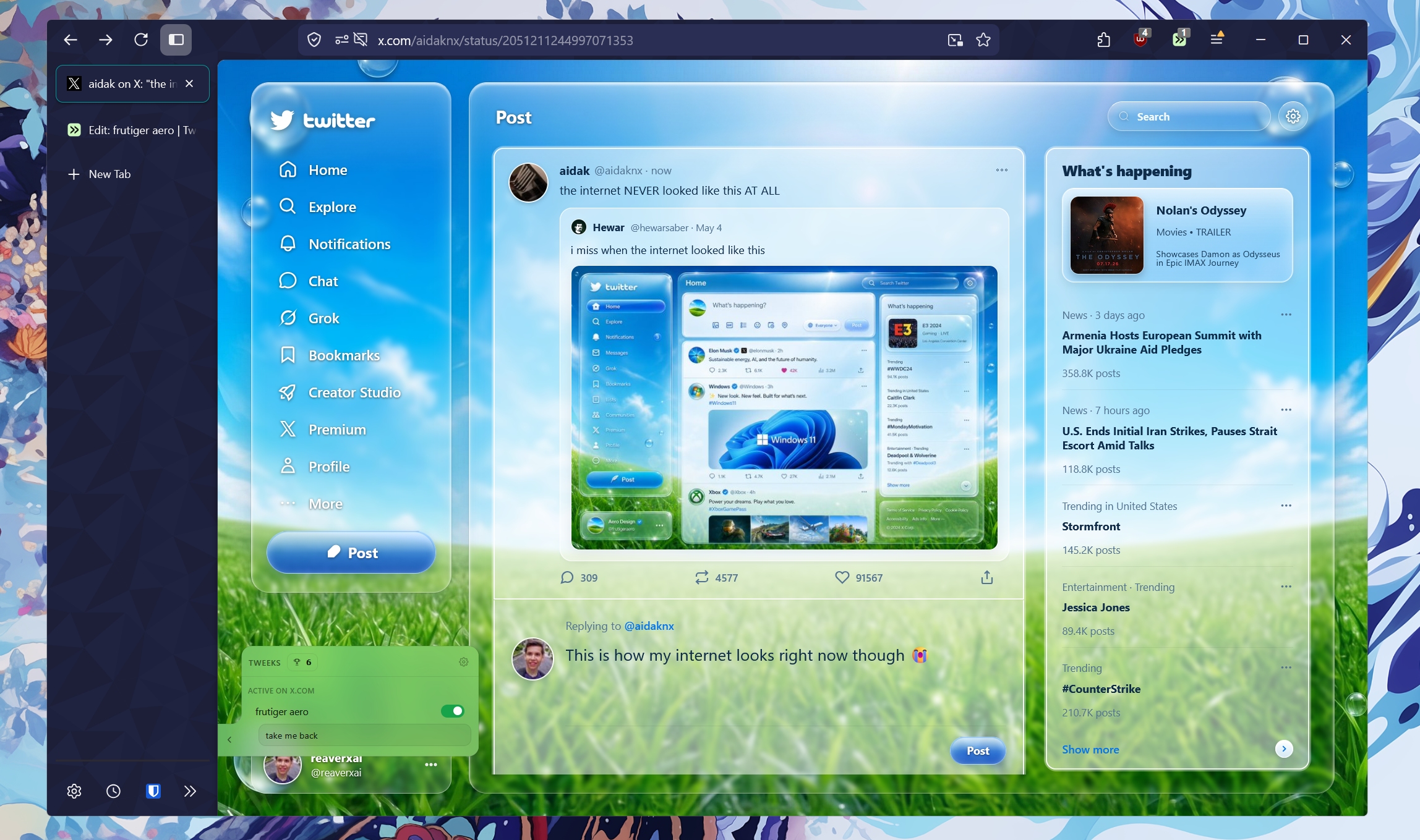
Full-page Liquid Glass overlay for X.com. Separated profile badge,
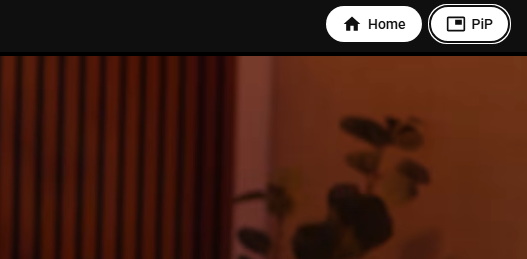
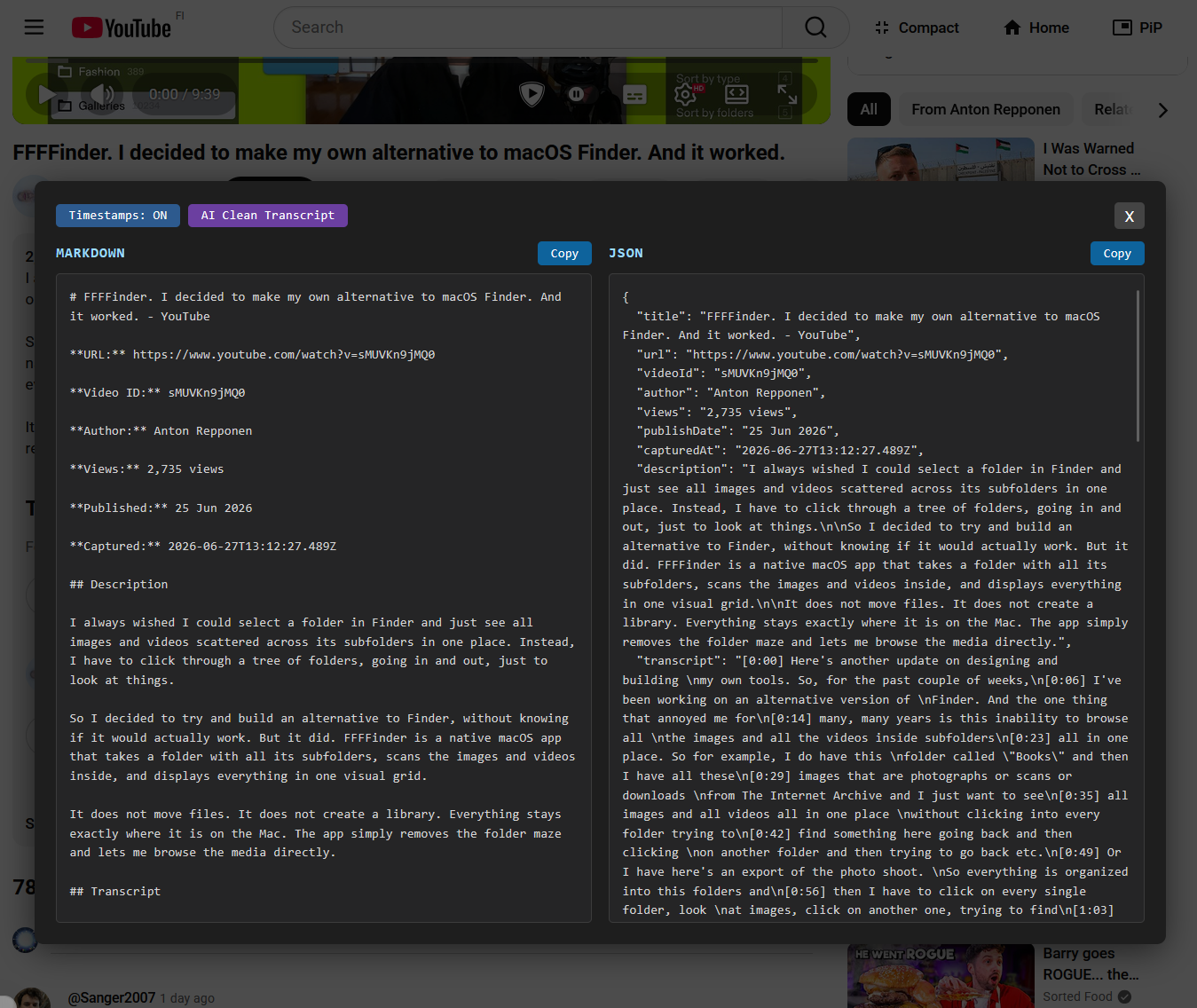
Adds YouTube header navigation/PiP buttons and lets Alt+P toggle Picture-in-Picture on watch pages
Removes YouTube Shorts, Playables, promotional feed modules, community/survey clutter, paid-content overlays, and unwanted sidebar entries while providing an Alt+M/menu toggle to temporarily restore the default sidebar.
Hides suggested videos in theater/mobile mode, removes YouTube notification toasts, adds compact header focus controls that stay synced to the current video, hides extra ticket/event sections in compact mode, optionally shows comments in two columns above 1200px, and removes 3-dot action menus from comments. Alt+T toggles compact mode; Alt+C toggles comment columns.
Speeds up old.reddit.com with soft navigation, rate-aware document prefetching, lightweight page caching, lazy media loading, resource hints, and smoother transitions without hammering Reddit.
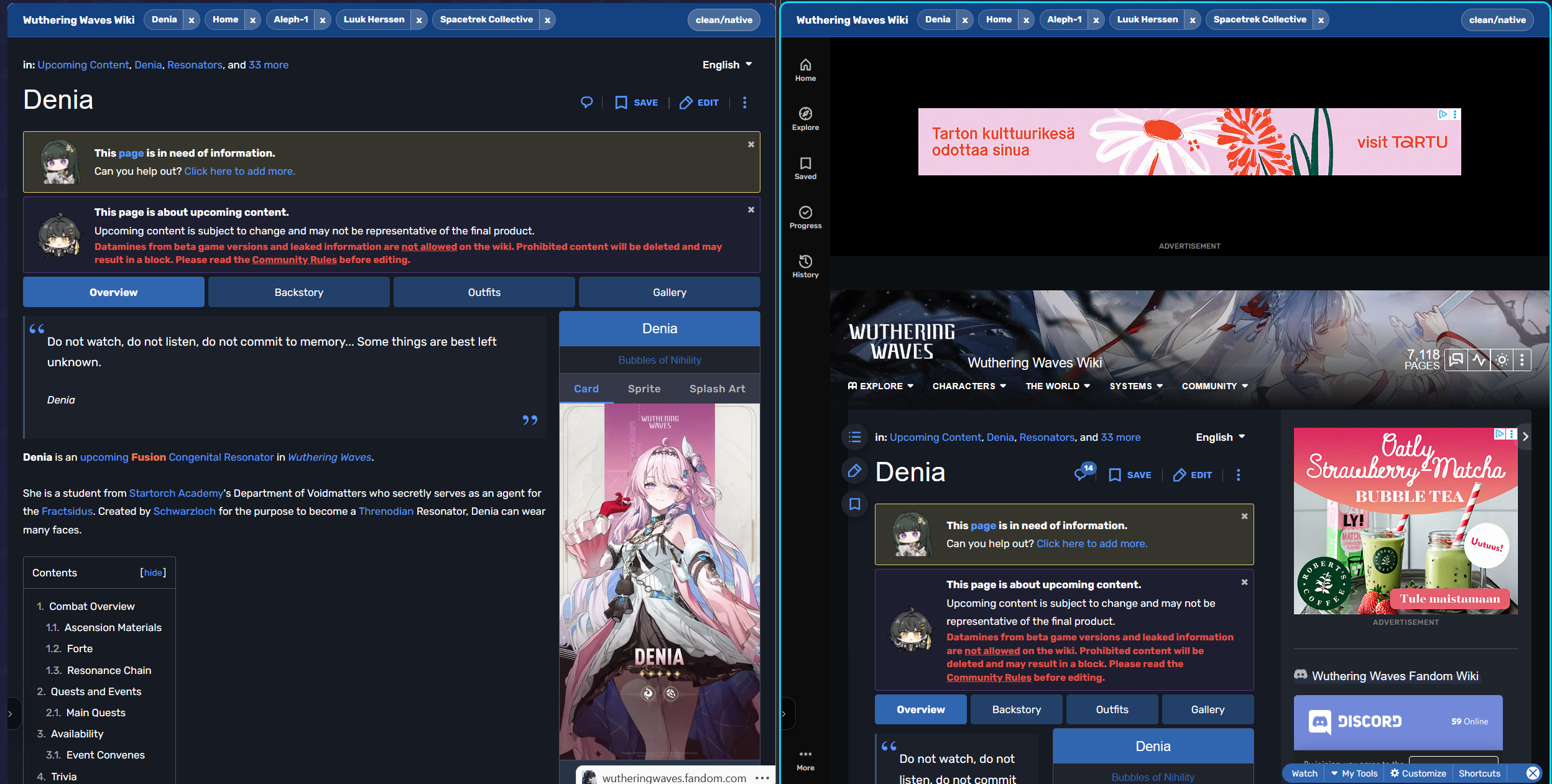
Adds a clean, wiki-coloured top bar to any Fandom wiki that allows you to completely replace the default and terrible Fandom interface with a clean overlay that simply maximizes the useful content. Remembers recently visited wiki pages, and should have seamless article loading. Share feedback/suggestions/edits with me on Tweeks Discord (Reaver)
Removes the right-side ad bar, expands the main work area to full width, fixes cursor/tool coordinate misalignment caused by sidebar removal (via getBoundingClientRect interception), removes the file-format footer image, hides the About/Learn/Blog/API info buttons, hides the Account button from the topbar, centers homepage content vertically and horizontally without causing a scrollbar, and removes Install Photopea and Generate with AI buttons.
Transforms tweeks.io into a usable 2004-era interface with XP-style UI and forum community widgets. Covers homepage and onboarding flow.
Makes the Version History popup on Tweeks editor pages draggable and resizable.
Makes the Version History dropdown extend from its current position to the bottom of the viewport on Tweeks edit pages.
Adds a "Previously Installed" tab to the Tweeks dashboard that remembers tweeks downloaded from tweeks.io/t/ pages using localStorage