YouTube Focus Mode and Alternate Watch Page Tools
By reaver · 26 days ago · 10+ installs
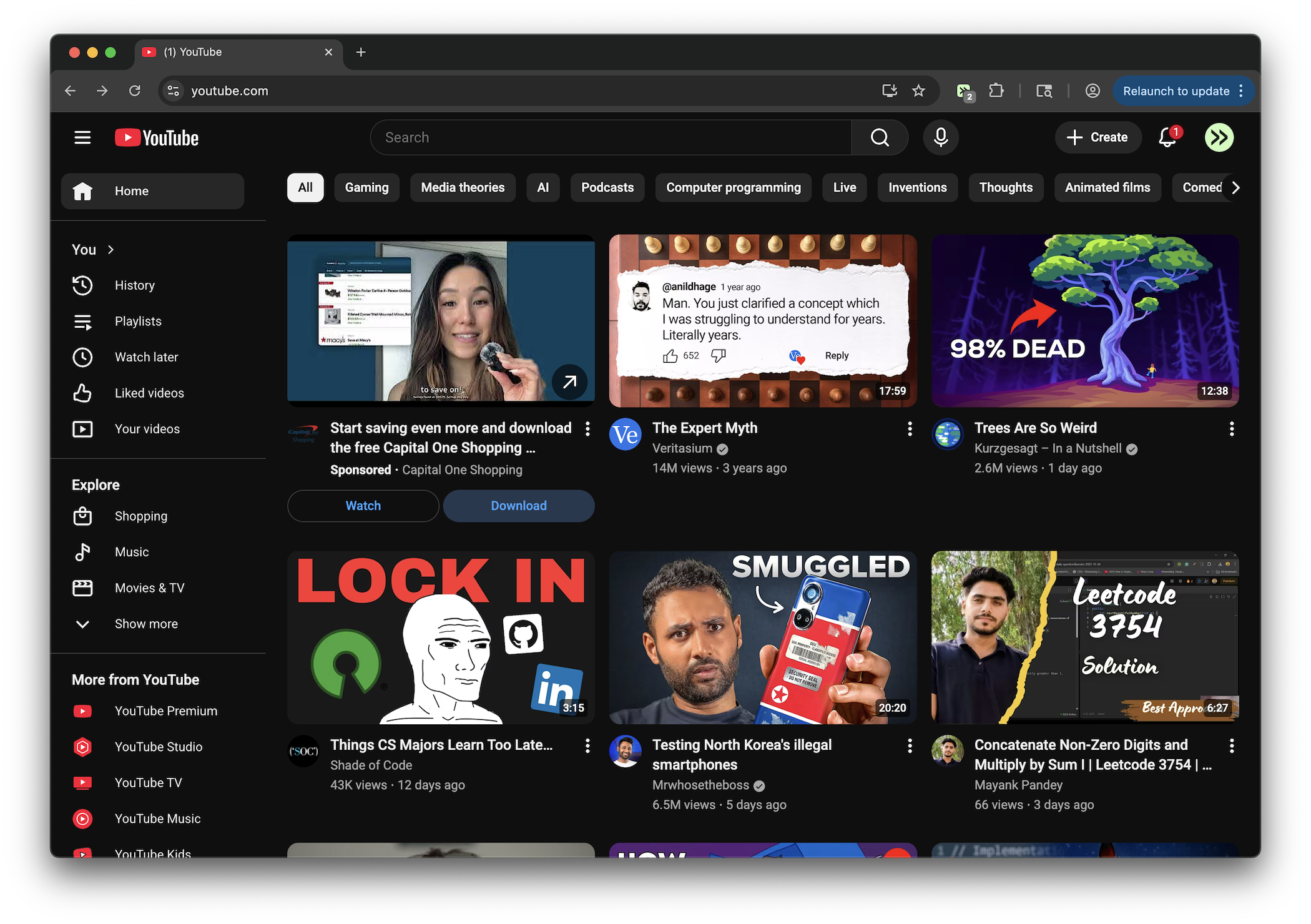
Hides suggested videos in theater/mobile mode, removes notification toasts, adds compact header focus controls, and renders amped-up frosted pill thumbnail cards with smooth fade-to-black gradient (no duration, no hover effects, no checkmarks).
Key Highlights
- Hides suggested videos on YouTube desktop watch pages in theater or full-bleed mode.
- Removes YouTube notification toast popups, including copy-style feedback messages.
- Adds a Compact or Expand header control plus Alt+T keyboard toggle.
- Shows available title, channel, subscriber count, and like count in the header during compact mode.
- Offers optional two-column comments on wide desktop screens with Alt+C.
Details
YouTube Theater Focus Mode creates a distraction-reduced watch page on youtube.com, especially when using theater or full-bleed layouts. It hides the suggested video sidebar in those modes, expands the main video area into the freed space, removes YouTube notification toasts, and hides three-dot action menus from comments.
The tweek also adds a compact focus mode for video pages. When enabled, it hides extra metadata, the comments header, ticket or event shelves, the YouTube logo, and search area, while moving available video details such as title, channel, subscriber count, and like count into the header. Alt+T toggles compact mode, and Alt+C toggles an optional two-column comments layout on screens at least 1200px wide.
Runs on
1 site
Developer
Tweek Code
397 lines ·