YouTube PiP Header Buttons
By reaver · 2 months ago · 10+ installs
Adds YouTube header navigation/PiP buttons and lets Alt+P toggle Picture-in-Picture on watch pages
Key Highlights
- Adds Home and PiP buttons to the YouTube watch page header
- Removes the native Create button from the header
- Shows Return to Video on YouTube home and subscriptions pages when a last video is saved
- Supports Alt+P for toggling Picture-in-Picture
- Adds a Tampermonkey menu toggle with PiP on/off status
Details
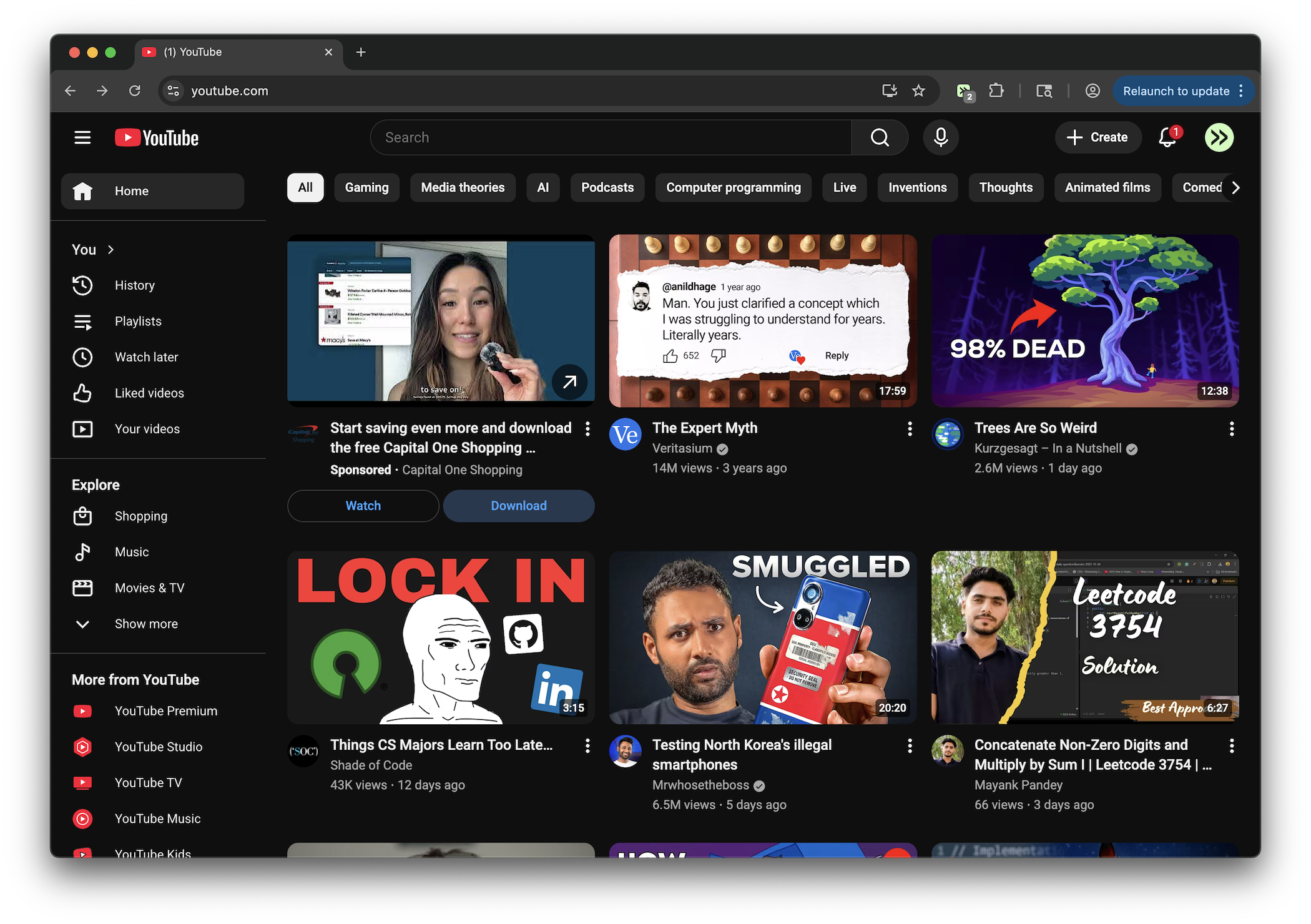
This tweek changes the youtube.com header on watch pages by removing the native Create button and adding custom Home and PiP buttons in its place. The PiP button starts or exits Picture-in-Picture for the current video, giving the control a visible spot in the header.
It also remembers the last watched video so YouTube home and subscriptions pages can show a Return to Video button when available. PiP can also be toggled with Alt+P or through a Tampermonkey menu command that reflects whether Picture-in-Picture is on or off.
Runs on
1 site
youtube.com
Developer
Tweek Code
559 lines ·