Make websites work exactly how you want.
A browser extension that rewrites any webpage with plain English. Hide noise, add missing features, automate repeated work. No code, no learning curve.
Modifying
tweeks.io
Three steps between
an annoyance and a fix.
Tweeks compiles your plain-English request into a sandboxed userscript. It runs only where you tell it to, and you can inspect the source any time.
Open any site
Click the Tweeks icon from your toolbar and press create.
Describe the change
"Hide the sidebar." "Make the font larger." "Block suggested videos." Say it how you'd say it to a friend.
Ship it, share it
Tweeks applies the change and remembers it. Keep it private, or publish it for 25k+ others to install with one click.
Featured this week.
Hand-picked tweeks from the community. See what each one does and install in one click.
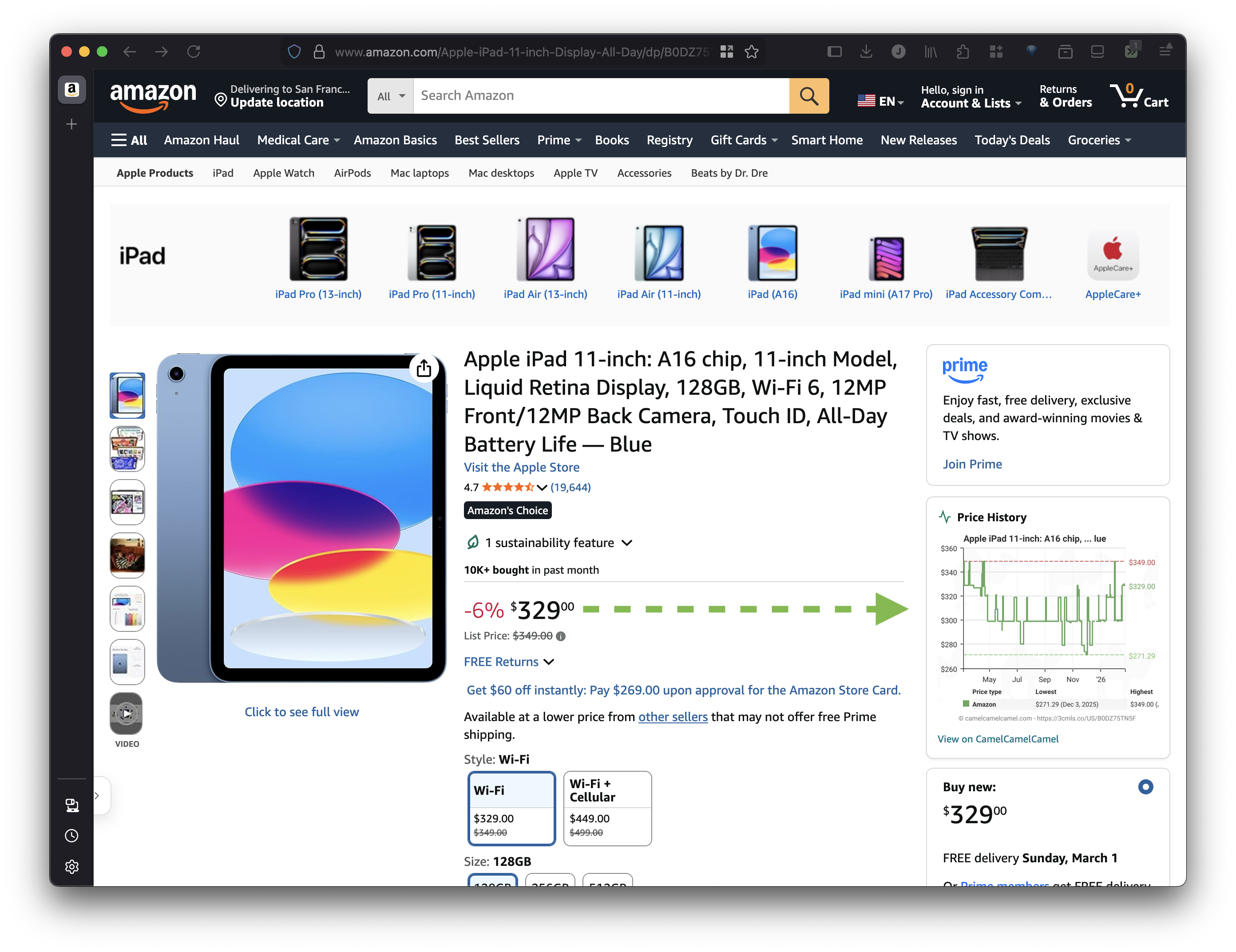 amazon.com·9k+ installs
Amazon - Show Price History
Show price history graph directly on Amazon product pages with link to CamelCamelCamel for more details.
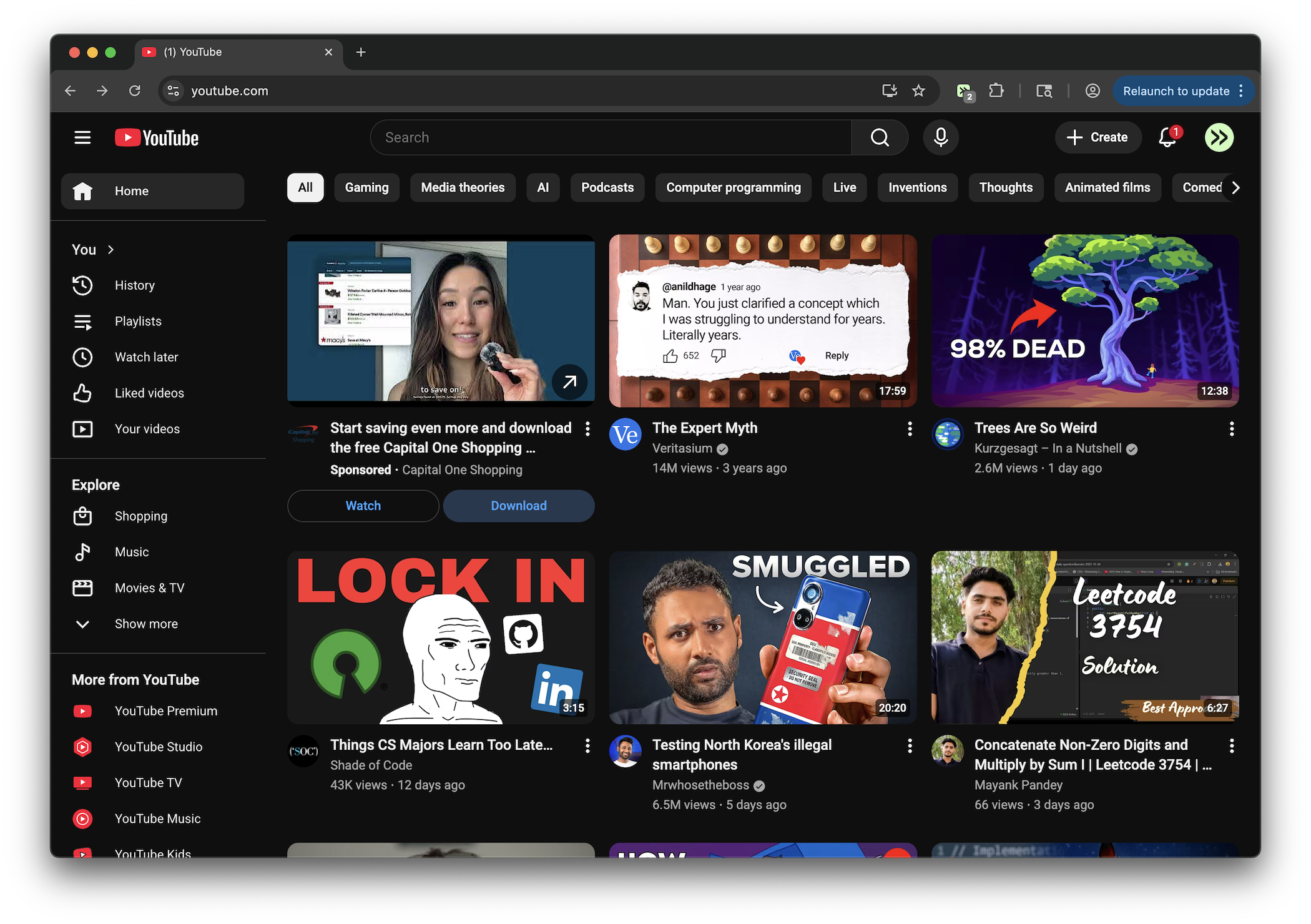 youtube.com·10k+ installs
YouTube - Remove Shorts
Remove Shorts shelves, tabs, cards, and links across desktop and mobile YouTube.
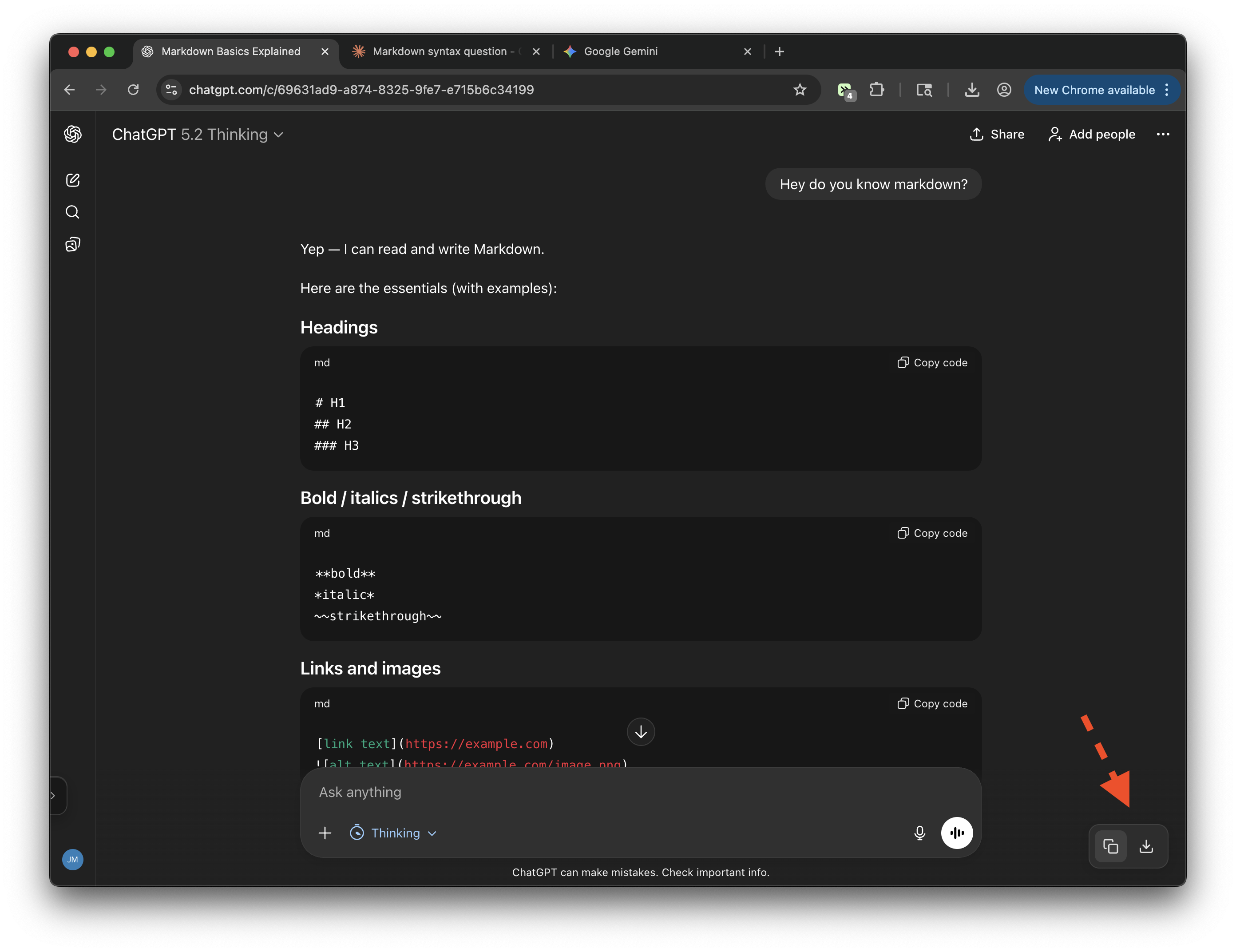 chatgpt.com·8k+ installs
Chat Exporter (ChatGPT, Claude, Gemini)
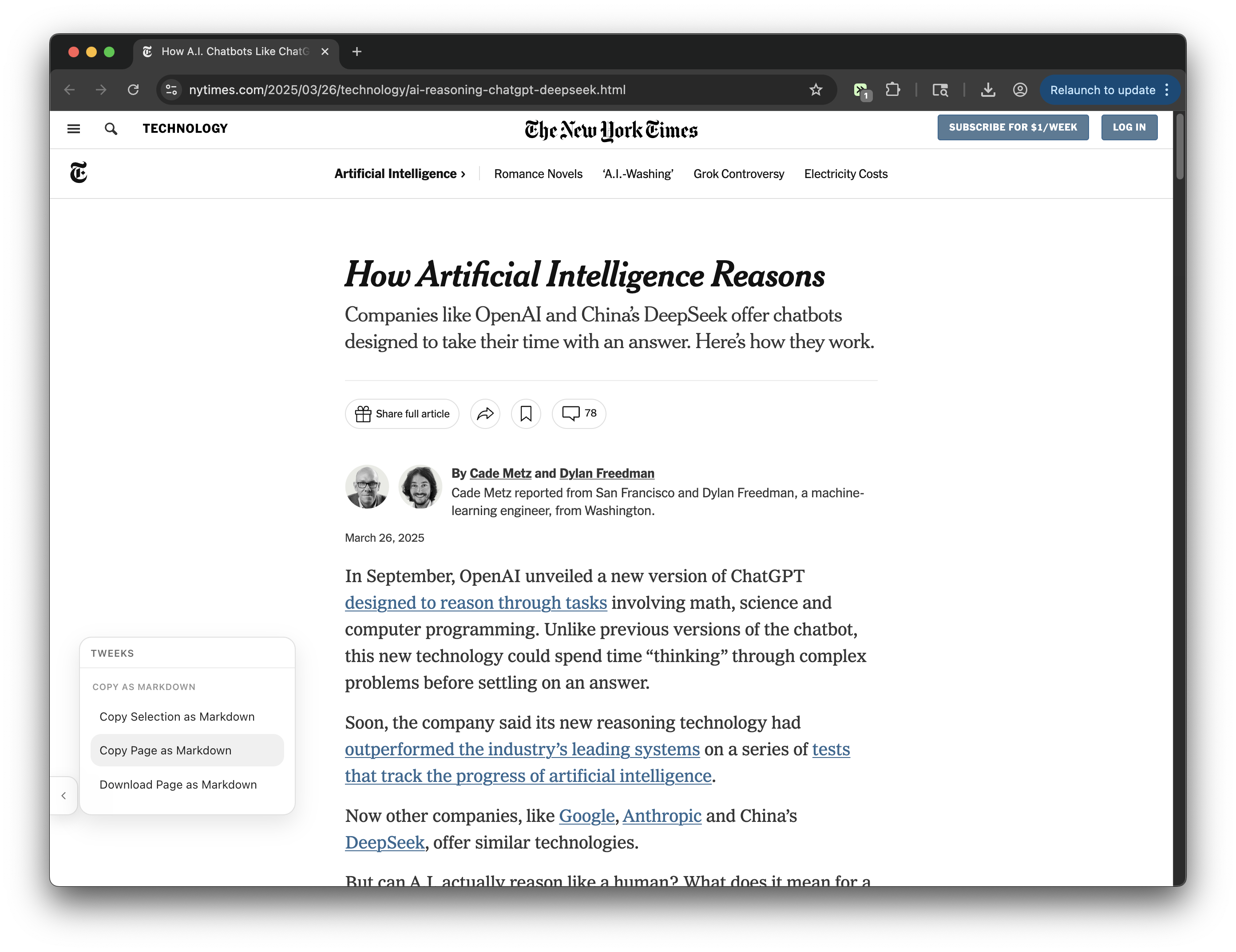
Export conversations from ChatGPT, Claude, and Gemini. Copy to clipboard or download as markdown.
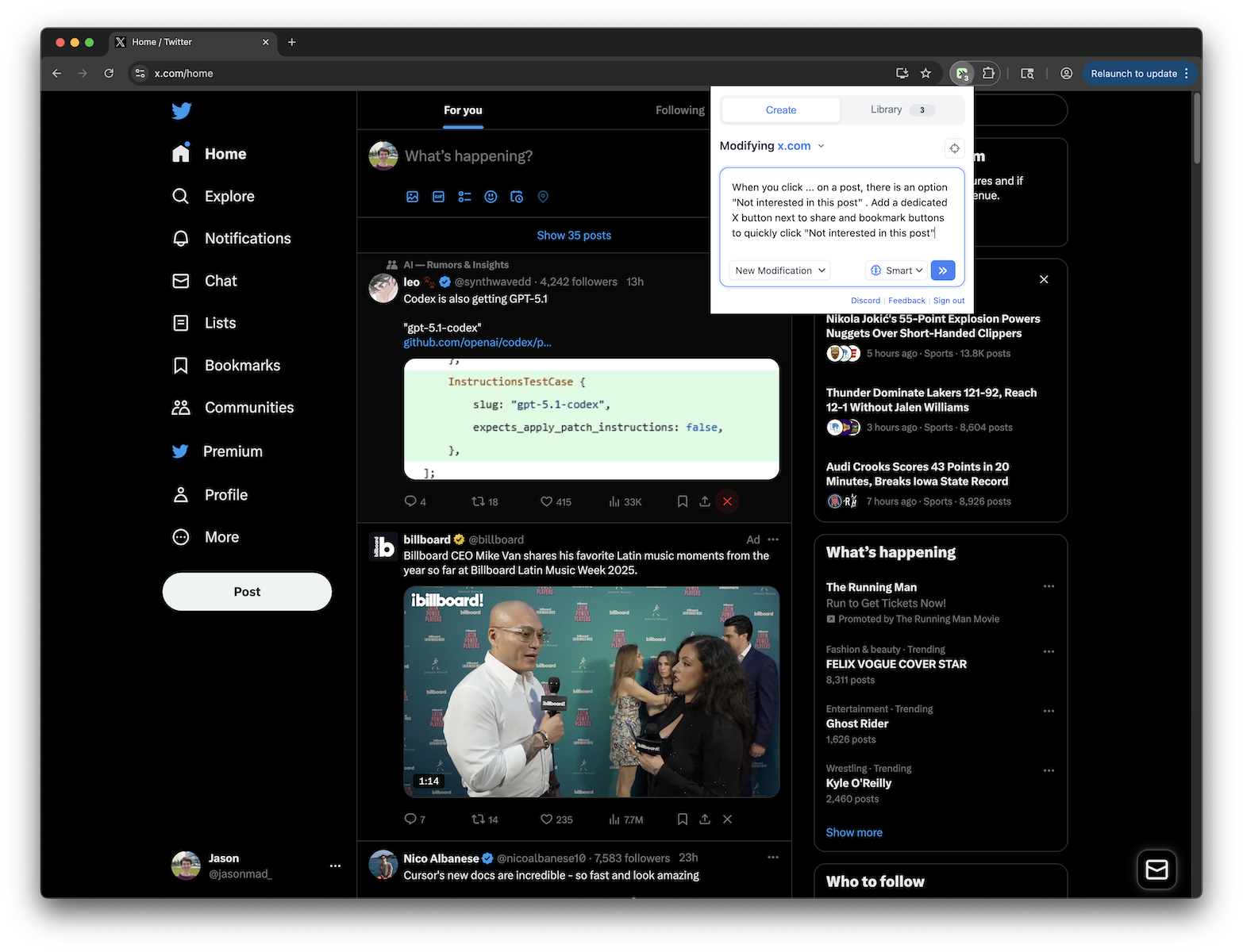 x.com·8k+ installs
X.com - Quick "Not Interested" Button
Adds an X button next to share and bookmark buttons on X.com posts to quickly click "Not interested in this post"
By site.
If it loads in your browser, there's probably a tweek for it. Jump straight to the site you want to fix.
What can you
actually tweek?
Small annoyances, missing controls, repeated chores. If it lives on a webpage, you can usually describe the fix.
Remove distractions
Strip out the parts of sites that waste your attention or hijack scrolls.
- YouTube
- X
- Hacker News
Add missing controls
Add the buttons, shortcuts, and context the product never shipped.
- Amazon
- ChatGPT
- Gmail
- Google Docs
Automate repeat work
Turn tiny chores you do on webpages into repeatable one-click actions.
- Stripe
- GitHub
Basics
What is Tweeks?
Tweeks is a browser extension that lets you customize any website. You can remove distractions, add features, change layouts, and modify how any site looks or behaves. Describe what you want in plain English, and Tweeks uses AI to generate the modification automatically. No coding required.
Do I need to know how to code?
No. Tweeks is built so you can customize websites without writing code. You can install community tweeks with one click, and you can create your own by describing what you want in plain English.
Is Tweeks free?
Yes. You can install Tweeks, browse and install public tweeks, and create your own modifications for free. Optional paid plans give you higher limits for creates, updates, and inference, plus access to advanced features like Tweeks MCP and using Tweeks with your ChatGPT subscription.
What is the difference between "Tweeks" and "Tweaks"?
"Tweeks" is the browser extension for customizing websites. A tweek is an individual website modification you create or install with Tweeks. "Tweaks" is the normal English word for small customizations, so if you searched for browser tweaks or website tweaks, you are in the right place.
Install & browsers
Which browsers does Tweeks support?
Tweeks supports Chrome, Edge, Brave, Opera, Vivaldi, Arc, Comet, and other Chromium browsers, as well as Firefox.
Do I need an account to use Tweeks?
No. You can use Tweeks without logging in to browse community tweeks, install them, and enable or disable them in the extension. Creating your own tweeks from natural language does require a free account.
What websites can I modify with Tweeks?
You can modify virtually any website. Popular sites include YouTube (remove Shorts, clean up the interface), Google (customize search results), LinkedIn (filter feed content), Amazon (add price tracking), Reddit (enhance readability), X/Twitter, ChatGPT, GitHub, and thousands more. If it loads in your browser, Tweeks can modify it.
Privacy & safety
Is Tweeks safe to use?
Yes. Tweeks is SOC 2 compliant, and the extension is designed to make browser modifications transparent and user-controlled. You choose which tweeks to install and where they run, you can disable or remove any tweek at any time, and every public tweek has viewable source code so you can inspect what it does before installing it.
Can Tweeks see my private data?
Tweeks does not passively capture your page data. If you actively submit a prompt to generate or update a tweek, Tweeks may use relevant page content and context to assist with that generation. For individual tweeks you've created or installed, they may need to access certain parts of the page to function properly, but you control where they are enabled, public tweeks show their source code, and you can disable or remove anything at any time.
How do browser modifications work?
Tweeks injects small scripts (called userscripts) into web pages as you browse. These scripts can modify the page's appearance, add new features, or change how elements behave. Each modification runs in a secure sandbox and only affects the specific sites you choose. Changes persist across page reloads and browser sessions.
Do modifications slow down my browser?
Tweeks are designed to be lightweight and fast, and they only run on the websites where you enable them. Performance depends on what a specific modification does, but none should significantly impact your system. If you run into any issues, submit feedback within the extension or on Discord and we'll investigate.
Sharing & power users
How is Tweeks different from Tampermonkey or Greasemonkey?
Tweeks is compatible with Greasemonkey-style userscripts, so existing scripts can work out of the box. What makes Tweeks different is the AI-powered creation: instead of writing code, you describe what you want in plain English and Tweeks generates the script. It also includes easy sharing features and a public library of community-created modifications you can install with one click.