≫Tweeks
DiscoverHow it worksBrowse sitesBlogDocs
Sign in

Universal Hover Fade-Away for Interactive Elements

By cdrlikestweeks · 1 month ago

Makes interactive elements fade away when hovered so they cannot be clicked, then slowly fade back after the pointer has been away for 10 seconds.

Runs on

All websites

Developer

Tweek Code

148 lines ·

More universal tweeks

Tweeks that work on any website

Browse all universal tweeks
Save Image As Type
Universal

Save Image As Type

Hover any image to get a floating toolbar — save as PNG, JPG, or WebP instantly.

View
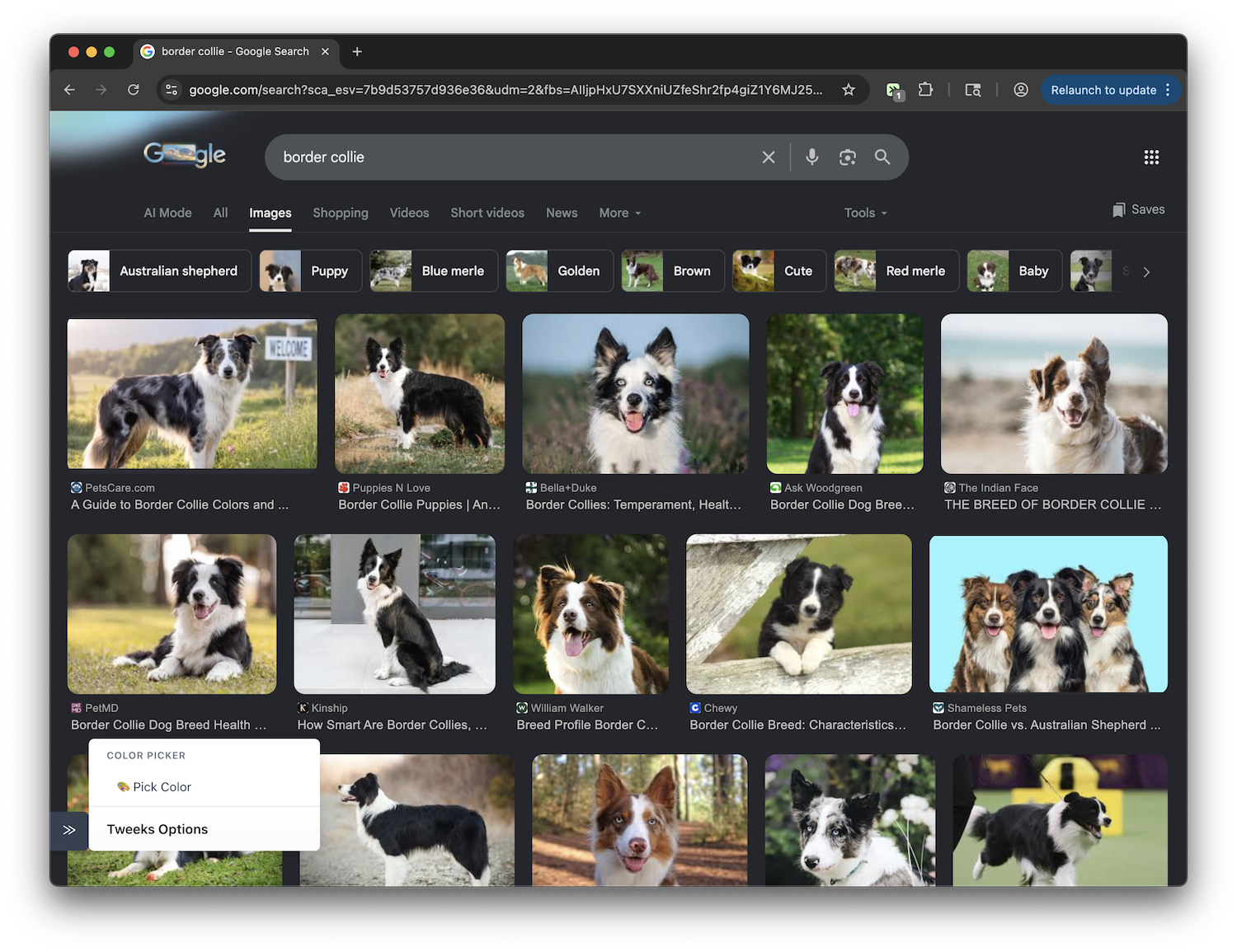
Color Picker
Universal

Color Picker

Add a color picker using native EyeDropper API with clipboard copy functionality

View
Universal

Quick Define

Highlight a word/short phrase on any website, and after a short pause, you will be shown a context-aware definition

View
Export any page as Markdown
Universal

Export any page as Markdown

Copy or download any webpage as clean Markdown (selection or full page) with Readability extraction, GFM tables, code blocks, and YAML front matter

View
Universal

Ask

Highlight any text & click Ask → get an interactive chat prompt

View
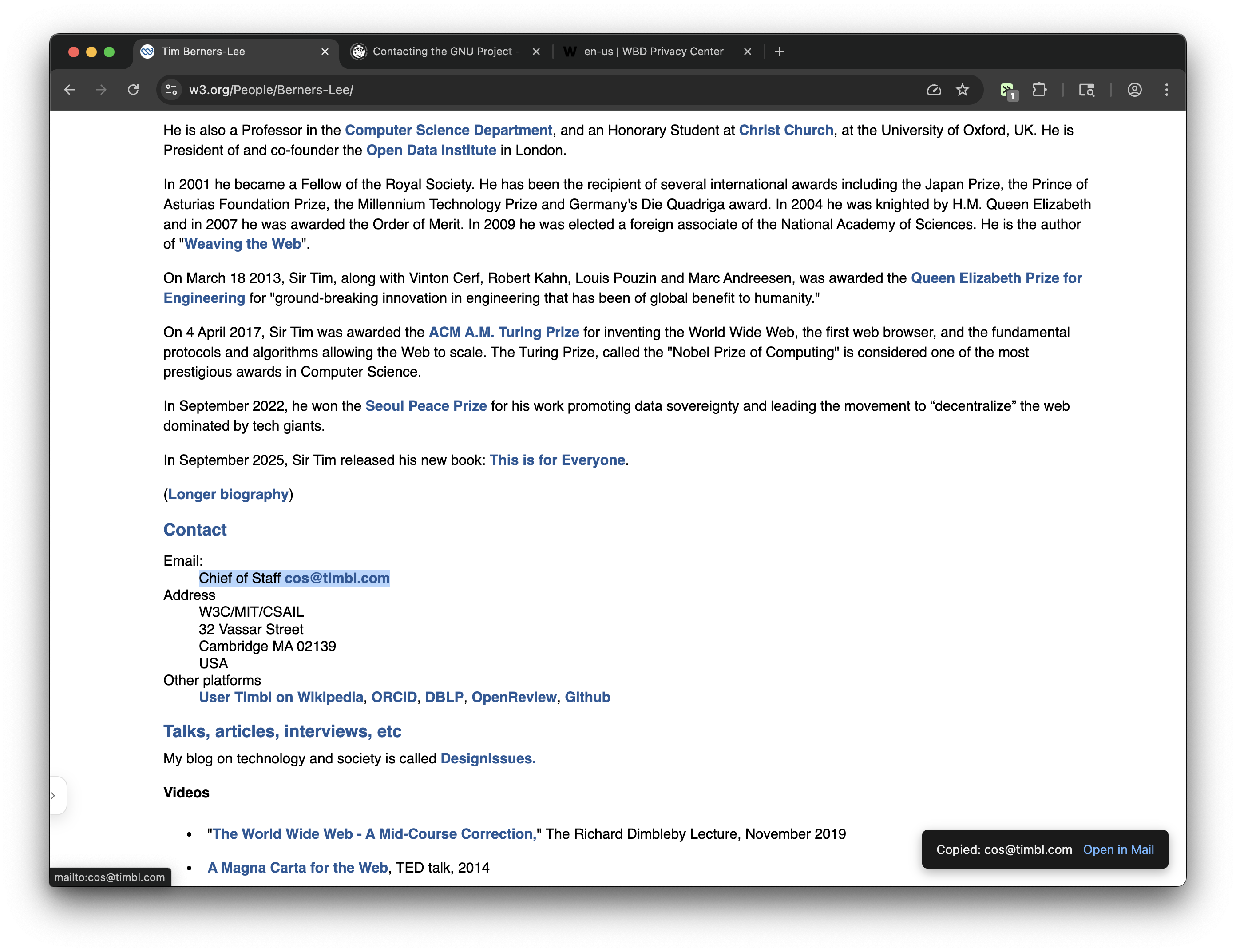
Override Email Mail-to links with Copy to Clipboard
Universal

Override Email Mail-to links with Copy to Clipboard

Clicking mail-to links now copies email addresses to clipboard. If the default mail-to experience is needed, a toast notification provides fallback to open mail client. Note: The toast can be disabled with the menu sidebar.

View
≫Tweeks·Built by NextByte
AboutBrowse SitesBlogChangelogAPIPrivacyTermsDiscordGet extension