Google Sheets Dark Mode
By physical-reindeer-1 · 8 months ago · 100+ installs
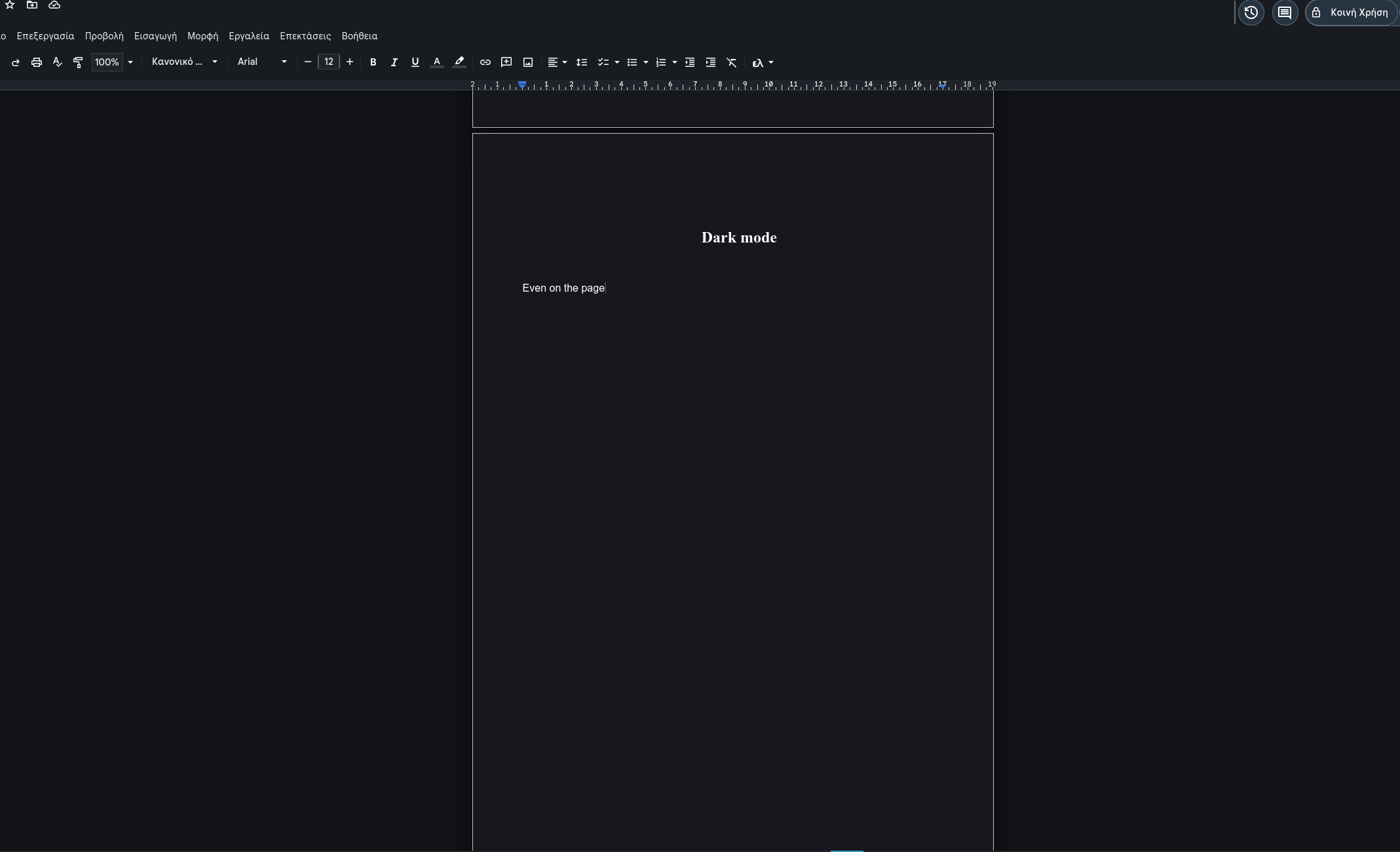
This tweek turns Google Sheets into a dark interface with darker backgrounds and lighter text across the spreadsheet grid and surrounding controls. It also covers menus, dialogs, tabs, and side panels.
Key Highlights
- Applies dark mode styling to Google Sheets pages
- Darkens the grid, headers, formula bar, and sheet tabs
- Restyles menus, dialogs, side panels, and tooltips
- Can be toggled on or off from the menu
- Remembers whether dark mode is enabled between visits
Details
This tweek applies a dark mode to Google Sheets on docs.google.com/spreadsheets, changing the main interface from bright backgrounds to darker tones with light text. The spreadsheet area, toolbar, menu bar, formula bar, row and column headers, sheet tabs, and status areas are restyled to appear consistently dark.
It also darkens menus, dialogs, side panels, tooltips, search fields, autocomplete lists, comments, and context menus so the surrounding UI better matches the sheet view. The dark mode can be toggled on or off from the userscript menu, and the setting is remembered for future visits.
Runs on
1 site
Developer
Tweek Code
421 lines ·