Google Gemini - Custom Page Background (Light & Dark Mode)
By fabian · 8 months ago · 50+ installs
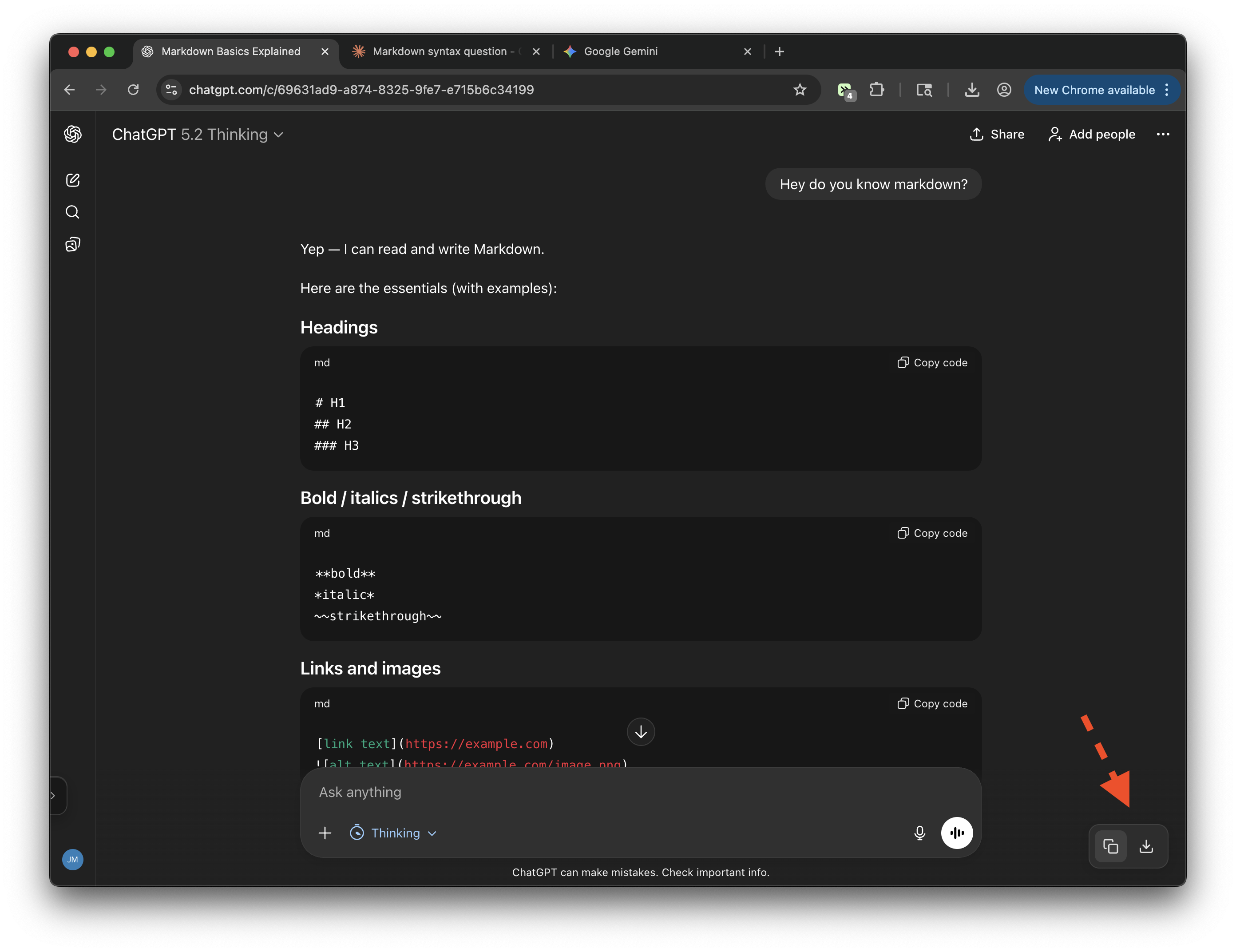
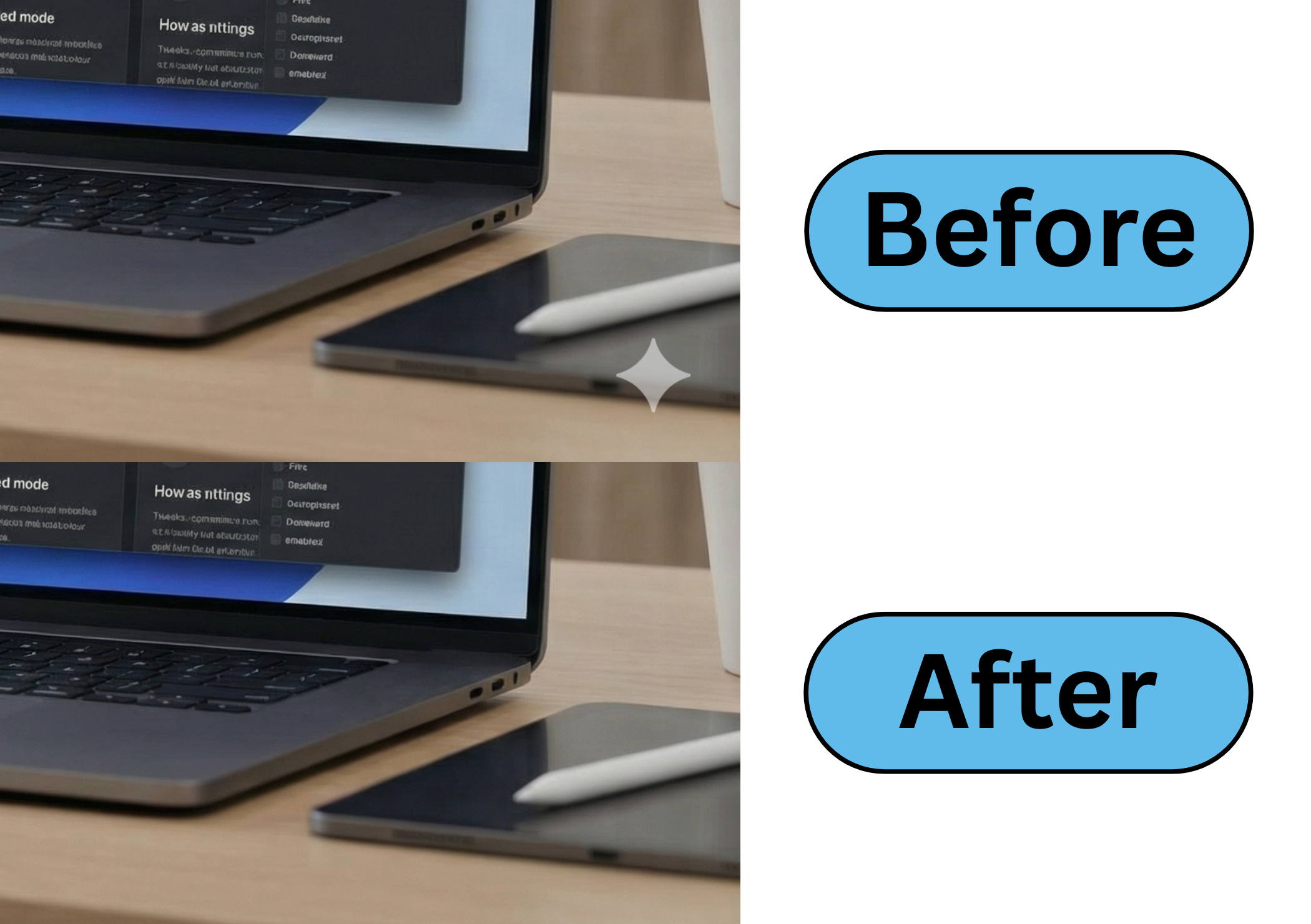
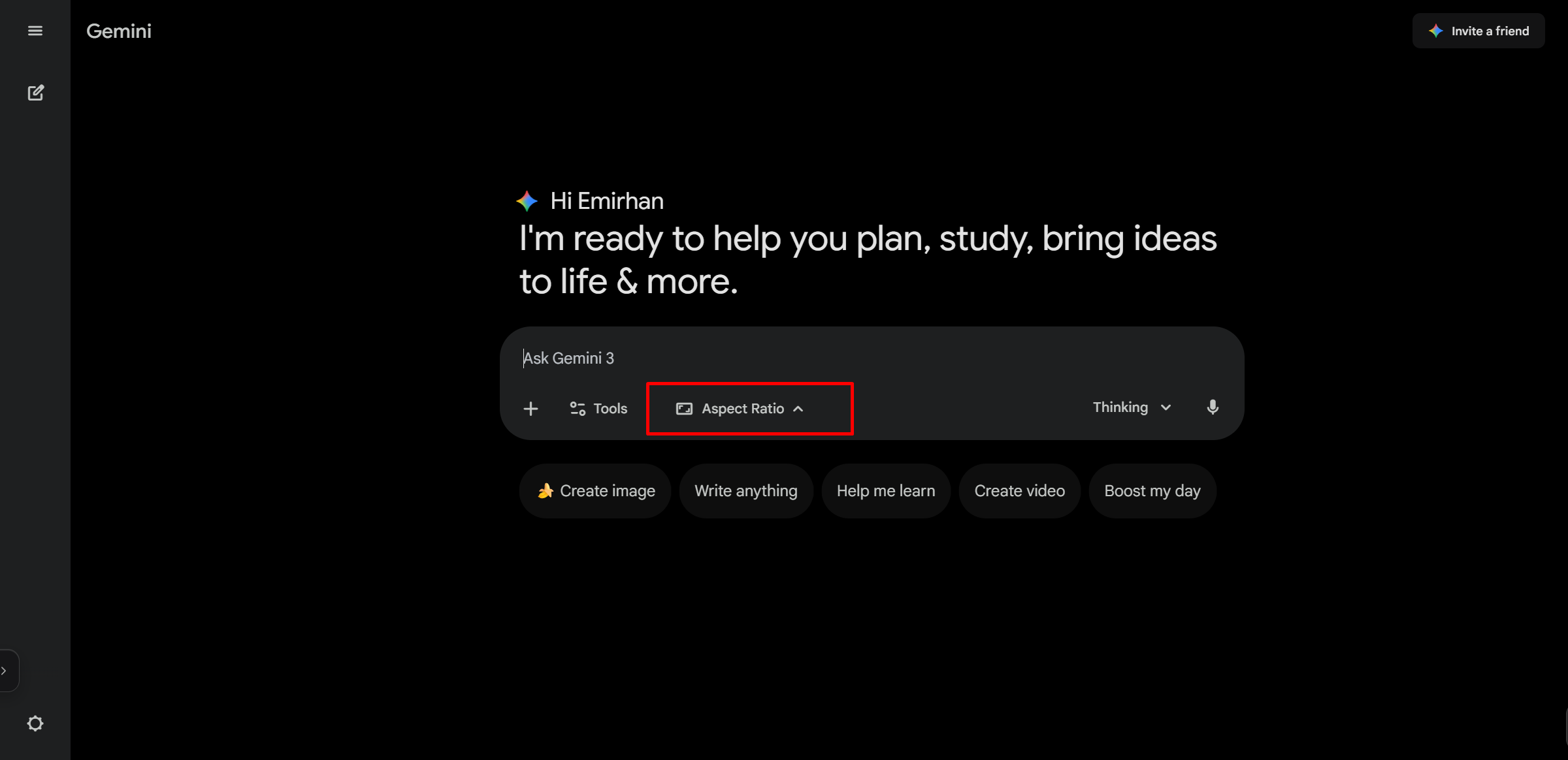
This tweek changes Google Gemini’s page, sidebar, top bar, and response areas to custom light and dark backgrounds while keeping dark-mode user messages distinct.
Key Highlights
- Sets Google Gemini’s light-mode page background to #faf8f4.
- Sets dark-mode page, sidebar, top bar, and response backgrounds to #262624.
- Removes the blue-tinted background from the Gemini left sidebar.
- Uses #141413 for the actual user message bubble in dark mode.
- Hides selected Gemini header and buffer elements for a cleaner view.
Details
This tweek restyles gemini.google.com with a warm #faf8f4 background in light mode and a muted #262624 background in dark mode. The left sidebar is changed to match the rest of the page instead of using Gemini’s blue-tinted shade.
In dark mode, the Gemini user message bubble is set to #141413 while the surrounding page and AI response areas keep the main dark background. It also hides selected visible interface elements such as the conversation title area, top bar actions, and desktop OGB buffer for a cleaner layout.
Runs on
1 site
Developer
Tweek Code
232 lines ·