Google Gemini Unified Wide Chat Layout
By wizzergod · 4 months ago · 50+ installs
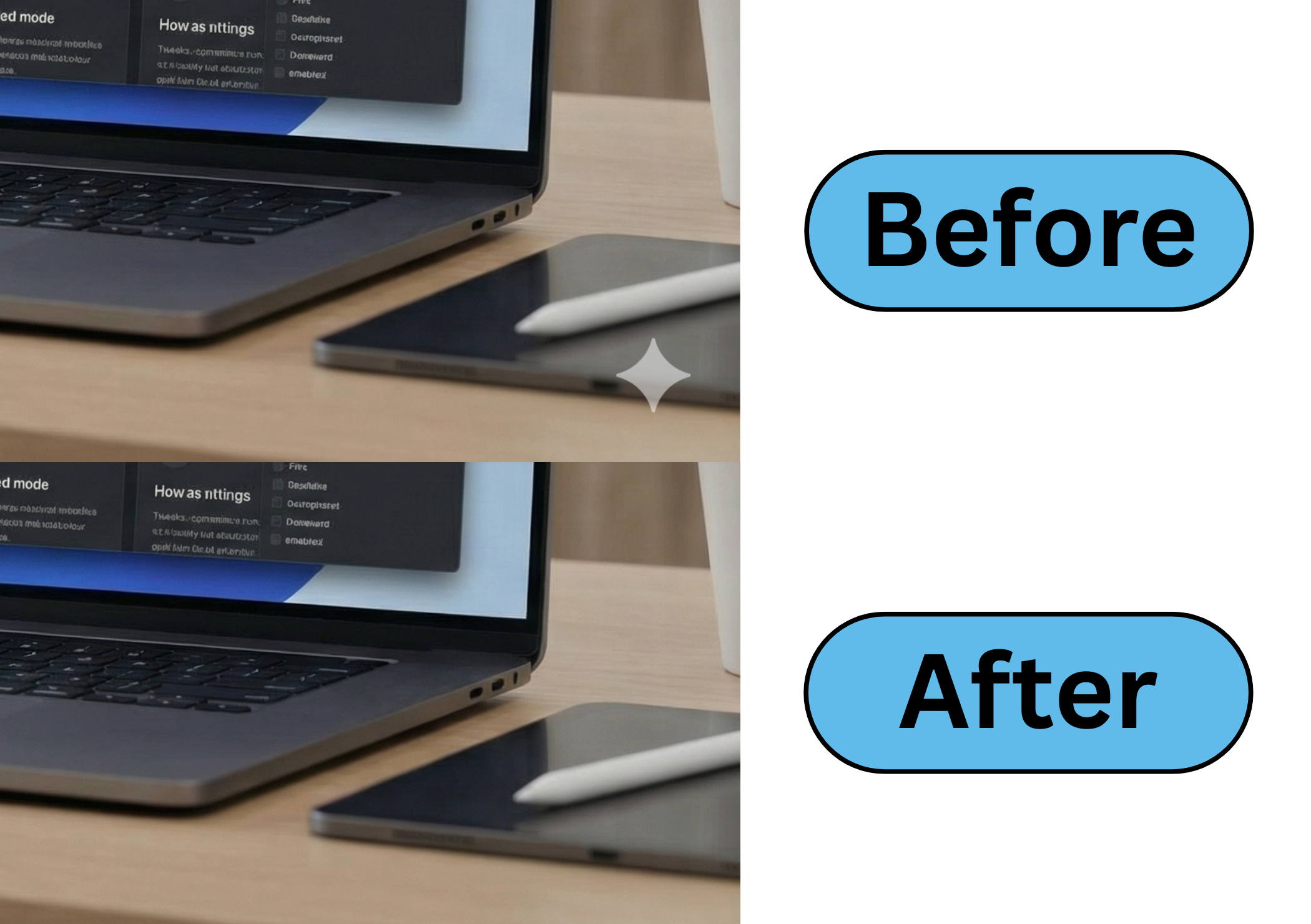
This tweek makes Google Gemini conversations feel visually unified by aligning chat history, responses, prompts, and the input area to the same wide centered column.
Key Highlights
- Widens Gemini chat content on gemini.google.com/app pages
- Centers the conversation with balanced left and right spacing
- Aligns user prompts and Gemini responses into one shared column
- Matches the bottom input area to the chat content width
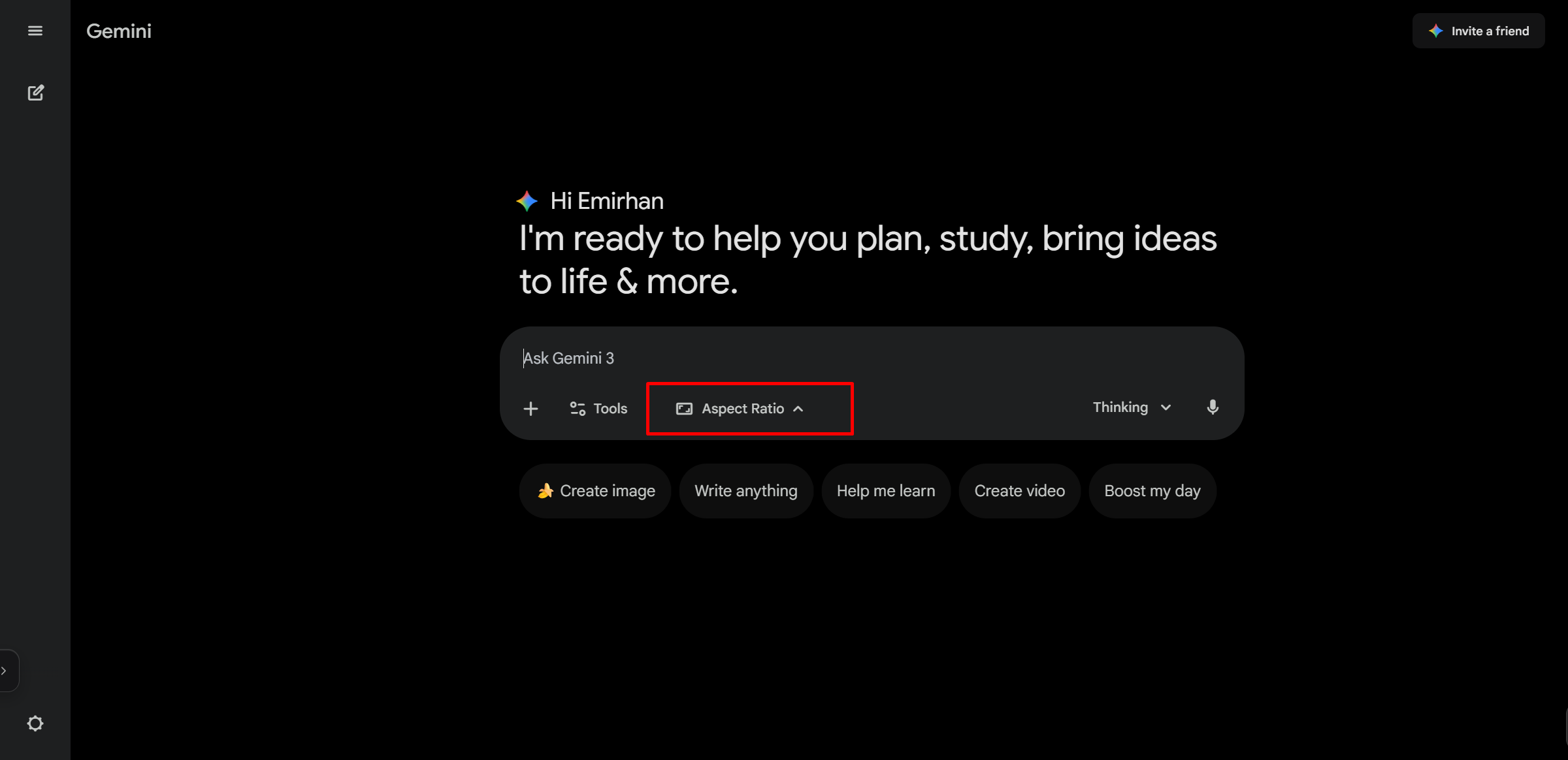
- Includes a menu toggle for enabling or disabling the layout
Details
Google Gemini Unified Wide Chat Layout adjusts Gemini app pages so the main conversation no longer feels split between uneven left and right spacing. It widens the chat area and centers the conversation column for a cleaner large-screen layout.
The tweek applies the same visual width to replies, user prompts, rich response content, and the bottom input area. It also includes a browser userscript menu option to disable or re-enable the unified wide layout when needed.
Runs on
1 site
gemini.google.com
Developer
Tweek Code
186 lines ·