Text Translator - NotebookLM
By chilly-jaguar-85 · 8 months ago · 10+ installs
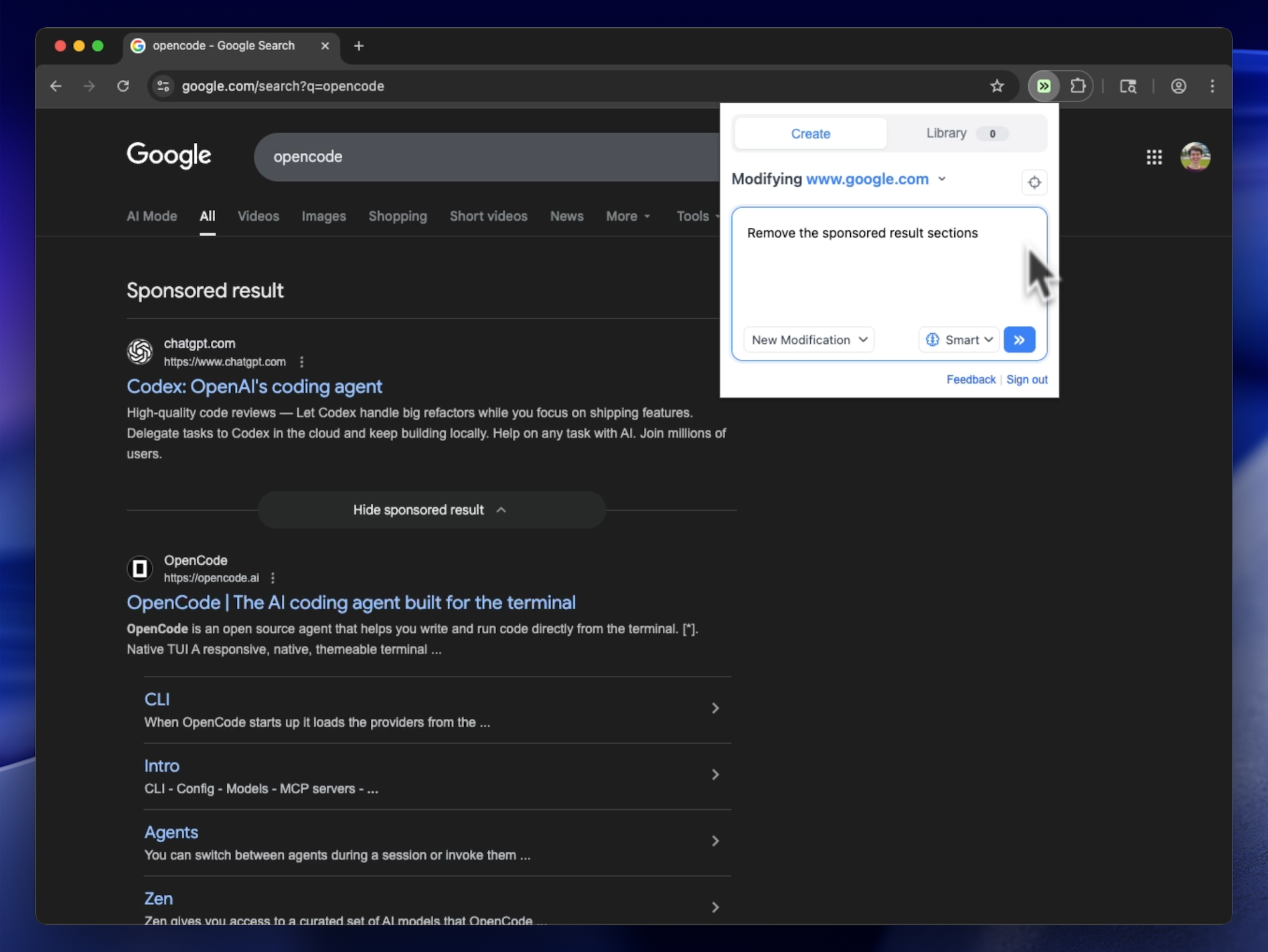
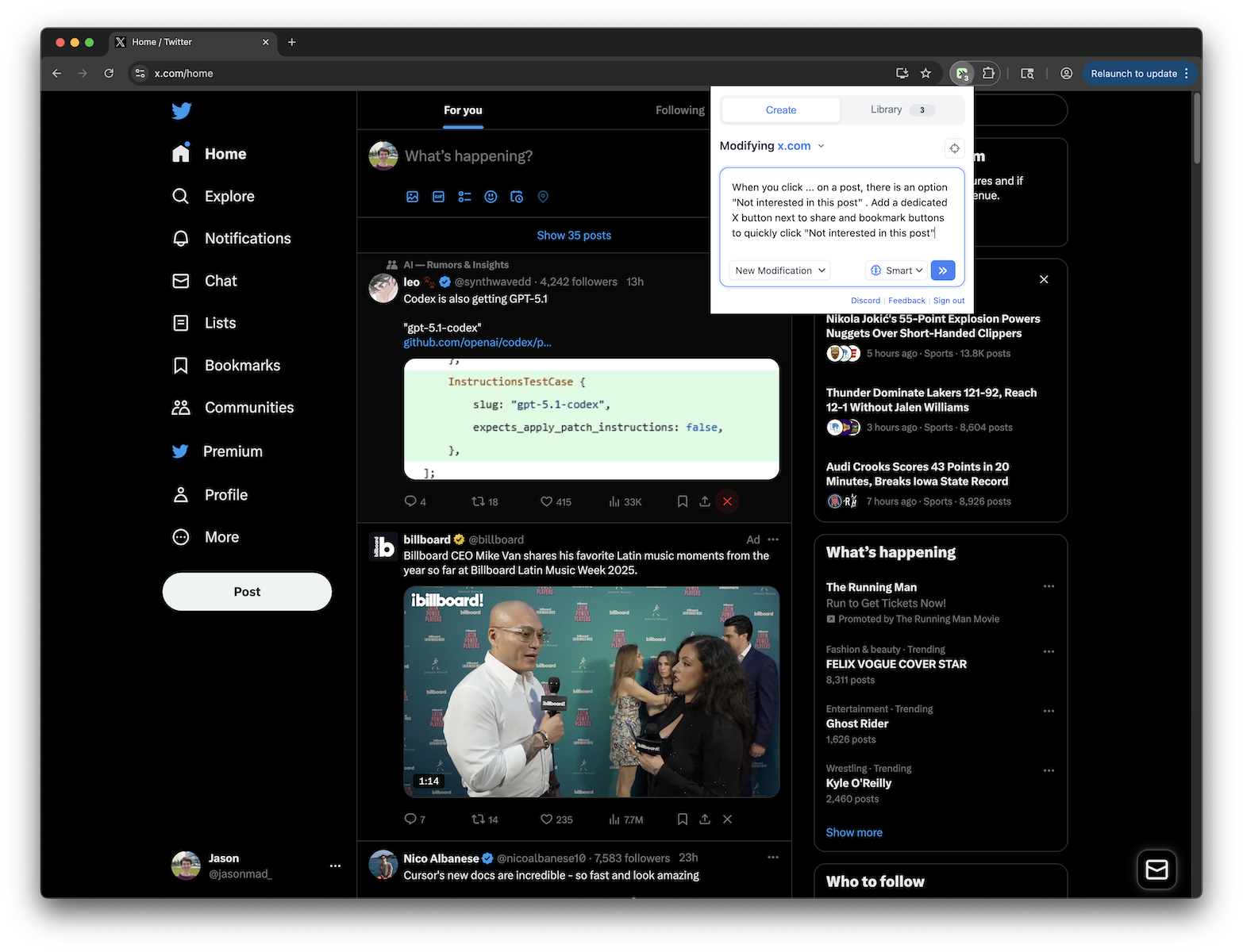
Highlight text and translate it directly on the page using a popup window
Key Highlights
- Translates highlighted text directly on notebooklm.google.com
- Shows the selected text and translation result in a popup
- Defaults to Russian translation with multiple target languages available
- Lets you close the popup or dismiss it with Escape
- Keeps translation available on the same page you are reading
Details
Text Translator - NotebookLM adds an on-page translation popup to notebooklm.google.com. Select any text on the page, then use the popup to translate it while staying in your current NotebookLM workspace.
The popup displays the highlighted text, a Translate button, and a target-language selector. It defaults to Russian and also offers English, Spanish, French, German, Italian, Portuguese, Chinese, Japanese, and Korean.
Runs on
1 site
notebooklm.google.com
Developer
Tweek Code
286 lines ·
PermissionsThis tweek may access the following
Network Access
Can send requests to external websites