Control Panel for Twitter
By 80c12245e4d747fabe87ed16 · 11 months ago · 10+ installs
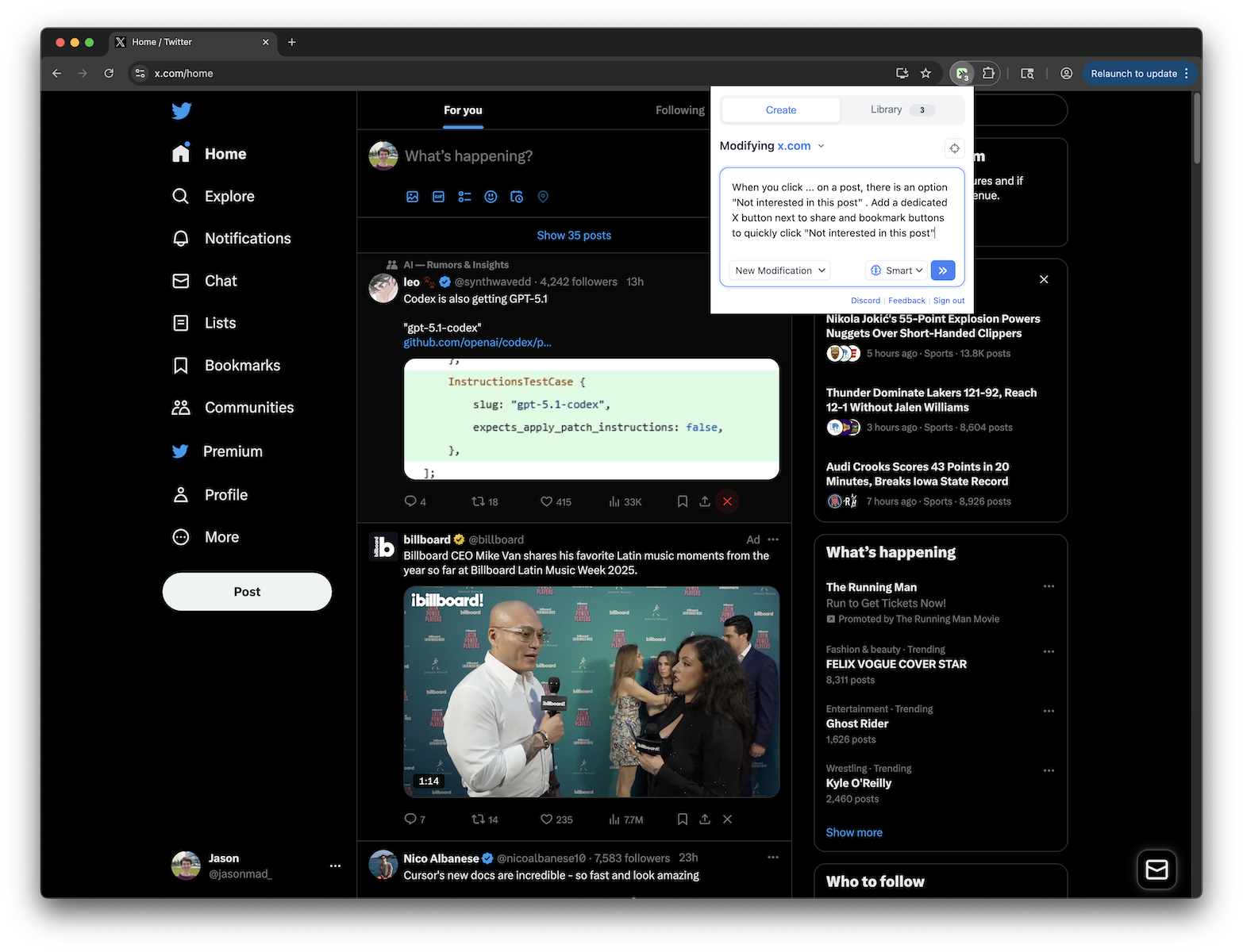
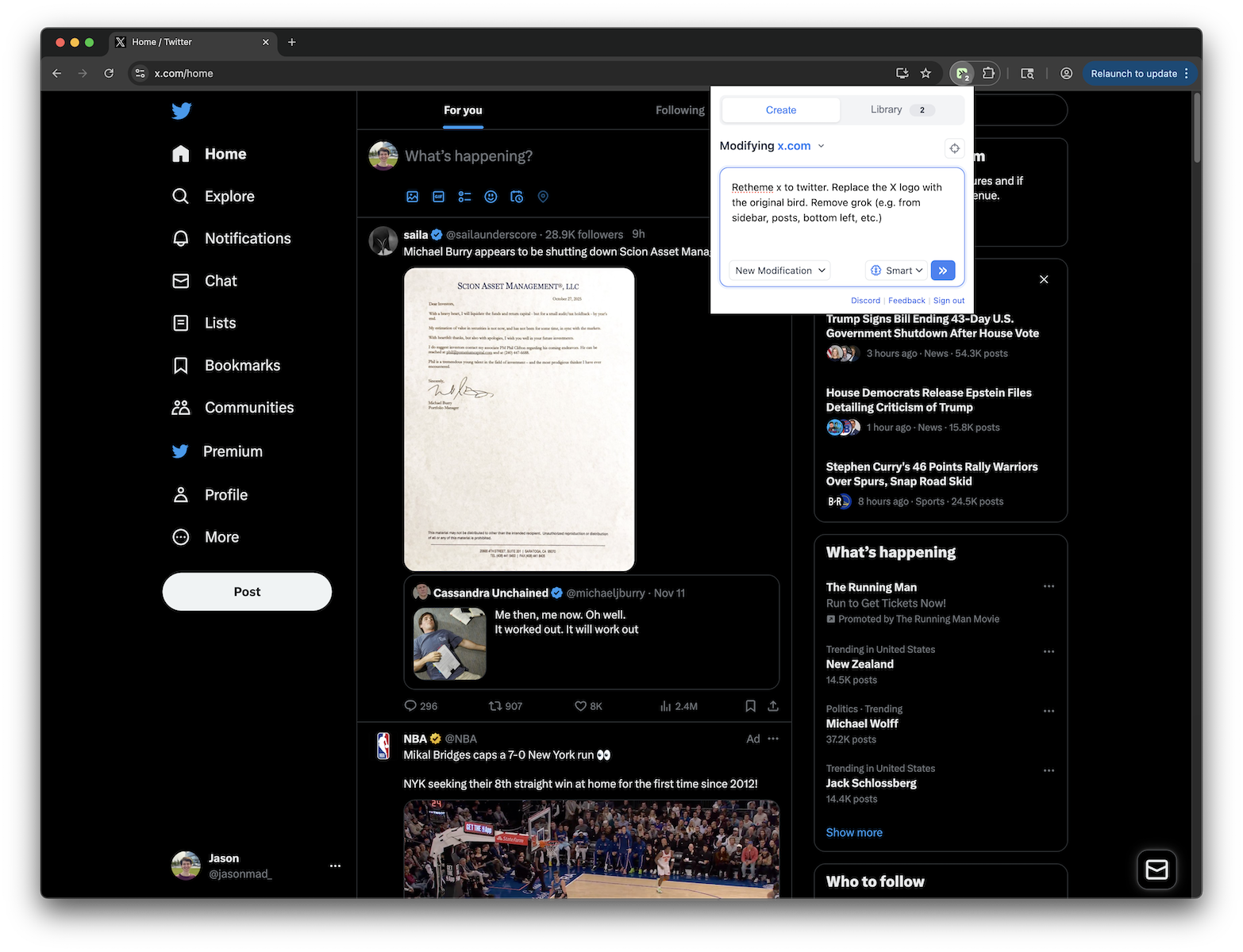
Gives you more control over Twitter and adds missing features and UI improvements
Key Highlights
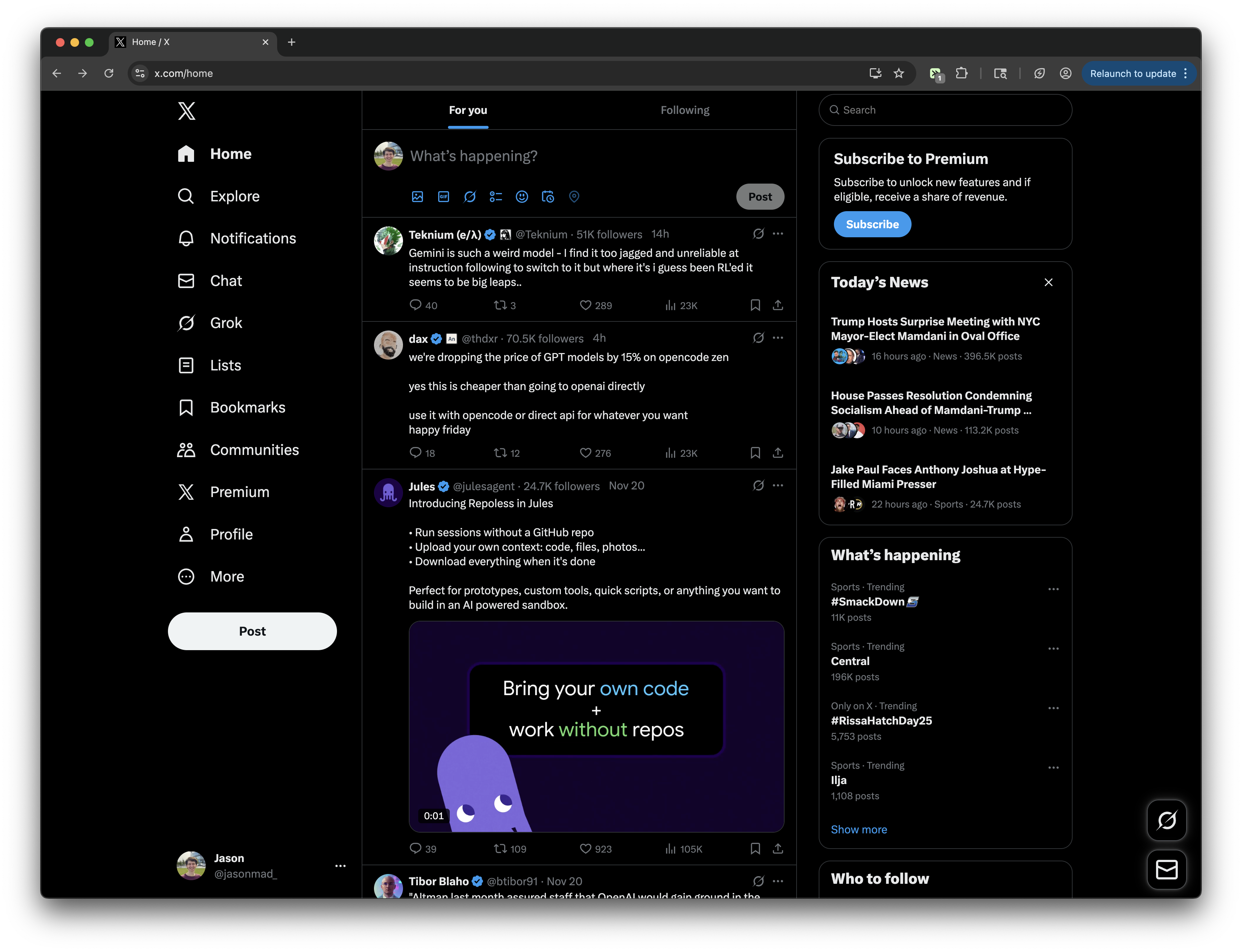
- Hide the Grok drawer on X.com and Twitter
- Hide the chat drawer for a less cluttered layout
- Enable compact mode to reduce post spacing
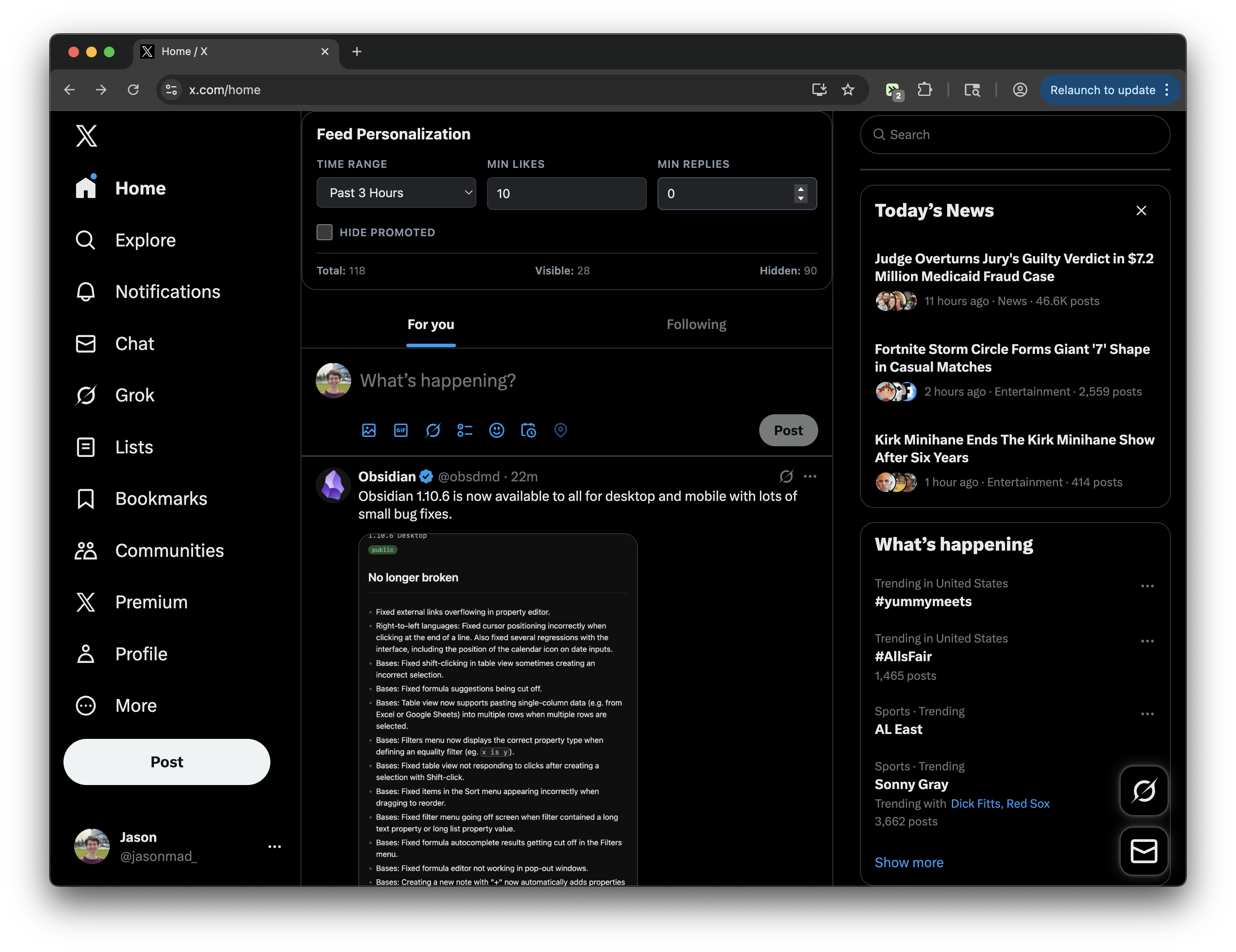
- Use a floating settings panel to toggle options on page
- Adds clearer focus states and smoother scrolling
Details
This tweek changes the X.com and Twitter interface to give you more control over what appears on screen. It can hide the Grok drawer and chat drawer, optionally hide the keyboard shortcuts link, and add a compact mode that reduces post padding for a tighter feed layout.
It also adjusts the look and feel of the site with clearer focus outlines, smoother scrolling, refined hover states, rounded post and dialog styling, and a floating settings button. You can open the settings panel on the page to turn individual options on or off as needed.
Runs on
2 sites
x.comtwitter.com
Developer
Tweek Code
416 lines ·