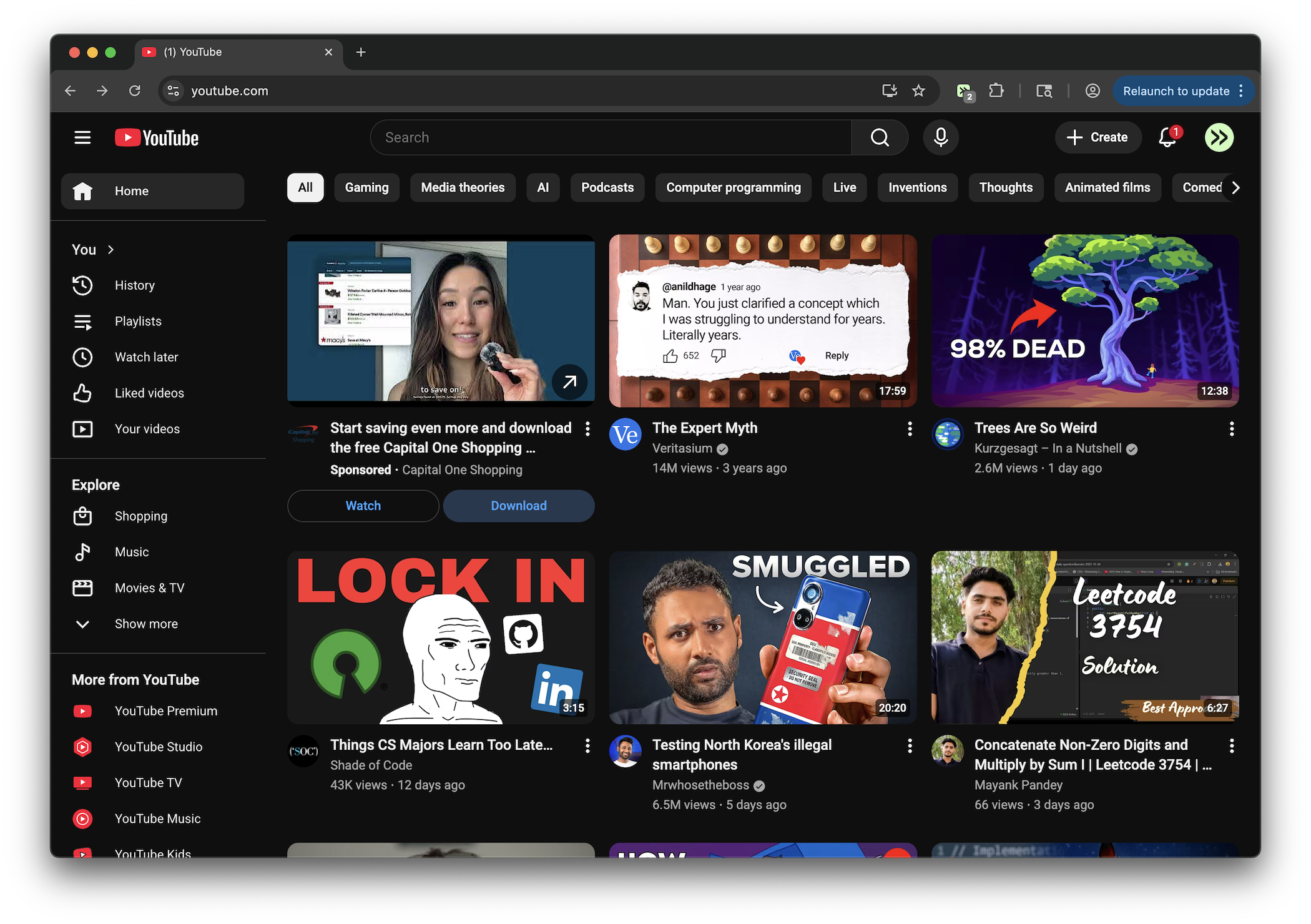
YouTube Fullscreen Time Display
By provincial-scallop-96 · 8 months ago · 50+ installs
See the current time without leaving fullscreen YouTube. A right-click shows a large centered clock overlay for 3 seconds.
Key Highlights
- Shows the current time while YouTube is in fullscreen mode
- Triggered by right-clicking on the fullscreen YouTube page
- Displays a large centered time overlay for 3 seconds
- Uses hour, minute, and second formatting
- Applies to youtube.com pages
Details
YouTube Fullscreen Time Display is a tweek for youtube.com that shows the current time when you right-click during fullscreen playback. The time appears in a large, centered overlay so you can check the clock without exiting fullscreen.
The overlay uses a 24-hour format with hours, minutes, and seconds, then disappears after 3 seconds. It only appears while the page is in fullscreen mode, keeping normal viewing outside fullscreen unchanged.
Runs on
1 site
youtube.com
Developer
Tweek Code
91 lines ·