YouTube - Hide Comments and Live Chat
By worm · 6 months ago · 10+ installs
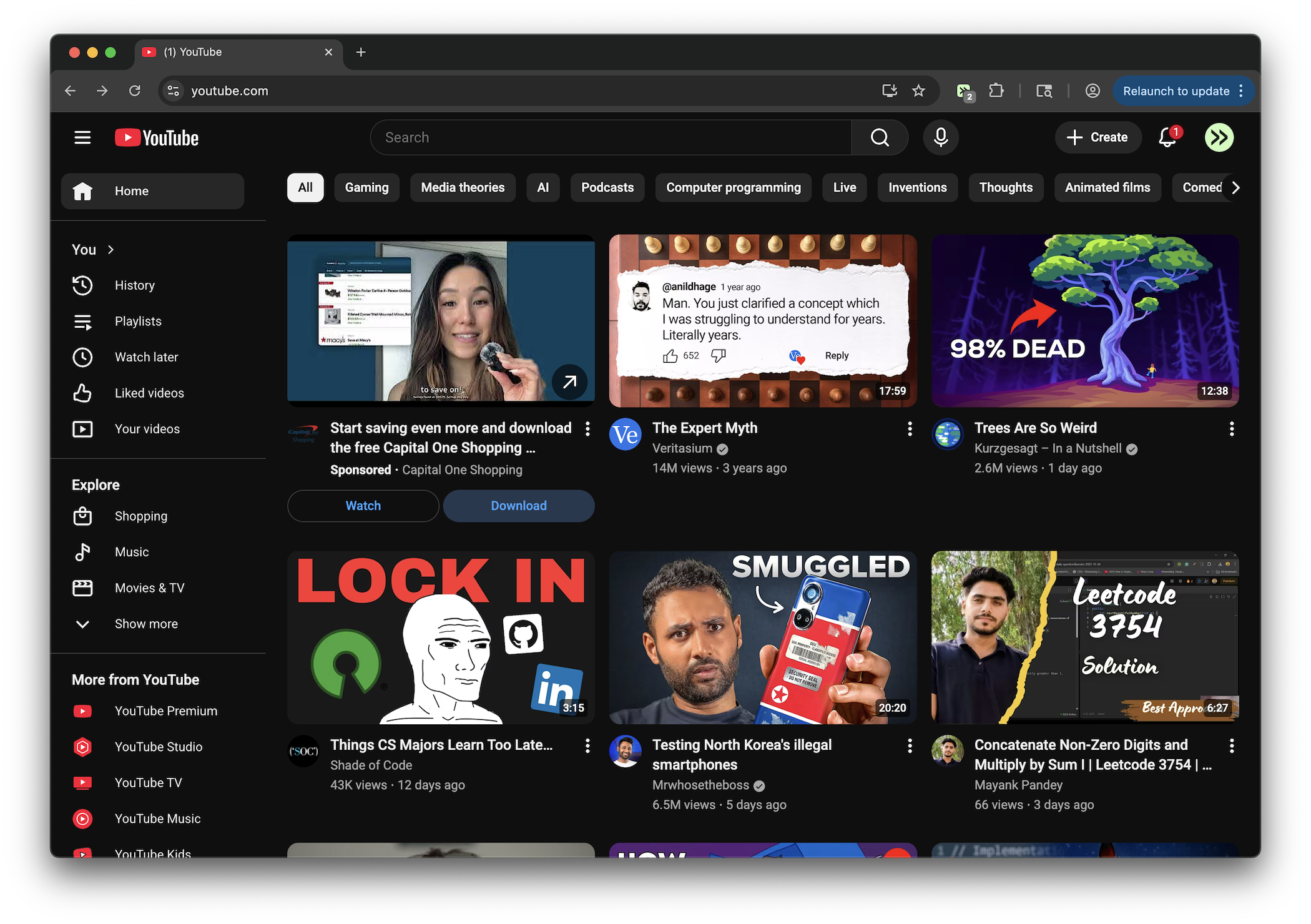
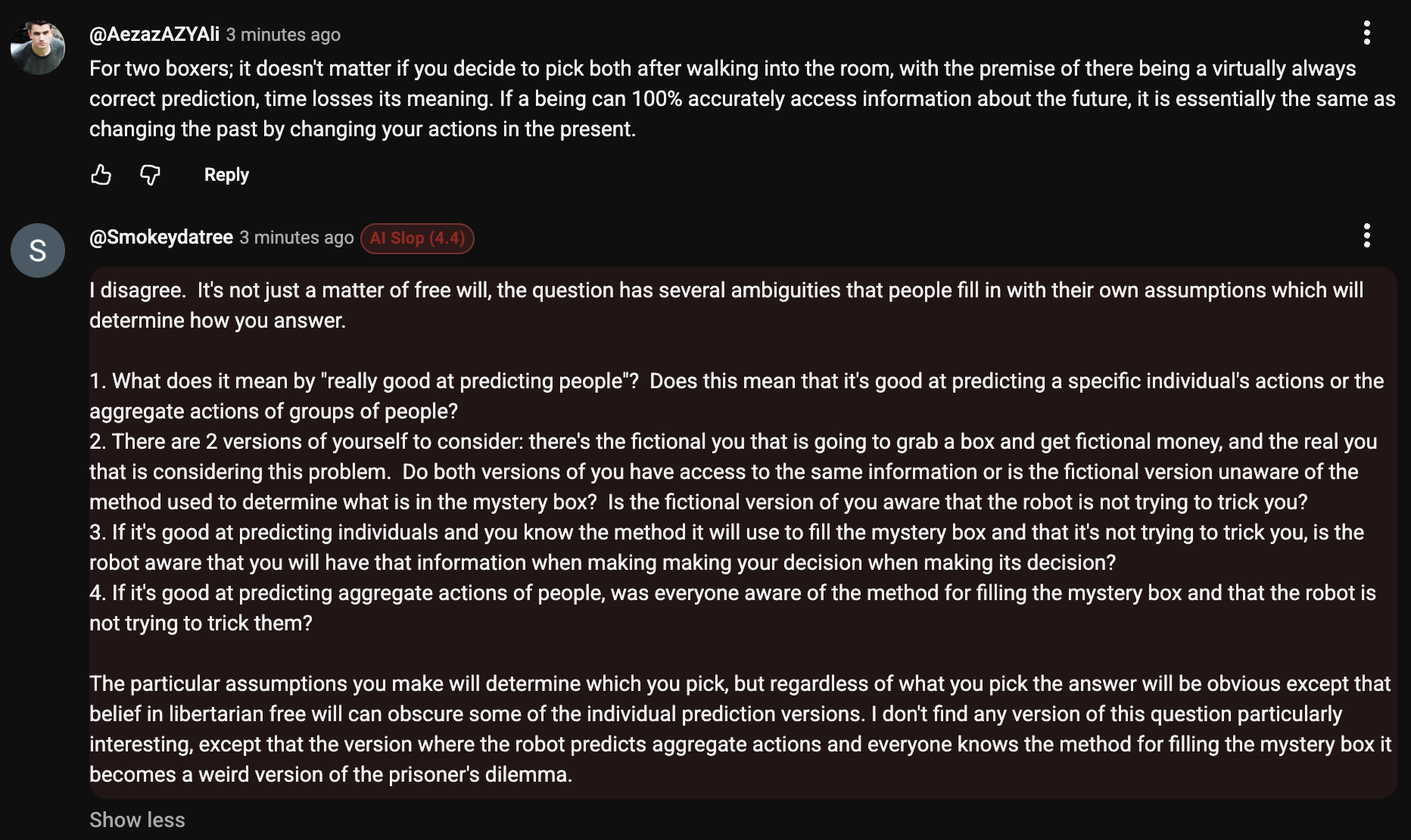
This tweek removes the comments area and live chat panel from YouTube watch pages. It is aimed at viewers who want fewer distractions below or beside the video.
Key Highlights
- Hides the YouTube comments section on watch pages
- Removes the live chat panel on YouTube live stream pages
- Also hides YouTube's comments engagement side panel
- Applies to youtube.com watch URLs
Details
YouTube Hide Comments and Live Chat removes the standard comments section from YouTube watch pages, including the comments panel that can appear in an engagement side panel.
On live stream watch pages, the tweek also hides the live chat frame and chat container, leaving the page focused on the video rather than audience discussion.
Runs on
1 site
youtube.com
Developer
Tweek Code
49 lines ·