YouTube - Control Menu
By swift-dingo-12 · 8 months ago · 200+ installs
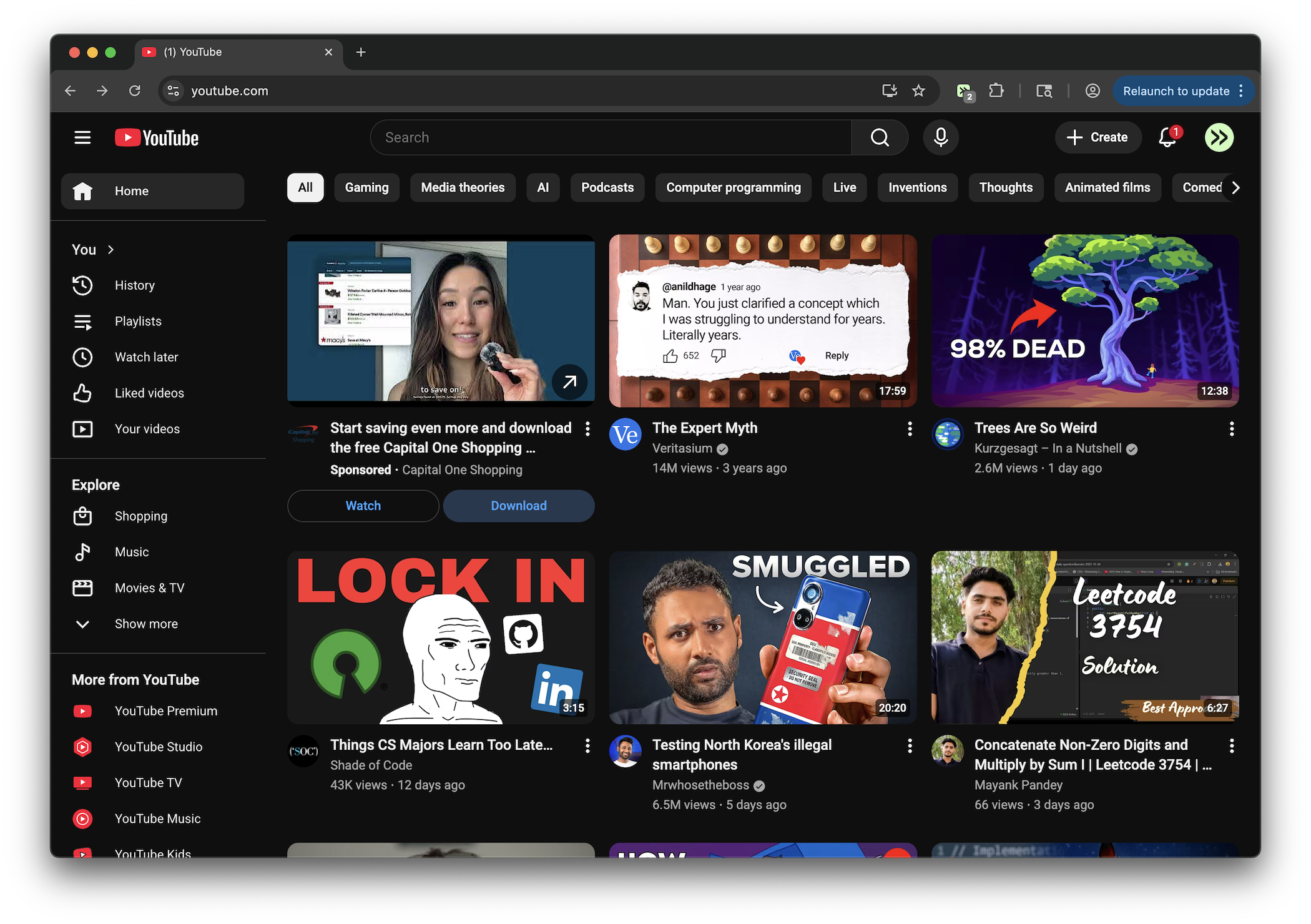
Adds a control menu for YouTube with various settings and features
Key Highlights
- Adds a YouTube control menu with saved settings
- Change playback speed from 0.25x to 2x
- Adjust volume with a percentage slider
- Choose video quality from Auto up to 2160p
- Toggle dark mode, theater mode, and annotations
Details
This tweek adds a dedicated control menu on YouTube where you can adjust playback speed, volume, and preferred video quality from one place. It also lets you save those choices so they remain available the next time you open the menu.
The menu includes switches for dark mode, theater mode, and annotation visibility, plus options to reset saved settings or view the current configuration. Some changes may require a page reload before they fully take effect.
Runs on
1 site
youtube.com
Developer
Tweek Code
375 lines ·