YouTube Image Hover Zoom
By provincial-scallop-96 · 8 months ago · 100+ installs
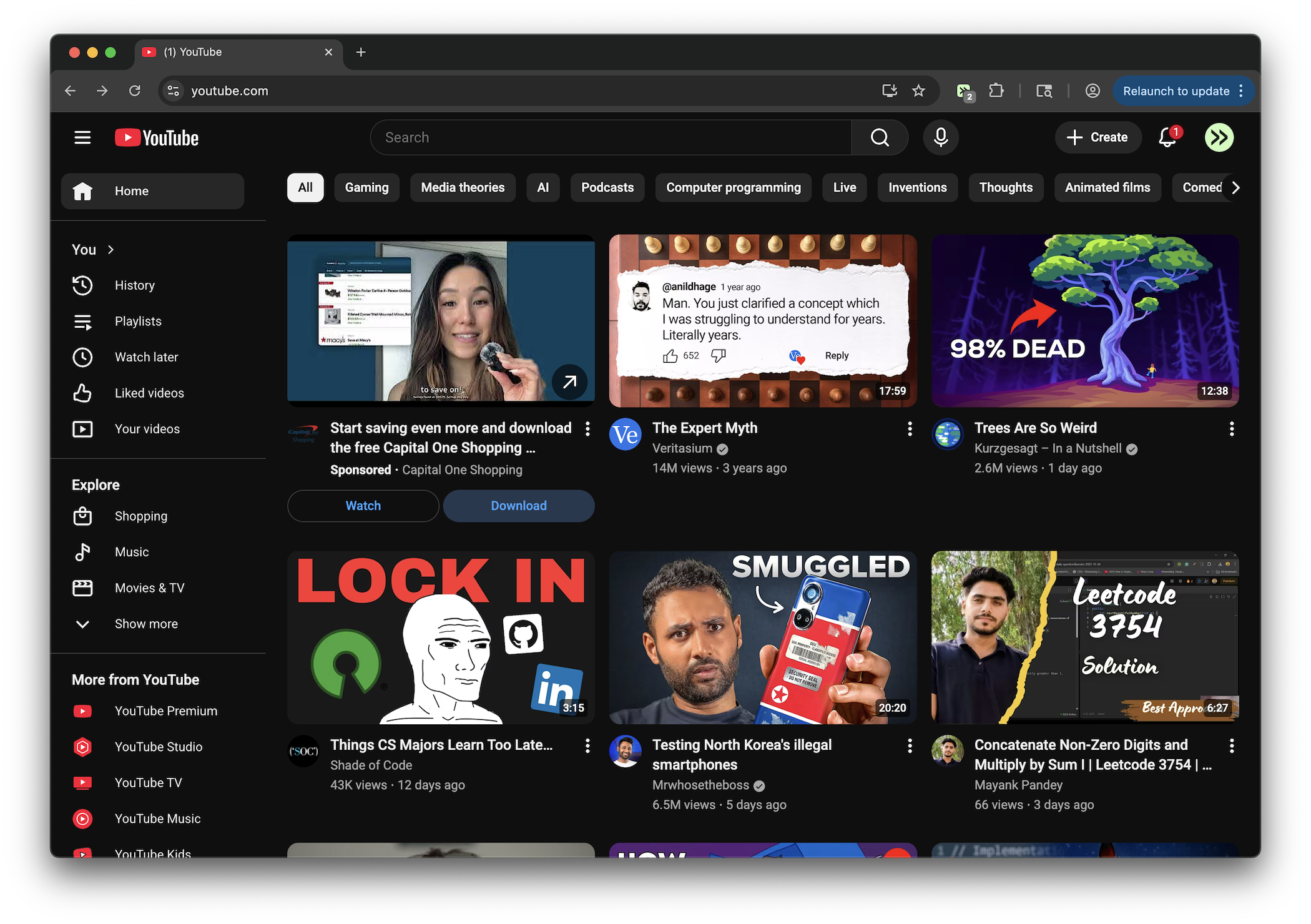
This tweek shows a larger full-size YouTube thumbnail or avatar after you hover for 2 seconds. The image opens centered on screen in an overlay for quick viewing.
Key Highlights
- Shows full-size YouTube thumbnails after a 2-second hover
- Displays larger YouTube avatars in a centered overlay
- Keeps the preview centered on screen for easier viewing
- Closes the image overlay on click or with the Escape key
Details
On YouTube, this tweek displays a full-size version of thumbnails and avatars when you keep your cursor over an image for more than 2 seconds. The enlarged image appears centered on screen so you can inspect it without opening the video or channel page.
It works across YouTube pages where images are shown, including dynamically loaded content. The overlay can be dismissed by clicking anywhere on it or pressing Escape, making it easy to preview an image and return to browsing.
Runs on
1 site
youtube.com
Developer
Tweek Code
167 lines ·