ChatGPT 1970s Terminal Interface
By blasterlizardco · 4 months ago · 10+ installs
Transforms ChatGPT into a green-phosphor 1970s command-line terminal with scanlines, CRT glow, terminal prompts, and optional keyboard/beep sounds.
Key Highlights
- Applies a green-phosphor 1970s terminal style to ChatGPT
- Adds CRT scanlines, glow, flicker, and a dark command-line look
- Labels messages as command input and system output
- Includes an optional boot screen and replay command
- Offers optional terminal-style keyboard and click sounds
Details
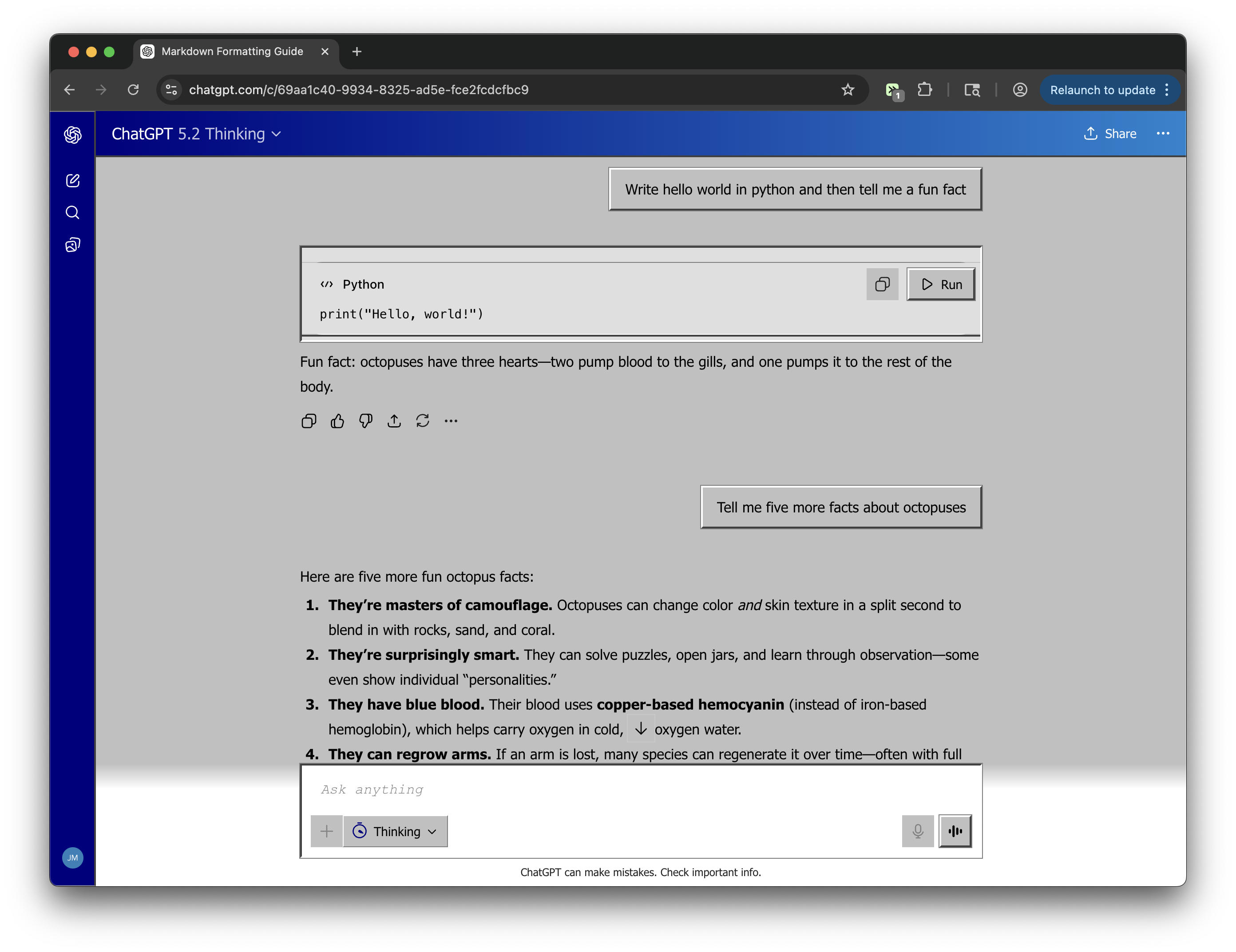
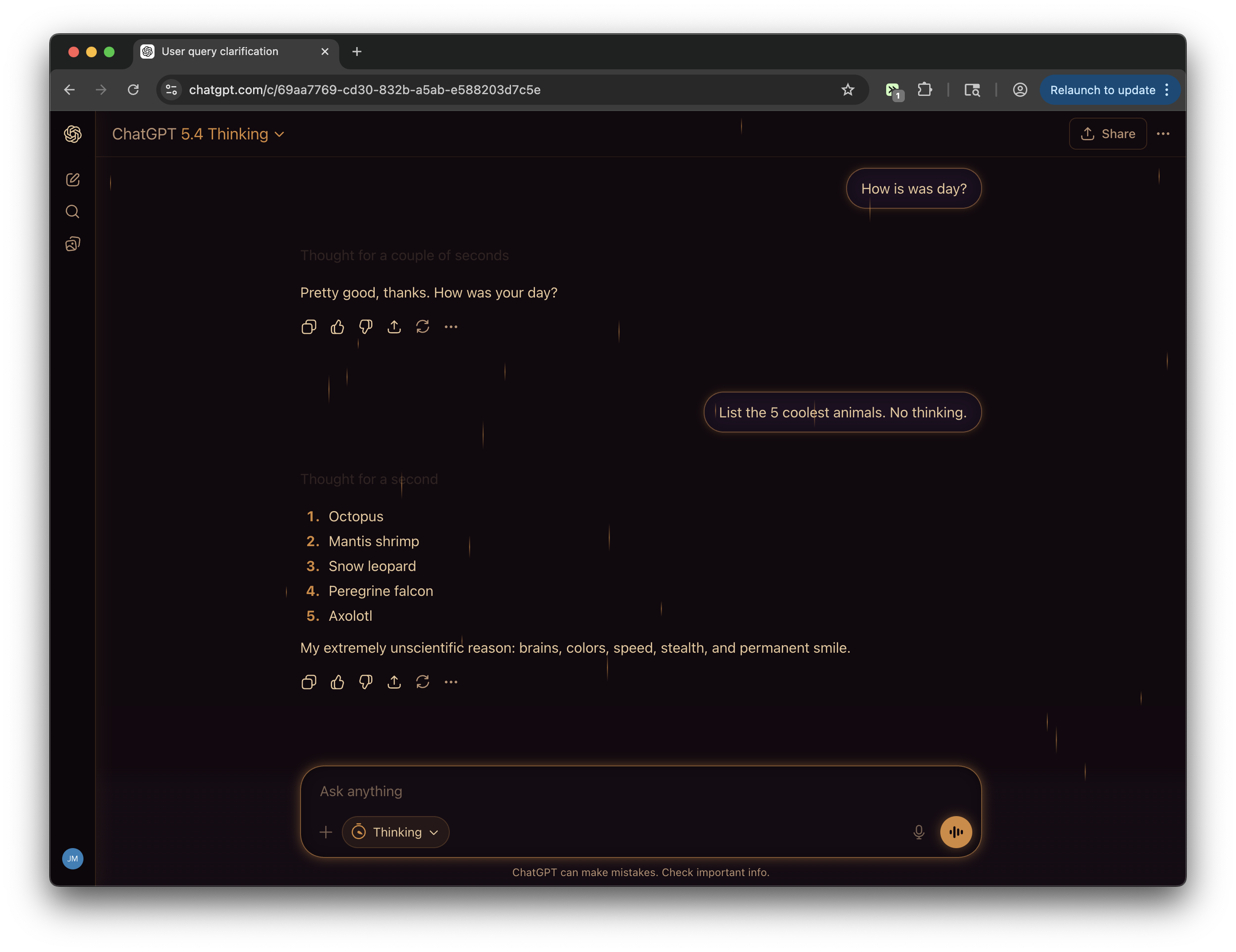
ChatGPT 1970s Terminal Interface changes the look and feel of chatgpt.com into an old-school terminal display. The page uses green monospaced text, dark panels, scanline overlays, CRT-style glow, square-edged controls, and terminal-style labels for user input and assistant output.
The tweek also includes a retro boot sequence that can appear when ChatGPT loads, plus optional keyboard, click, enter, and backspace beep sounds. Menu commands let you enable or disable terminal mode, toggle sounds, toggle the boot screen, or replay the boot sequence.
Runs on
2 sites
Developer
Tweek Code
315 lines ·