Skipper

By chrislowles · 2 months ago · 10+ installs

Skipper adds colored SponsorBlock segment markers to YouTube and shows a skip prompt when playback enters one. Press your chosen key to jump past that segment manually.

Key Highlights

  • Adds colored SponsorBlock segment markers to the YouTube progress bar.
  • Shows an on-player prompt when the current playback position enters a marked segment.
  • Lets you skip the active segment manually with a configurable single-character key.
  • Includes settings for active categories, minimum SponsorBlock vote threshold, skip key, and SponsorBlock API instance.
  • Works across standard YouTube pages, mobile YouTube URLs, short YouTube links, and embedded YouTube player URLs.

Details

Skipper is a YouTube tweek that uses SponsorBlock data to show marked sections directly on the video progress bar. Supported segment types include sponsors, self-promotion, intros, outros, non-music sections, previews, filler, and interaction reminders, depending on your active category settings.

When playback reaches a marked segment, Skipper displays a small in-player banner with the segment type and your configured skip key. Press the key to jump to the end of that segment, while leaving the choice to skip in your hands instead of skipping automatically.

Runs on

4 sites

youtube.comm.youtube.comyoutu.be+1 moreyoutube.comm.youtube.comyoutu.beyoutube-nocookie.com

Developer

Tweek Code

471 lines ·

PermissionsThis tweek may access the following

Network Access

Can send requests to external websites
Related topics: youtube sponsorblock manual skip, youtube segment markers, skip youtube sponsors manually, sponsorblock progress bar

More for YouTube

Other modifications for the same site

YouTube - Remove Shorts
youtube.com

YouTube - Remove Shorts

Remove Shorts shelves, tabs, cards, and links across desktop and mobile YouTube.

View
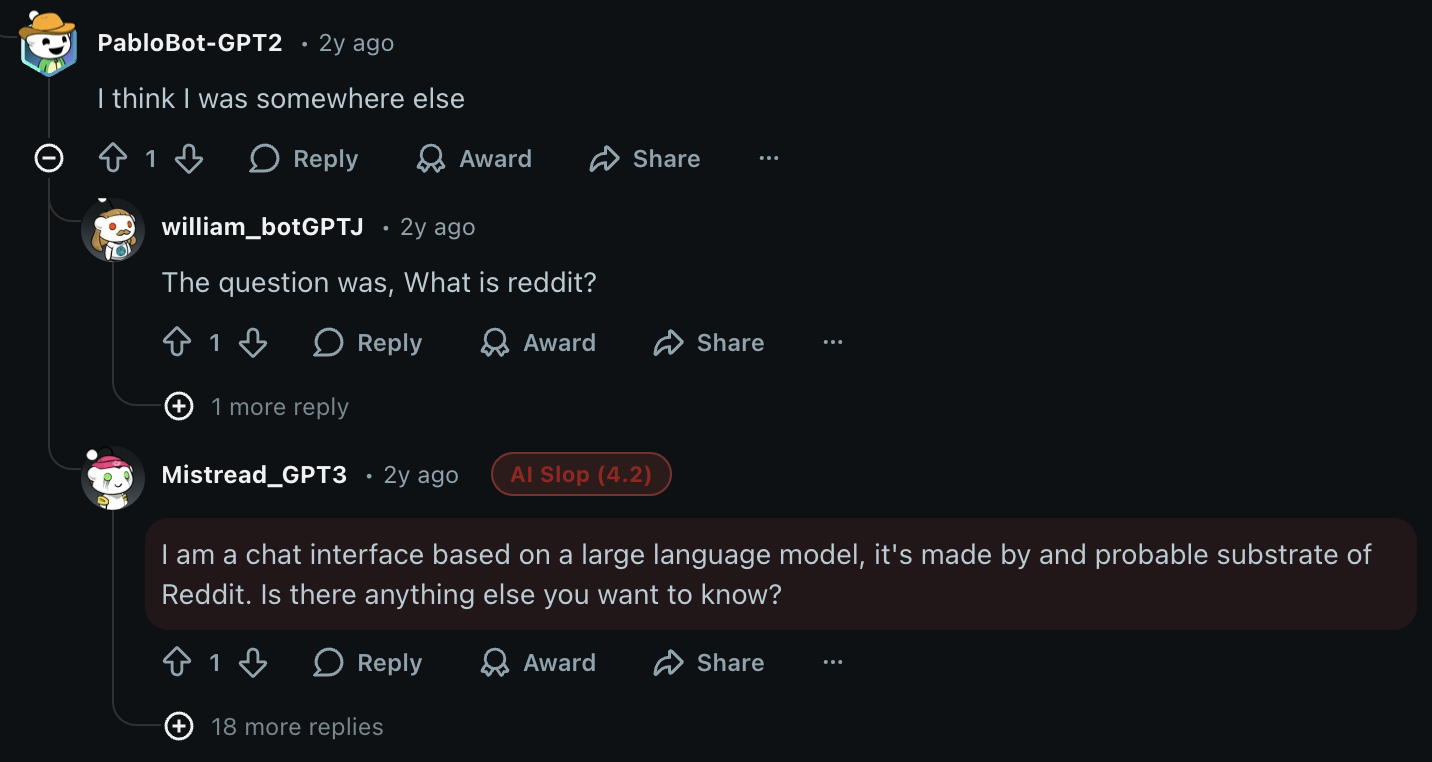
Universal AI Slop Finder
x.com

Universal AI Slop Finder

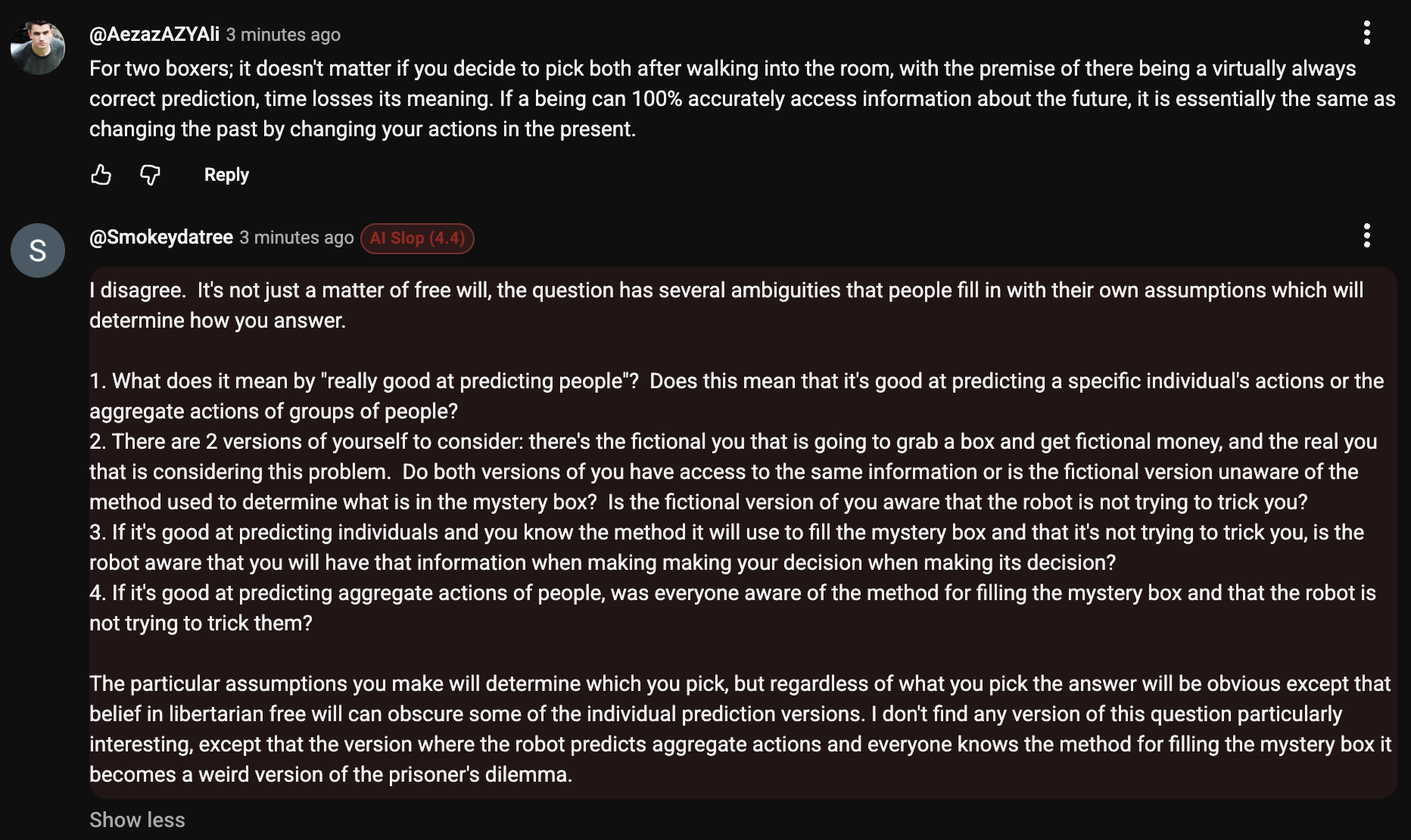
Detects likely AI-written comments and replies on X, Reddit, and YouTube using heuristics inspired by common AI writing patterns. Highlights suspicious comments with scored badges, inline visual marking, sensitivity controls, and live rescanning for dynamic feeds and comment threads. Useful for spotting ChatGPT-style writing, LLM slop, overly polished bot comments, synthetic engagement, and other machine-generated social content.

View
AI Comment Highlighter for YouTube
youtube.com

AI Comment Highlighter for YouTube

Detects likely AI-written YouTube comments and replies using heuristics inspired by common AI writing patterns. Highlights suspicious YouTube comments with scored badges, inline visual marking, sensitivity controls, and live rescanning on watch pages and dynamic comment threads. Useful for spotting ChatGPT-style writing, LLM slop, engagement bait, synthetic replies, and machine-generated social content directly on youtube.com.

View
youtube.com

YouTube Dislike Counter

Show the actual number of dislikes in numerical terms on YouTube videos when hovering over the dislike button using Return YouTube Dislike API

View
youtube.com

YouTube - Clean Interface

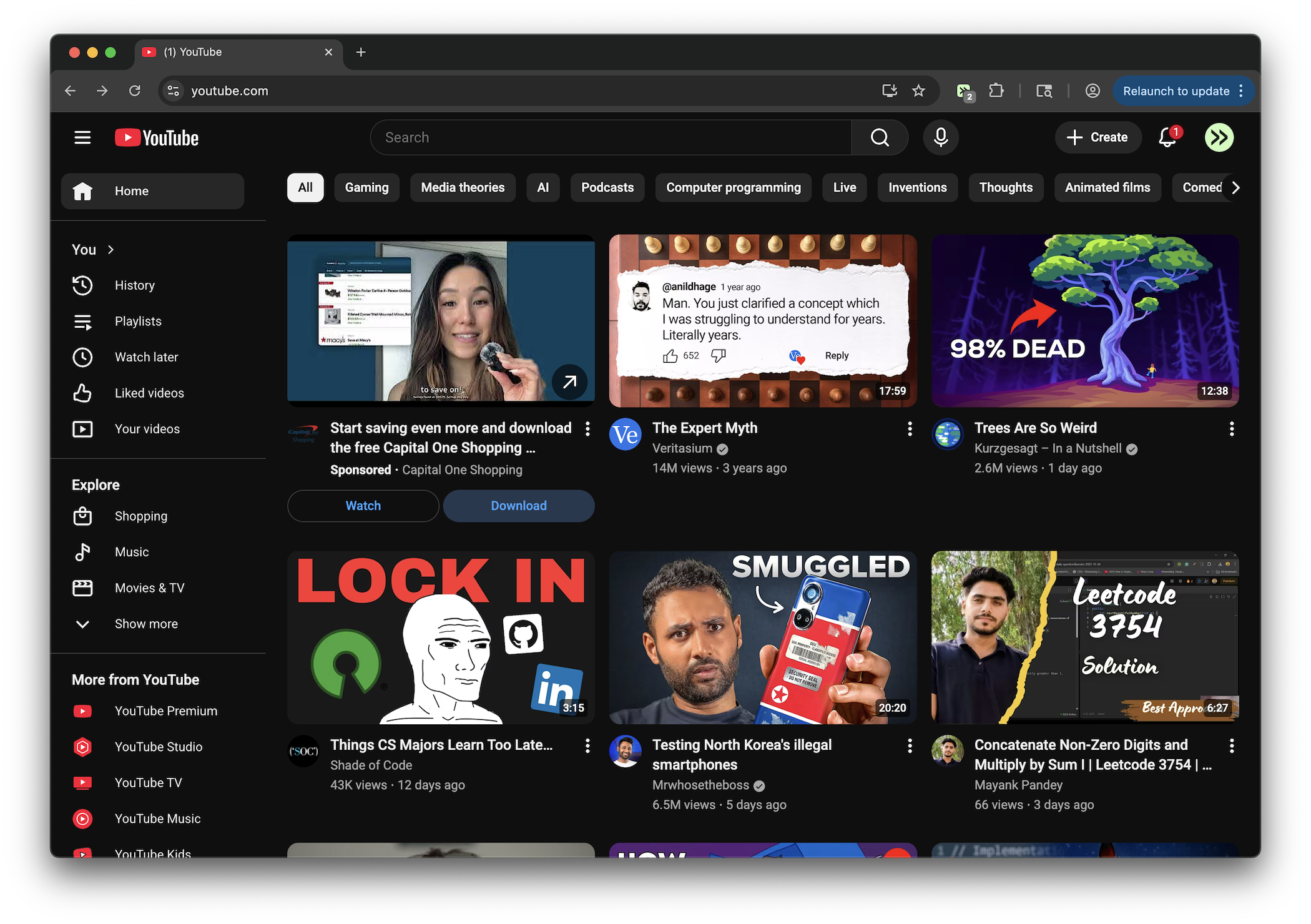
Removes YouTube sidebar clutter, footer, create button, filter chips, join and notification buttons, related tabs, promotional banners, and fixes homepage top-row thumbnail clipping

View
youtube.com

YouTube 5 Columns Grid

Changes YouTube video grid from 4 columns to 5 columns

View