YouTube - Block Auto-dubbed Videos
By dc6c8cac35fc4fad9b14d7a6 · 10 months ago · 300+ installs
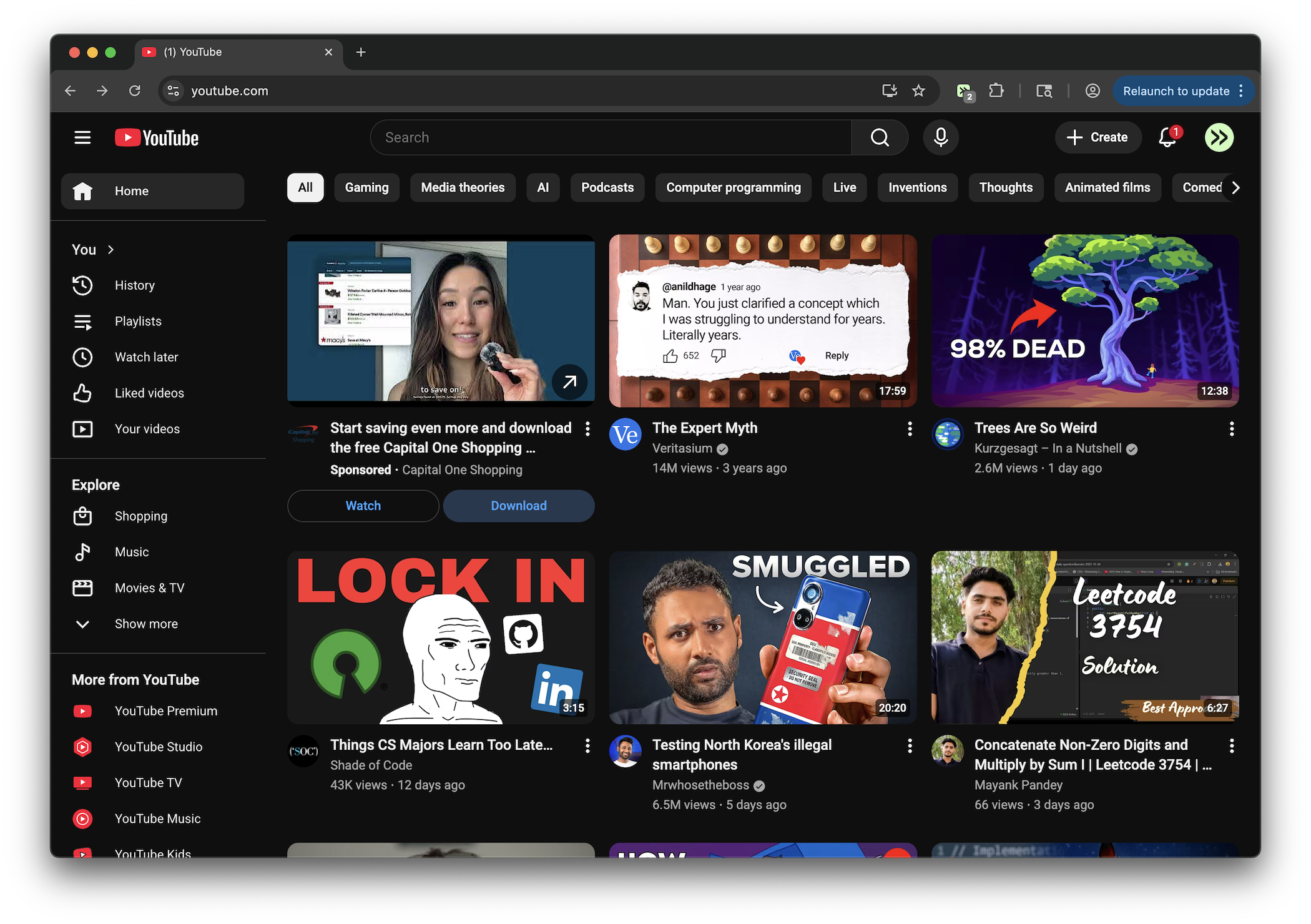
This tweek hides YouTube videos labeled "Auto-dubbed" and blocks Auto-dubbed watch pages. If you open one directly, it shows a brief warning and sends you back to the YouTube home page.
Key Highlights
- Hides YouTube videos labeled "Auto-dubbed"
- Blocks Auto-dubbed videos on YouTube watch pages
- Shows a brief on-screen blocked message before redirecting
- Keeps filtering as YouTube loads more content dynamically
Details
This tweek removes YouTube videos marked "Auto-dubbed" from visible video lists, including standard feed and search-style video cards that appear across YouTube pages. As new content loads, it continues checking for the same badge and hides matching videos automatically.
On YouTube watch pages, the tweek also checks whether the current video is marked "Auto-dubbed." When it finds one, it displays a short blocked message and then redirects you to the YouTube home page instead of leaving the video open.
Runs on
1 site
Developer
Tweek Code
147 lines ·