YouTube - Remove Thumbnails, Shorts & Highlight Keywords
By codemplation · 10 months ago · 50+ installs
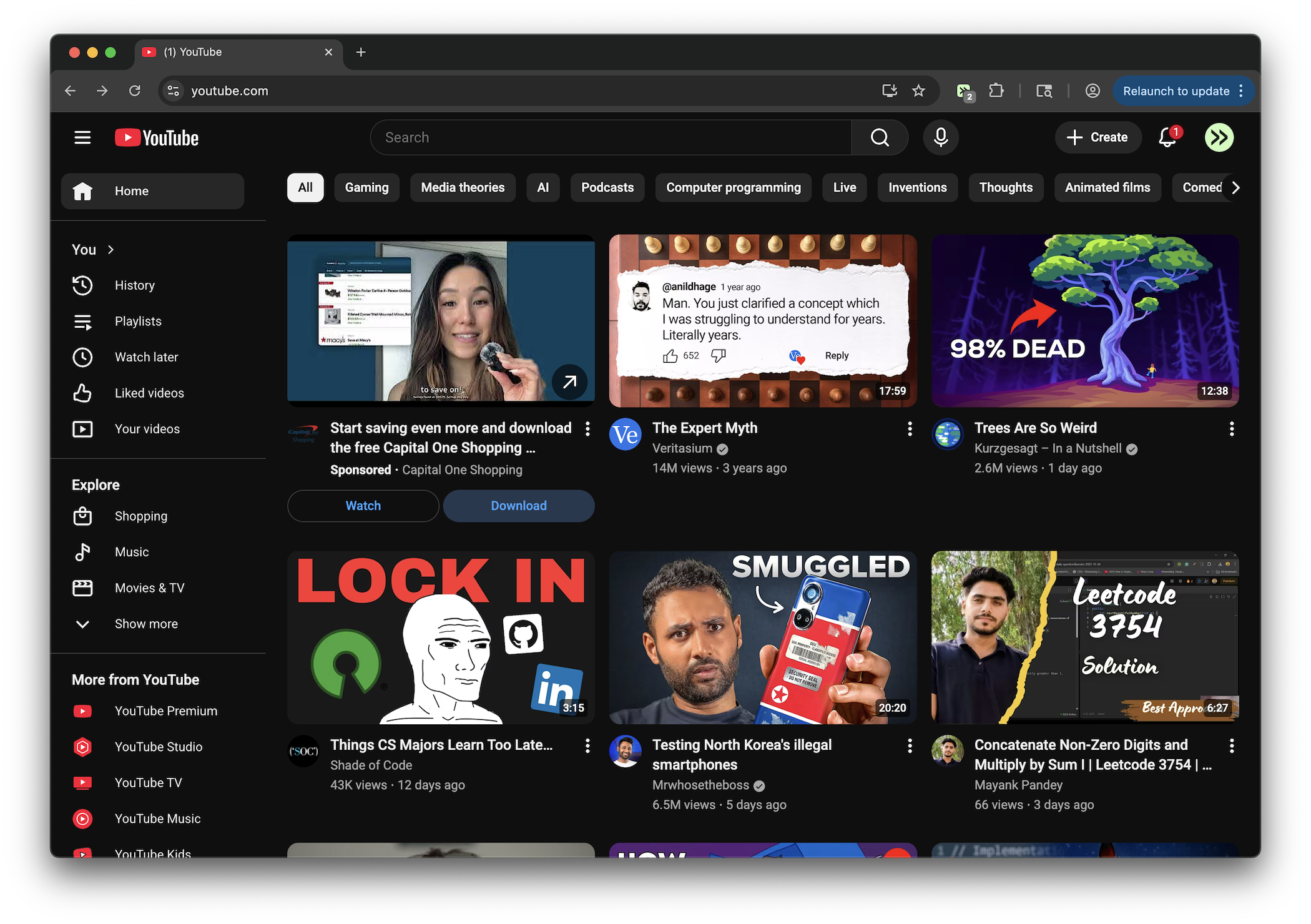
Removes thumbnail images and Shorts section from YouTube main page while keeping metadata visible. Also highlights elements containing specific keywords (tsoding, freecodecamp, jai, parser, lexer, C language) with a blue stroke line.
Key Highlights
- Hides YouTube Shorts sections in the feed
- Removes Shorts links and buttons from visible navigation areas
- Removes thumbnail images from supported YouTube video cards
- Expands card text content to fill the freed space
- Highlights matching items with a blue outline for selected keywords
Details
This tweek changes how YouTube’s main browsing pages look by hiding Shorts sections, Shorts shelves, and Shorts navigation links that appear in the interface, including when the page first loads or refreshes. It also removes thumbnail images from supported video cards so the text content can take the full width of each card.
Items whose visible metadata contains specific keywords are highlighted with a blue border and glow, making them easier to spot while scrolling. The included keyword matching covers terms such as tsoding, freecodecamp, jai, parser, lexer, and C language.
Runs on
1 site
Developer
Tweek Code
278 lines ·